

Zapier AI vs Make: A Practical 2026 Comparison
We put Zapier AI and Make through real tasks — compare features, pricing, and which handles your use case better.
- Category
- Coding & Development
- Format
- Head-to-head
- Updated
- April 26, 2026


How they compare
| Feature |
Zapier AI
|
Maket
|
|---|---|---|
| Made by | Zapier, Inc. | Maket AI |
| Category | AI API AI API Design AI Automation Coding & Development | AI 3D Rendering Tools AI Floor Plan Generator Interior & Architectural Design |
| Pricing model | Free Freemium Subscription | Freemium Subscription |
| Platforms | API Web | Web |
| Built with | JavaScript Python React | Not listed |
| Languages | English | English |
| Based in | United States | United States |
Greyed rows are the same for both tools.
What each one is
Zapier AI
Zapier AI is an AI-powered automation platform that enables users to connect their favorite apps and automate workflows with intelligent capabilities. It extends Zapier’s traditional no-code automation by integrating AI features such as natural language understanding, data extraction, and AI-driven decision-making to streamline business processes and daily tasks.
Maket
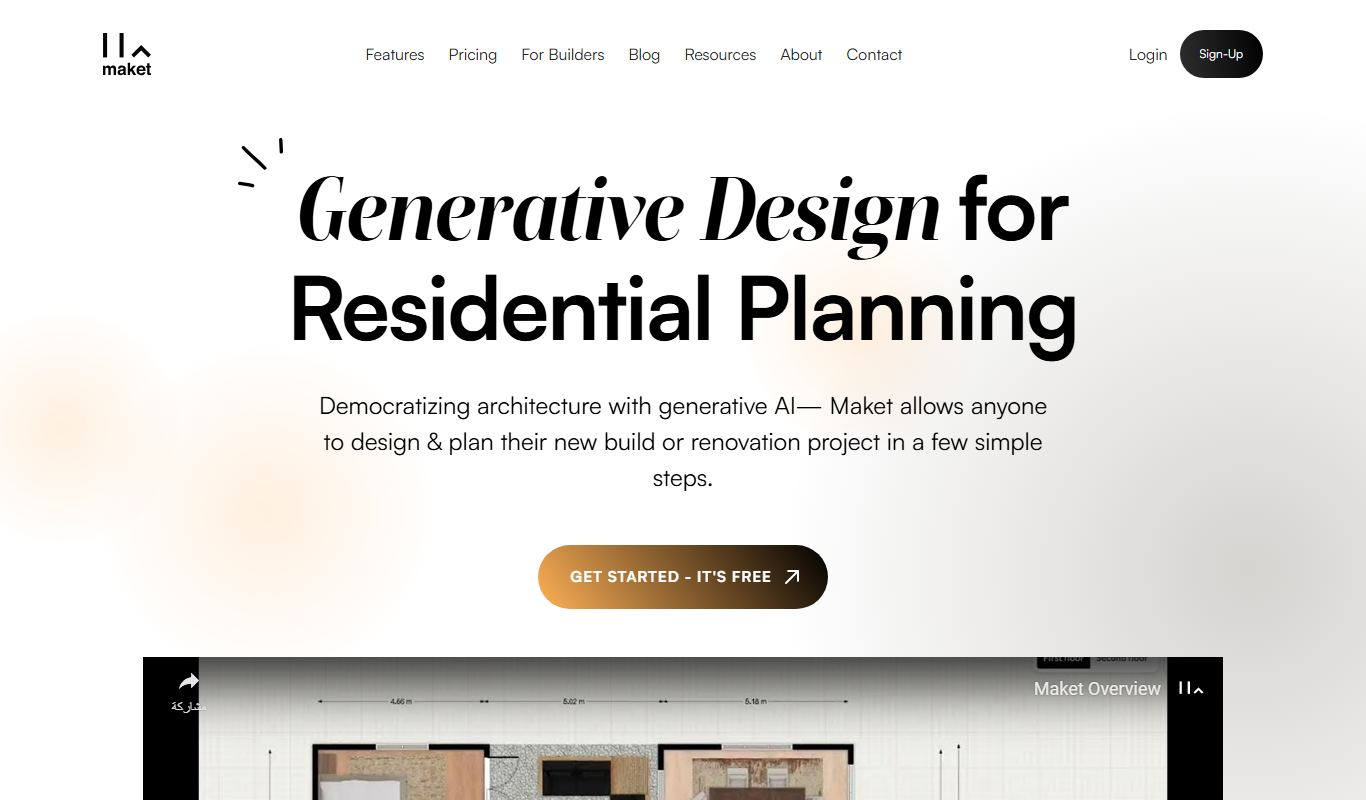
Maket is an AI home design platform for residential projects. It generates floor plans, furnished room layouts and photorealistic 3D renders from a plain-language description of your requirements, lets you refine plans by typing changes, and also accepts an existing plan upload or a blank canvas.
Key features
Zapier AI
-
AI-Enhanced Automation
Integrate AI capabilities like natural language processing into your workflows for smarter automation.
-
Extensive App Integrations
Connect thousands of popular apps to create versatile and powerful automations.
-
No-Code Workflow Builder
Design complex workflows easily using a drag-and-drop interface without programming knowledge.
-
Customizable Triggers and Actions
Set up tailored triggers and actions powered by AI to meet specific business needs.
-
Real-Time Automation
Automations run instantly or on schedules to keep your processes efficient and timely.
-
Zapier MCP
Zapier MCP is one of the newer AI features on the platform.
Maket
-
AI floor plan generation
Describe the rooms you need, target square footage, house shape and layout priorities to receive multiple floor plan options to compare.
-
Edit by chat
Refine a plan by typing changes in natural language, adjusting walls and openings on the canvas, or switching layout variations.
-
Photorealistic 3D renders
Use the style library or your own reference images to create a complete AI house design you can explore in 3D.
-
Plan upload
Upload an existing plan to rework it; Pro uploads are human-validated to reproduce dimensions accurately.
Pricing
Plans as published by each vendor. Check the vendor site before buying — pricing changes.
Zapier AI
Free $0/month
Basic automation with limited tasks and access to standard features.
Professional $29.99/month, or $19.99/month billed annually
Professional plan, also called Pro, with 750 tasks.
Professional From $19.99/month
Includes multi-step Zaps, unlimited premium apps, webhooks, email support, AI fields and conditional form logic.
Team $103.50/month
Collaboration tools and shared workspace for teams.
Company Custom pricing
Maket
Free $0/month
30 one-time AI credits, single-floor plan generation, floor plan editor and render generation.
Homeowner $20/month
300 AI credits a month, multi-floor plan generation, AI floor plan editing, an AI assisted plan upload and PDF, DXF and render exports.
Pro $100/month
3000 AI credits a month, 5 human-validated plan uploads a month, custom design references and templates, onboarding and priority support.
Scale Custom pricing (talk to sales)
Custom credit allowance, custom generation model and materials, bulk portfolio import and API access.
Strengths and trade-offs
Zapier AI
Strengths
- Easy-to-use no-code automation builder
- Supports thousands of app integrations
- AI features enhance workflow intelligence
- Scalable plans for individuals and teams
- Reliable and widely adopted platform
Trade-offs
- AI capabilities are still evolving and may have limitations
- Pricing can be high for advanced plans
- Some complex automations require learning curve
Maket
Strengths
- Floor plan options in two to three minutes
- No CAD skills or architectural training required
- Free plan with 30 credits and no credit card
- Plans can be changed or cancelled at any time
Trade-offs
- Outputs are design-stage documents that a licensed architect or engineer should review before permits or construction
- Downloadable exports are for paid plans only
Who it is for
Zapier AI
- Small to medium businesses
- Marketing teams
- Sales professionals
- Developers seeking automation
- Operations managers
Maket
- Homeowners
- Architects
- Real estate developers
- Contractors
- Startups
What people use it for
Zapier AI
-
Automate Repetitive Tasks
Zapier AI helps users automate repetitive workflows by connecting multiple apps and services, reducing manual effort.
-
Integrate AI into Workflows
Users can embed AI capabilities such as natural language processing and data extraction into their existing automation workflows.
-
Enhance Productivity
By automating complex multi-step processes, Zapier AI increases operational efficiency for businesses and individuals.
-
Custom Workflow Creation
Users can create custom workflows tailored to their specific business needs using Zapier’s no-code interface combined with AI features.
-
Data Processing and Analysis
Zapier AI can process and analyze data from various sources automatically, enabling smarter decision-making.
Maket
-
New home concepts
Homeowners visualize a new build or renovation without a design background.
-
Early-stage architecture concepts
Architects explore several layout options faster than traditional drafting.
-
Plan uploads
Upload an existing plan to rework it.
-
Multi-Channel Marketing Support
Create tailored content for different marketing channels including social media, email, and ads.
Getting started
Zapier AI
Create an Account
Sign up on Zapier’s platform to access AI automation features.
Connect Apps
Link the apps and services you want to automate within your workflows.
Build AI-Powered Workflows
Use Zapier AI’s interface to create workflows that incorporate AI triggers and actions.
Test and Activate
Test your automation to ensure it works as expected, then activate it to run automatically.
Maket
Create a plan
Generate a new plan with AI, upload an existing layout or start from a blank canvas.
Describe your requirements
Enter the rooms you need, target square footage, house shape and layout priorities to get multiple floor plan options.
Design and iterate
Refine the plan by typing changes in natural language or adjusting walls and openings on the canvas.
Visualize in 3D
Apply a style from the library or your own references and explore the home in 3D.
Export and share
Export floor plans as PDF and image files to share with contractors, clients and planning teams.
Common questions
Zapier AI is used to automate workflows by connecting apps and incorporating AI features to streamline tasks.
Maket does not use a time-limited trial; the Free plan gives 30 one-time credits with no credit card required.
No, Zapier AI provides a no-code interface that allows users to build automations without programming knowledge.
Generating or uploading a floor plan uses 20 credits, generating a render uses 10 credits and running an optimization uses 5 credits.
Zapier AI supports thousands of apps including Google Workspace, Slack, Salesforce, and many more.
No. Exports are design-stage documents; a licensed architect or engineer should review the design before permits or construction.
Yes, Zapier offers a free plan with limited tasks and basic automation features.
Maket generates floor plans, furnished room layouts and photorealistic 3D renders for residential projects from a plain-language description.
More comparisons with these tools

Make vs Zapier AI: Who Wins for Professionals in 2026?
A practical look at Make vs Zapier AI — features, pricing, and which tool professionals are choosing in 2026.
- Make (Integromat): $9/month Starts at Zapier AI: $29.99/month, or $19.99/month billed annually
- Make (Integromat): 1 Platforms Zapier AI: 2
Zapier AI Free vs Paid: Free vs Paid Compared
Compare the free and paid tiers of Zapier AI Free and Paid — features, usage limits, and which plan is worth paying for.
-
Zapier AI vs Hubspot AI: Speed, Output Quality & Value
Zapier AI or HubSpot AI? We tested both on speed, output quality, and pricing to help you decide which is worth it.
-
Zapier AI vs Clickup AI: Pricing, Limits & Real Use Cases
Compare Zapier AI and ClickUp AI on pricing tiers, usage limits, and real-world use cases to find the best fit.
- Zapier AI: $29.99/month, or $19.99/month billed annually Starts at ClickUp AI: $7/user/month billed annually ($10 billed monthly)
- Zapier AI: 2 Platforms ClickUp AI: 4
-
Zapier AI vs Pabbly: Honest Side-by-Side Comparison
Side-by-side: Zapier AI vs Pabbly. Compare features, pricing, strengths, and real use cases to choose right.
- Zapier AI: $29.99/month, or $19.99/month billed annually Starts at Pabbly Connect: $19/month
- Zapier AI: 2 Platforms Pabbly Connect: 1
-
Zapier AI vs Power Automate: Which Is Better for Your Workflow?
Not sure between Zapier AI and Power Automate? Compare features, pricing, strengths, and best use cases in 2026.

