

From my experience with ReRoto, I found it excels at automating the tedious rotoscoping process, which traditionally requires frame-by-frame manual work. The AI-driven approach significantly speeds up video masking while maintaining accuracy, making it a valuable tool for video editors and visual effects artists. Its web-based platform means no complex installations, which is convenient for freelancers and studios alike. However, the reliance on cloud processing means you need a stable internet connection, and the pricing might be a consideration for casual users. Overall, if you need efficient rotoscoping and visual effects workflows, ReRoto delivers practical, professional results.
ReRoto Video Editing Platform for Automated Rotoscoping and Visual Effects
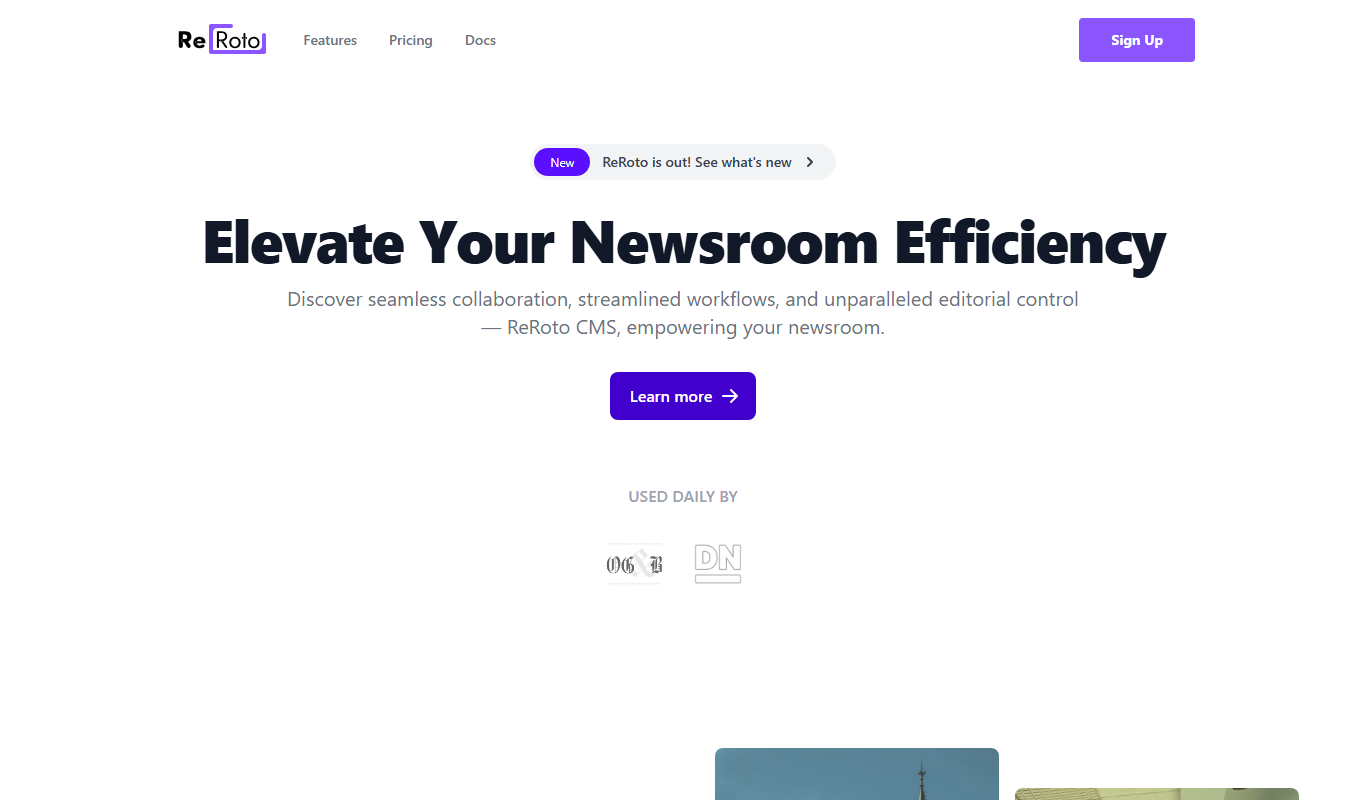
ReRoto is a cloud-based AI video editing platform that automates rotoscoping, allowing users to isolate objects in video footage quickly and export masks for visual effects.
- Best for
- Automated Rotoscoping
- Key capability
- AI-Powered Object Isolation
Do you recommend this tool?
What is ReRoto?
ReRoto is a web-based video editing platform that specializes in automated rotoscoping and visual effects creation. It leverages AI technology to simplify the traditionally time-consuming process of isolating objects and people in video footage, enabling creators to produce professional-quality effects faster and with less manual effort.
Key features of ReRoto
ReRoto offers AI-driven rotoscoping tools, intuitive masking interfaces, and seamless integration for video post-production workflows. Its cloud-based platform allows users to upload footage, apply automated object isolation, and export results compatible with popular editing software.
AI-Powered Object Isolation
Automates the rotoscoping process by accurately detecting and separating subjects from backgrounds.
User-Friendly Mask Refinement
Provides intuitive tools to manually adjust masks for perfect edge detail and accuracy.
Cloud-Based Platform
No software installation required; accessible from any modern web browser.
Export Compatibility
Supports exporting masks and mattes in formats compatible with major video editing and compositing applications.
Pros and cons of ReRoto
Pros
- Significantly reduces time spent on rotoscoping
- Accessible via web browser without installation
- AI automation improves accuracy and efficiency
- Supports export to popular editing software formats
Cons
- Limited offline capabilities due to cloud-based nature
- Pricing may be high for casual users
- Currently supports only English language interface
Key use cases for ReRoto
Automated Rotoscoping
Use AI-powered tools to automatically isolate objects and people in video frames for compositing and effects.
Visual Effects Creation
Create complex visual effects by easily masking and manipulating video elements without manual frame-by-frame editing.
Video Post-Production
Streamline post-production workflows by reducing the time and effort needed for rotoscoping and masking tasks.
Content Creation for Marketing
Enhance marketing videos with professional-level visual effects using accessible AI tools.
Film and Animation Editing
Support film and animation projects by providing precise rotoscoping and masking capabilities.
How ReRoto works
- 1
Upload Video
Users upload their video footage directly to the ReRoto web platform.
- 2
AI Rotoscoping
The AI analyzes the video frames to automatically detect and isolate subjects or objects.
- 3
Refine Masks
Users can manually adjust and fine-tune the generated masks for precision.
- 4
Export Results
Final masked footage or alpha mattes can be exported for use in other editing or compositing software.
Who is using ReRoto
Video editors and post-production professionals
Visual effects artists
Content creators and marketers
Film and animation studios
Freelance video professionals
ReRoto pricing
Free Trial
$0
Limited access to features for testing the platform.
Pro
$49/month
Full access to all features with higher processing limits and priority support.
Plans and prices are as published by the vendor and can change. Check the official site before you buy. Open the pricing page (opens in a new tab)
Frequently asked questions about ReRoto
Rotoscoping is a technique in video editing where objects or people are manually or automatically isolated frame-by-frame for compositing or effects.
Yes, ReRoto is designed with an intuitive interface and AI automation to assist users of all skill levels.
ReRoto supports common video formats such as MP4, MOV, and AVI for upload and processing.
ReRoto uses secure cloud infrastructure to protect user data and privacy.
It depends on your specific needs and how you plan to use the tool. The official website and documentation are the best sources for the latest details.
It depends on your specific needs and how you plan to use the tool. The official website and documentation are the best sources for the latest details.
Yes, it can help with that use case depending on how you configure it and what features are available. You’ll get the best results with clear inputs and a defined goal.
Sign in to review this tool.
Sign In to ReviewNo reviews yet
Be the first to share how this tool worked for you.
Ask about pricing, limits, or how it compares — or answer someone else.
Sign In to AskNo questions yet
Have a question about using or paying for this tool? Be the first to ask.
Featured on TiorAI



Alternative Tools
Explore similar AI tools that might fit your needs

Free
Runway ML
Runway ML is a cloud platform offering AI-powered video and image editing tools, enabling creators to automate complex tasks like green screen removal and style transfer, with real-time collaboration and API integration.
More AI Ai Tools tools
Other tools in the same category, for when this one is not quite the fit.

Free
Pogo Travel
Pogo Travel is an AI-driven platform that generates personalized travel itineraries based on your preferences, travel dates, and interests, offering collaborative planning and offline access.

Freemium
PlaninGo
PlaninGo is an AI travel planning tool that generates personalized trip itineraries and guides based on your preferences, helping you plan efficient and enjoyable trips.

Free
Travelwiz
Travelwiz is an AI-powered travel planning tool that creates personalized trip itineraries and offers tailored travel recommendations based on user preferences.

Free
Momo
Momo is an AI-powered assistant that automates workflows, manages tasks, and enhances team collaboration by integrating with popular productivity tools.

Free
Nextrip
Nextrip AI is an online travel planning tool that uses artificial intelligence to generate personalized trip itineraries based on your preferences, travel dates, and destinations.

Freemium
TravelBot AI Travel Assistant
TravelBot AI Travel Assistant is a web-based platform that uses artificial intelligence to help users create personalized travel itineraries, book flights and hotels, and receive tailored travel recommendations based on preferences and budget.

Freemium
AIreelity
AIreelity is an AI-driven video creation platform that transforms text scripts into engaging marketing videos with customizable templates and AI voiceovers.

Free
AIJOURNEY
AIJOURNEY is an AI-driven career development tool that provides personalized career path recommendations, identifies skill gaps, and offers curated learning resources to help users advance professionally.