
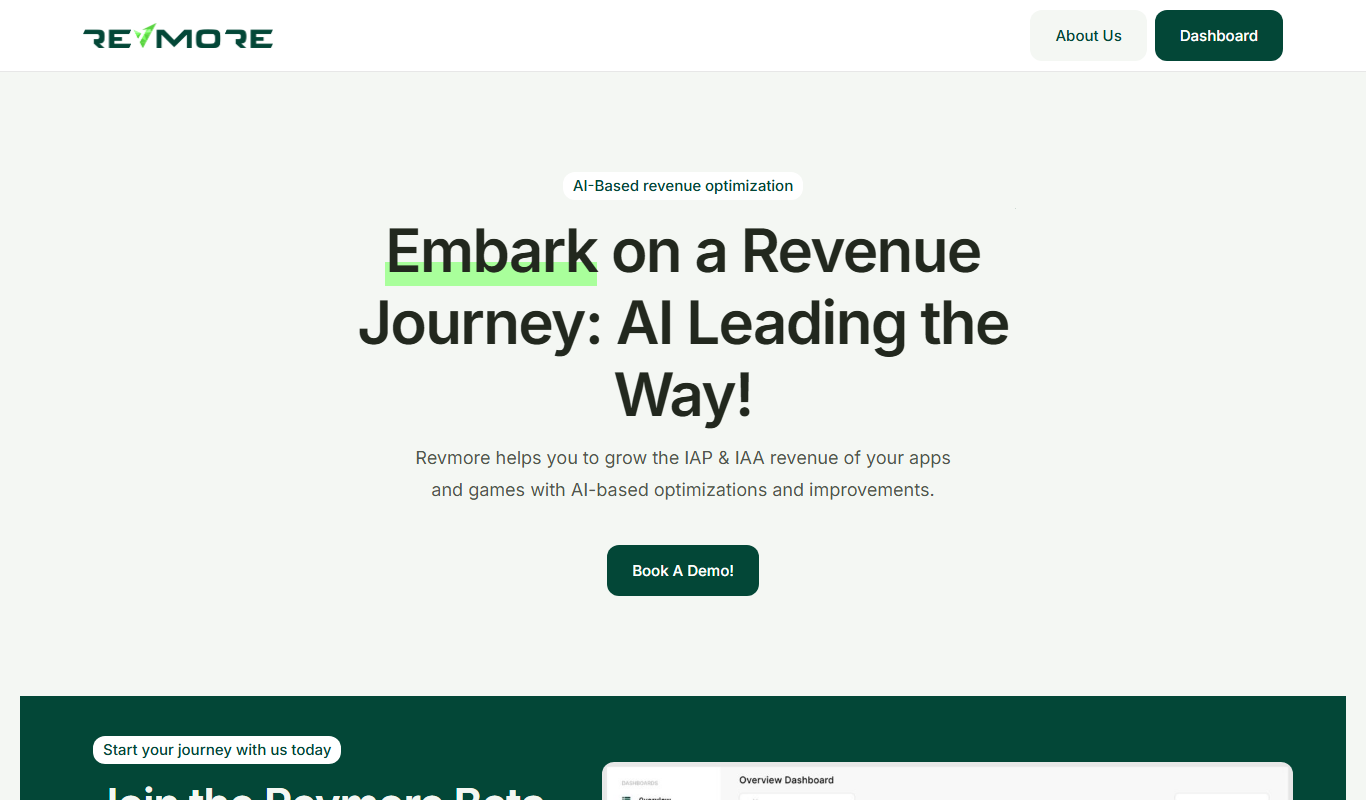
From my experience with Revmore, I found it excels at delivering accurate AI-powered transcriptions combined with useful summarization features that save time reviewing lengthy audio. The platform’s clean web interface makes uploading and editing straightforward, which is great for professionals who need quick, reliable transcripts without fuss. However, its limitation to English and lack of a mobile app might restrict some users. Overall, if you require efficient transcription and summary generation for meetings, interviews, or podcasts, Revmore provides a solid, affordable solution.
Revmore AI Transcription and Summarization Tool for Accurate Audio Text
Revmore is an AI-driven platform that transcribes audio and video files into text and generates concise summaries to help users quickly understand spoken content.
What is Revmore?
Revmore is an AI-powered transcription and summarization platform designed to convert audio and video content into accurate text and concise summaries. It leverages advanced speech recognition and natural language processing technologies to help users quickly capture and understand spoken content without manual effort.
Key Features of Revmore
High-Accuracy AI Transcription
Advanced speech recognition technology delivers precise and reliable transcriptions.
AI-Powered Summarization
Automatically generates concise summaries to save time reviewing long recordings.
User-Friendly Web Interface
Intuitive platform design allows easy uploading, editing, and exporting of transcripts.
Multi-Format Export Options
Supports exporting transcripts and summaries in formats like TXT, PDF, and DOCX.
Secure Cloud Processing
All data is processed securely in the cloud with privacy considerations.
Pros and Cons of Revmore
Pros
- Accurate AI transcription with minimal manual correction
- Time-saving AI-generated summaries
- Simple and clean user interface
- Supports multiple export formats
- Affordable pricing with a free tier
Cons
- Limited language support (English only)
- No dedicated mobile app currently
- Dependent on audio quality for best results
Key Use Cases for Revmore
Meeting Transcriptions
Automatically transcribe audio from meetings to generate accurate text records.
Content Summarization
Create concise summaries of long audio or video content for quick review.
Interview Transcriptions
Convert interview recordings into searchable and editable text documents.
Podcast Transcriptions
Generate transcripts and summaries for podcasts to improve accessibility and SEO.
Note Taking
Use AI-powered transcription and summarization to streamline note-taking from lectures or calls.
How Revmore Works
-
1
Upload Audio or Video
Users upload their audio or video files directly to the Revmore web platform.
-
2
AI Transcription Processing
The AI engine processes the audio to generate a detailed and accurate text transcription.
-
3
Generate Summary
An AI summarization model creates a concise summary highlighting the main points.
-
4
Review and Edit
Users can review, edit, and annotate the transcription and summary within the platform.
-
5
Export and Share
Final transcripts and summaries can be exported in various formats for sharing or archiving.
Who's Using Revmore
Business professionals needing meeting transcripts
Podcasters seeking transcripts and summaries
Journalists and interviewers
Students and educators
Content creators and marketers
Revmore Pricing
Free
$0/month
Limited transcription minutes per month with basic features.
Pro
$19/month
Increased transcription limits, priority processing, and advanced features.
Frequently Asked Questions About Revmore
Revmore supports common audio and video formats including MP3, WAV, MP4, and more.
Accuracy depends on audio quality but typically achieves high precision with clear recordings.
Yes, users can review and edit transcripts directly within the platform.
Revmore processes data securely with encryption and privacy safeguards.
It depends on your specific needs and how you plan to use the tool. The official website and documentation are the best sources for the latest details.
Yes, it can help with that use case depending on how you configure it and what features are available. You’ll get the best results with clear inputs and a defined goal.
Yes, it can help with that use case depending on how you configure it and what features are available. You’ll get the best results with clear inputs and a defined goal.
It depends on your specific needs and how you plan to use the tool. The official website and documentation are the best sources for the latest details.
Share your review
Reviews are limited to one per logged-in user and are published after moderation.
You need an account to review this tool.
0.0
★
★
★
★
★
0 reviews
5 star
0
4 star
0
3 star
0
2 star
0
1 star
0
No reviews yet
Be the first to share how this tool worked for you.
Questions from the community
Read questions and answers about this tool, or ask your own.
No questions yet
Start the conversation by asking the first question about this tool.
Is this tool helpful?
Alternative Tools
Explore similar AI tools that might fit your needs

Free Trial
Sonix
Sonix is an AI transcription software that automatically converts audio and video files into accurate, editable text transcripts supporting multiple languages and offering features like speaker labeling and export options.

Freemium
Trint
Trint is an AI transcription platform that converts audio and video files into editable, searchable text with high accuracy, supporting multiple languages and collaboration features.
Free
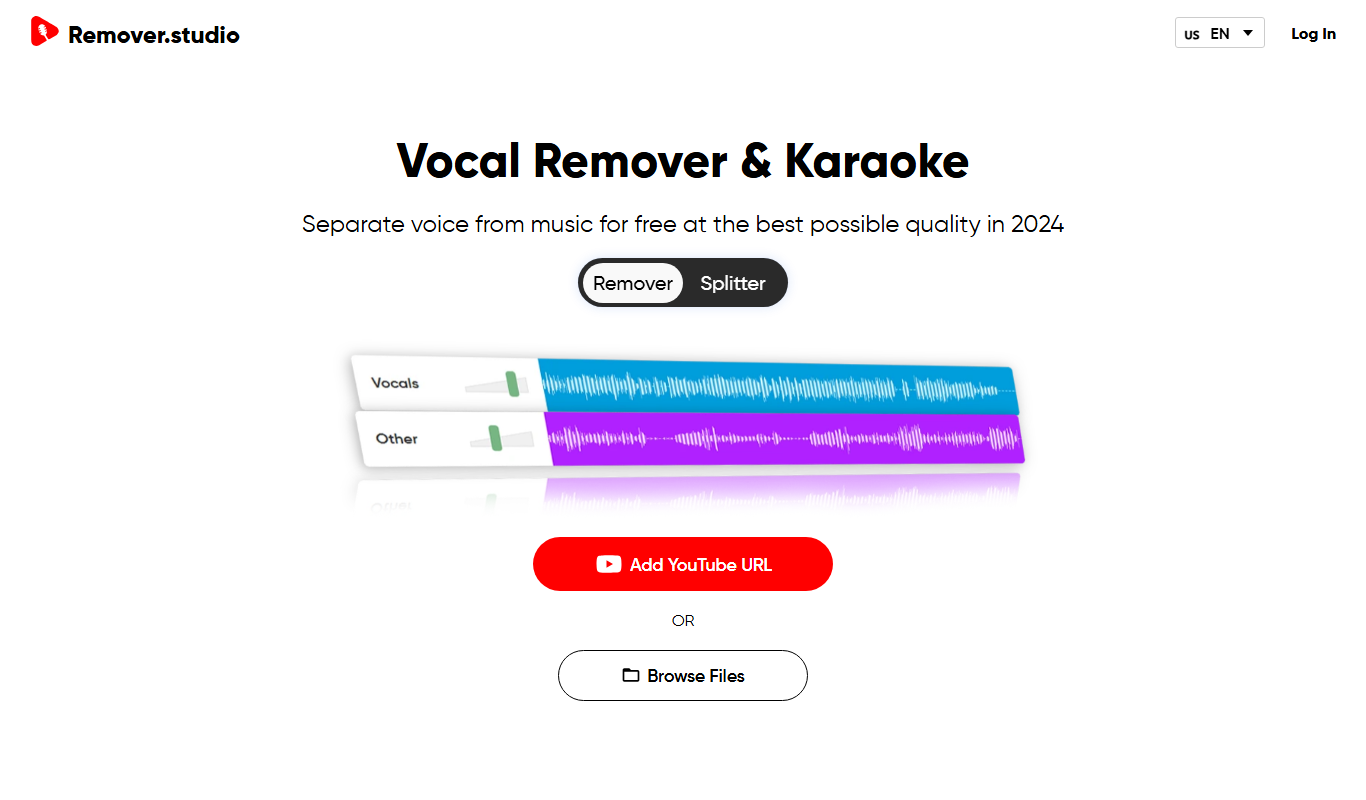
VocalRemover.co
VocalRemover.co is an online AI-powered tool that removes vocals from audio tracks to create karaoke versions or isolated stems for remixing and editing.