
From my experience with GIF Brewery, I found it excels at providing a straightforward yet powerful GIF creation and editing experience tailored specifically for Mac users. The integration of screen recording and advanced editing tools like trimming and captioning makes it a versatile choice for content creators and marketers who need quick, high-quality GIFs. However, the app’s Mac-only availability limits its use for Windows or mobile users, and it lacks cloud collaboration features. Overall, if you work on Mac and want an efficient tool to convert videos or screen captures into optimized GIFs, GIF Brewery delivers reliable and user-friendly results.
GIF Brewery - Mac App for Creating and Editing High-Quality GIFs Easily
GIF Brewery is a Mac application that allows users to create, edit, and optimize animated GIFs from videos or screen recordings with advanced editing features and easy export options.
What is GIF Brewery?
GIF Brewery is a Mac application designed to create, edit, and optimize animated GIFs from videos or screen recordings. It offers a user-friendly interface with powerful editing features tailored for GIF creation, enabling users to produce high-quality animations for social media, websites, or presentations.

Key Features of GIF Brewery
Video to GIF Conversion
Easily convert video clips into animated GIFs with precise control over duration and quality.
Screen Recording
Record your screen activity and instantly turn recordings into GIFs.
Advanced Editing Tools
Trim, crop, resize, add text captions, and adjust frame rate and color settings.
GIF Optimization
Compress GIFs to reduce file size while preserving visual quality for faster loading.
User-Friendly Interface
Intuitive design tailored for Mac users, making GIF creation straightforward and efficient.
Pros and Cons of GIF Brewery
Pros
- Simple and intuitive interface for Mac users
- Comprehensive editing features tailored for GIFs
- Screen recording integrated within the app
- One-time purchase without subscription
- Good optimization tools to reduce GIF size
Cons
- Available only on MacOS, no Windows or mobile versions
- No cloud storage or collaboration features
- Limited language support (English only)
Key Use Cases for GIF Brewery
Create GIFs from Videos
Convert video clips from various sources into high-quality GIFs for sharing or embedding.
Edit and Customize GIFs
Trim, crop, resize, add captions, and adjust frame rate or colors to customize GIFs.
Screen Recording to GIF
Capture screen activity directly and convert recordings into GIFs for tutorials or demos.
Optimize GIFs for Web
Compress and optimize GIF files to reduce size while maintaining quality for faster loading.
How GIF Brewery Works
-
1
Import Video or Record Screen
Start by importing a video file or recording your screen directly within the app.
-
2
Edit GIF
Trim, crop, add captions, and adjust settings like frame rate and colors to customize your GIF.
-
3
Preview and Optimize
Preview the GIF and use optimization tools to reduce file size without losing quality.
-
4
Export and Share
Export the final GIF file to your computer for sharing on social media or embedding online.
Who's Using GIF Brewery
Social media managers
Content creators
Marketing professionals
Educators creating tutorials
Mac users needing GIF editing tools
GIF Brewery Pricing
Free Trial
$0
Limited features available to try the app before purchase.
Full Version
One-time purchase of $19.99
Unlock all features with a single payment, no subscription required.
Frequently Asked Questions About GIF Brewery
No, GIF Brewery is exclusively available for MacOS.
Yes, the app allows you to add customizable text captions to your GIFs.
Yes, you can record your screen directly within the app and convert recordings into GIFs.
No, GIF Brewery is available as a one-time purchase with no ongoing subscription.
It depends on your specific needs and how you plan to use the tool. The official website and documentation are the best sources for the latest details.
Yes, it can help with that use case depending on how you configure it and what features are available. You’ll get the best results with clear inputs and a defined goal.
Some tools offer a free plan or trial with limited features. Availability can vary, so confirm on the official website.
It depends on your specific needs and how you plan to use the tool. The official website and documentation are the best sources for the latest details.
Share your review
Reviews are limited to one per logged-in user and are published after moderation.
You need an account to review this tool.
0.0
★
★
★
★
★
0 reviews
5 star
0
4 star
0
3 star
0
2 star
0
1 star
0
No reviews yet
Be the first to share how this tool worked for you.
Questions from the community
Read questions and answers about this tool, or ask your own.
No questions yet
Start the conversation by asking the first question about this tool.
Is this tool helpful?
Alternative Tools
Explore similar AI tools that might fit your needs
Free
EZGIF
EZGIF is a free online platform for creating, editing, and optimizing animated GIFs and images directly in your browser without software installation.

Free
LICEcap
LICEcap is a free tool that records your screen and saves the recording as an animated GIF, supporting Windows and Mac platforms.
Free
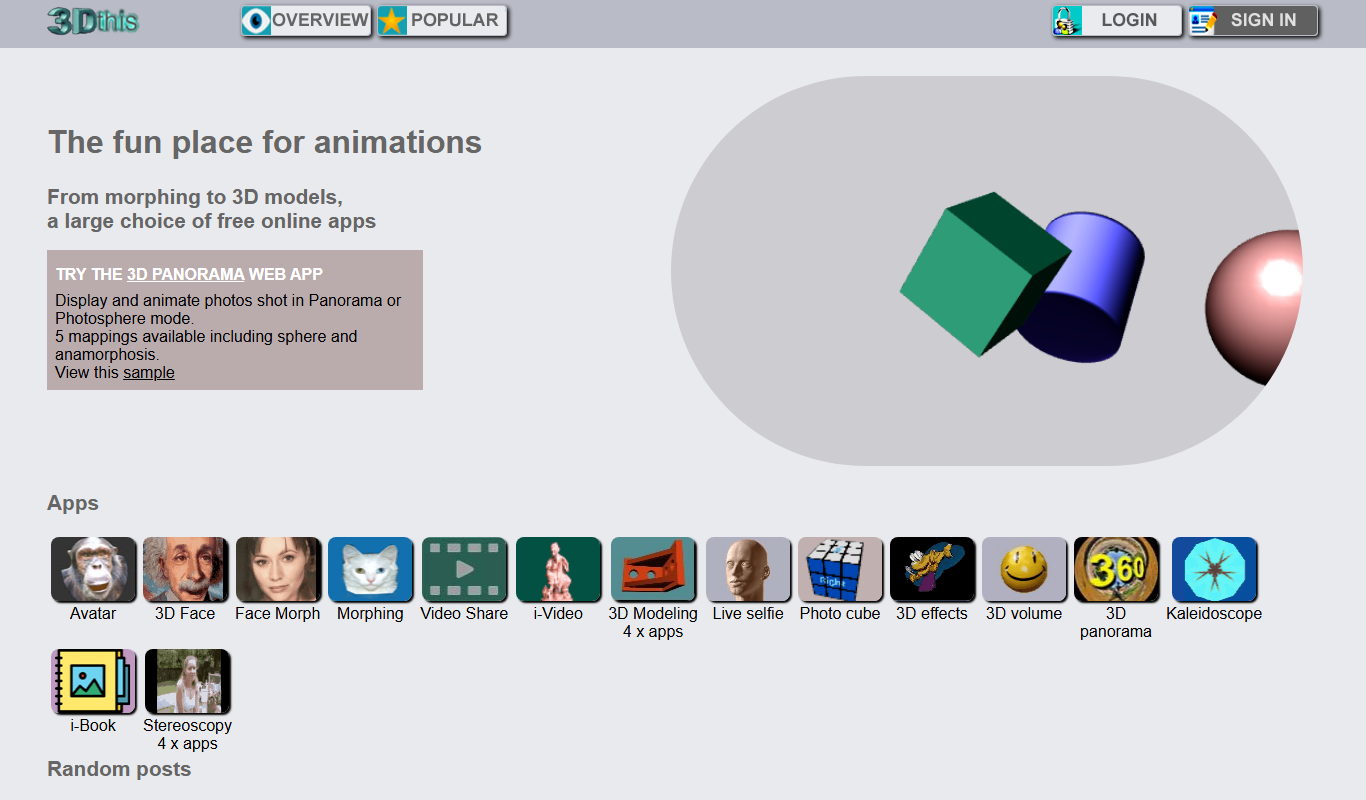
3Dthis
3Dthis is a web-based platform that allows users to create, animate, and customize 3D avatars and models from photos or templates without software installation.
Free Trial
Toon Boom Harmony
Toon Boom Harmony is a professional 2D animation software used for creating high-quality animations through frame-by-frame and rig-based techniques, widely adopted in the animation industry.

Freemium
DeepMotion
DeepMotion is an AI-driven motion capture platform that converts video footage into realistic 3D animations in real time without requiring specialized hardware.
Free
Toontastic
Toontastic is a free Google app that lets users, especially children, create animated stories by drawing, animating, and narrating with an easy drag-and-drop interface.

Free
DreamFusion
DreamFusion is an AI tool developed by Google Research that generates photorealistic 3D models from text descriptions using neural radiance fields technology.

Free
Three.js
Three.js is an open-source JavaScript library that simplifies creating and displaying 3D graphics in web browsers using WebGL, enabling interactive 3D animations and visualizations.

Free
APIFRAME
APIFRAME is a web service and API that enables embedding any external website or web app into your own site using customizable and responsive iframes, with options for no-code embedding or API-driven integration.
Free
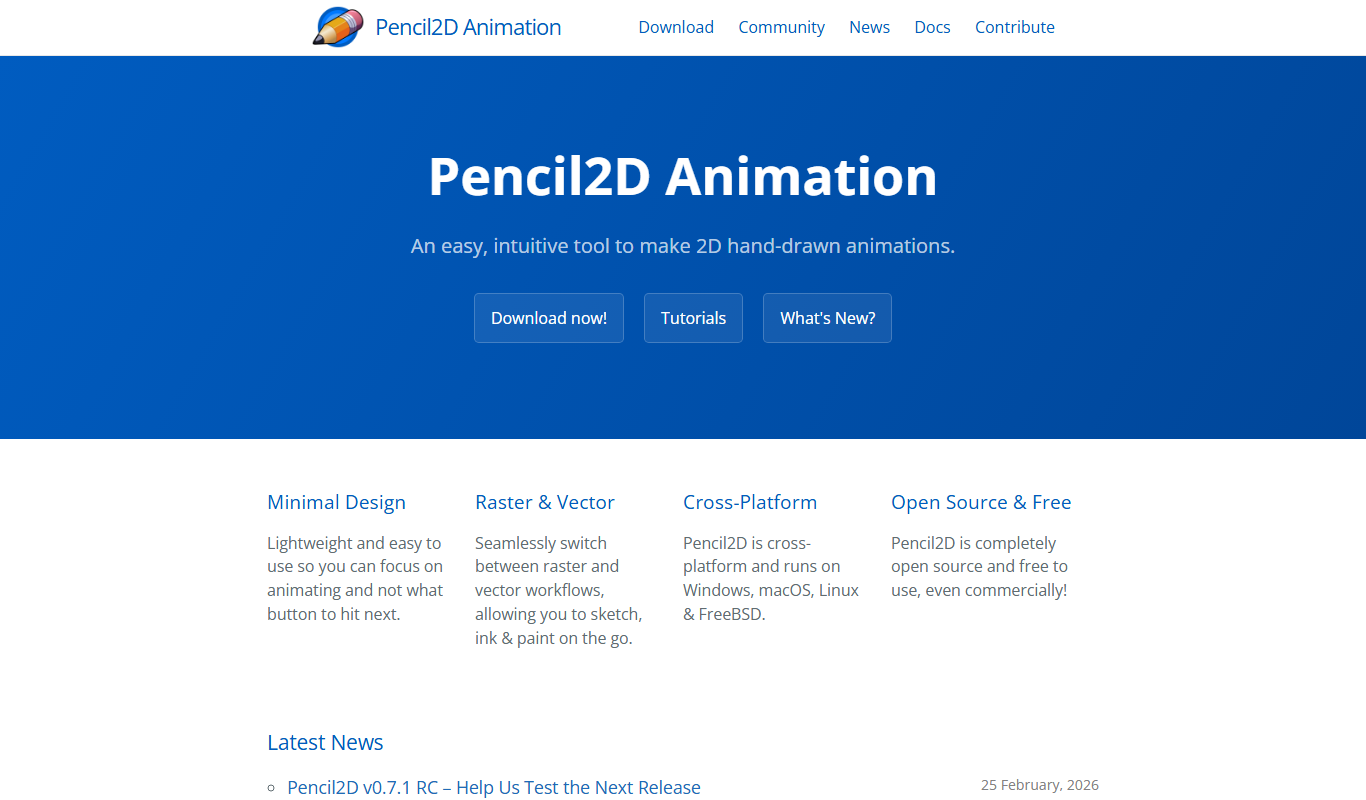
Pencil2D
Pencil2D is a free, open-source 2D animation software that enables users to create hand-drawn animations using bitmap and vector graphics. It is cross-platform and suitable for beginners and hobbyists.