
From my experience with ChatGPT Butler Chrome Extension, it stands out as a practical tool for users who want faster and more convenient access to ChatGPT without leaving their browser. Its customizable prompt templates and automation features help streamline repetitive tasks, making it a solid choice for content creators and professionals seeking productivity gains. However, it is limited to Chrome users and requires an existing ChatGPT account, which could be a barrier for some. Overall, if you frequently interact with ChatGPT and want to save time, this extension offers a lightweight and effective solution.
ChatGPT Butler Chrome Extension for Enhanced AI Chat Productivity
ChatGPT Butler is a free Chrome extension that enhances your ChatGPT experience by providing quick browser access, customizable prompt templates, and automation features to improve productivity.
What is ChatGPT Butler Chrome Extension?
ChatGPT Butler is a Chrome browser extension designed to enhance the user experience with ChatGPT by providing a streamlined interface and additional productivity features directly accessible within the browser. It acts as a helpful assistant to facilitate faster and more efficient AI interactions without needing to navigate away from your current workflow.
Key Features of ChatGPT Butler Chrome Extension
Quick Access Interface
Launch ChatGPT instantly from the browser toolbar without navigating to the official site.
Prompt Templates
Save and reuse custom prompts to speed up common tasks and queries.
Automation Support
Automate repetitive interactions with ChatGPT to improve workflow efficiency.
Lightweight and User-Friendly
Minimalistic design ensures fast performance and easy usability.
Pros and Cons of ChatGPT Butler Chrome Extension
Pros
- Provides quick, convenient access to ChatGPT within Chrome
- Supports customizable prompt templates for efficiency
- Free to use with no hidden charges
- Lightweight and easy to install
Cons
- Limited to Chrome browser users
- Requires an existing ChatGPT account
- No advanced AI customization beyond prompt templates
Key Use Cases for ChatGPT Butler Chrome Extension
Enhanced ChatGPT Interaction
Provides quick access and improved interface for ChatGPT directly within the Chrome browser.
Productivity Boost
Streamlines AI-assisted writing, research, and communication tasks by integrating ChatGPT features into browser workflows.
Automation of Repetitive Tasks
Enables users to automate common prompts and responses to save time during frequent AI interactions.
How ChatGPT Butler Chrome Extension Works
-
1
Install Extension
Add ChatGPT Butler from the Chrome Web Store to your browser.
-
2
Access ChatGPT Butler
Click the extension icon to open the ChatGPT interface within the browser.
-
3
Use and Customize Prompts
Select or create prompt templates to automate frequent queries and responses.
-
4
Interact with ChatGPT
Send messages and receive AI-generated replies directly through the extension.
Who's Using ChatGPT Butler Chrome Extension
Frequent ChatGPT users
Content creators and writers
Students and researchers
Professionals seeking productivity tools
Anyone wanting faster AI access in Chrome
ChatGPT Butler Chrome Extension Pricing
Free
$0
Full access to ChatGPT Butler features without cost.
Frequently Asked Questions About ChatGPT Butler Chrome Extension
Yes, the extension is completely free to install and use.
Yes, you need to have a ChatGPT account to use the extension’s AI features.
Yes, users can create and save custom prompt templates for repeated use.
The extension is available on the official Chrome Web Store and does not collect personal data beyond what is necessary for functionality.
This tool is designed to help users accomplish its core tasks more efficiently. It is typically used by individuals or teams looking to improve productivity and workflow.
It depends on your specific needs and how you plan to use the tool. The official website and documentation are the best sources for the latest details.
It depends on your specific needs and how you plan to use the tool. The official website and documentation are the best sources for the latest details.
Share your review
Reviews are limited to one per logged-in user and are published after moderation.
You need an account to review this tool.
0.0
★
★
★
★
★
0 reviews
5 star
0
4 star
0
3 star
0
2 star
0
1 star
0
No reviews yet
Be the first to share how this tool worked for you.
Questions from the community
Read questions and answers about this tool, or ask your own.
No questions yet
Start the conversation by asking the first question about this tool.
Is this tool helpful?
Alternative Tools
Explore similar AI tools that might fit your needs

Free
Merlin AI
Merlin AI is a GPT-4 powered AI chat assistant that integrates as a browser extension, enabling users to access AI-generated content and assistance directly on any website to improve productivity and content creation.

Custom Pricing
instabase.com
Instabase is an AI-driven intelligent automation platform that enables enterprises to automate complex document processing and workflow tasks by combining machine learning, human review, and customizable applications.
Freemium
Beatoven.ai
Beatoven.ai is an AI-driven platform that generates custom royalty-free music tracks tailored to your project's mood and style, ideal for content creators and marketers.
Free
DiffRhythm AI Music
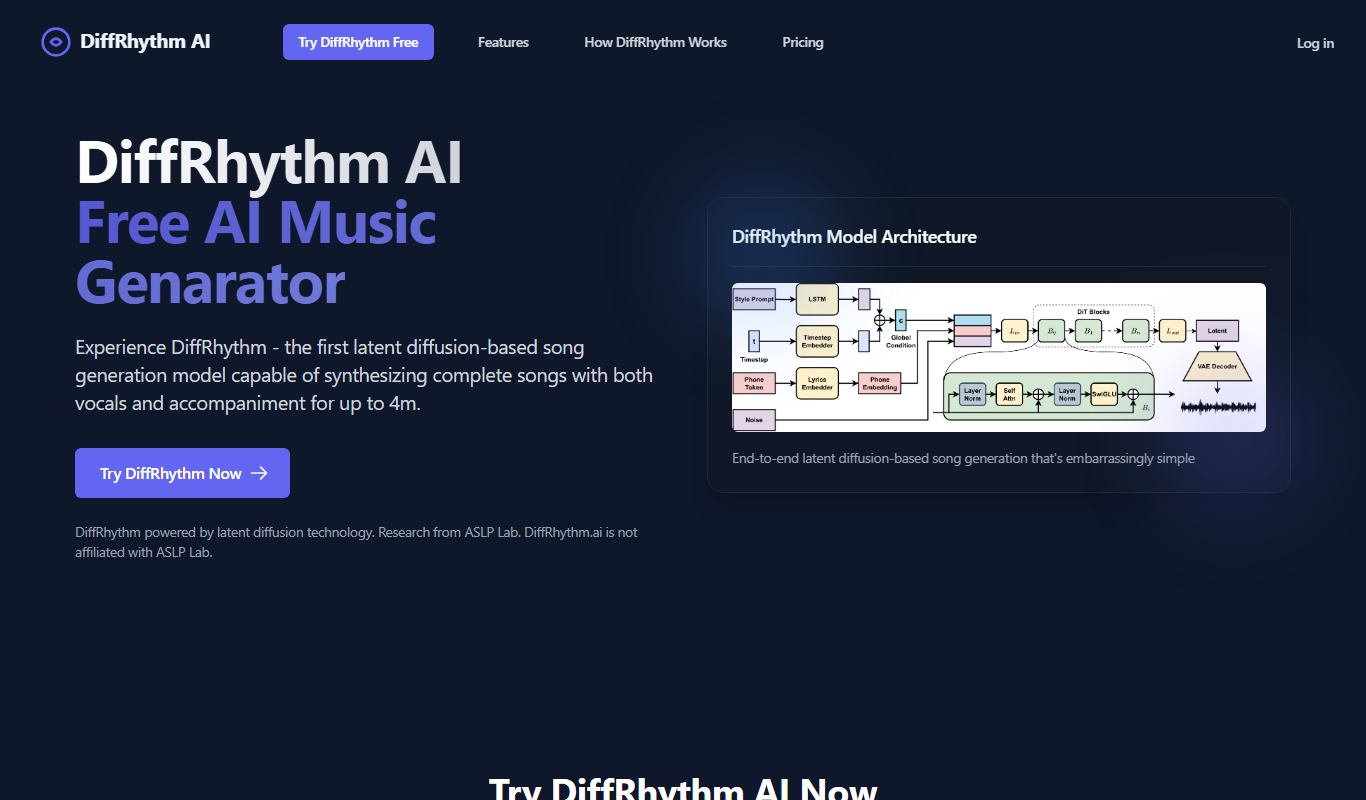
DiffRhythm AI Music is a web-based platform that uses artificial intelligence to generate customizable, royalty-free music tracks for creators without requiring musical expertise.

Freemium
Visla
Visla is a web-based AI video editor that automates editing tasks and supports real-time collaboration to help users create professional videos quickly and easily.

Free Trial
Stampede AI
Stampede AI is an AI-driven sales automation platform that helps sales teams automate lead engagement, email sequencing, and CRM workflows to boost productivity and close deals faster.

Free
QueryZy
QueryZy is an AI tool that transforms natural language questions into SQL queries, enabling users to retrieve and analyze data without writing SQL manually.

Freemium
Animate AI
Animate AI is an AI-driven animation platform that enables users to create professional animated videos using customizable templates and an easy drag-and-drop editor.

Freemium
Sub Translate Ai
Sub Translate AI is a web-based tool that automatically generates and translates subtitles for videos into multiple languages using AI technology.