
From my experience with KEPL, I found it excels at providing instant, accurate answers by simply pointing your smartphone camera at objects or text. The seamless integration of computer vision and natural language processing makes it intuitive and practical for everyday use, especially for students, travelers, and visually impaired users. However, the reliance on an internet connection and limited free usage can be a constraint for some. Overall, KEPL is a powerful tool for anyone seeking quick visual information and AI assistance on the go.
KEPL AI Camera Assistant for Visual Search and Instant Answers
KEPL is a mobile AI assistant that uses your smartphone camera to provide instant answers about objects, text, or scenes by combining computer vision and natural language processing.
Tech Stack:
Python
React Native
TensorFlow
What is KEPL – Ask AI with Camera?
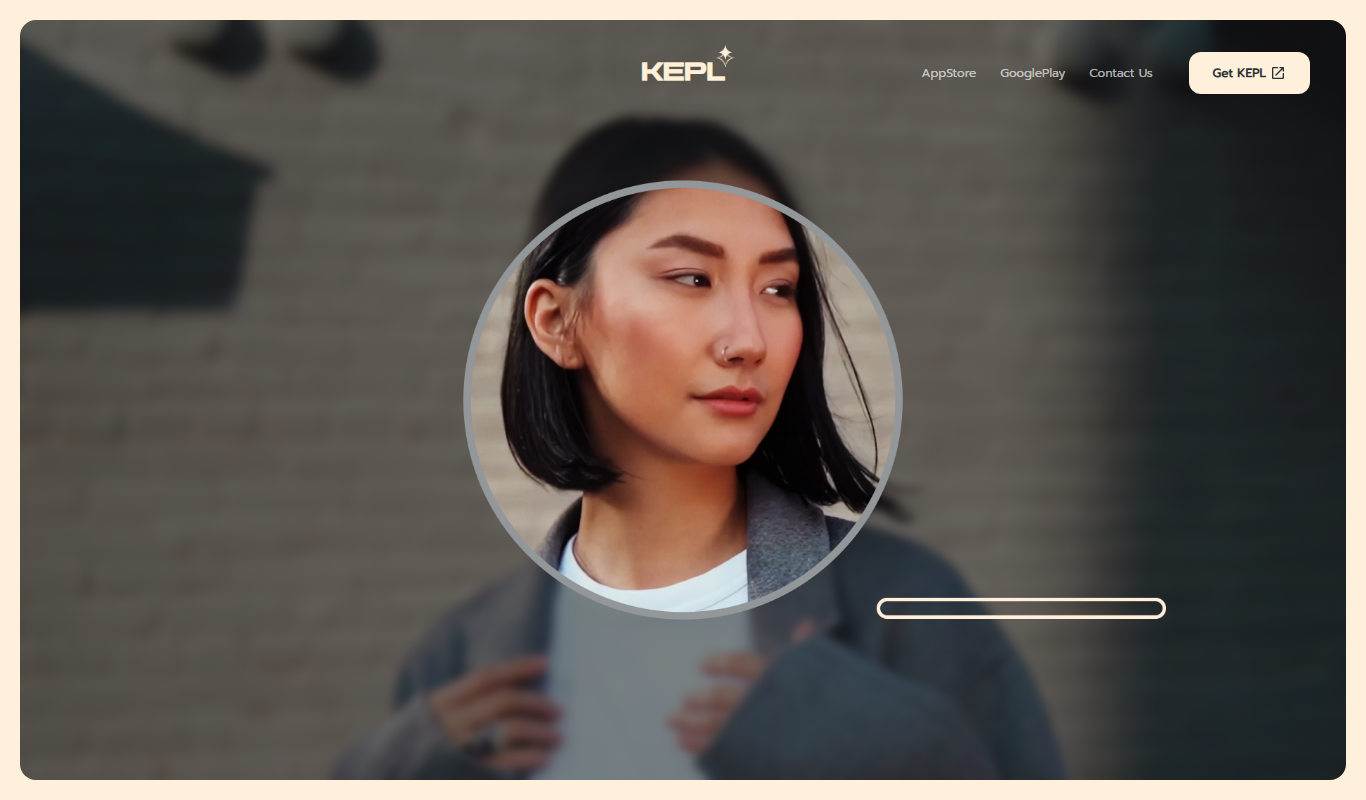
KEPL is an AI-powered camera assistant app that enables users to ask questions and get instant answers by simply pointing their smartphone camera at objects, scenes, or text. It leverages advanced computer vision and natural language processing to interpret visual input and provide relevant information in real time.
Key Features of KEPL – Ask AI with Camera
Visual Question Answering
Ask questions about anything you see through your camera and get AI-generated answers.
Real-Time Image Recognition
Instantly identify objects, products, landmarks, and text in your environment.
Multi-Modal AI Processing
Combines computer vision with natural language understanding for accurate responses.
Accessibility Tools
Features designed to assist users with visual impairments by describing surroundings.
Cross-Platform Mobile Support
Available on both iOS and Android devices for broad accessibility.
Pros and Cons of KEPL – Ask AI with Camera
Pros
- Instant answers from visual input
- User-friendly mobile app interface
- Supports accessibility needs
- Combines vision and language AI effectively
Cons
- Limited free tier usage
- Requires internet connection for AI processing
- Currently supports only English language
Key Use Cases for KEPL – Ask AI with Camera
Instant Visual Search
Use your smartphone camera to ask questions about objects, scenes, or text instantly.
Educational Assistance
Students can capture images of complex subjects or problems and get AI-generated explanations.
Shopping and Product Identification
Identify products or find similar items by simply pointing your camera at them.
Travel and Navigation Help
Get information about landmarks, signs, or menus by capturing them with the camera.
Accessibility Support
Assist visually impaired users by describing surroundings or reading text aloud.
How KEPL – Ask AI with Camera Works
-
1
Open the App
Launch KEPL on your smartphone and grant camera access.
-
2
Point Your Camera
Aim the camera at an object, text, or scene you want to learn about.
-
3
Ask a Question
Type or speak your question related to the visual input.
-
4
Receive Instant Answers
KEPL analyzes the image and provides relevant information or explanations.
Who's Using KEPL – Ask AI with Camera
Students and educators
Shoppers and product researchers
Travelers and tourists
Visually impaired users
Tech enthusiasts interested in AI
KEPL – Ask AI with Camera Pricing
Free
$0/month
Basic access with limited daily queries and standard features.
Pro
$9.99/month
Unlimited queries, priority processing, and access to advanced features.
Frequently Asked Questions About KEPL – Ask AI with Camera
KEPL is available on iOS and Android smartphones.
Yes, KEPL offers a free plan with limited daily usage.
KEPL uses AI models combining computer vision and natural language processing to analyze images and answer questions.
Yes, KEPL includes accessibility features that describe surroundings and read text aloud.
It depends on your specific needs and how you plan to use the tool. The official website and documentation are the best sources for the latest details.
Some tools offer a free plan or trial with limited features. Availability can vary, so confirm on the official website.
Yes, it can help with that use case depending on how you configure it and what features are available. You’ll get the best results with clear inputs and a defined goal.
Yes, it can help with that use case depending on how you configure it and what features are available. You’ll get the best results with clear inputs and a defined goal.
Share your review
Reviews are limited to one per logged-in user and are published after moderation.
You need an account to review this tool.
0.0
★
★
★
★
★
0 reviews
5 star
0
4 star
0
3 star
0
2 star
0
1 star
0
No reviews yet
Be the first to share how this tool worked for you.
Questions from the community
Read questions and answers about this tool, or ask your own.
No questions yet
Start the conversation by asking the first question about this tool.
Is this tool helpful?
Alternative Tools
Explore similar AI tools that might fit your needs

Free
CamFind
CamFind is a free AI-powered visual search app that identifies objects, products, and landmarks from images captured or uploaded by users, providing relevant information and shopping options.
Free
Positional
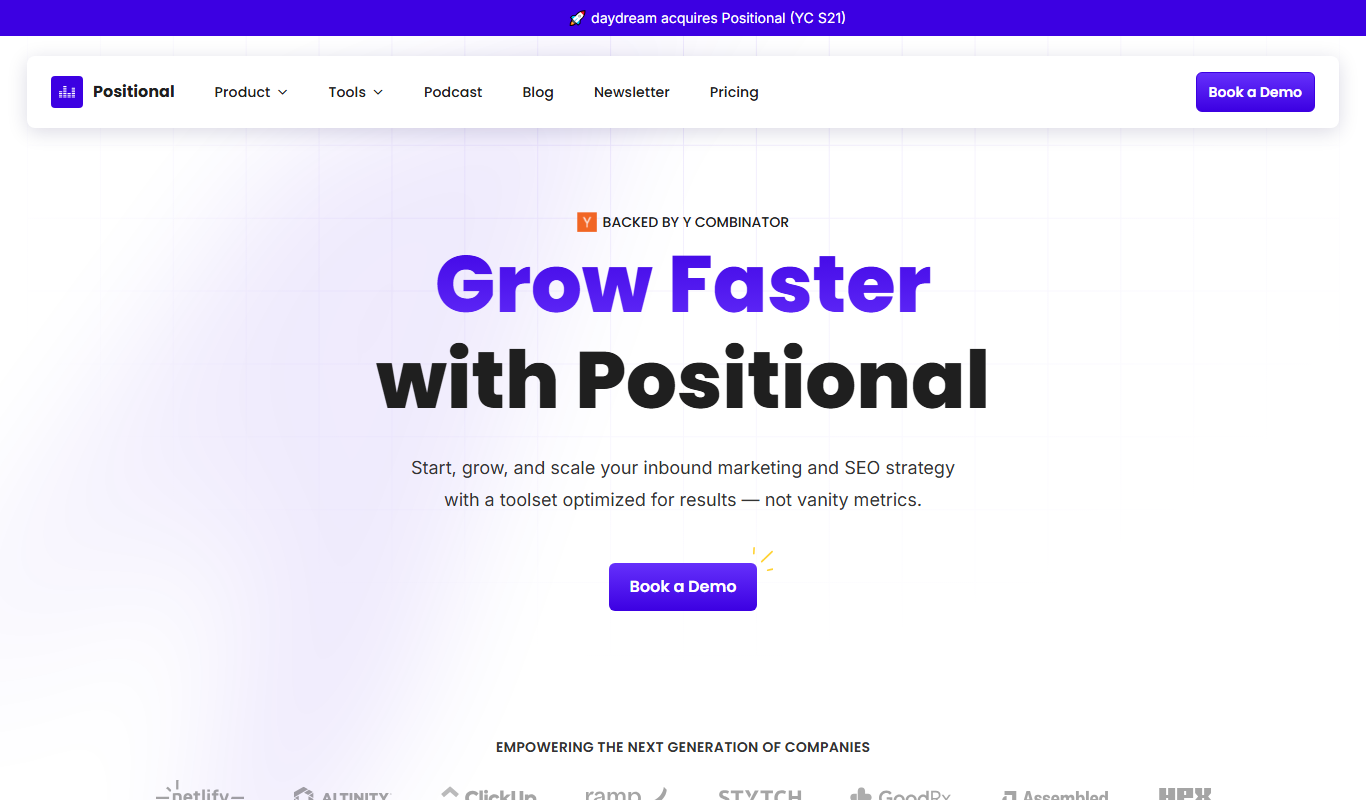
Positional is a web-based SEO tool that provides accurate keyword rank tracking, competitor analysis, and local SEO monitoring to help marketers improve search engine visibility.
Free
LuckyRobots
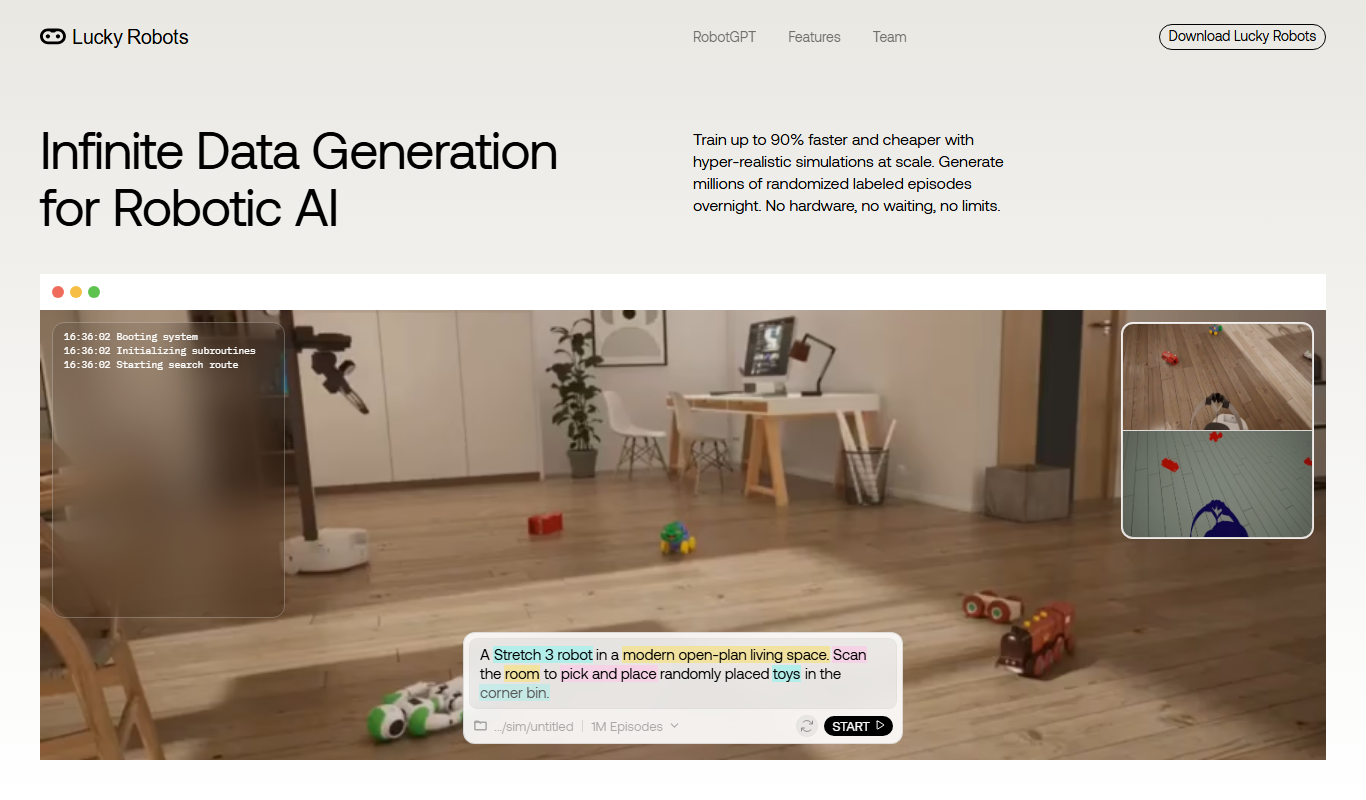
LuckyRobots is an Ethereum-based NFT marketplace specializing in robot-themed digital collectibles, offering a platform to buy, sell, and engage with a community of collectors and creators.
Free Trial
ReelCraft
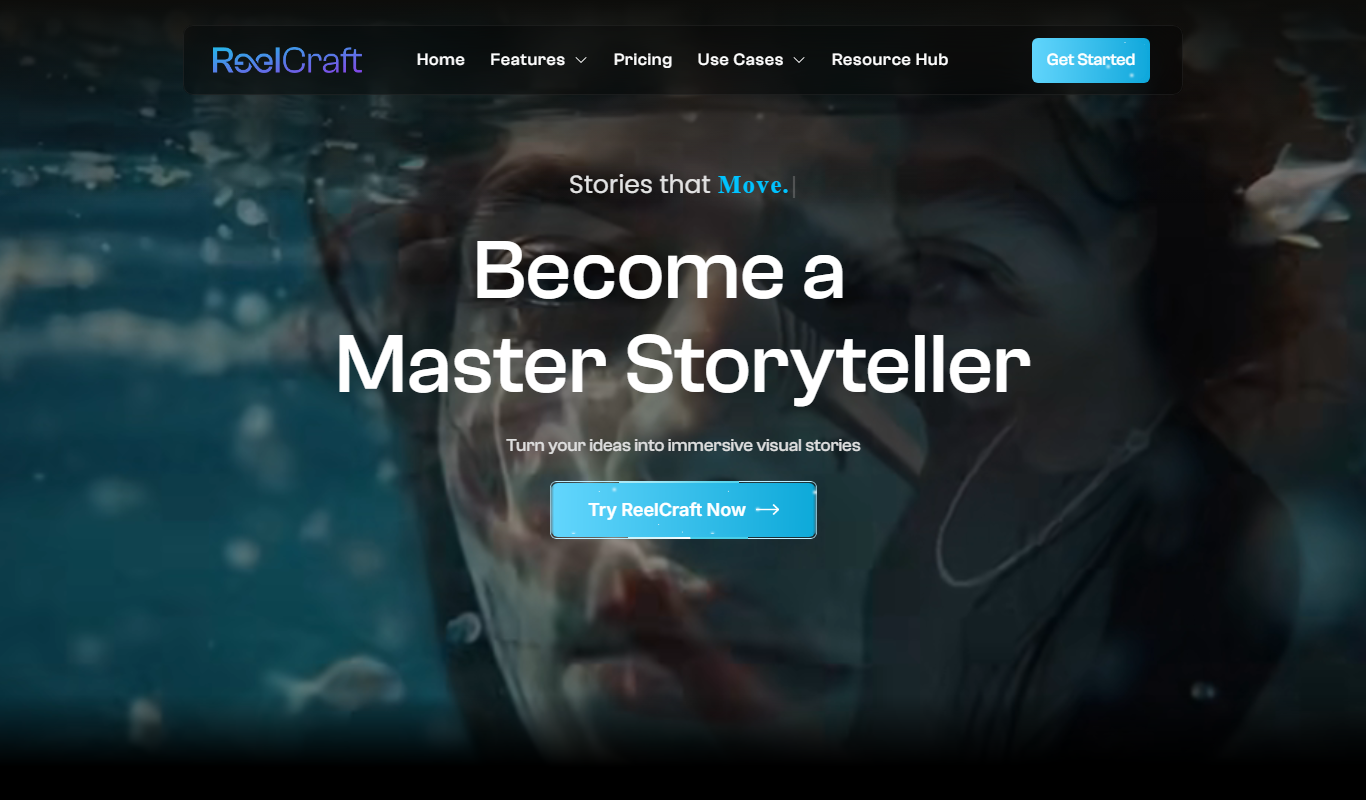
ReelCraft is an AI-powered video creation platform that automates video editing and generates social media optimized marketing videos quickly and easily.

Freemium
Artemis AI: Bedtime stories with heart
Artemis AI is a web-based platform that uses artificial intelligence to create personalized bedtime stories for children, allowing customization of characters and themes to engage young readers.

Custom Pricing
Amica
Amica AI by Arbius is a conversational AI platform that enables businesses to deploy intelligent chatbots for customer support, lead qualification, and internal assistance through natural language understanding and multi-channel integration.
Freemium
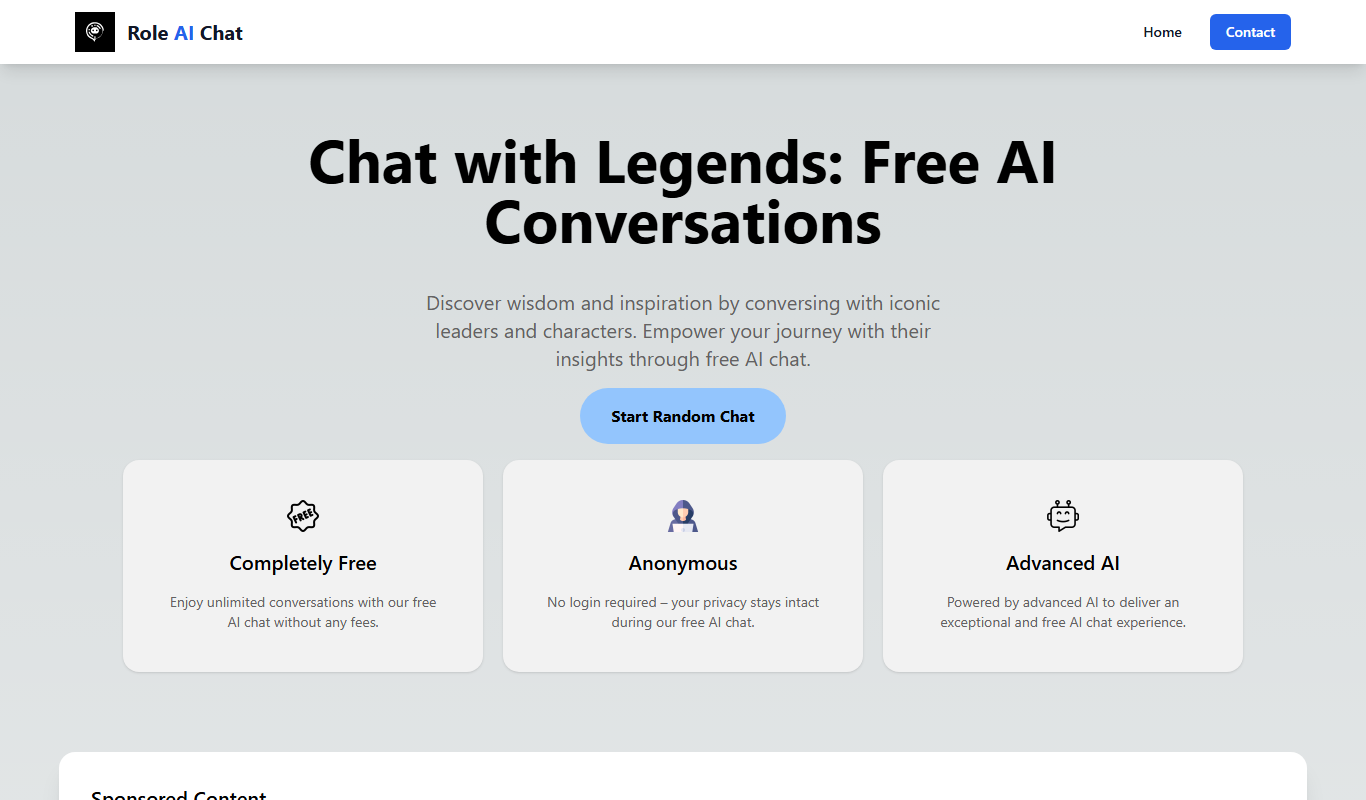
Role AI Chat
Role AI Chat is a web platform that enables users to engage in AI-driven roleplay and conversational scenarios with customizable AI characters for entertainment, training, and creative purposes.

Custom Pricing
Run
Run:AI is an enterprise platform that virtualizes and orchestrates GPU resources across on-premises and cloud environments, enabling efficient AI workload scheduling and maximizing GPU utilization.

Free Trial
10x Rules
10x Rules is a no-code AI platform that enables businesses to automate decision-making and workflows, helping accelerate growth and operational efficiency without coding.