

Resume Revival - AI-Powered Resume Builder and Optimization Tool
Resume Revival is an AI-driven resume builder that helps users create and optimize resumes with keyword enhancements and professional templates to improve job application success.
- Best for
- Resume Creation
- Key capability
- AI-Powered Content Suggestions
Save Resume Revival, follow its updates and vote on it — everything stays in your account.
Sign in or create a free account

What is Resume Revival?
Resume Revival is an AI-powered resume builder designed to help job seekers create, optimize, and tailor their resumes for better job application outcomes. It leverages artificial intelligence to provide content suggestions, formatting improvements, and keyword optimization to align resumes with job descriptions.
Key features of Resume Revival
The tool offers AI-driven resume creation, real-time content enhancement, customizable templates, and keyword optimization to improve applicant tracking system (ATS) compatibility.
AI-Powered Content Suggestions
Receive real-time recommendations to improve wording, grammar, and impact.
Customizable Resume Templates
Choose from multiple professional designs to suit your industry and style.
Keyword Optimization
Optimize your resume with relevant keywords to pass ATS filters.
Easy Export Options
Download resumes in PDF, DOCX, or shareable link formats.
Pros and cons of Resume Revival
Pros
- User-friendly interface with AI assistance
- Effective keyword optimization for ATS
- Affordable premium plan
- Multiple professional templates
Cons
- Limited features on free plan
- No mobile app available
Key use cases for Resume Revival
Resume Creation
Create professional resumes quickly using AI-powered templates and suggestions.
Resume Optimization
Improve existing resumes with AI-driven content enhancement and formatting.
Job Application Preparation
Tailor resumes to specific job descriptions to increase chances of interview calls.
Career Advancement
Use optimized resumes to apply for promotions or new roles effectively.
How Resume Revival works
- 1
Sign Up
Create a free account on the Resume Revival website to access the resume builder.
- 2
Choose a Template
Select from a variety of professional resume templates tailored to different industries.
- 3
Input Your Information
Enter your work experience, education, skills, and other relevant details.
- 4
AI Optimization
Let the AI analyze and enhance your resume content for clarity, impact, and ATS compatibility.
- 5
Download or Share
Download your optimized resume in multiple formats or share it directly with employers.
Who is using Resume Revival
Resume Revival pricing
Basic
$9.95/month
100 credits included (about 3 documents per month), with a 7-day free trial.
Pro
$19.95/month
300 credits included (about 10 documents per month), with a 7-day free trial.
Premium
$29.95/month
1000 credits included (about 33 documents per month), with a 7-day free trial.
Plans and prices are as published by the vendor and can change. Check the official site before you buy. Open the pricing page (opens in a new tab)
Frequently asked questions about Resume Revival
Resume Revival is free to start with no credit card required, and every monthly plan begins with a 7-day free trial.
Yes, it includes keyword optimization to improve ATS compatibility.
You can download your resume in PDF and DOCX formats.
It depends on your specific needs and how you plan to use the tool. The official website and documentation are the best sources for the latest details.
Some tools offer a free plan or trial with limited features. Availability can vary, so confirm on the official website.
Yes, it can help with that use case depending on how you configure it and what features are available. You’ll get the best results with clear inputs and a defined goal.
Conclusion
Uploading an existing resume or LinkedIn profile fills in the profile automatically, and pasting a job description lets the AI optimize the resume with relevant keywords and content. An ATS score with instant feedback shows how the resume will fare in automated screening, and the polished resume exports as PDF or DOCX. Cover letters, AI headshots, skill gap analysis and application tracking sit in the same toolkit.
It is built for job seekers, career changers and recent graduates preparing application materials for multiple target roles at once. Paid plans are monthly and credit-based across Basic, Pro and Premium tiers, all of which begin with a 7-day free trial, and unused credits do not roll over.
Sources
Sign in to review this tool.
Sign In to ReviewNo reviews yet
Be the first to share how this tool worked for you.
Ask about pricing, limits, or how it compares — or answer someone else.
Sign In to AskNo questions yet
Have a question about using or paying for this tool? Be the first to ask.
Featured on TiorAI



Alternative Tools
Explore similar AI tools that might fit your needs

Resume.io
Resume.io is an online resume builder that helps users create professional resumes and cover letters with customizable templates, expert advice, and job application tracking.

Novoresume
Novoresume is an AI-assisted online platform for creating professional resumes and cover letters with customizable templates and ATS-friendly formatting.
More AI Career Tools tools
Other tools in the same category, for when this one is not quite the fit.
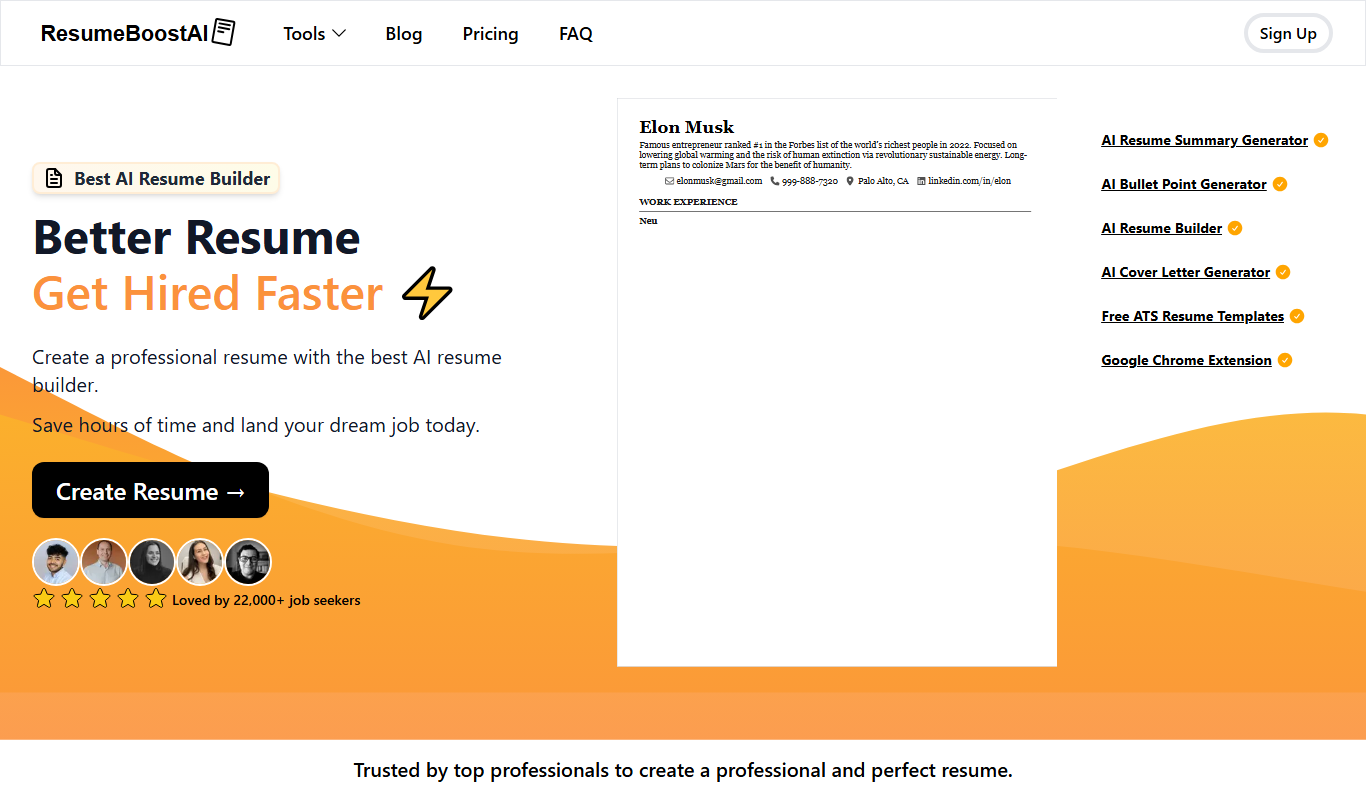
ResumeBoostAI
ResumeBoostAI is an AI-driven online tool that helps users create optimized resumes and cover letters tailored for job applications, featuring ATS compatibility and professional templates.

ResBee.me
ResBee.me is an AI-powered resume builder that helps users create, edit, and optimize professional resumes and cover letters with customizable templates and AI suggestions.
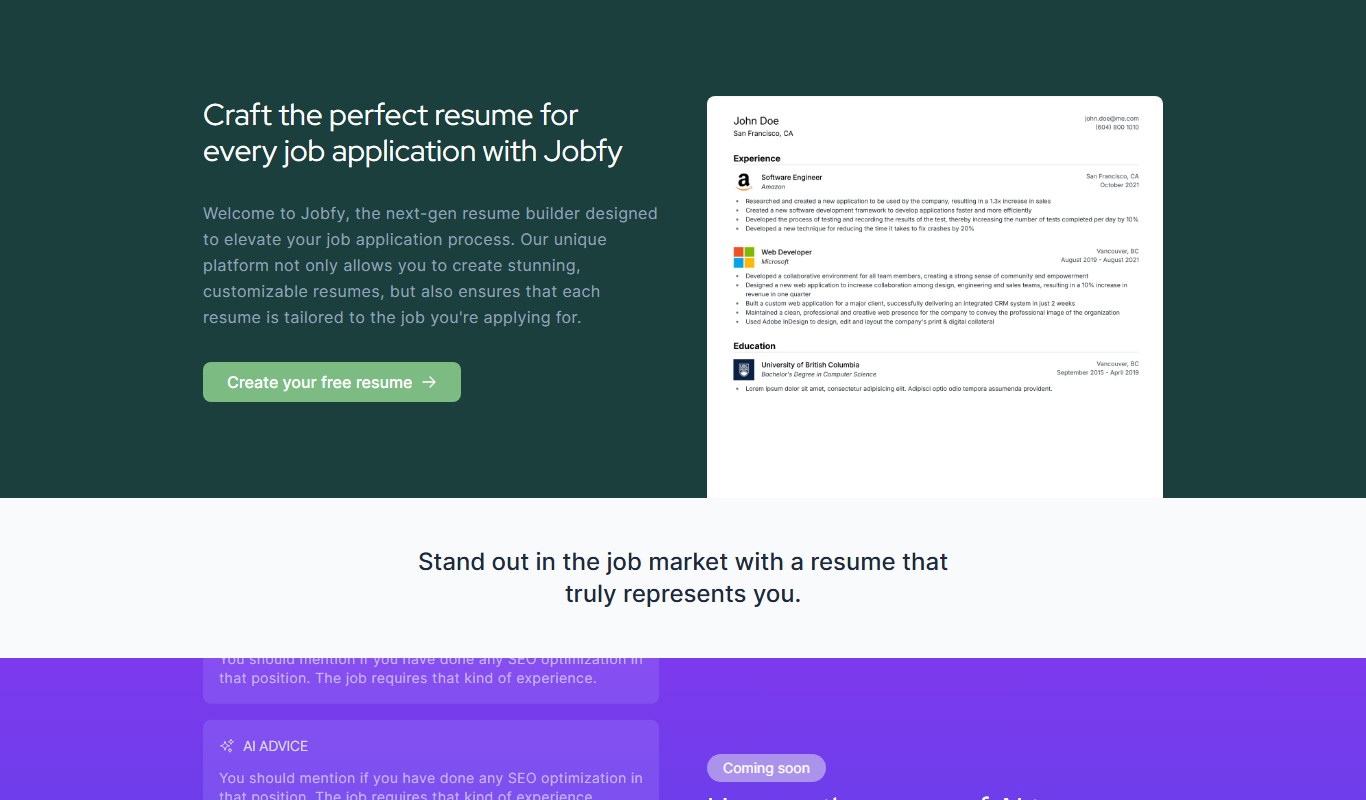
Jobfy – New gen resume builder
Jobfy is an online resume builder that helps users create professional, ATS-friendly resumes using modern templates and an intuitive editor.
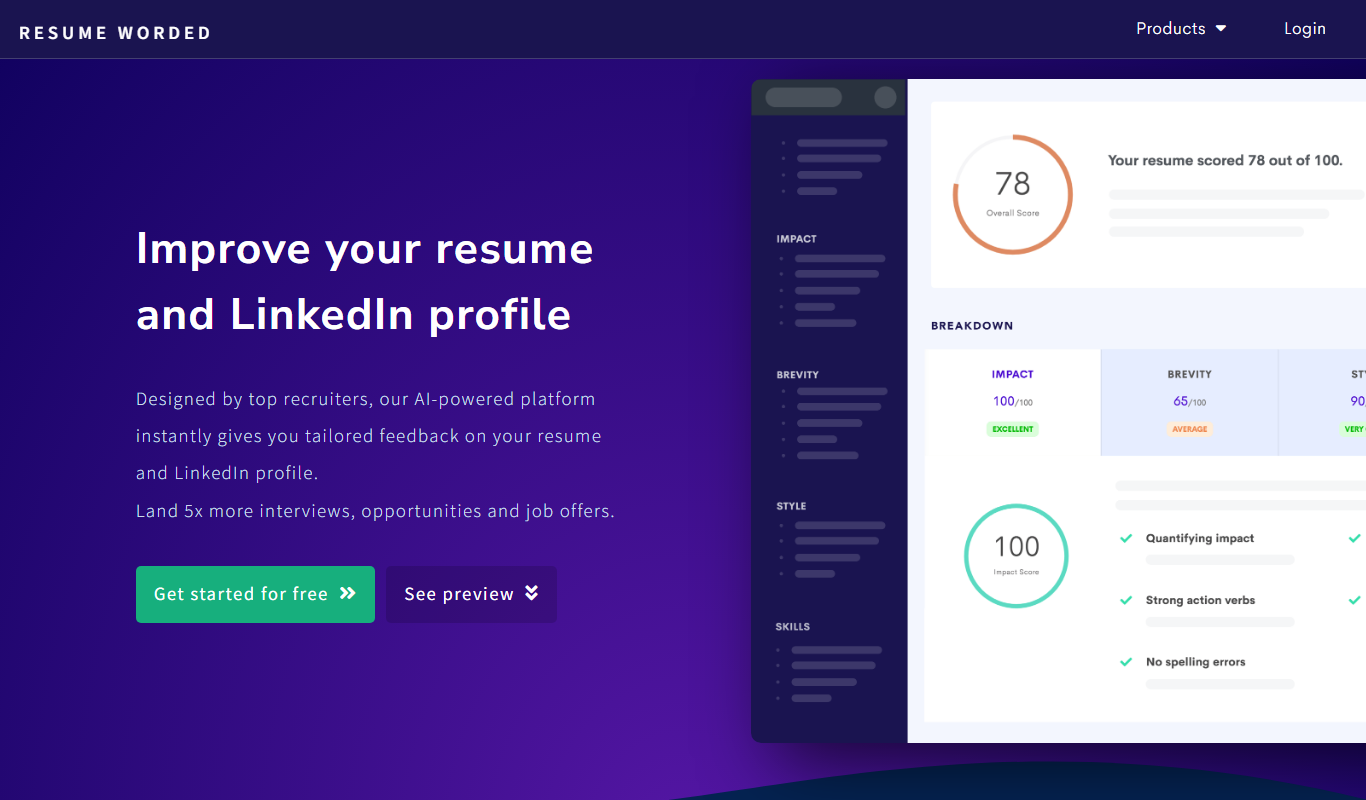
Resume Worded
Resume Worded is an AI-powered platform that analyzes and scores your resume and LinkedIn profile, providing actionable feedback to improve your job application materials and increase interview chances.

AI Resume Checker
AI Resume Checker is an online tool that uses artificial intelligence to analyze resumes for formatting, keyword optimization, and ATS compatibility to help job seekers improve their chances of getting hired.
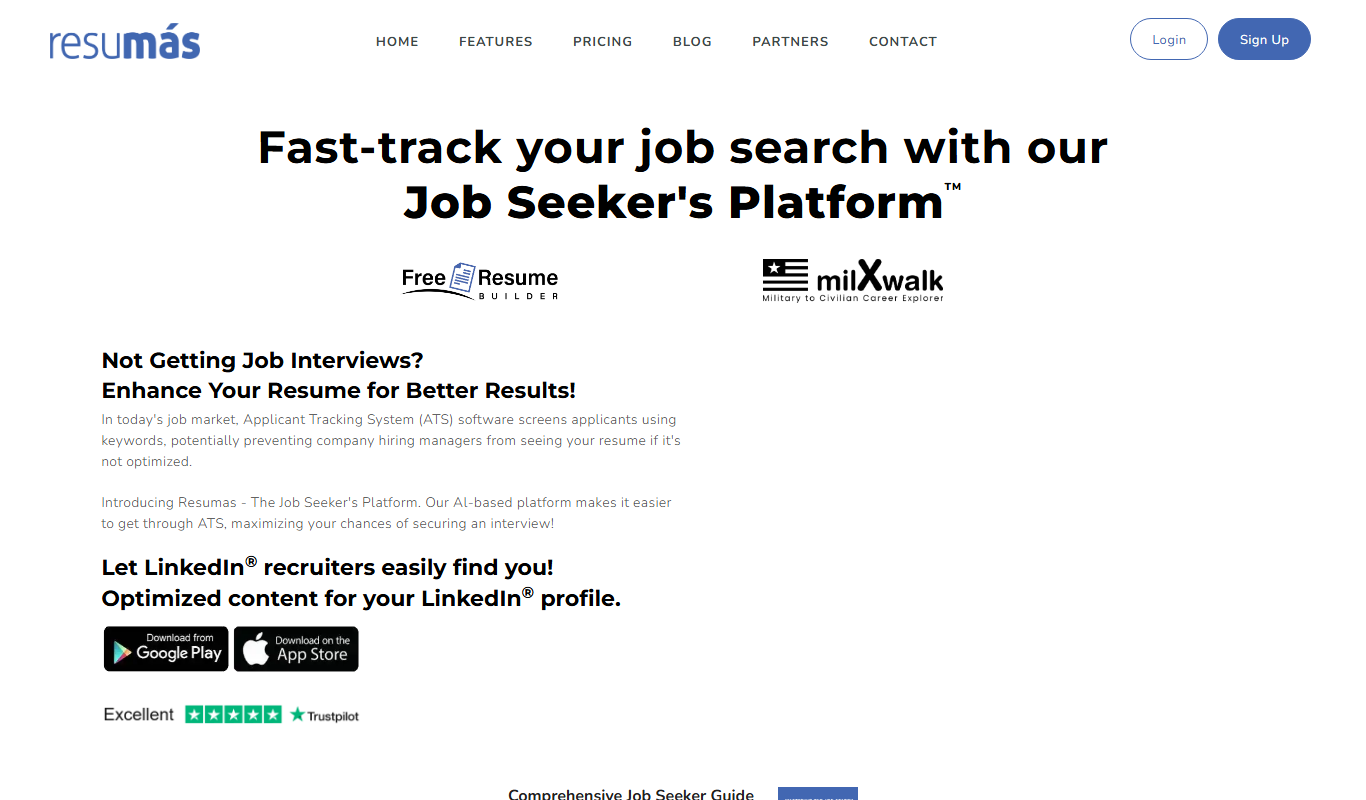
resumas.com
Resumas.com is an AI-powered online resume builder that helps users create professional, ATS-optimized resumes and cover letters quickly and easily.

ResumeOptimizerPro
ResumeOptimizerPro is an AI-driven web tool that helps job seekers build and optimize resumes for ATS compatibility and keyword relevance to improve job application success.
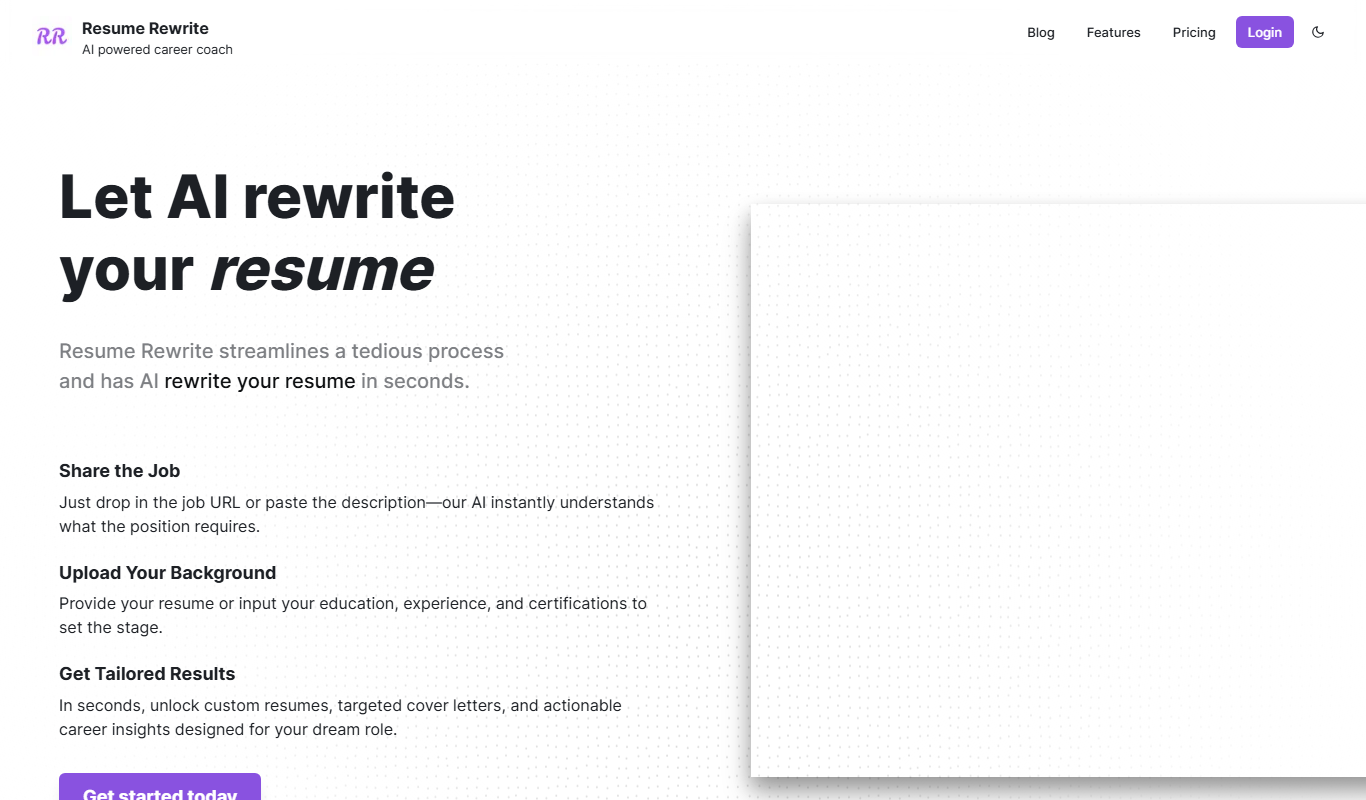
Resume Rewrite
Resume Rewrite is an AI-based platform that helps users rewrite and optimize resumes for clarity and ATS compatibility, improving job application success.