

From my experience with DishGrab, it stands out as a practical solution for restaurants wanting to establish their own online ordering system without relying on large third-party marketplaces. The platform’s straightforward setup and menu customization make it accessible for small to medium-sized food businesses. However, the lack of a dedicated mobile app and limited public pricing information may require restaurants to reach out directly for details. Overall, DishGrab is well-suited for restaurants aiming to increase direct orders and improve customer engagement through a branded digital presence.
DishGrab Online Food Ordering Platform for Restaurants and Customers
DishGrab is a platform that enables restaurants to set up their own online ordering system, allowing customers to browse menus, place orders, and pay online for pickup or delivery.
- Best for
- Restaurant Online Ordering
- Key capability
- Custom Online Menu
Your actions
Save DishGrab, follow its updates and vote on it — everything stays in your account.
Sign in or create a free account
What is DishGrab?
DishGrab is an online food ordering platform designed to connect restaurants with customers by enabling seamless digital ordering and payment. It empowers restaurants to set up their own branded online ordering system without relying on third-party marketplaces, helping them increase direct sales and improve customer engagement.
Key features of DishGrab
DishGrab offers features such as customizable online menus, real-time order tracking, integrated payment processing, and marketing tools to help restaurants grow their business and provide a smooth ordering experience for customers.
Custom Online Menu
Create and manage a digital menu with photos, descriptions, and pricing.
Integrated Payment Processing
Secure online payments with multiple payment options supported.
Order Tracking Dashboard
Real-time order management and status updates for restaurants.
Marketing Tools
Promote specials and discounts to attract and retain customers.
Pros and cons of DishGrab
Pros
- Enables restaurants to own their online ordering system
- User-friendly interface for both restaurants and customers
- Supports marketing and promotional features
Cons
- No dedicated mobile app for customers
- Pricing details are not publicly available
- Limited information on POS integrations
Key use cases for DishGrab
Restaurant Online Ordering
Restaurants can use DishGrab to create an online ordering system that allows customers to browse menus, place orders, and pay online.
Customer Food Ordering
Customers can easily order food for delivery or pickup directly from their favorite local restaurants using DishGrab’s platform.
Order Management
Restaurants can manage incoming orders efficiently through DishGrab’s dashboard, streamlining kitchen workflow and delivery coordination.
Marketing and Promotions
DishGrab provides tools for restaurants to promote special offers and discounts to attract more customers.
How DishGrab works
- 1
Restaurant Sign-Up
Restaurants create an account and set up their online menu on DishGrab’s platform.
- 2
Menu Customization
Restaurants customize their menu items, prices, and availability to reflect their offerings.
- 3
Customer Ordering
Customers visit the restaurant’s DishGrab page to browse the menu, place orders, and pay online.
- 4
Order Management
Restaurants receive and manage orders through the DishGrab dashboard for preparation and delivery or pickup.
Who is using DishGrab
Independent restaurants
Small to medium-sized food businesses
Cafes and bakeries
Food delivery services
Restaurant marketing teams
DishGrab pricing
Custom Pricing
Contact for pricing
Pricing tailored to restaurant size and needs.
Plans and prices are as published by the vendor and can change. Check the official site before you buy. Open the pricing page (opens in a new tab)
Frequently asked questions about DishGrab
DishGrab offers integration options depending on the restaurant’s POS system; contact support for details.
DishGrab primarily operates via mobile-optimized web pages rather than dedicated apps.
DishGrab supports both pickup and delivery orders; delivery logistics are managed by the restaurant or third-party services.
It depends on your specific needs and how you plan to use the tool. The official website and documentation are the best sources for the latest details.
It depends on your specific needs and how you plan to use the tool. The official website and documentation are the best sources for the latest details.
Yes, it can help with that use case depending on how you configure it and what features are available. You’ll get the best results with clear inputs and a defined goal.
Sign in to review this tool.
Sign In to ReviewNo reviews yet
Be the first to share how this tool worked for you.
Ask about pricing, limits, or how it compares — or answer someone else.
Sign In to AskNo questions yet
Have a question about using or paying for this tool? Be the first to ask.
Featured on TiorAI



More AI Recipe Assistant tools
Other tools in the same category, for when this one is not quite the fit.

Freemium
KITI AI
KITI AI is an AI-powered chatbot platform that helps businesses automate customer support and lead generation by engaging website visitors with conversational AI.
Subscription
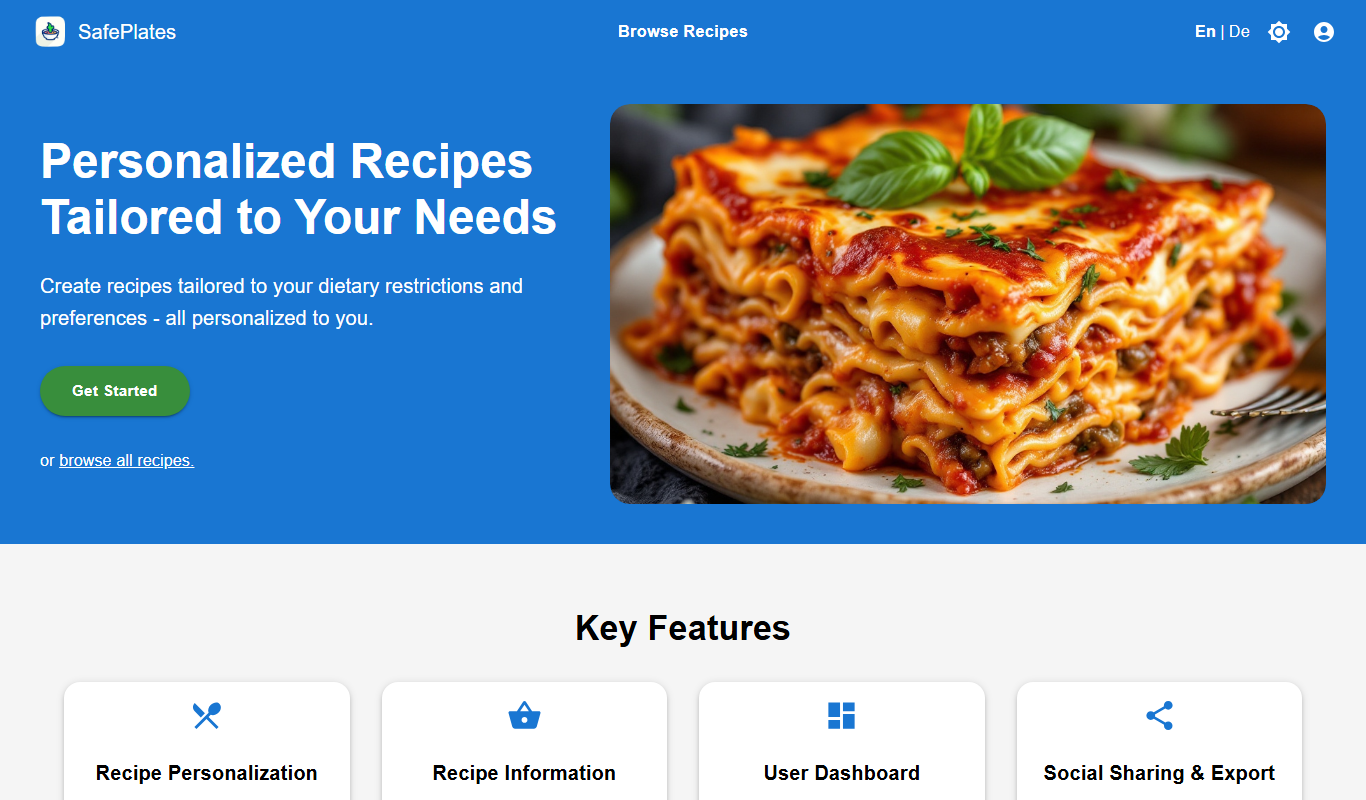
SafePlates
SafePlates is a German digital food safety management software that helps restaurants comply with HACCP standards through digital checklists, temperature monitoring, and audit-ready documentation.

Freemium
Sage Cooking
Sage Cooking is an AI-powered web tool that generates personalized recipes based on your dietary preferences, restrictions, and available ingredients to simplify meal planning and inspire cooking creativity.

Free Trial
PantryLab
PantryLab is a cloud-based inventory management software tailored for food businesses to track inventory, manage suppliers, control costs, and reduce waste efficiently.

One-time purchase
SmartPlate
SmartPlate is a smart food scale that measures food portions and provides detailed nutrition information through its mobile app, helping users manage diet and health goals.

Free
Infinite Meals
Infinite Meals is a free AI-based meal planner that generates personalized healthy meal plans tailored to your dietary preferences, allergies, and nutritional goals.

Free
Menu planner – OH, a potato!
OH, a potato! is a meal planning app that helps users organize weekly meals, manage recipes, and create grocery lists efficiently across web and mobile platforms.
Free
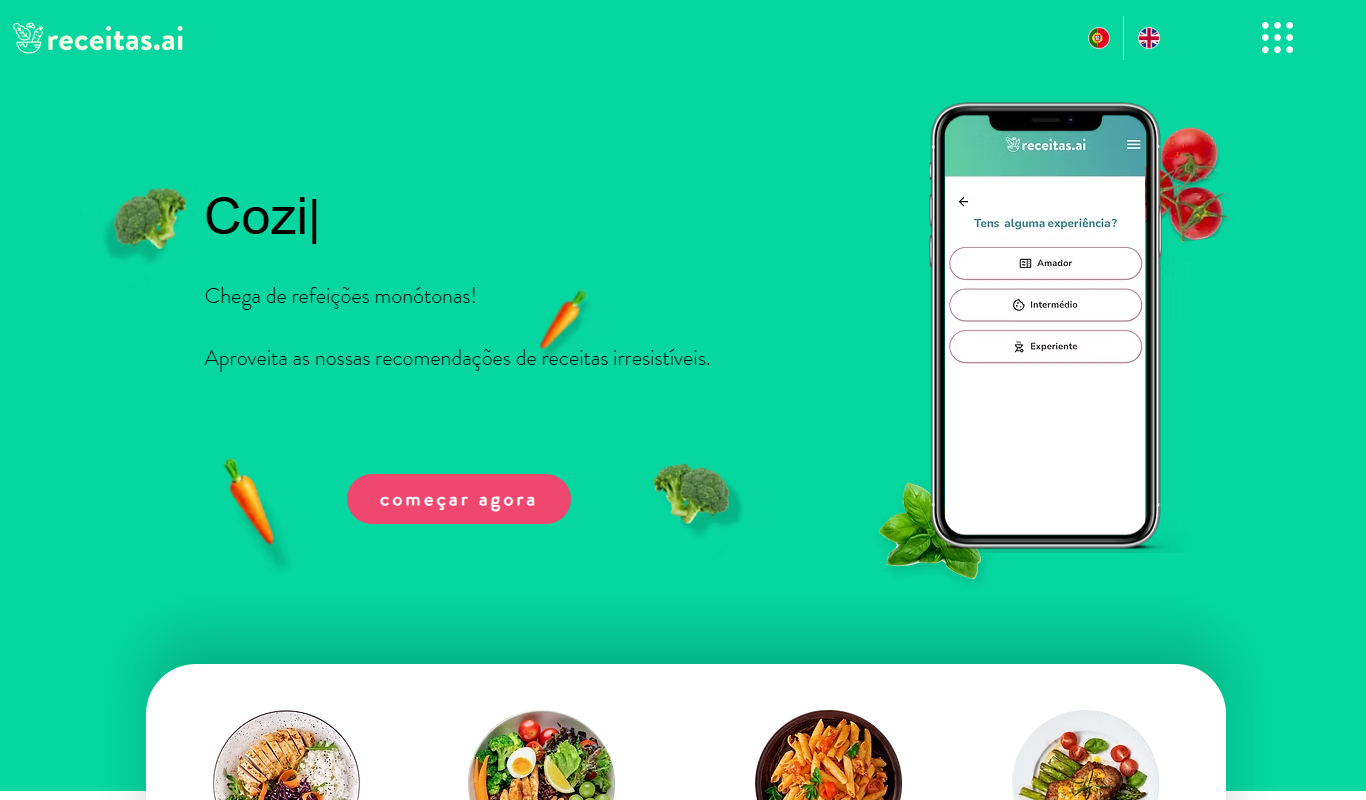
receitas.ai
receitas.ai is an AI-driven platform that generates personalized cooking recipes based on your ingredients, dietary needs, and cuisine preferences, primarily serving Portuguese-speaking users.