

ChefTec Foodservice Software for Inventory, Recipe, and Menu Management
ChefTec is a foodservice software solution that helps restaurants and caterers manage inventory, recipes, menus, purchasing, and food costing to improve profitability and operational efficiency.
- Best for
- Inventory Management
- Key capability
- Inventory Control
Save ChefTec, follow its updates and vote on it — everything stays in your account.
Sign in or create a free account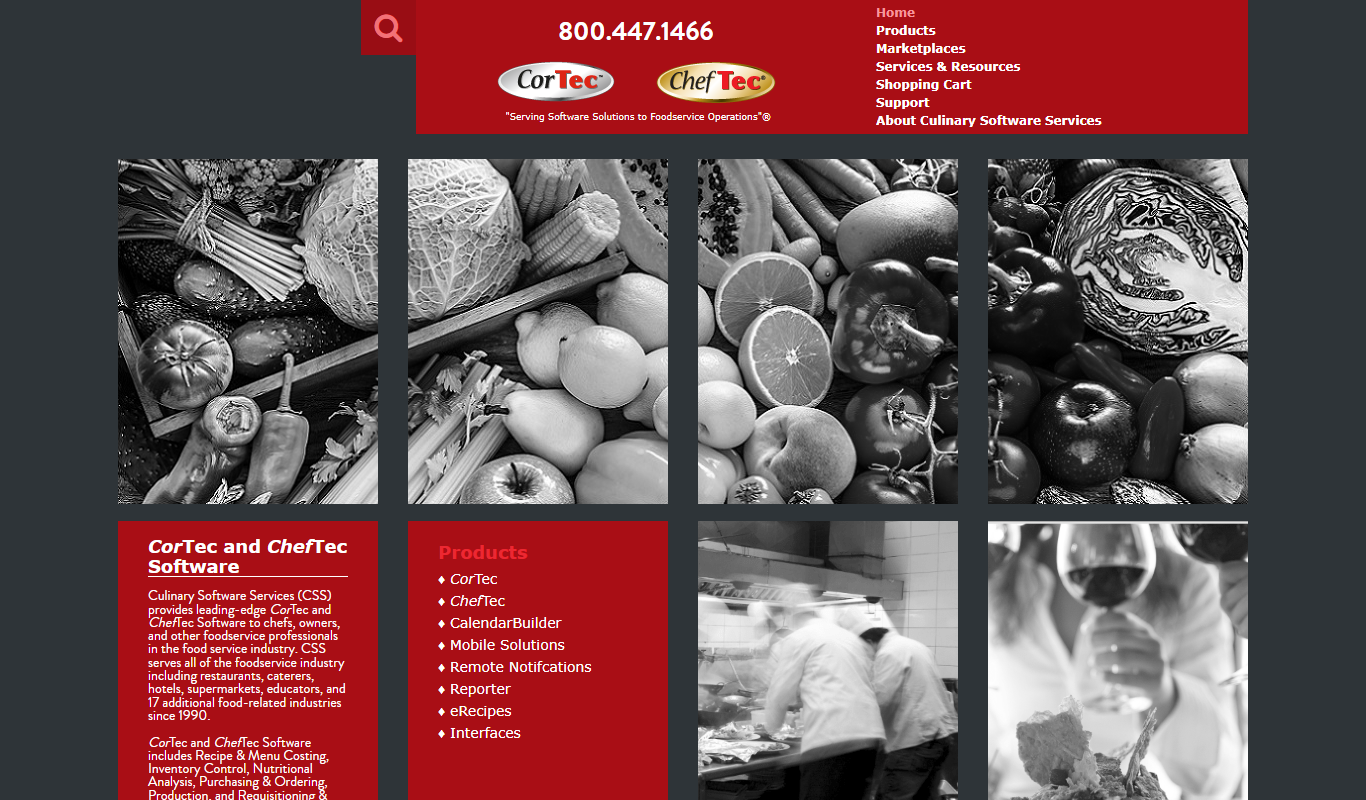
What is ChefTec?
ChefTec is a comprehensive foodservice management software designed to help restaurants, caterers, and other foodservice operations efficiently manage inventory, recipes, menus, purchasing, and food costing. It provides tools to control food costs, streamline procurement, and analyze menu performance, enabling operators to improve profitability and operational efficiency.
Key features of ChefTec
ChefTec offers robust features including inventory tracking, recipe and menu costing, purchase order management, nutritional analysis, and detailed reporting. Its user-friendly interface supports data-driven decision-making for foodservice professionals.
Inventory Control
Monitor stock levels, usage, and waste to reduce costs and improve purchasing accuracy.
Recipe Costing and Management
Calculate food costs for recipes and menus to ensure profitability and pricing accuracy.
Purchase Order Automation
Generate and manage purchase orders efficiently based on inventory requirements.
Nutritional Analysis
Provide detailed nutritional information for menu items to meet regulatory requirements.
Comprehensive Reporting
Access customizable reports on inventory, costs, and menu performance for informed decision-making.
Pros and cons of ChefTec
Pros
- Comprehensive foodservice management features
- Detailed recipe and menu costing capabilities
- Robust inventory tracking and control
- Includes nutritional analysis tools
- Customizable reporting for operational insights
Cons
- Primarily Windows-based, limited Mac support
- Pricing details not fully transparent without contact
- User interface may feel dated compared to modern SaaS tools
Key use cases for ChefTec
Inventory Management
Track and manage food inventory levels, monitor usage, and reduce waste to optimize purchasing and storage.
Recipe and Menu Costing
Calculate precise food costs for recipes and menus to maintain profitability and control expenses.
Procurement and Ordering
Streamline purchasing by generating purchase orders based on inventory needs and supplier pricing.
Menu Engineering and Analysis
Analyze menu item profitability and popularity to make data-driven decisions for menu optimization.
Nutritional Analysis
Generate nutritional information for recipes and menus to comply with regulations and inform customers.
How ChefTec works
- 1
Setup Inventory and Suppliers
Input your inventory items and supplier details into the system to establish your purchasing and stock framework.
- 2
Enter Recipes and Menus
Create recipes with ingredient details and costs, then build menus to analyze profitability and nutritional content.
- 3
Track Inventory Usage
Record inventory usage and waste to maintain accurate stock levels and reduce food loss.
- 4
Generate Purchase Orders
Automatically create purchase orders based on inventory needs and supplier pricing to streamline procurement.
- 5
Analyze Reports
Review detailed reports on food costs, inventory status, and menu performance to optimize operations.
Who is using ChefTec
ChefTec pricing
Standard License
One-time purchase starting at $995
Full-featured software license with optional annual support and updates.
Subscription Plan
Contact for pricing
Subscription-based access with ongoing updates and support.
Plans and prices are as published by the vendor and can change. Check the official site before you buy. Open the pricing page (opens in a new tab)
Frequently asked questions about ChefTec
ChefTec primarily runs on Windows desktop; Mac users may need to use virtualization or Windows emulation.
Yes, ChefTec includes tools to calculate and display nutritional information for recipes and menus.
ChefTec supports exporting data that can be integrated with popular accounting systems, but direct integration depends on the accounting software.
Yes, ChefTec offers training resources and customer support to help users get started.
It depends on your specific needs and how you plan to use the tool. The official website and documentation are the best sources for the latest details.
It depends on your specific needs and how you plan to use the tool. The official website and documentation are the best sources for the latest details.
It depends on your specific needs and how you plan to use the tool. The official website and documentation are the best sources for the latest details.
Yes, it can help with that use case depending on how you configure it and what features are available. You’ll get the best results with clear inputs and a defined goal.
Conclusion
Setup in ChefTec starts by entering inventory items and supplier details, which establish the purchasing and stock framework. Recipes are then created with ingredient details and costs, and menus built from them can be analyzed for profitability and nutritional content. Tracking inventory usage and waste keeps stock levels accurate, and purchase orders are created automatically from inventory needs and supplier pricing. Inventory control of this kind is meant to reduce costs and improve purchasing accuracy. Nutritional information for menu items helps meet regulatory requirements and inform customers. Customizable reports on food costs, inventory status and menu performance close the loop, and menu item profitability and popularity can be analyzed for menu engineering.
The software targets restaurants and foodservice operators, catering companies and institutional foodservice providers, and menu planners and nutritionists also use it. It primarily runs on Windows desktop, so Mac users may need virtualization or Windows emulation. Accounting systems are reached by exporting data, and direct integration depends on the accounting software. Training resources and customer support help new users get started. Pricing details are not fully transparent without contacting the company.
Sources
Sign in to review this tool.
Sign In to ReviewNo reviews yet
Be the first to share how this tool worked for you.
Ask about pricing, limits, or how it compares — or answer someone else.
Sign In to AskNo questions yet
Have a question about using or paying for this tool? Be the first to ask.
Featured on TiorAI



Alternative Tools
Explore similar AI tools that might fit your needs

MarketMan
MarketMan is a cloud-based inventory and supply chain management platform designed for restaurants and foodservice businesses to track inventory, manage suppliers, control food costs, and reduce waste.

BlueCart
BlueCart is a cloud-based procurement and ordering platform designed to streamline wholesale ordering and inventory management for restaurants and suppliers, improving communication and operational efficiency.
More AI Workflow tools
Other tools in the same category, for when this one is not quite the fit.

Perma.cc
Perma.cc is a web archiving tool that creates permanent, unalterable links to web pages, preserving content to prevent link rot and support reliable citations.

3DPrinterOS
3DPrinterOS is a cloud platform that enables remote management, workflow automation, and collaboration for 3D printing operations, supporting multiple printers and integration with CAD tools.
Safefood 360
Safefood 360 is a cloud-based software platform designed to help food businesses manage food safety compliance, quality assurance, audits, and risk assessments efficiently.
ClassIn
ClassIn is a virtual classroom platform where exams run as a feature through In-Class Test and Test Bank.
Fluxx Grant Management
Fluxx Grant Management is a cloud-based platform that helps foundations and nonprofits manage the entire grant lifecycle, including application processing, collaboration, compliance tracking, and reporting.
Jell
Jell is a team collaboration and project management tool that helps teams run daily standups, track OKRs, and improve alignment, especially for remote and agile teams.
Secureframe
Secureframe is a compliance automation platform that helps businesses achieve and maintain cybersecurity certifications like SOC 2 and ISO 27001 by automating evidence collection, risk assessments, and audit preparation.

Vanta
Vanta is a compliance automation platform that helps businesses automate security monitoring, evidence collection, and audit preparation for standards like SOC 2, ISO 27001, HIPAA, and GDPR.