

Scrumbuiss Agile Project Management Software for Scrum Teams
Scrumbuiss is an AI-powered project management platform for agile teams, with Kanban, sprints, timelines, built-in file storage and an AI assistant.
- Best for
- Sprint Planning
- Key capability
- Kanban Boards
Save Scrumbuiss, follow its updates and vote on it — everything stays in your account.
Sign in or create a free account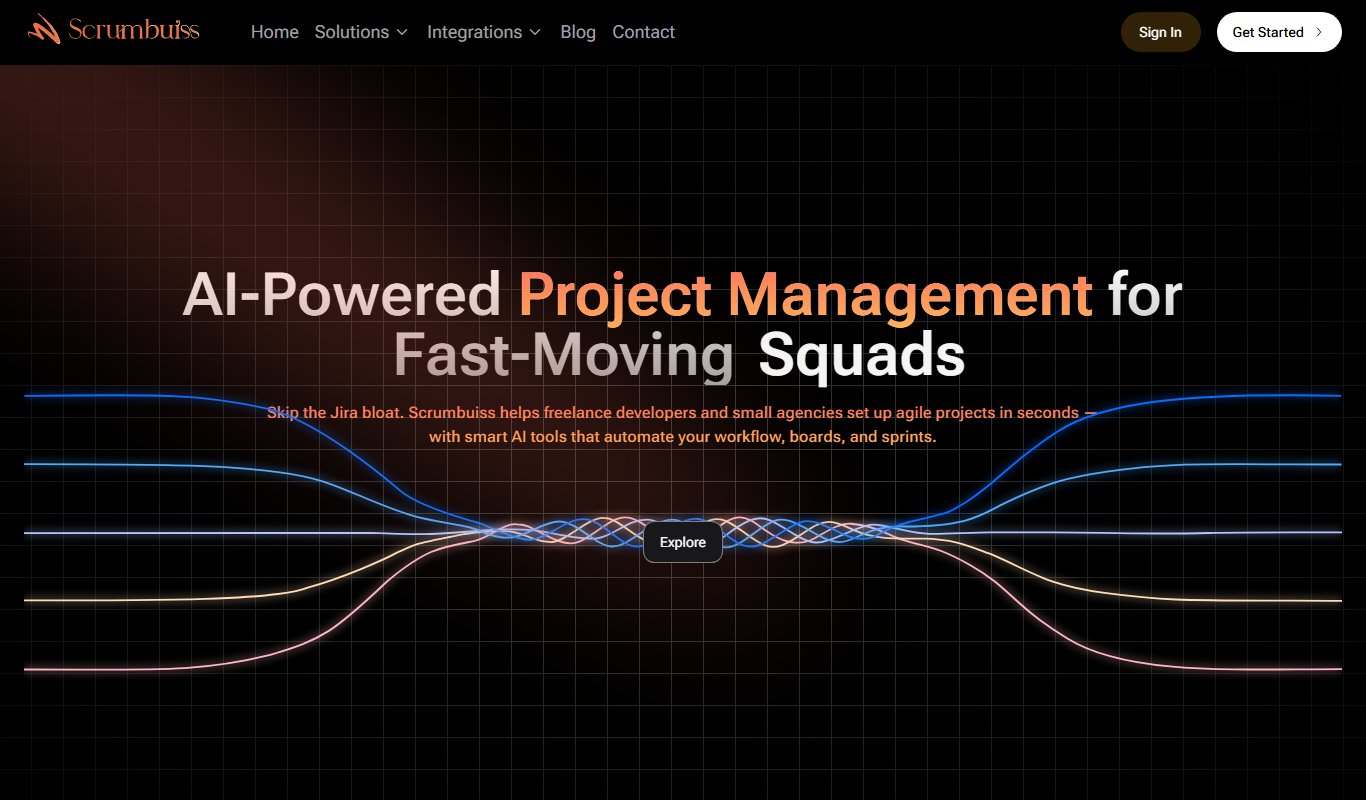
What is Scrumbuiss?
Scrumbuiss is an AI-powered project management platform that helps teams plan, track, and deliver work across projects, tasks, files, and automations. It supports Kanban, sprints and timelines, adds built-in file storage and an AI assistant for summaries and suggestions.
Key features of Scrumbuiss
Scrumbuiss offers sprint planning, backlog management, task tracking with Kanban boards, burndown charts for progress visualization, and team collaboration tools to support agile workflows.
Kanban Boards
Visualize and manage tasks through customizable Kanban boards tailored for Scrum workflows.
Burndown Charts
Track sprint progress and team velocity with real-time burndown charts.
Backlog Management
Prioritize and organize product backlog items to align with sprint goals.
Sprint Planning Tools
Plan and schedule sprints effectively with drag-and-drop task assignment.
Team Collaboration
Facilitate communication and updates within the Scrum team.
Pros and cons of Scrumbuiss
Pros
- User-friendly interface tailored for Scrum teams
- Visual tools like Kanban boards and burndown charts
- Affordable pricing with a free tier
- Supports core Scrum ceremonies and workflows
Cons
- Limited integrations with other software
- No mobile app available
- Country of origin and company details not clearly disclosed
Key use cases for Scrumbuiss
Sprint Planning
Organize and plan sprints efficiently with backlog management and task prioritization.
Task Tracking
Track progress of tasks and user stories through customizable Kanban boards.
Team Collaboration
Facilitate communication and collaboration among Scrum team members.
Burndown Chart Analysis
Visualize sprint progress and velocity with built-in burndown charts.
Product Backlog Management
Manage and prioritize product backlog items to align with project goals.
How Scrumbuiss works
- 1
Create an Account
Sign up on the Scrumbuiss website to start managing your Scrum projects.
- 2
Set Up Your Project
Create a new project and define your product backlog and sprint goals.
- 3
Plan Your Sprint
Organize tasks and user stories into sprints using the backlog and Kanban board.
- 4
Track Progress
Monitor task completion and sprint progress with visual boards and burndown charts.
- 5
Collaborate with Team
Use built-in communication features to keep your Scrum team aligned.
Who is using Scrumbuiss
Scrumbuiss pricing
Team
$9 per user / month
For growing teams delivering sprint and board work: unlimited projects and boards, up to 30 full members, guests/viewers are free, 10GB file storage, up to 3,000 AI actions/day, up to 25 active automations per workspace; 14-day trial, no card required.
Business
$17 per user / month
For agencies and advanced teams that need control and scale: unlimited members, advanced admin controls, unlimited projects and boards, 100GB file storage, up to 15,000 AI actions/day, up to 250 active automations per workspace; 14-day trial, no card required.
Plans and prices are as published by the vendor and can change. Check the official site before you buy. Open the pricing page (opens in a new tab)
Frequently asked questions about Scrumbuiss
While optimized for Scrum, Scrumbuiss can be adapted for other agile methodologies using its flexible Kanban boards.
Currently, Scrumbuiss focuses on core Scrum features and does not offer extensive third-party integrations.
Guests and viewers are free, but full members need paid seats; both plans start with a 14-day trial and no card required.
It depends on your specific needs and how you plan to use the tool. The official website and documentation are the best sources for the latest details.
Some tools offer a free plan or trial with limited features. Availability can vary, so confirm on the official website.
Integration support depends on the tool and its available connectors or API. Check the official documentation or integrations page to confirm what is supported.
Conclusion
Scrum boards are only one part of what is now an AI-powered project management platform for planning, tracking and delivering work across projects, tasks, files and automations. Delivery work runs on Kanban boards, sprints and backlog planning, and timelines with dependencies and capacity planning. Separate products cover CRM, IT service management, portfolio roadmaps and time tracking, alongside built-in file storage. An AI assistant called Scrumbi answers project questions, summarizes workflow context and prepares follow-up actions for human review.
Freelance developers, small agencies and software development teams are the audience it names first. Pricing is per full-member seat, guests and viewers are free, and both paid plans start with a 14-day trial with no card required. The Team plan caps full members, file storage and daily AI actions, and Business raises those limits for agencies that need control and scale.
Sources
Sign in to review this tool.
Sign In to ReviewNo reviews yet
Be the first to share how this tool worked for you.
Ask about pricing, limits, or how it compares — or answer someone else.
Sign In to AskNo questions yet
Have a question about using or paying for this tool? Be the first to ask.
Featured on TiorAI



Alternative Tools
Explore similar AI tools that might fit your needs

Trello
Trello is a visual project management tool that helps teams organize tasks and workflows using boards, lists, and cards, with automation and integrations to enhance productivity.