

Jell Team Collaboration Software for Agile Project Management and OKRs
Jell is a team collaboration and project management tool that helps teams run daily standups, track OKRs, and improve alignment, especially for remote and agile teams.
- Best for
- Team Collaboration
- Key capability
- Daily Standups
Save Jell, follow its updates and vote on it — everything stays in your account.
Sign in or create a free account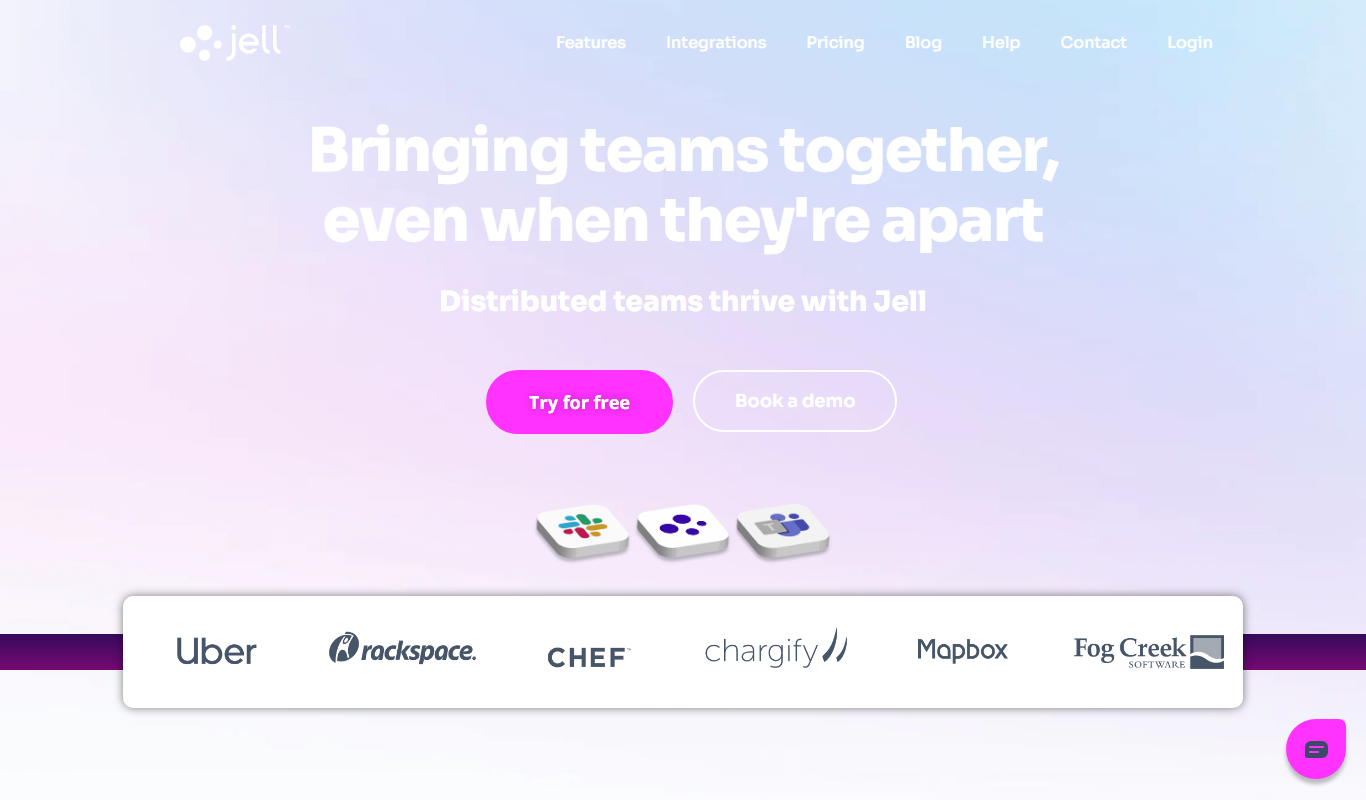
What is Jell?
Jell is a team collaboration and project management platform designed to streamline daily standups, track OKRs (Objectives and Key Results), and improve team alignment. It enables teams to communicate progress, manage tasks, and maintain transparency, especially in remote or hybrid work environments.
Key features of Jell
Jell offers features such as daily standup automation, OKR tracking, task and project management, progress reporting, and integrations with popular tools to enhance team productivity and goal management.
Daily Standups
Automate and streamline daily status updates to keep teams aligned.
OKR Management
Set, track, and update Objectives and Key Results with real-time visibility.
Task and Project Tracking
Organize work with task lists, deadlines, and progress indicators.
Integrations
Connect with tools like Slack, Jira, and others to centralize workflows.
Reporting and Analytics
Generate insights on team performance and goal achievement.
Pros and cons of Jell
Pros
- Easy to use daily standup automation
- Effective OKR tracking and management
- Supports remote and asynchronous work
- Integrates with popular productivity tools
- Clear reporting and progress visualization
Cons
- Primarily focused on OKRs and standups, less on full project management
Key use cases for Jell
Team Collaboration
Facilitates daily standups, status updates, and team communication to keep everyone aligned.
OKR Tracking
Helps teams set, track, and manage Objectives and Key Results to drive goal-oriented performance.
Project Management
Organizes tasks, projects, and workflows to improve productivity and transparency.
Remote Work Coordination
Supports distributed teams with asynchronous updates and progress tracking.
Performance Reporting
Generates reports and insights on team progress and goal achievement.
How Jell works
- 1
Sign Up and Create Team
Register on Jell and set up your team workspace.
- 2
Set Objectives and Key Results
Define your team’s goals and measurable key results to track progress.
- 3
Run Daily Standups
Team members submit daily updates asynchronously or in meetings.
- 4
Track Progress and Generate Reports
Monitor OKRs and project status with visual dashboards and reports.
Who is using Jell
Jell pricing
Essentials
$5/user/month ($4/user/month billed annually)
Automated daily standup reminders, check-in templates, custom check-ins and Microsoft Teams and Slack integrations.
Advanced
$10/user/month ($8/user/month billed annually)
Standup reminders, check-ins, Teams and Slack integrations, plus goal and OKR management and private teams. Aimed at high-growth companies.
Enterprise
Custom pricing
Adds personalized onboarding and training, a dedicated customer success manager and custom integration support. Aimed at large organizations.
Plans and prices are as published by the vendor and can change. Check the official site before you buy. Open the pricing page (opens in a new tab)
Frequently asked questions about Jell
Yes, Jell is designed to support remote and distributed teams with asynchronous updates.
Yes, Jell integrates with popular tools such as Slack, Jira, and others to streamline workflows.
No. There is no free plan; a free trial is available.
Jell allows teams to set objectives, define key results, and track progress with real-time updates and reports.
This tool is designed to help users accomplish its core tasks more efficiently. It is typically used by individuals or teams looking to improve productivity and workflow.
Yes, it can help with that use case depending on how you configure it and what features are available. You’ll get the best results with clear inputs and a defined goal.
Some tools offer a free plan or trial with limited features. Availability can vary, so confirm on the official website.
Integration support depends on the tool and its available connectors or API. Check the official documentation or integrations page to confirm what is supported.
Conclusion
Teams register, set up a workspace and define goals with measurable key results, and members then submit daily updates asynchronously or in meetings. Visual dashboards and reports track OKRs and project status, and connections with tools like Slack and Jira centralize workflows.
It is designed for agile teams, remote and distributed teams, and project managers, with asynchronous updates and progress tracking that support distributed work. The page notes that it is primarily focused on OKRs and standups, with less on full project management.
There is no free plan, only a free trial. Essentials costs $5 per user per month, or $4 billed annually, Advanced costs $10, or $8 annually, and Enterprise pricing is custom.
Sources
Sign in to review this tool.
Sign In to ReviewNo reviews yet
Be the first to share how this tool worked for you.
Ask about pricing, limits, or how it compares — or answer someone else.
Sign In to AskNo questions yet
Have a question about using or paying for this tool? Be the first to ask.
Featured on TiorAI



Alternative Tools
Explore similar AI tools that might fit your needs

Trello
Trello is a visual project management tool that helps teams organize tasks and workflows using boards, lists, and cards, with automation and integrations to enhance productivity.
More AI Workflow tools
Other tools in the same category, for when this one is not quite the fit.
ClassIn
ClassIn is a virtual classroom platform where exams run as a feature through In-Class Test and Test Bank.
Fluxx Grant Management
Fluxx Grant Management is a cloud-based platform that helps foundations and nonprofits manage the entire grant lifecycle, including application processing, collaboration, compliance tracking, and reporting.
Secureframe
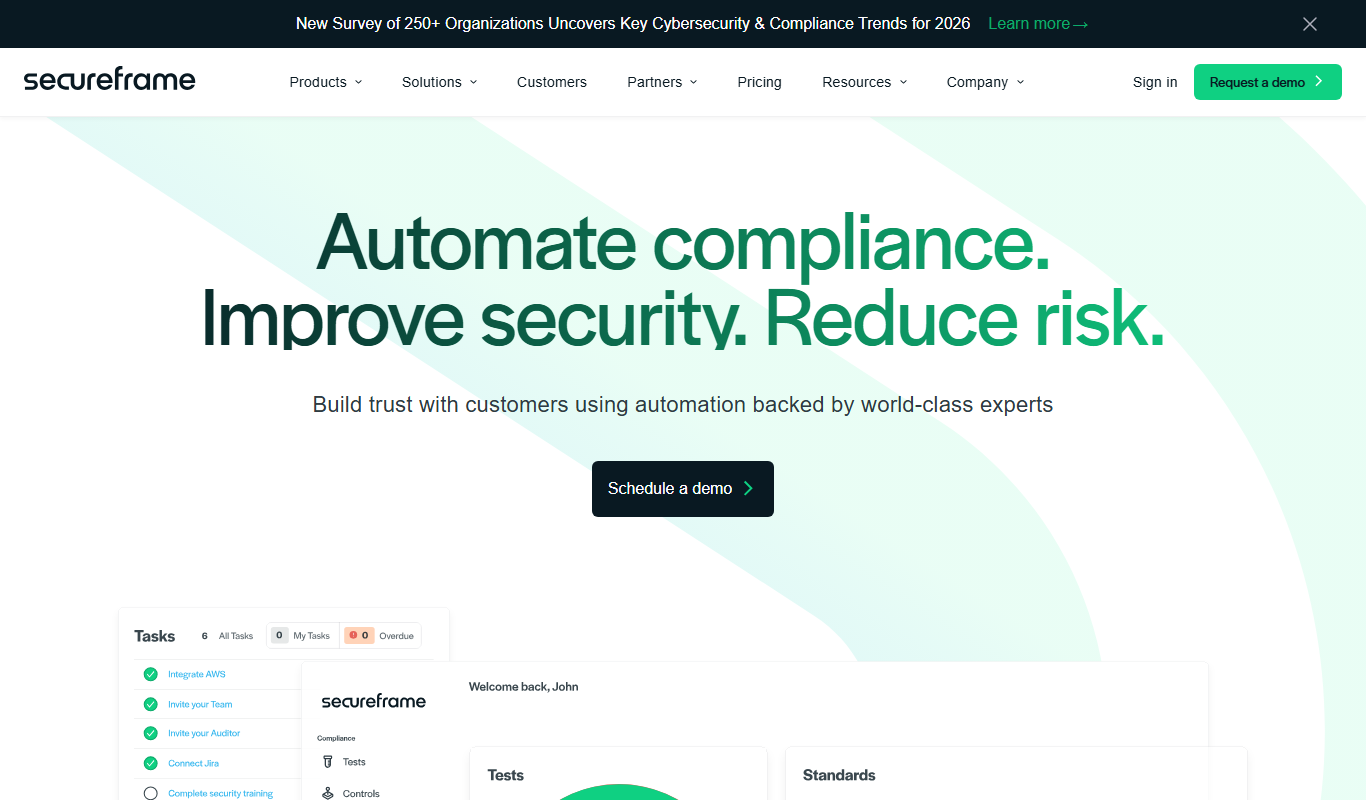
Secureframe is a compliance automation platform that helps businesses achieve and maintain cybersecurity certifications like SOC 2 and ISO 27001 by automating evidence collection, risk assessments, and audit preparation.

Vanta
Vanta is a compliance automation platform that helps businesses automate security monitoring, evidence collection, and audit preparation for standards like SOC 2, ISO 27001, HIPAA, and GDPR.

TenantCloud
TenantCloud is a cloud-based property management software that helps landlords and property managers handle rental listings, tenant screening, rent payments, maintenance requests, and financial reporting efficiently.

Duplicate Cleaner Pro
Duplicate Cleaner Pro is a Windows software tool that scans for and removes duplicate files, helping users free up disk space and organize their files efficiently.
ProofHub
ProofHub is a comprehensive project management and team collaboration software that helps teams plan, track, and deliver projects efficiently with features like task management, Gantt charts, online proofing, and time tracking.

Demostack
Demostack is an enterprise agentic product simulation platform for product demos.