
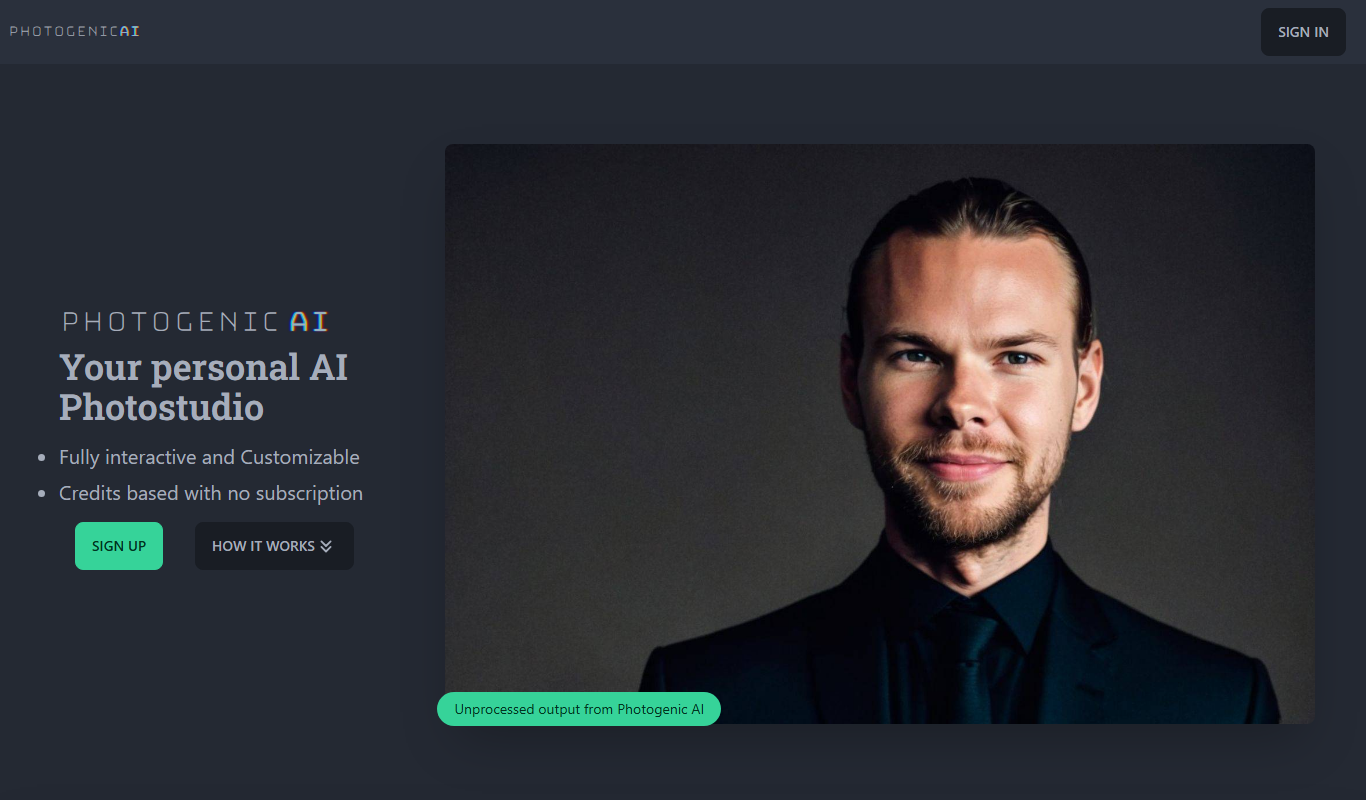
From my experience with PhotogenicAI, it stands out for its ability to quickly generate professional-quality portraits without the need for a traditional photoshoot. The platform is intuitive, allowing users to upload a few photos and receive multiple polished headshots with customizable styles. This makes it especially useful for job seekers, entrepreneurs, and content creators who need consistent, high-quality profile images. However, the free tier limits usage with watermarked images, and the lack of mobile apps may restrict on-the-go access. Overall, PhotogenicAI is a practical solution for anyone looking to enhance their online presence with AI-generated portraits.
PhotogenicAI AI Portrait Generator for Professional Profile Photos
PhotogenicAI is an AI-powered tool that generates professional and artistic portraits from user photos, ideal for profile pictures and creative use.
What is PhotogenicAI?
PhotogenicAI is an AI-powered portrait generator that creates professional and artistic headshots from user-uploaded photos. It leverages advanced machine learning models to produce high-quality images suitable for professional profiles, social media, and creative projects without the need for a traditional photoshoot.
Key Features of PhotogenicAI
AI Portrait Generation
Create multiple professional headshots from a few uploaded photos.
Style Customization
Choose different backgrounds, lighting, and artistic styles.
High-Resolution Downloads
Download images suitable for print and digital use.
Fast Processing
Receive AI-generated portraits within minutes.
Pros and Cons of PhotogenicAI
Pros
- Produces professional-quality portraits without a photoshoot
- Easy to use with fast AI processing
- Offers style and background customization
- High-resolution downloads suitable for various uses
Cons
- Limited free tier with watermarked images
- Only supports English language interface
- Web-only platform, no mobile apps
Key Use Cases for PhotogenicAI
Professional Profile Photos
Generate high-quality, professional-looking headshots suitable for LinkedIn, resumes, and corporate profiles.
Social Media Avatars
Create polished and consistent avatars for social media platforms to enhance personal branding.
Creative Portraits
Produce artistic and stylized portraits for personal or commercial use with AI customization.
Photo Enhancement
Improve existing photos by generating new AI-based images with better lighting, background, and style.
How PhotogenicAI Works
-
1
Upload Photos
Users upload 1-5 photos of themselves to the platform.
-
2
Select Styles
Choose from various portrait styles and backgrounds to customize the output.
-
3
AI Processing
The AI analyzes the photos and generates multiple high-quality portraits.
-
4
Download Images
Select preferred portraits and download them in high resolution.
Who's Using PhotogenicAI
Job seekers needing professional headshots
Social media influencers and content creators
Small business owners and entrepreneurs
Creative professionals seeking stylized portraits
PhotogenicAI Pricing
Free
$0
Limited number of AI-generated portraits with watermark.
Pro
$19/month
Unlimited portrait generations, no watermark, and access to premium styles.
Frequently Asked Questions About PhotogenicAI
You can upload between 1 to 5 photos to generate diverse portraits.
Yes, the generated portraits can be used for personal and commercial projects.
PhotogenicAI follows strict privacy policies to protect your data and photos.
It depends on your specific needs and how you plan to use the tool. The official website and documentation are the best sources for the latest details.
Yes, it can help with that use case depending on how you configure it and what features are available. You’ll get the best results with clear inputs and a defined goal.
Pricing depends on the plan and included features. For the most accurate and up-to-date details, check the official pricing page.
Share your review
Reviews are limited to one per logged-in user and are published after moderation.
You need an account to review this tool.
0.0
★
★
★
★
★
0 reviews
5 star
0
4 star
0
3 star
0
2 star
0
1 star
0
No reviews yet
Be the first to share how this tool worked for you.
Questions from the community
Read questions and answers about this tool, or ask your own.
No questions yet
Start the conversation by asking the first question about this tool.
Is this tool helpful?
Freemium
insMind AI Image Expander
insMind AI Image Expander is a web-based AI tool that enlarges and enhances images by increasing resolution up to 8x while preserving details and reducing noise.
Free
123Colorize
123Colorize is an AI-powered web tool that automatically adds color to black and white photos, enabling quick and realistic photo restoration online.

Free
Pictura – AI Photo Enhancer
Pictura is a web-based AI photo enhancer that automatically improves image quality by upscaling resolution, reducing noise, and sharpening details without manual editing.

Free
Fotor
Fotor is an online photo editing and graphic design tool offering AI-powered enhancements, templates, and batch processing across web and mobile platforms.

Paid
proshot.app
ProShot.app is a paid mobile camera app available on iOS and Android that provides full manual controls for photography and video, including RAW capture and timelapse modes.

Freemium
Deepshot
Deepshot is an AI image generation tool that converts text prompts into realistic or artistic images using advanced machine learning.

Free
Toyify Me
Toyify Me is a free web-based AI tool that converts your photos into colorful cartoon avatars quickly and easily.

Freemium
Stable Diffusion Web
Stable Diffusion Web is a web-based AI tool that generates images from text prompts using the Stable Diffusion model, enabling users to create custom visuals easily online.