

From my experience exploring Read With Hello on Ello, I found it to be a straightforward and effective tool for supporting early reading skills. The synchronized audio narration paired with text helps young learners connect sounds to words, which is crucial for literacy development. Its free access and simple interface make it especially useful for parents and educators seeking an easy way to encourage reading practice at home or in classrooms. However, the platform’s content is somewhat limited and only available in English, which may restrict its use for diverse learners. Overall, if you want a no-cost, user-friendly resource to help children build foundational reading skills, Read With Hello is a solid choice.
Read With Hello by Ello - Interactive Reading and Learning Platform
Read With Hello is a free interactive reading platform by Ello that helps children practice reading with synchronized audio narration and engaging storybooks.
- Best for
- Children's Reading Practice
- Key capability
- Synchronized Audio Narration
Your actions
Save helloello.com, follow its updates and vote on it — everything stays in your account.
Sign in or create a free account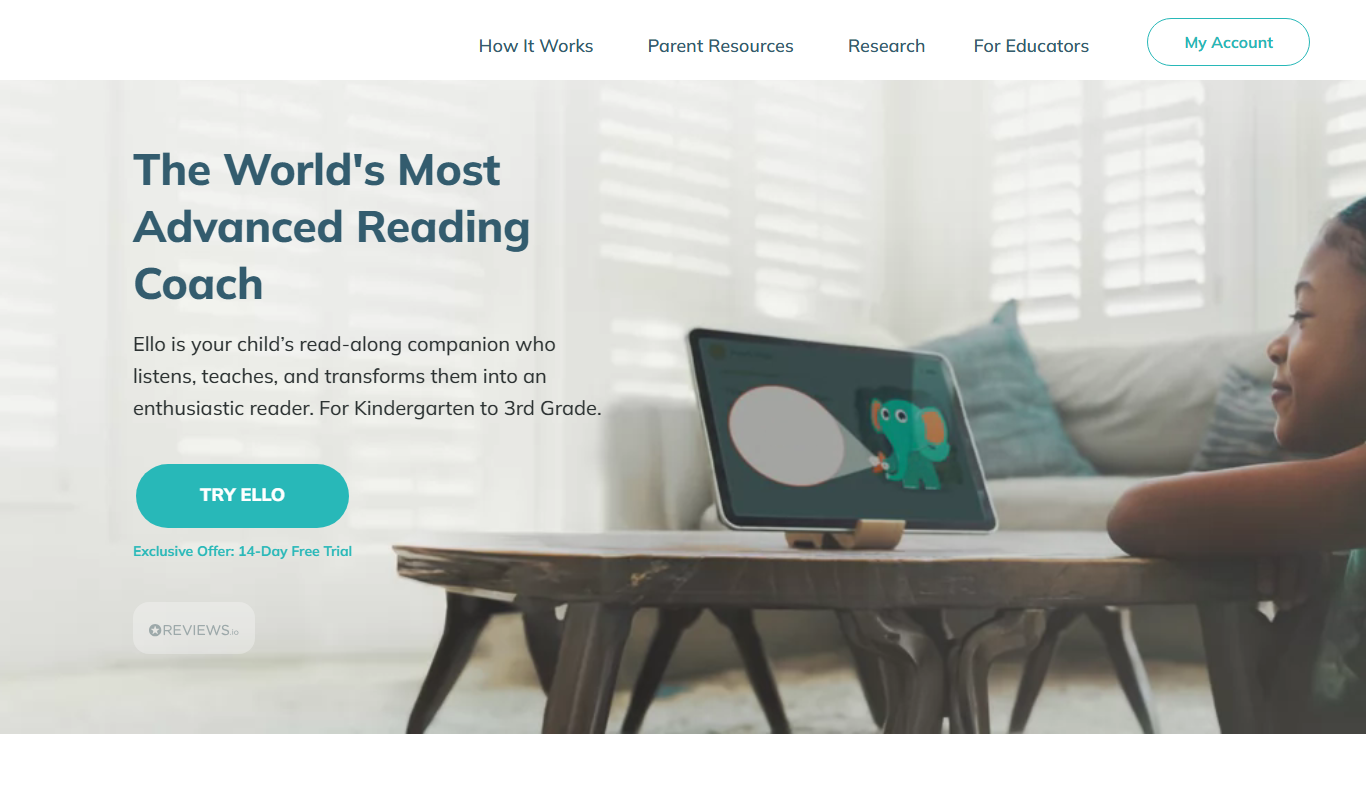
What is helloello.com?
Read With Hello is an interactive reading platform hosted on Ello that offers children and parents a digital space to engage with stories. It combines text and audio narration to support early literacy development and encourages reading practice in a fun, accessible way.
Key features of helloello.com
The platform features interactive storybooks with synchronized audio narration, simple navigation for young users, and a focus on fostering reading skills through engaging content.
Synchronized Audio Narration
Audio plays alongside text to help children connect spoken and written words.
Interactive Storybooks
Stories include interactive elements to maintain engagement and support learning.
Child-Friendly Interface
Simple navigation designed for young users to easily access content.
Free Access
The platform is freely accessible without subscription or payment.
Pros and cons of helloello.com
Pros
- Free and easily accessible online
- Supports early literacy with audio and text synchronization
- User-friendly interface for children
- Encourages parental involvement in reading
Cons
- Limited to English language content
- No mobile app version available
- Content library is relatively small
Key use cases for helloello.com
Children's Reading Practice
Helps children practice reading through interactive stories and activities.
Early Literacy Development
Supports early literacy skills by engaging young learners with text and audio.
Parental Involvement in Reading
Enables parents to read along and assist children in improving reading fluency.
Educational Content Delivery
Delivers curated educational stories and content in an interactive format.
How helloello.com works
- 1
Access the Platform
Visit the Read With Hello page on Ello’s website via a web browser.
- 2
Select a Story
Choose from available interactive stories designed for early readers.
- 3
Read Along
Follow the text while listening to the audio narration to improve reading skills.
- 4
Engage with Content
Use interactive elements to enhance understanding and retention.
Who is using helloello.com
Parents of young children
Early childhood educators
Preschool and elementary students
Literacy tutors
Homeschooling families
helloello.com pricing
Free
$0
Full access to Read With Hello interactive stories at no cost.
Plans and prices are as published by the vendor and can change. Check the official site before you buy. Open the pricing page (opens in a new tab)
Frequently asked questions about helloello.com
Yes, the platform is completely free to access and use.
It is primarily designed for early readers, typically children aged 3 to 8.
No account creation is required to access the stories.
It depends on your specific needs and how you plan to use the tool. The official website and documentation are the best sources for the latest details.
It depends on your specific needs and how you plan to use the tool. The official website and documentation are the best sources for the latest details.
Yes, it can help with that use case depending on how you configure it and what features are available. You’ll get the best results with clear inputs and a defined goal.
Sign in to review this tool.
Sign In to ReviewNo reviews yet
Be the first to share how this tool worked for you.
Ask about pricing, limits, or how it compares — or answer someone else.
Sign In to AskNo questions yet
Have a question about using or paying for this tool? Be the first to ask.
Featured on TiorAI



Alternative Tools
Explore similar AI tools that might fit your needs
Free
Storybird
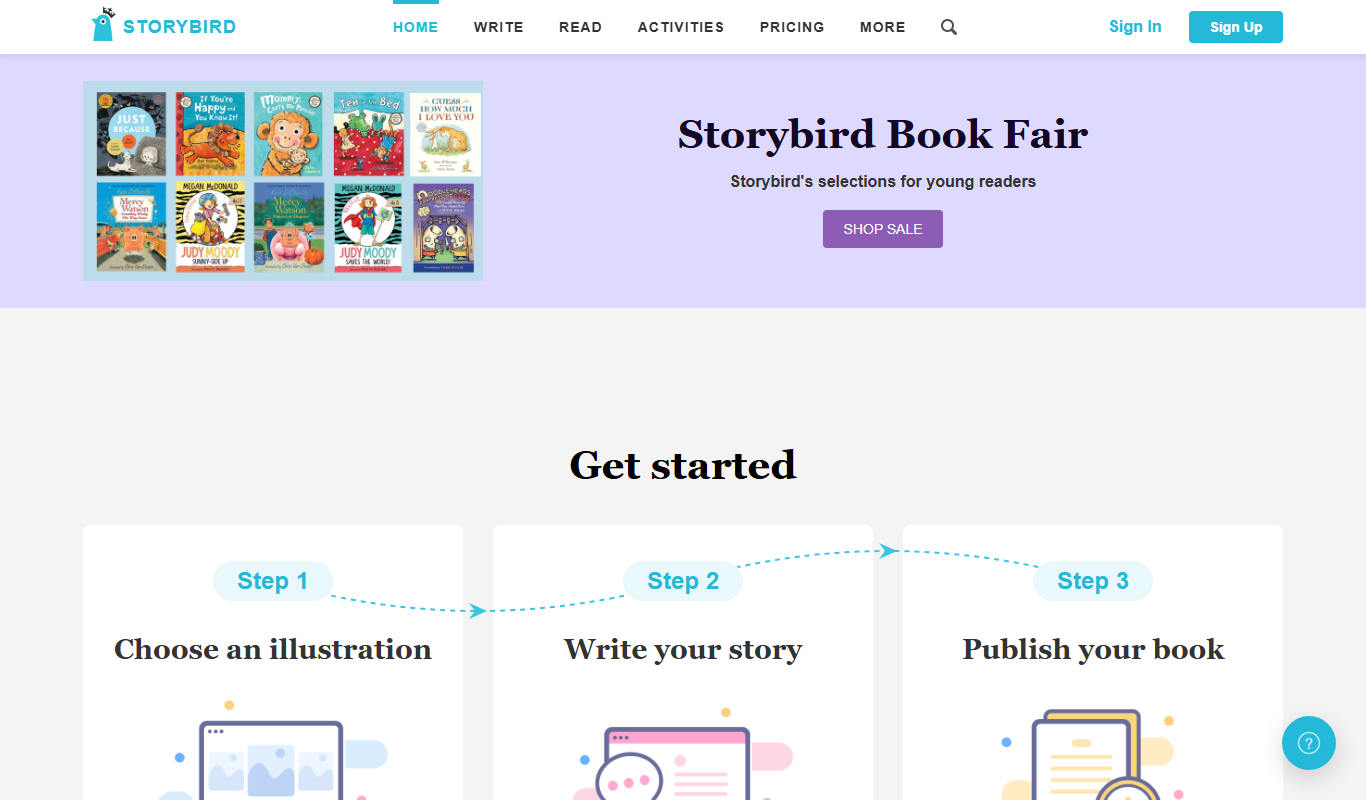
Storybird is an online platform that combines curated artwork with writing tools to help children and educators create, publish, and share illustrated stories and poems.
More AI Education & Learning Tools tools
Other tools in the same category, for when this one is not quite the fit.

Free
History Timeline Generator
History Timeline Generator is an AI tool that turns a topic such as a person, nation, company or historical event into a customized history timeline.

Freemium
Narrative Nooks
Narrative Nooks is an AI-driven learning platform for young learners, with interactive story-based lessons, badges, a homework helper and round-the-clock tutoring support.

Subscription
FGenEds
FGenEds turns a PDF of your lecture slides into a cheat sheet for studying, aimed at students in gen ed classes.

Free
knowt.com
Knowt.com is an AI-driven study tool that converts your notes or any text into interactive flashcards and summaries to enhance learning efficiency.

Free Trial
Terrakotta
Terrakotta is the all-in-one prospecting platform for commercial real estate brokers: source leads, make calls and deliver personalized AI voicemails.

Free Trial
plat.ai
plat.ai is a comprehensive AI development platform that enables users to build, train, deploy, and manage custom machine learning models with scalable infrastructure and API integration.

Custom Pricing
Quino
Quino is the LMS that marks every exam: courses, lessons, online exams and diplomas, with AI that marks handwritten answers in seconds and writes tests from your notes.

Freemium
MockTok
MockTok is an AI mock interview app with 50+ interactive questions, follow-up questions, job post analysis, multi-stage interviews, feedback and AI extracted cases.