

Nightwatch Automated Testing Tool for End-to-End Web Testing Solutions
Nightwatch is a Node.js powered end-to-end testing framework for writing efficient end-to-end tests and running them against W3C WebDriver.
- Best for
- End-to-End Web Testing
- Key capability
- JavaScript-Based Test Writing
Save Nightwatch, follow its updates and vote on it — everything stays in your account.
Sign in or create a free account
What is Nightwatch?
Nightwatch is an integrated framework for automated end-to-end testing of web applications and websites across all major browsers. It is written in Node.js and uses the W3C WebDriver API to interact with browsers.
Key features of Nightwatch
Nightwatch offers a comprehensive set of features including easy test writing with JavaScript, built-in Selenium WebDriver integration, support for multiple browsers, parallel test execution, detailed reporting, and seamless integration with CI/CD pipelines.
JavaScript-Based Test Writing
Write tests in JavaScript with an easy-to-understand syntax that lowers the learning curve.
Built-in Selenium WebDriver Support
Direct integration with Selenium WebDriver allows control over browsers for realistic testing.
Cross-Browser and Cross-Platform Testing
Supports Chrome, Firefox, Safari, Edge, and others across Windows, macOS, and Linux.
Parallel Test Execution
Run multiple tests simultaneously to reduce overall test suite runtime.
Extensive Reporting and Logging
Generate detailed reports and logs to facilitate debugging and quality assurance.
CI/CD Pipeline Integration
Seamlessly integrates with Jenkins, GitHub Actions, CircleCI, and other CI tools.
Pros and cons of Nightwatch
Pros
- Simple JavaScript syntax for writing tests
- Strong Selenium WebDriver integration
- Supports multiple browsers and platforms
- Open-source with active community
- Good CI/CD integration capabilities
Cons
- Requires some setup and configuration knowledge
- Limited built-in support for mobile testing without Appium
- Cloud service pricing is not publicly listed
Key use cases for Nightwatch
End-to-End Web Testing
Automate browser interactions to test user flows and application behavior across multiple browsers.
Cross-Browser Testing
Run tests across different browsers and platforms to ensure consistent user experience.
Continuous Integration Testing
Integrate automated tests into CI/CD pipelines to catch regressions early and maintain code quality.
Regression Testing
Verify that new code changes do not break existing functionality by running automated regression suites.
API Testing
Test backend APIs alongside frontend tests to ensure end-to-end system reliability.
How Nightwatch works
- 1
Install Nightwatch
Add Nightwatch to your project using npm and configure it to connect with Selenium or cloud testing services.
- 2
Write Test Scripts
Create test cases using Nightwatch’s simple JavaScript API to simulate user interactions and verify UI elements.
- 3
Run Tests Locally or Remotely
Execute tests on local browsers or remote services like Selenium Grid or cloud providers.
- 4
Analyze Test Reports
Review detailed test results and logs to identify failures and issues.
- 5
Integrate with CI/CD
Automate test execution within continuous integration pipelines for consistent quality checks.
Who is using Nightwatch
Nightwatch pricing
Open Source
$0
Free access to the Nightwatch framework and community support.
Nightwatch Cloud
Contact for pricing
Managed cloud testing service with parallel execution, advanced analytics, and support.
Plans and prices are as published by the vendor and can change. Check the official site before you buy. Open the pricing page (opens in a new tab)
Frequently asked questions about Nightwatch
Yes, the core Nightwatch framework is open-source and free to use.
Nightwatch has built-in support for all major browsers: Chrome, Firefox, Safari and Edge.
Yes, Nightwatch integrates easily with popular CI/CD tools like Jenkins, GitHub Actions, and CircleCI.
Nightwatch can be configured to work with Appium for mobile testing, but its primary focus is web applications.
This tool is designed to help users accomplish its core tasks more efficiently. It is typically used by individuals or teams looking to improve productivity and workflow.
Some tools offer a free plan or trial with limited features. Availability can vary, so confirm on the official website.
The best alternative depends on your workflow, features you need, and budget. Compare plans, integrations, and output quality to choose the closest fit.
Yes, it can help with that use case depending on how you configure it and what features are available. You’ll get the best results with clear inputs and a defined goal.
Conclusion
Tests are written in Node.js and run against W3C WebDriver, driving real browsers such as Chrome, Firefox, Safari and Edge. One command, npm init nightwatch, installs everything, and an IDE extension can run and debug tests in VS Code. Beyond end-to-end flows, the same framework runs unit tests of Node.js services and integration tests of HTTP APIs. Component tests for React and Angular, visual comparisons against screenshot baselines and accessibility checks through axe are built in as well.
Native iOS and Android apps can be tested too, with Appium working under the hood. Parallel runs across multiple browsers are the default, and third-party grids such as BrowserStack add scale. When a test fails, the built-in HTML reporter shows test statuses and HTTP logs, and CI setups are documented for Jenkins, GitHub Actions and CircleCI. The project is open source with no paywalls, and since 2021 the BrowserStack Open Source Program has maintained it.
Sources
Sign in to review this tool.
Sign In to ReviewNo reviews yet
Be the first to share how this tool worked for you.
Ask about pricing, limits, or how it compares — or answer someone else.
Sign In to AskNo questions yet
Have a question about using or paying for this tool? Be the first to ask.
Featured on TiorAI



Alternative Tools
Explore similar AI tools that might fit your needs
Cypress
Cypress is a JavaScript-based end-to-end testing framework that enables developers and QA teams to write fast, reliable tests for web applications with real-time reloading, automatic waiting, and powerful debugging tools.
More AI Monitor Report Builder tools
Other tools in the same category, for when this one is not quite the fit.

Competitors App
Competitors App is a web-based platform that enables businesses to monitor and analyze their competitors’ pricing, marketing, and product strategies in real time to make informed decisions.
FinanceGPT
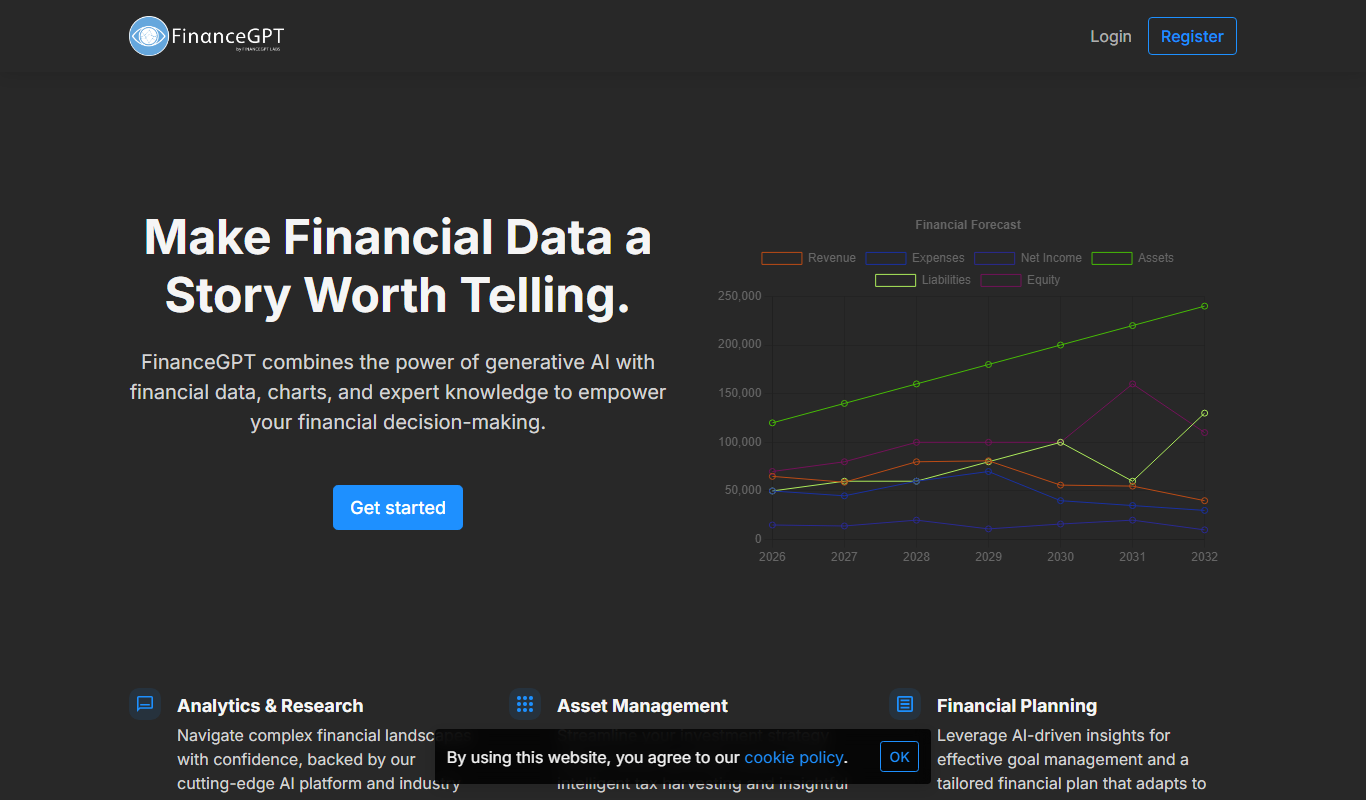
FinanceGPT is an AI financial analysis platform for analysing financial statements, building forecasts, researching companies and portfolios, and creating financial reports with reviewable assumptions and checks.

nOps
nOps is an automated AI and cloud cost optimization platform that manages discount commitments across AWS, Azure and GCP and rebalances them hourly to maximize savings without lock-in.
Plandek Intelligent Analytics
Plandek Intelligent Analytics is a software platform that provides real-time agile delivery metrics, predictive analytics, and comprehensive dashboards by integrating with development tools like Jira and Git to help teams optimize software delivery and DevOps processes.

Findly
Findly is an AI-driven recruitment automation platform that helps recruiters discover qualified candidates, automate outreach, and improve hiring efficiency with data-driven insights.

VocAI
VocAI is an AI-powered voice cloning platform that converts text into realistic synthetic speech, enabling users to create custom AI voices for various applications.