
From my experience with WebCopy, I found it excels at reliably downloading entire websites for offline browsing with minimal setup. Its support for authentication and customizable scanning rules makes it versatile for developers and researchers alike. However, the Windows-only availability and somewhat technical interface may limit accessibility for casual users or those on other platforms. Overall, if you need a free, powerful tool to archive or browse websites offline, WebCopy delivers solid, dependable performance.
WebCopy Website Downloader Tool for Offline Browsing and Archiving
WebCopy is a free Windows application that downloads entire websites locally for offline browsing and archiving, supporting authentication and customizable scanning.
What is WebCopy?
WebCopy is a free Windows desktop application developed by Cyotek that allows users to copy full or partial websites locally to their computer. It scans the specified website and downloads its content including HTML pages, images, stylesheets, and other linked resources. This enables offline browsing and archiving of websites.

Key Features of WebCopy
Customizable Scanning Rules
Define which parts of the website to include or exclude during download.
Authentication Support
Access password-protected websites by providing login credentials.
URL Rewriting
Automatically adjust links to work locally for seamless offline browsing.
Detailed Logging
Track the download process and troubleshoot issues with comprehensive logs.
Free and Lightweight
No cost to use and minimal system resource requirements.
Pros and Cons of WebCopy
Pros
- Completely free with no hidden costs
- Highly customizable scanning and download options
- Supports authentication for protected sites
- Generates local copies with working links for offline use
Cons
- Windows only, no support for Mac or Linux
- No mobile or web-based versions available
- User interface can be complex for beginners
Key Use Cases for WebCopy
Offline Website Browsing
Download entire websites or parts of them to browse offline without internet connection.
Website Archiving
Create local backups of websites for archival and reference purposes.
Web Development Testing
Test website changes locally by copying live sites to a local machine.
Content Extraction
Extract website content for research or analysis by downloading HTML, images, and other resources.
Educational Use
Save educational websites for offline study or presentations.
How WebCopy Works
-
1
Enter Website URL
Input the URL of the website you want to copy.
-
2
Configure Settings
Set scanning rules, authentication, and resource download options.
-
3
Start Scan
WebCopy scans the website and downloads the content to your local drive.
-
4
Browse Offline
Open the downloaded website files locally in your browser without internet.
Who's Using WebCopy
Web developers needing local copies for testing
Researchers archiving web content
Educators saving websites for offline use
Marketing professionals analyzing competitor sites
IT professionals creating backups of web resources
WebCopy Pricing
Free
$0
Full access to all features with no cost.
Frequently Asked Questions About WebCopy
Yes, WebCopy is completely free to download and use.
WebCopy is available only for Windows desktop operating systems.
Yes, it supports authentication to access protected content.
Yes, it downloads websites for offline viewing with URL rewriting.
It depends on your specific needs and how you plan to use the tool. The official website and documentation are the best sources for the latest details.
Yes, it can help with that use case depending on how you configure it and what features are available. You’ll get the best results with clear inputs and a defined goal.
Share your review
Reviews are limited to one per logged-in user and are published after moderation.
You need an account to review this tool.
0.0
★
★
★
★
★
0 reviews
5 star
0
4 star
0
3 star
0
2 star
0
1 star
0
No reviews yet
Be the first to share how this tool worked for you.
Questions from the community
Read questions and answers about this tool, or ask your own.
No questions yet
Start the conversation by asking the first question about this tool.
Is this tool helpful?
Alternative Tools
Explore similar AI tools that might fit your needs

Free
HTTrack
HTTrack is a free, open-source tool that downloads entire websites to your local device for offline browsing by recursively copying all linked pages and resources.
Paid
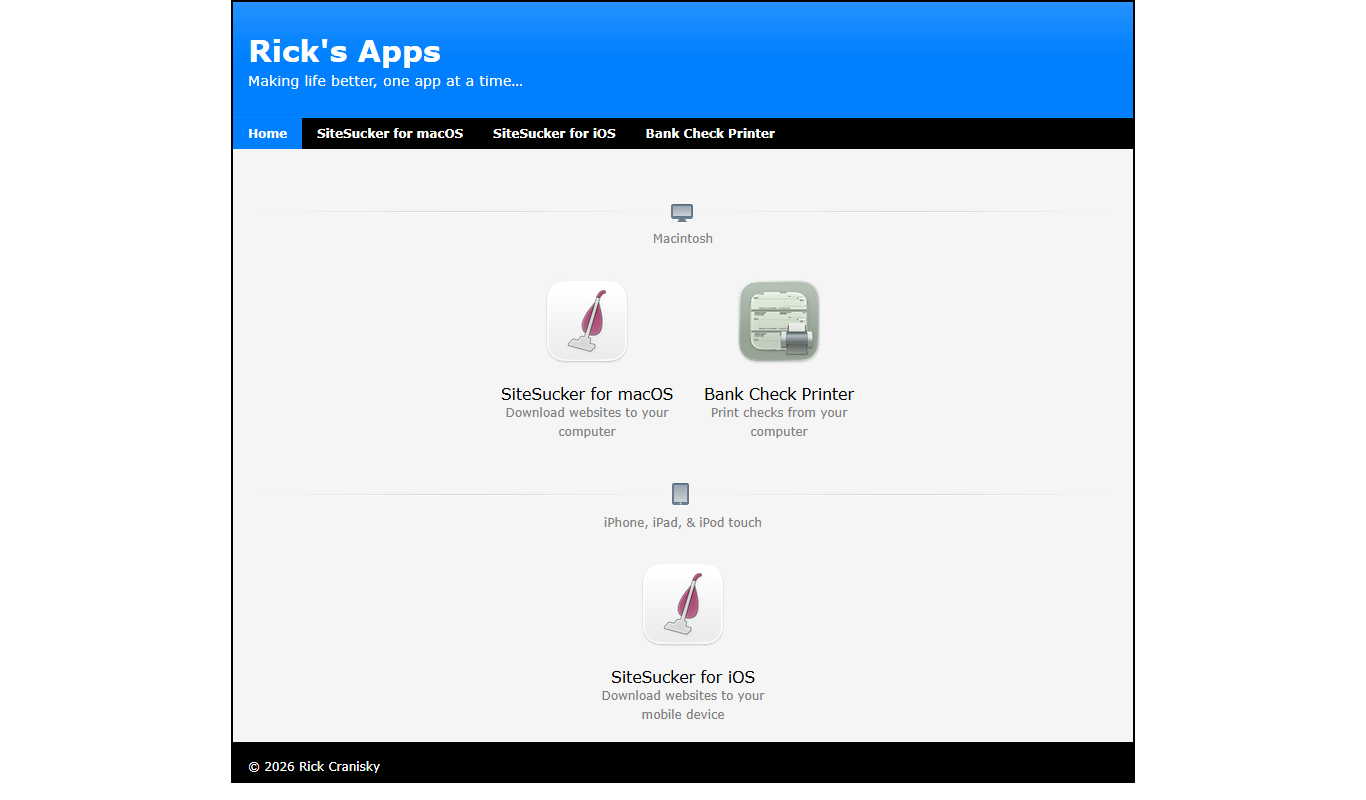
SiteSucker
SiteSucker is a macOS application that downloads entire websites, including all files and folder structures, for offline browsing and archiving purposes.

Free
Sandboxie
Sandboxie Plus is a free Windows application that creates isolated sandbox environments to safely run and test software without affecting your system.

Free Trial
Equidam
Equidam is an online platform that automates startup and SME valuations by combining financial data and market benchmarks to generate investor-ready reports and equity distribution models.

Free Trial
ReliveAI
ReliveAI is an AI-driven platform that automatically generates video highlight reels by analyzing raw footage, ideal for sports and event videos.
Free
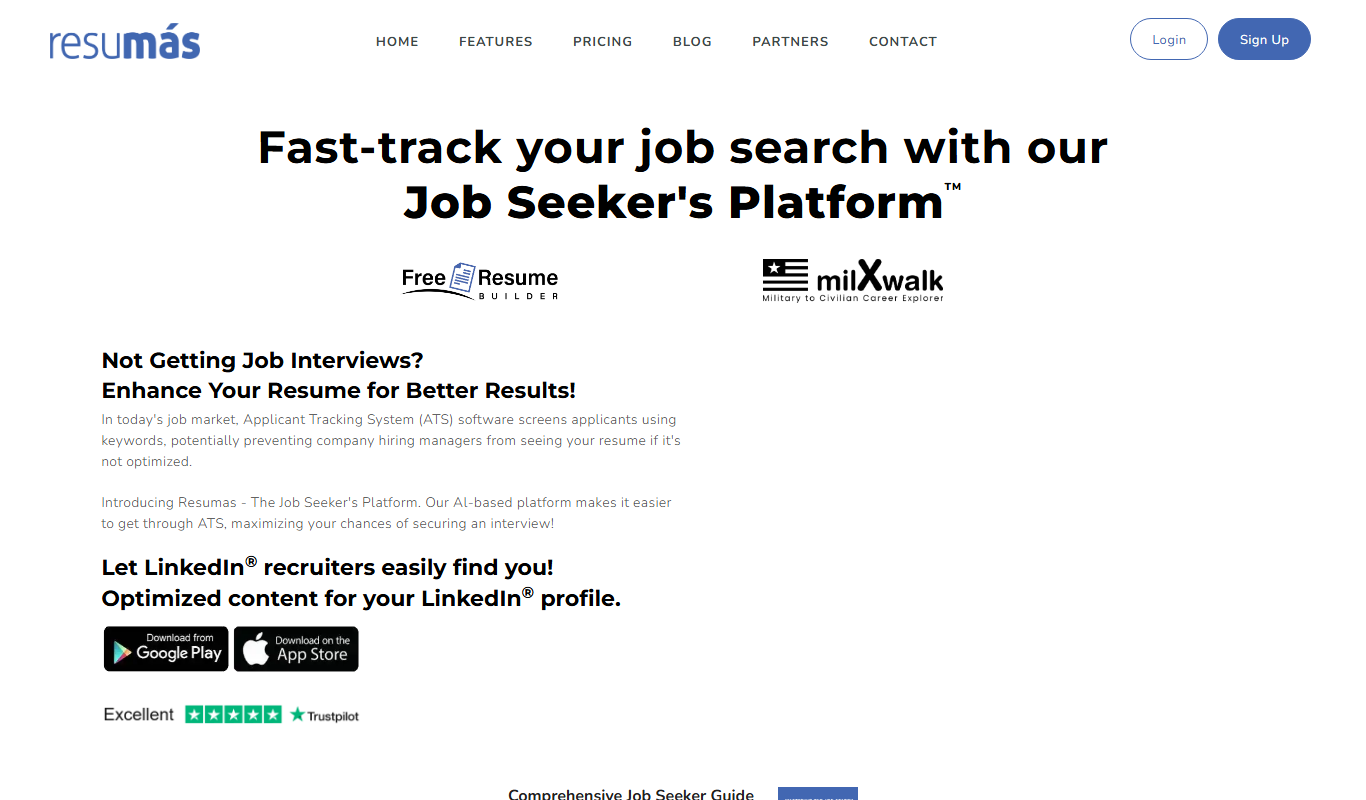
resumas.com
Resumas.com is an AI-powered online resume builder that helps users create professional, ATS-optimized resumes and cover letters quickly and easily.
Freemium
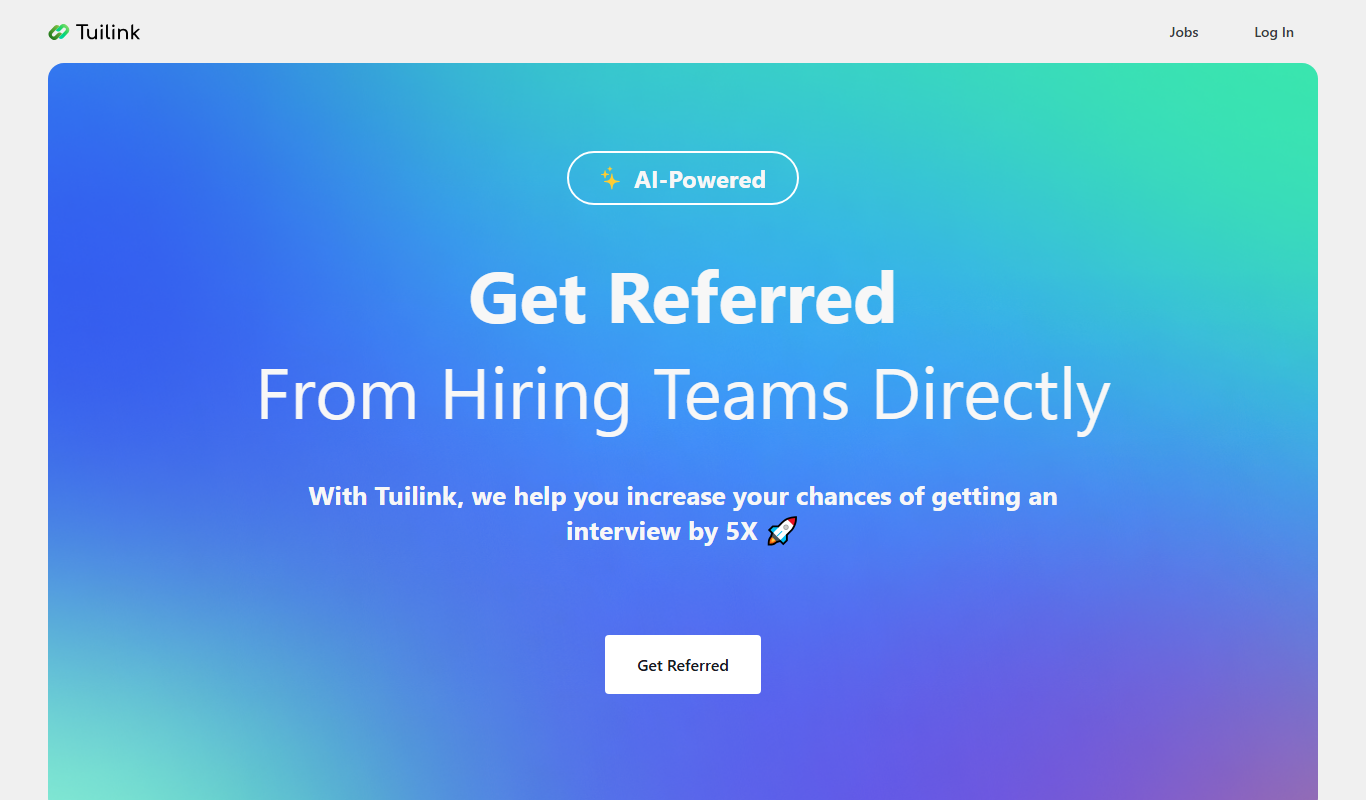
Tuilink
Tuilink is a web-based platform that enables users to shorten URLs, create branded links with custom domains, and track link performance through real-time analytics to optimize marketing efforts.
Freemium
Wraith Docs
Wraith Docs is an AI-driven document automation platform that simplifies creating, managing, and collaborating on business documents with customizable templates and workflow automation.
Custom Pricing
Carro
Carro is an AI-powered influencer marketing platform that helps brands discover influencers, manage partnerships, and drive social commerce growth.

Freemium
Talentjet.ai
Talentjet.ai is an AI-powered recruitment platform that automates candidate sourcing, resume screening, and interview scheduling to help recruiters find qualified talent faster and reduce hiring bias.