

Radiant Photo AI Software for Professional Photo Enhancement and Editing
Radiant Photo is an AI-driven photo enhancement software that automatically improves exposure, color, and detail, supports RAW files, batch processing, and integrates with Adobe Lightroom and Photoshop.
- Best for
- Professional Photo Enhancement
- Key capability
- AI-Powered Automatic Enhancements
Save Radiant Photo, follow its updates and vote on it — everything stays in your account.
Sign in or create a free account
What is Radiant Photo?
Radiant Photo is photo enhancement software from Radiant Imaging Labs. The current version is Radiant Photo 2, with a full 30-day free trial.
Key features of Radiant Photo
Radiant Photo offers automatic photo enhancement, portrait retouching, batch processing, RAW image support, and integration as a plugin for Adobe Lightroom and Photoshop. Its AI technology intelligently adjusts images to improve clarity, color accuracy, and overall aesthetics while preserving natural details.
AI-Powered Automatic Enhancements
Automatically improves photos by adjusting exposure, contrast, color, and detail using AI.
Portrait Retouching Tools
Specialized AI tools for skin smoothing, blemish removal, and enhancing facial features.
Batch Processing Capability
Process multiple photos simultaneously with consistent AI enhancements.
RAW File Support
Advanced algorithms optimize RAW images to maximize detail and dynamic range.
Adobe Lightroom and Photoshop Plugin
Seamlessly integrate Radiant Photo into popular photo editing workflows.
Pros and cons of Radiant Photo
Pros
- Powerful AI-driven automatic photo enhancements
- Easy integration with Adobe Lightroom and Photoshop
- Supports batch processing for efficient workflows
- One-time purchase with no subscription fees
Cons
- Limited language support (English only)
Key use cases for Radiant Photo
Professional Photo Enhancement
Automatically improve photo quality with AI-driven adjustments for exposure, color, and detail.
Portrait Retouching
Enhance skin tones, remove blemishes, and improve facial features with intelligent AI tools.
Batch Processing
Apply consistent enhancements to multiple photos quickly, saving time for photographers.
RAW Image Processing
Process RAW files with advanced AI algorithms to bring out maximum detail and dynamic range.
Integration with Adobe Software
Use Radiant Photo as a plugin within Adobe Lightroom and Photoshop for seamless workflow.
How Radiant Photo works
- 1
Import Photos
Load your images into Radiant Photo either as standalone files or through Adobe Lightroom/Photoshop plugins.
- 2
AI Analysis
The software automatically analyzes each photo to detect areas needing enhancement.
- 3
Automatic Enhancement
Radiant Photo applies AI-driven adjustments to exposure, color, detail, and noise reduction.
- 4
Manual Fine-Tuning
Users can manually adjust sliders and settings to customize the enhancements if desired.
- 5
Export
Save the enhanced photos in preferred formats or export back to Adobe software for further editing.
Who is using Radiant Photo
Radiant Photo pricing
Free Trial
$0
A full free trial for 30 days.
Full License
$129 one-time
Unlock all features with a perpetual license for a single computer.
Radiant Toolkit
$50 per year
Radiant Toolkit subscription.
Plans and prices are as published by the vendor and can change. Check the official site before you buy. Open the pricing page (opens in a new tab)
Frequently asked questions about Radiant Photo
Yes, Radiant Photo supports both Windows and MacOS platforms.
Yes, Radiant Photo integrates as a plugin for Adobe Lightroom and Photoshop.
Yes, it supports RAW files from most major camera manufacturers.
Yes, a free trial of 30 days is available.
This tool is designed to help users accomplish its core tasks more efficiently. It is typically used by individuals or teams looking to improve productivity and workflow.
Yes, it can help with that use case depending on how you configure it and what features are available. You’ll get the best results with clear inputs and a defined goal.
Yes, it can help with that use case depending on how you configure it and what features are available. You’ll get the best results with clear inputs and a defined goal.
Some tools offer a free plan or trial with limited features. Availability can vary, so confirm on the official website.
Conclusion
Photos load into Radiant Photo as standalone files or through the Adobe Lightroom and Photoshop plugins. The software analyzes each photo and applies adjustments to exposure, color, detail and noise reduction, which users can then fine-tune with sliders. Portrait retouching covers skin smoothing, blemish removal and facial features, while batch processing applies consistent enhancements to multiple photos.
It is designed for professional photographers, photo editors and photography enthusiasts. The current release is Radiant Photo 2 for Windows and MacOS, and it comes with a full 30-day free trial. A Radiant Toolkit subscription is also sold at $50 per year.
Sources
Sign in to review this tool.
Sign In to ReviewNo reviews yet
Be the first to share how this tool worked for you.
Ask about pricing, limits, or how it compares — or answer someone else.
Sign In to AskNo questions yet
Have a question about using or paying for this tool? Be the first to ask.
Featured on TiorAI



More AI Image & Visual Tools tools
Other tools in the same category, for when this one is not quite the fit.

PicStudio.AI
PicStudio.AI turns your selfies into professional AI headshots and portraits: upload selfies, choose a photo pack and receive your portraits in minutes.

Disney AI Poster
Disney AI Poster is a web tool that uses AI to generate custom movie-style posters inspired by Disney animation, allowing users to create personalized artwork easily.

Splotch
Splotch is the knowledge graph on top of your core systems, giving humans and agents a trusted map for painless change management.
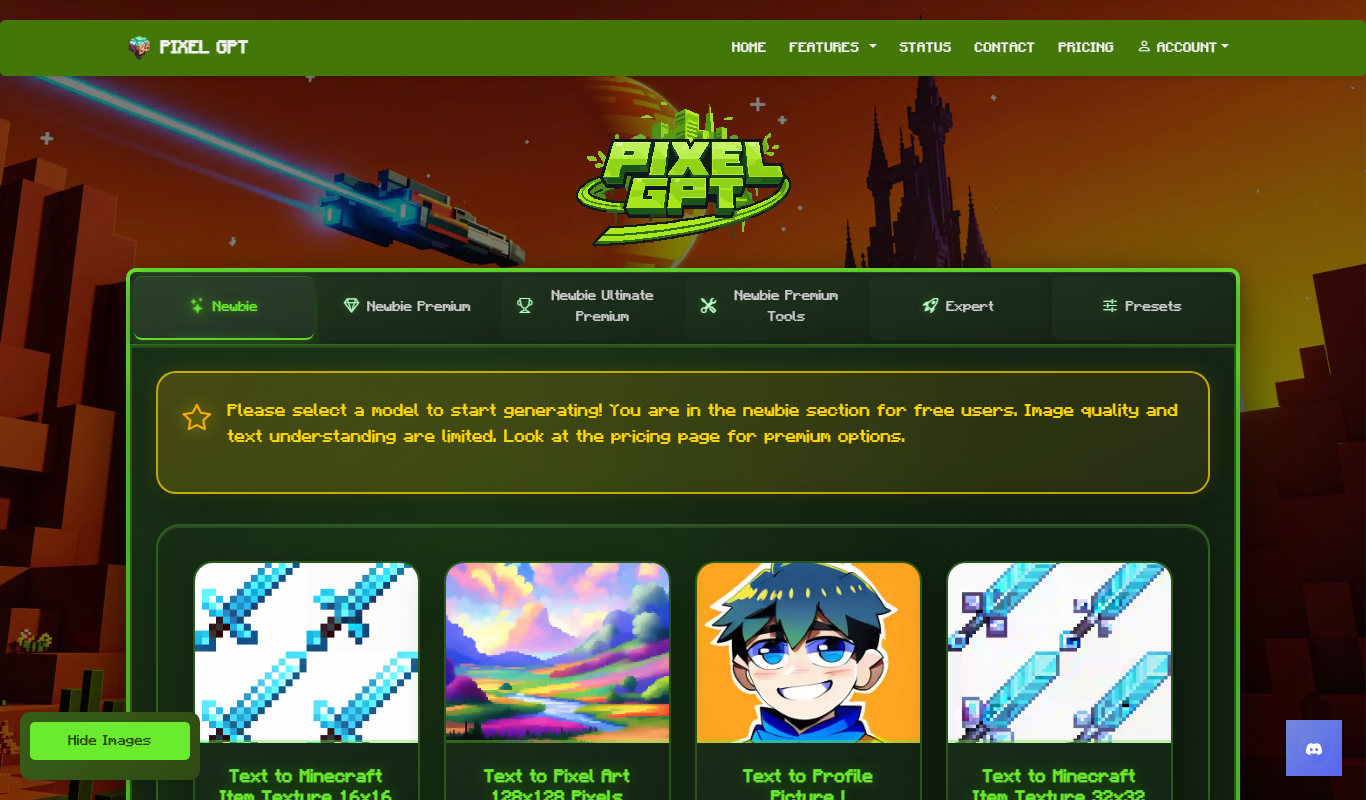
Pixel GPT
Pixel GPT by Deep Pixels generates Minecraft item textures and pixel art from text prompts, with true pixel-art output and direct PNG download.
Depix AI
Depix is the AI-native design platform for industrial designers and product teams: go from concept to photorealistic 3D render in minutes with AI agents, CMF Vision and Video Lab.
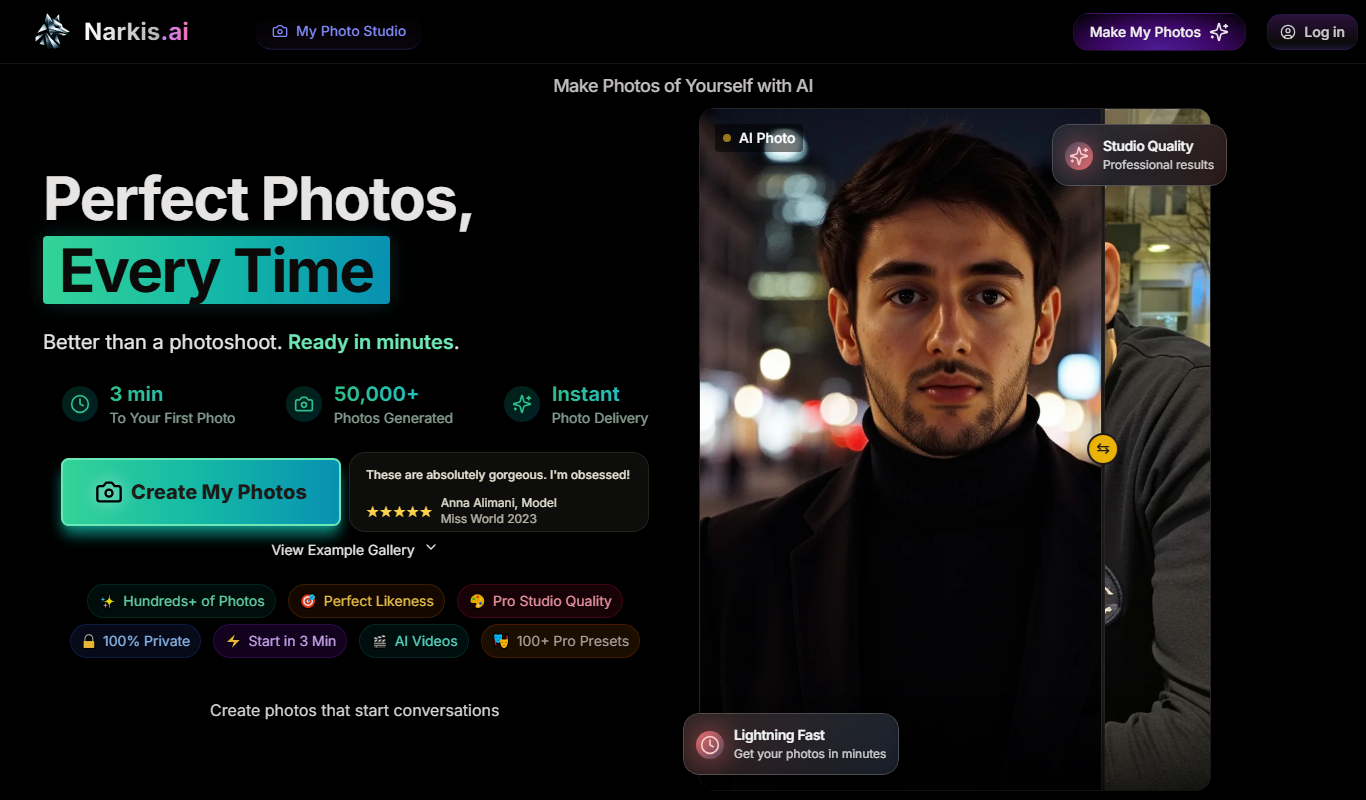
Narkis.ai
Narkis.ai trains a personal AI model on your photos and generates realistic headshots, dating photos and portraits of yourself in any style, no photoshoot needed.

MaternityPhotoshoot
MaternityPhotoshoot is an easy, affordable alternative to maternity photoshoots: upload 14 selfies and AI makes 500 maternity photos, delivered in 4 hours.
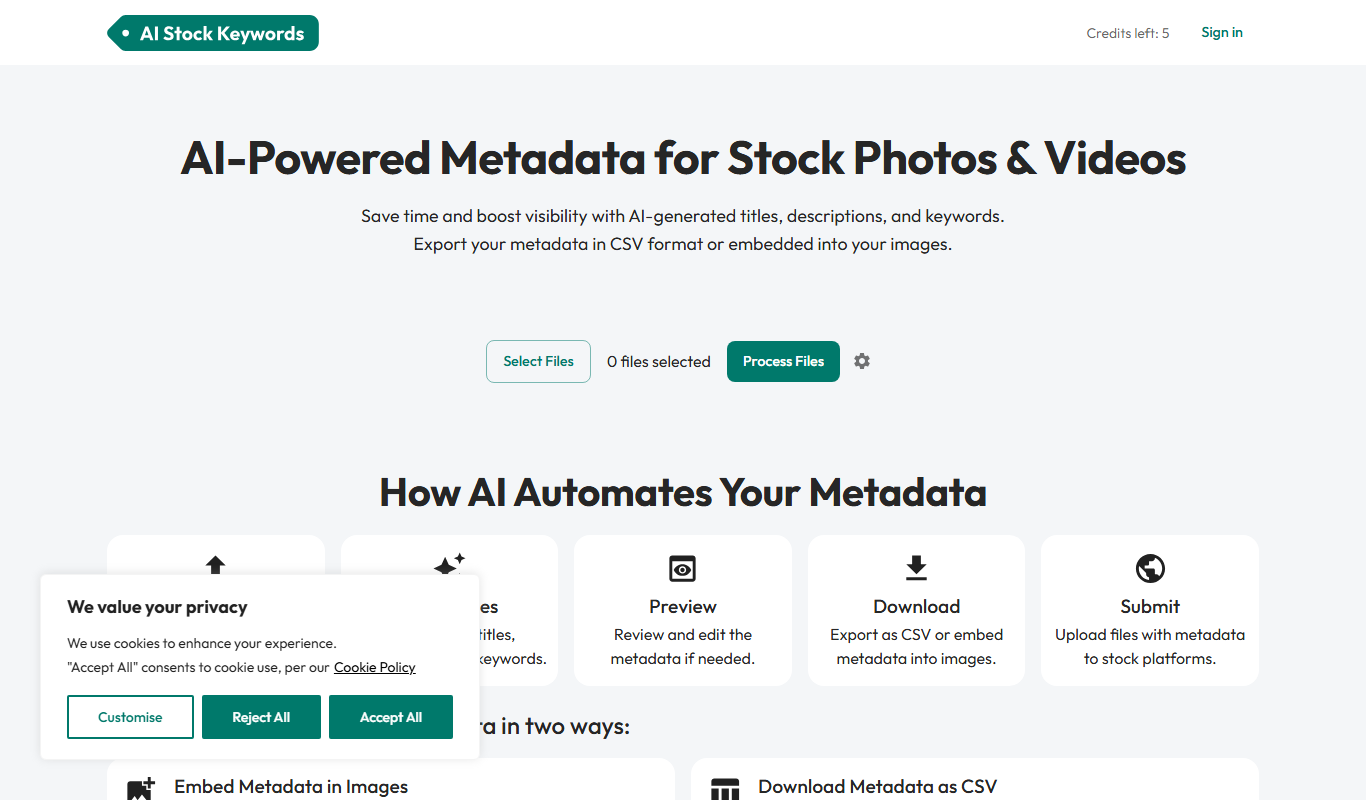
AI Stock Keywords
AI Stock Keywords generates stock-ready titles, descriptions and keywords for Adobe Stock, Shutterstock and other microstock uploads, exported as CSV or embedded in images.