
From my experience with LangDrive, I found it excels at providing contextually accurate translations across multiple languages, which is crucial for maintaining brand voice in global markets. The platform’s API integration and project management features make it practical for businesses looking to streamline multilingual content workflows. However, the free plan’s limited translation volume means it’s best suited for small-scale use or testing before upgrading. Overall, if you need efficient AI-powered translation combined with content creation capabilities, LangDrive offers a solid, user-friendly solution.
LangDrive AI Platform for Multilingual Content Creation and Translation
LangDrive is an AI-driven platform that enables businesses to create and translate content into multiple languages efficiently, supporting over 20 languages with contextual accuracy and API integration.
Tech Stack:
Python
React
TensorFlow
What is LangDrive?
LangDrive is an AI-powered multilingual content creation and translation platform designed to help businesses and content creators produce accurate and culturally relevant translations across various languages. It leverages advanced natural language processing and machine learning to automate and streamline the translation process, enabling faster global communication and content localization.

Key Features of LangDrive
AI-Powered Translation
Utilizes machine learning models to provide accurate and context-aware translations.
Multilingual Content Generation
Creates original content in multiple languages tailored to your brand voice.
API Access
Enables integration with websites, apps, and other platforms for automated workflows.
Project Management Tools
Organize and track multilingual translation projects within a centralized dashboard.
Custom Glossaries
Maintain consistency with industry-specific terminology through customizable glossaries.
Pros and Cons of LangDrive
Pros
- Supports a wide range of languages with contextual accuracy
- Offers API for easy integration into existing workflows
- Includes project management and glossary features
- User-friendly interface for reviewing and editing translations
Cons
- Free plan has limited translation volume
- Some specialized terminology may require manual adjustments
- Enterprise pricing is not publicly listed
Key Use Cases for LangDrive
Multilingual Content Creation
Generate and translate marketing materials, blogs, and social media posts into multiple languages efficiently.
Website Localization
Localize website content to reach global audiences with culturally relevant translations.
Customer Support Translation
Translate customer inquiries and support documentation to improve communication across languages.
E-commerce Product Descriptions
Automatically translate product descriptions to expand market reach internationally.
Document Translation
Translate business documents and reports quickly with AI-powered accuracy.
How LangDrive Works
-
1
Sign Up
Create an account on LangDrive’s web platform to access translation and content tools.
-
2
Upload or Input Content
Provide the text or documents you want to translate or generate content for.
-
3
Select Target Languages
Choose one or multiple languages for translation or content creation.
-
4
Review and Edit
Use LangDrive’s interface to review AI-generated translations and make manual adjustments if needed.
-
5
Download or Integrate
Export the translated content or integrate via API into your existing systems.
Who's Using LangDrive
Marketing agencies
Content creators
E-commerce businesses
Customer support teams
Localization specialists
LangDrive Pricing
Free
$0/month
Basic access with limited translations and features.
Pro
$49/month
Expanded translation limits, API access, and priority support.
Enterprise
Custom pricing
Tailored solutions with advanced features, dedicated support, and volume discounts.
Frequently Asked Questions About LangDrive
LangDrive supports over 20 languages including English, Spanish, French, German, Chinese, and Japanese.
Yes, LangDrive offers API access for seamless integration with websites and applications.
LangDrive provides a free plan with limited features to test the platform.
LangDrive uses advanced AI models to deliver context-aware and high-quality translations, though manual review is recommended for critical content.
It depends on your specific needs and how you plan to use the tool. The official website and documentation are the best sources for the latest details.
Integration support depends on the tool and its available connectors or API. Check the official documentation or integrations page to confirm what is supported.
Yes, it can help with that use case depending on how you configure it and what features are available. You’ll get the best results with clear inputs and a defined goal.
Share your review
Reviews are limited to one per logged-in user and are published after moderation.
You need an account to review this tool.
0.0
★
★
★
★
★
0 reviews
5 star
0
4 star
0
3 star
0
2 star
0
1 star
0
No reviews yet
Be the first to share how this tool worked for you.
Questions from the community
Read questions and answers about this tool, or ask your own.
No questions yet
Start the conversation by asking the first question about this tool.
Is this tool helpful?
Alternative Tools
Explore similar AI tools that might fit your needs

Custom Pricing
Smartling
Smartling is a cloud-based translation management platform that helps businesses automate and manage the localization of digital content across websites, apps, and marketing materials with features like translation memory, machine translation integration, and quality assurance.
Free
BragHumble
BragHumble is an AI writing assistant that helps users craft authentic personal branding content by balancing humility and confidence in their messaging.
Free
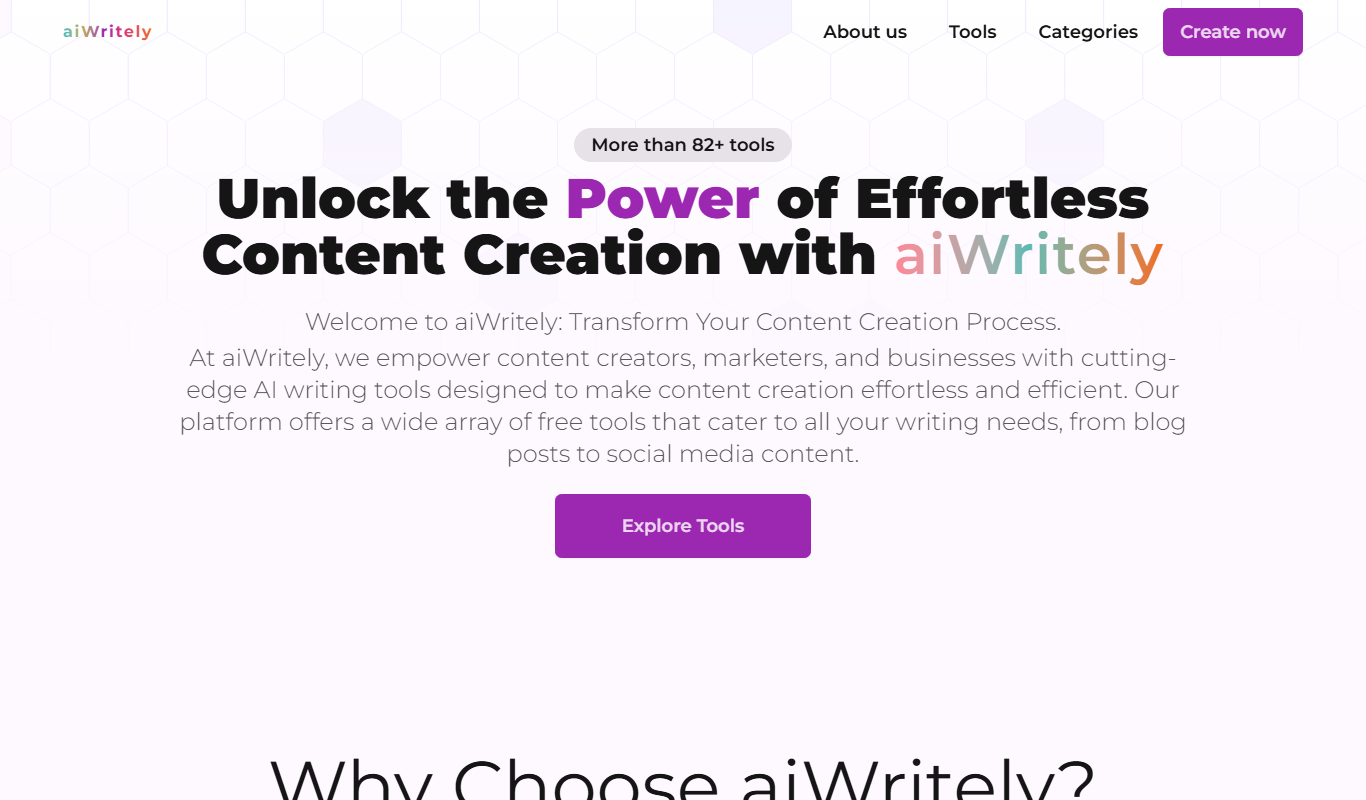
aiWritely
aiWritely is a web-based AI writing assistant that generates SEO-friendly content, blog posts, and marketing copy to help users create quality text faster.

Free
Finding Words
Finding Words is an AI-powered writing assistant that helps users generate and refine written content, including creative writing and marketing copy, through AI-driven suggestions and sentence completions.
Free
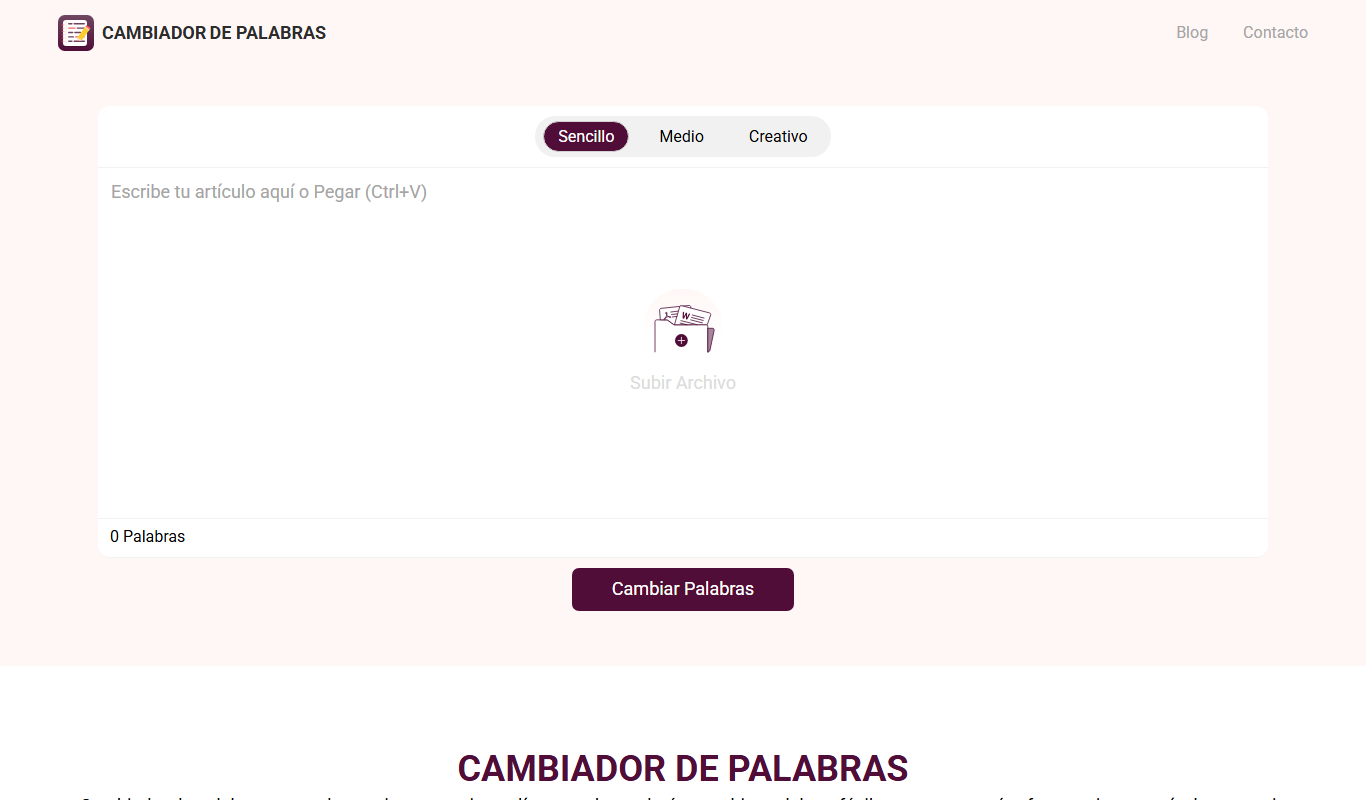
Cambiador De Palabras
Cambiador De Palabras is a free online tool that rewrites Spanish text by replacing words with synonyms and restructuring sentences to create unique content.

Freemium
Vidu
Vidu is an AI-driven video editing platform that automates the creation of polished videos from raw footage, ideal for marketers and content creators seeking efficient video production.

Free
Darbee.io
Darbee.io is an AI writing assistant that helps users generate, edit, and optimize content such as blogs and marketing copy with SEO features.
Freemium
MaximAIze.me
MaximAIze.me is an AI writing assistant that generates SEO-friendly content for blogs, social media, and marketing, helping users create quality content efficiently.
Free
Beaseness
Beaseness is an AI writing assistant designed to help marketers and content creators generate SEO-optimized marketing content quickly and efficiently through a user-friendly web platform.