

HeyPhoto free AI face editor for selfies and group photos
HeyPhoto is a free AI photo editor that changes faces online: tune selfies and group photos by changing gaze direction, age, emotions and smiles in a few clicks.
- Best for
- Fix a selfie
- Key capability
- Change eye direction
Save HeyPhoto, follow its updates and vote on it — everything stays in your account.
Sign in or create a free account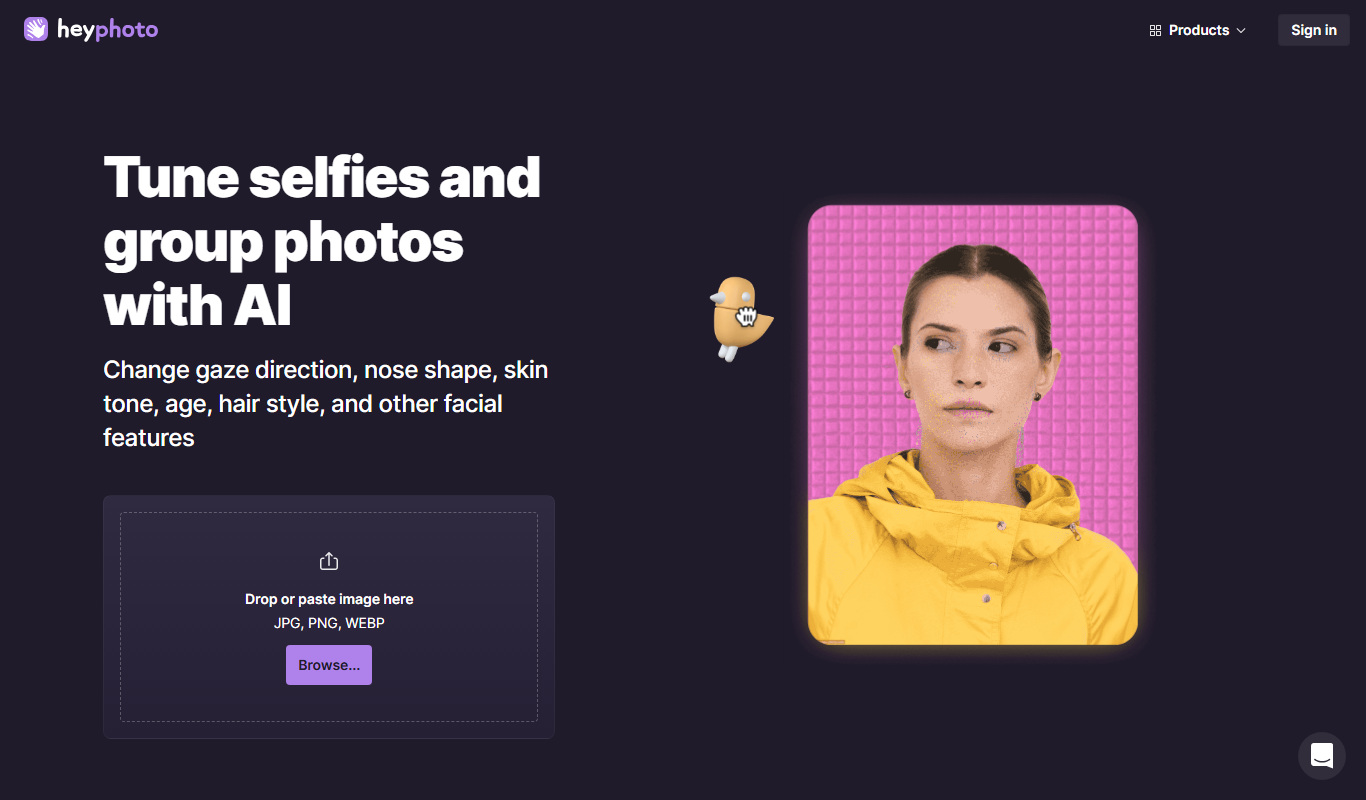
What is HeyPhoto?
HeyPhoto is a free AI photo editor from Icons8 for changing faces in selfies and group photos. It detects faces with artificial intelligence and lets you change gaze direction, age, emotions, the level of a smile and gender appearance, or anonymize a face, in a few clicks in the browser.
Key features of HeyPhoto
HeyPhoto uses artificial intelligence to detect faces and apply the selected tool: change eye direction, set the level of a smile, change age or gender appearance, tweak emotions, or anonymize a face. It returns images of the same size and quality as the source image.
Change eye direction
Change eyes direction by dragging a bird on the photo.
Smile and emotions
Set the level of happiness or change your facial expression to match any mood.
Change age
Meet your future self or recapture your youth.
Anonymize a face
Keep your identity private and become invisible to face recognition systems.
Selfies and group photos
Tune selfies and group photos with AI.
Pros and cons of HeyPhoto
Pros
- Free to use
- Works on selfies and group photos
- Returns images at the same size and quality as the source
- Uploaded images can be deleted at any time
- Requires no special skills
Cons
- A watermark is added to the resulting photos
- Photos are limited to 5 MB with faces up to 1024*1024 px
- Makeup and new hair styles are still marked as coming soon
Key use cases for HeyPhoto
Fix a selfie
Add a smile or set the required level of happiness in a selfie.
Group photos
Tune faces in group photos with AI.
Age preview
See your future self or recapture your youth.
Privacy
Anonymize a face to keep your identity private.
Change the mood of a photo
Change a facial expression to match any mood you want.
How HeyPhoto works
- 1
Upload a photo
Drop or paste a JPG, PNG or WEBP image.
- 2
AI detects the faces
HeyPhoto uses artificial intelligence to detect faces in the photo.
- 3
Choose a tool
Select a tool, such as smile, age or emotions, and the face is changed accordingly.
- 4
Get the result
HeyPhoto returns an image of the same size and quality as the source image.
Who is using HeyPhoto
HeyPhoto pricing
Free
$0
Free to use, with a watermark on the resulting photos.
Pro
$9.99/month
Unlimited access to all features, higher resolution downloads, and priority processing.
Plans and prices are as published by the vendor and can change. Check the official site before you buy. Open the pricing page (opens in a new tab)
Frequently asked questions about HeyPhoto
It uses artificial intelligence to detect faces in photos and make changes depending on the selected tool.
Yes. It is free to use, but a watermark is put on the resulting photos.
Quality photos with people directly facing the camera; slight rotation is also OK. Photos can be up to 5 MB with faces up to 1024*1024 px.
Uploaded images are stored securely so you can access them quickly, and you are free to delete them at any time.
JPG, PNG and WEBP images.
No. HeyPhoto returns images of the same size and quality as the source image.
HeyPhoto is part of the Icons8 product family.
Makeup and new hair styles are listed as coming soon.
Conclusion
Changing faces is the single purpose of this free AI photo editor. Once a JPG, PNG or WEBP photo is dropped in, artificial intelligence detects each face and the chosen tool changes it: eye direction, the level of a smile, emotions or apparent age. It handles selfies as well as group photos, and an anonymize option is meant to keep a person invisible to face recognition systems.
Results come back at the same size and quality as the source, and quality photos with the person directly facing the camera work well, up to 5 MB. Makeup and new hair styles are still marked as coming soon. The editor is free, and the trade-off is a watermark on every resulting photo.
Sources
Sign in to review this tool.
Sign In to ReviewNo reviews yet
Be the first to share how this tool worked for you.
Ask about pricing, limits, or how it compares — or answer someone else.
Sign In to AskNo questions yet
Have a question about using or paying for this tool? Be the first to ask.
Featured on TiorAI



Alternative Tools
Explore similar AI tools that might fit your needs

Fotor
Fotor is an online photo editing and graphic design tool offering AI-powered enhancements, templates, and batch processing across web and mobile platforms.
More AI Ai Tools tools
Other tools in the same category, for when this one is not quite the fit.

Reica
reica is an AI still life studio that turns product photos into validated, marketplace-ready catalog images across thousands of SKUs.

16x Prompt
16x Prompt is a desktop tool for AI coding that manages code context, customizes prompts and works with multiple LLM API integrations.

PageOn.ai
PageOn.AI is an AI presentation and infographic maker where AI agents research your topic, plan the structure and design interactive pages beyond static slides.

Slideflow AI
Slideflow AI is a web-based tool that uses artificial intelligence to automate the creation of professional slide presentations from text or data inputs.

Contentdrips
Contentdrips is an AI-driven platform that simplifies social media content creation by providing customizable templates, AI-generated captions, and multi-channel publishing to help marketers and businesses streamline their social media marketing.

GenPPT – AI PowerPoint Generator
GenPPT is an AI presentation generator that turns notes, an outline or a PDF into presentation slides: approve the outline, edit in chat and export to PowerPoint or PDF.
QRBTF – AI QR Code Generator
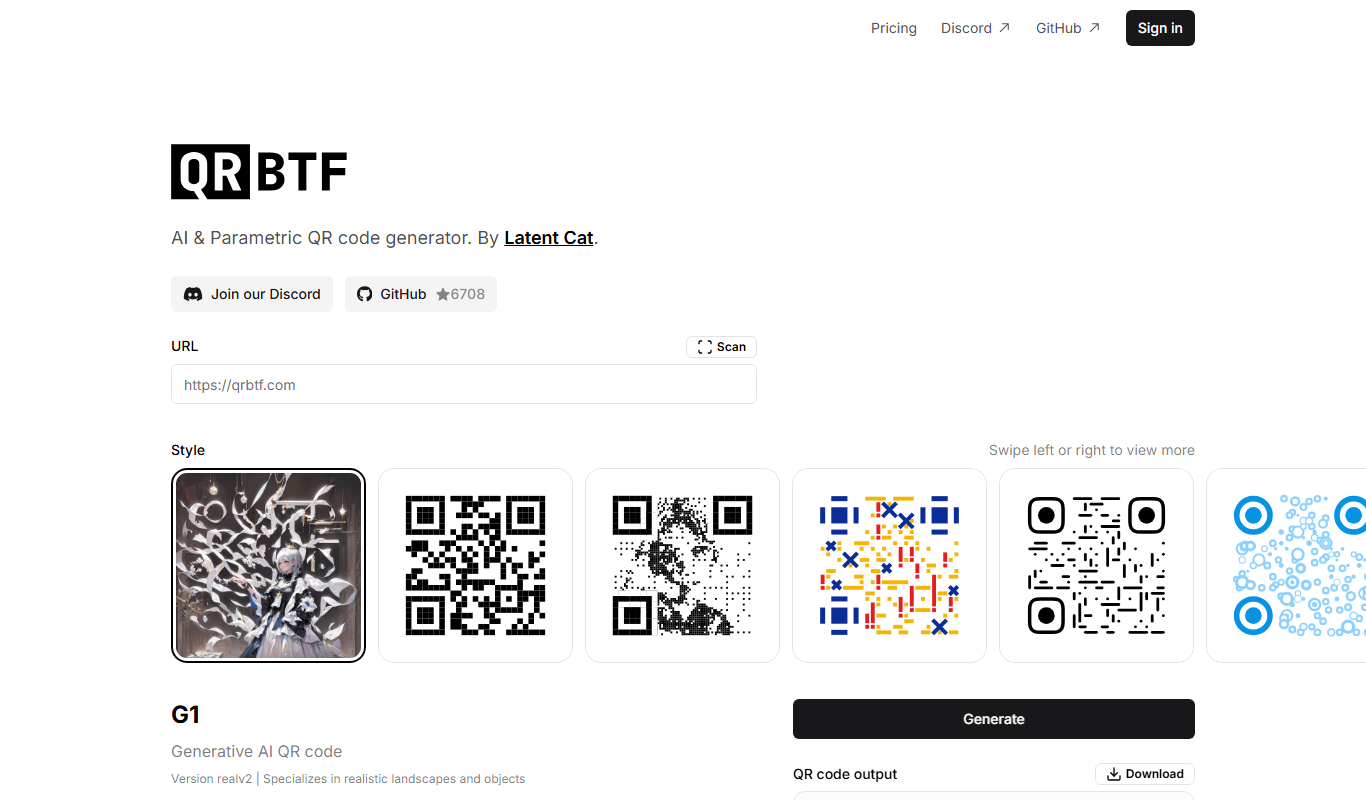
QRBTF is an AI and parametric QR code generator by Latent Cat that generates QR code images from keywords in any language.

Value Proposition Canvas AI
Value Proposition Canvas AI generates a Value Proposition Canvas for your company based on its description, with editable fields and download as an image.