

From my experience with WP RSS Aggregator, I found it excels at simplifying the process of importing and displaying RSS feeds within WordPress. Its intuitive interface and shortcode flexibility make it easy to integrate external content seamlessly. This plugin is particularly well-suited for bloggers, news sites, and marketers who want to automate content curation without manual effort. However, some advanced features like full-text feed import require purchasing premium add-ons, which might be a consideration for budget-conscious users. Overall, if you need reliable RSS feed aggregation and content automation on WordPress, WP RSS Aggregator delivers a robust and scalable solution.
WP RSS Aggregator Plugin for WordPress - RSS Feed Import & Content Automation
WP RSS Aggregator is a WordPress plugin that imports and displays RSS feeds from multiple sources, allowing automated content aggregation and publishing on your website.
- Best for
- Content Aggregation
- Key capability
- Unlimited Feed Imports
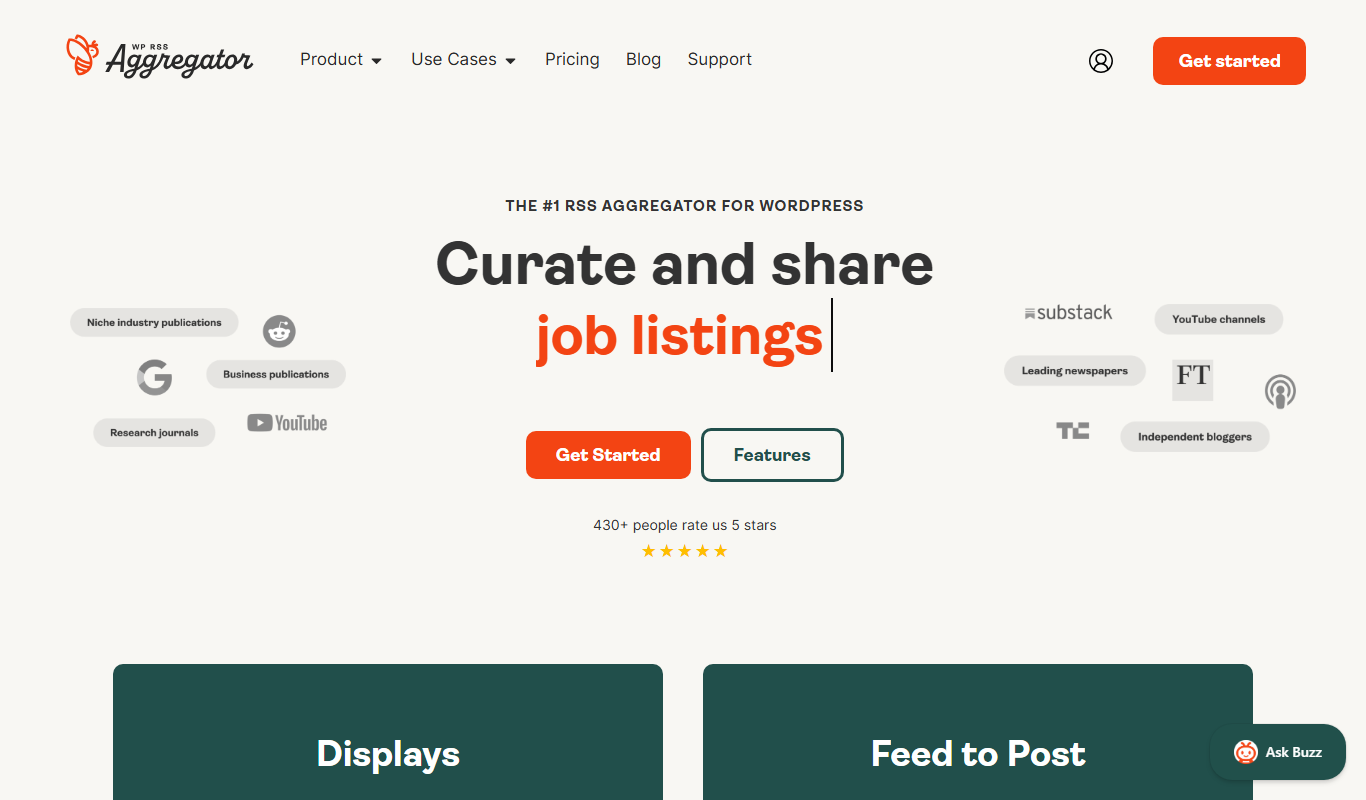
What is WP RSS Aggregator?
WP RSS Aggregator is a powerful WordPress plugin designed to import, merge, and display RSS feeds on your website. It enables website owners to aggregate content from multiple external sources automatically, helping to keep their site fresh and engaging without manual content creation. The plugin supports various feed formats and offers customization options to control how feeds are displayed.
Key features of WP RSS Aggregator
The plugin’s main features include importing unlimited RSS feeds, filtering and keyword filtering, feed-to-post conversion, shortcode support for flexible display, and premium add-ons for advanced functionality such as full-text RSS feeds, keyword filtering, and feed scheduling.
Unlimited Feed Imports
Import and aggregate content from unlimited RSS feed sources.
Feed to Post Conversion
Convert feed items into WordPress posts for seamless content integration.
Shortcode Support
Use shortcodes to display feeds anywhere on your site with customizable layouts.
Keyword Filtering
Filter feed items by keywords to display only relevant content.
Premium Add-ons
Extend functionality with add-ons for full-text RSS, feed scheduling, and more.
Pros and cons of WP RSS Aggregator
Pros
- Easy to set up and use within WordPress
- Supports unlimited RSS feed sources
- Flexible display options with shortcodes
- Extensible with premium add-ons
- Good documentation and support
Cons
- Full-text feed import requires paid add-on
- Some advanced features locked behind subscription
- Limited to WordPress platform
Key use cases for WP RSS Aggregator
Content Aggregation
Automatically import and display RSS feeds from multiple sources on your WordPress site.
News Curation
Curate news and blog posts by aggregating relevant RSS feeds to keep your audience updated.
Content Automation
Automate content publishing workflows by importing external content directly into WordPress posts.
Affiliate Marketing
Aggregate affiliate product feeds to create dynamic product listings and increase conversions.
Social Media Content Integration
Integrate social media RSS feeds to display latest updates and posts on your website.
How WP RSS Aggregator works
-
1
Install and Activate
Add WP RSS Aggregator plugin to your WordPress site and activate it.
-
2
Add RSS Feed Sources
Enter the URLs of the RSS feeds you want to aggregate.
-
3
Configure Display Settings
Customize how feeds appear using shortcodes and display options.
-
4
Publish Aggregated Content
Automatically import feed items as posts or display them as lists on your site.
Who is using WP RSS Aggregator
Bloggers and content creators
News and media websites
Affiliate marketers
Digital marketing agencies
Small to medium business websites
WP RSS Aggregator pricing
Free
$0/month
Basic RSS feed import and display with limited features.
Personal
$59/year
Includes premium add-ons for feed to post and keyword filtering.
Business
$99/year
Advanced features and priority support for multiple sites.
Developer
$199/year
Full feature set with unlimited sites and premium support.
Plans and prices are as published by the vendor and can change. Check the official site before you buy. Open the pricing page (opens in a new tab)
Frequently asked questions about WP RSS Aggregator
By default, it imports excerpts, but with the Full Text RSS Feeds add-on, you can import complete articles.
Yes, it works with any WordPress theme and offers shortcode customization for display.
Yes, keyword filtering is available through a premium add-on.
Yes, you can import and display content from unlimited RSS feed sources.
It depends on your specific needs and how you plan to use the tool. The official website and documentation are the best sources for the latest details.
Yes, it can help with that use case depending on how you configure it and what features are available. You’ll get the best results with clear inputs and a defined goal.
Some tools offer a free plan or trial with limited features. Availability can vary, so confirm on the official website.
The best alternative depends on your workflow, features you need, and budget. Compare plans, integrations, and output quality to choose the closest fit.
Sign in to review this tool.
No reviews yet
Be the first to share how this tool worked for you.
Ask about pricing, limits, or how it compares — or answer someone else.
No questions yet
Have a question about using or paying for this tool? Be the first to ask.
Featured on TiorAI



More Coding & Development tools
Other tools in the same category, for when this one is not quite the fit.

Custom Pricing
Andela
Andela is a platform that connects companies with vetted remote software developers globally, offering flexible hiring models and ongoing support to scale engineering teams efficiently.

Freemium
Claude
Claude is an AI assistant by Anthropic with a 200K token context window built on Constitutional AI for safer responses. Free tier available, Pro at $20/month.

Freemium
ChatGPT
ChatGPT is an AI chatbot by OpenAI powered by GPT-4o. It handles writing, coding, research, data analysis, and natural conversation. Free tier available, Plus at $20/month.

Free
Cohere
Cohere is an AI platform providing large language models accessible via API for natural language processing tasks such as text generation, semantic search, and classification, with support for fine-tuning and developer-friendly integration.

Free
Zapier AI
Zapier AI is an AI-powered automation tool that connects apps and automates workflows using natural language processing and intelligent triggers to improve productivity.

Free
Visily AI
Visily AI is a web-based no-code design tool that uses AI to help users quickly create UI wireframes and interactive prototypes without coding skills.

Free
Uizard
Uizard is an AI-driven design tool that converts sketches and screenshots into editable UI prototypes, enabling rapid app and website design without coding.

Free
10Web AI
10Web AI is an AI-powered platform that automates WordPress website creation, SEO optimization, and performance management, enabling users to build and maintain websites efficiently without coding skills.