

Workday HR and Finance Software for Enterprise Workforce Management
Workday is a cloud-based enterprise software platform offering human capital management, payroll, and financial management solutions designed for medium to large organizations.
- Best for
- Human Capital Management
- Key capability
- Human Capital Management
Save Workday, follow its updates and vote on it — everything stays in your account.
Sign in or create a free account
What is Workday?
Workday is a cloud-based enterprise software platform specializing in human capital management (HCM), financial management, and planning. It provides organizations with unified tools to manage HR, payroll, finance, and analytics in a single system designed for scalability and compliance.
Key features of Workday
Workday offers comprehensive modules including HR management, payroll, recruiting, talent management, financial accounting, procurement, and analytics. Its cloud architecture enables real-time data access and seamless integration across business functions.
Human Capital Management
Comprehensive HR tools covering recruitment, onboarding, performance, and succession planning.
Financial Management
Integrated accounting, budgeting, procurement, and financial reporting capabilities.
Payroll Automation
Automates payroll processing with compliance for multiple countries and currencies.
Talent and Recruiting
Tools to attract, hire, and develop employees aligned with organizational goals.
Workforce Analytics
Advanced analytics and reporting to support strategic workforce planning.
Pros and cons of Workday
Pros
- Unified platform for HR and finance
- Strong analytics and reporting capabilities
- Cloud-based with regular updates
- Scalable for large enterprises
- Comprehensive compliance features
Cons
- Pricing can be expensive for smaller companies
- Steep learning curve for new users
- Customization options may require consulting
Key use cases for Workday
Human Capital Management
Manage employee lifecycle from recruitment to retirement with integrated HR tools.
Financial Management
Streamline accounting, procurement, and financial reporting in a unified system.
Payroll and Benefits Administration
Automate payroll processing and benefits management for compliance and accuracy.
Talent Management and Recruiting
Attract, develop, and retain talent with recruiting and performance management modules.
Workforce Planning and Analytics
Use data-driven insights to optimize workforce planning and business decision-making.
How Workday works
- 1
Subscription and Onboarding
Organizations subscribe to Workday and configure modules based on their business needs.
- 2
Data Integration
Import existing employee and financial data into Workday’s unified platform.
- 3
User Access and Training
Employees and managers access Workday via web or mobile apps with role-based permissions.
- 4
Ongoing Management
Use Workday’s tools for daily HR, payroll, finance, and analytics operations.
Who is using Workday
Workday pricing
Subscription
Custom pricing
Pricing is customized based on company size, modules selected, and deployment scope.
Plans and prices are as published by the vendor and can change. Check the official site before you buy. Open the pricing page (opens in a new tab)
Frequently asked questions about Workday
Workday primarily targets medium to large enterprises; small businesses may find it complex and costly.
Yes, Workday supports payroll processing in multiple countries with compliance features.
Workday offers APIs and integration tools to connect with various third-party applications.
Yes, Workday provides training resources and customer support to facilitate user adoption.
This tool is designed to help users accomplish its core tasks more efficiently. It is typically used by individuals or teams looking to improve productivity and workflow.
Pricing depends on the plan and included features. For the most accurate and up-to-date details, check the official pricing page.
Conclusion
Workday keeps HR, payroll, finance and analytics together in a single cloud-based system. Organizations subscribe, configure modules around their business needs and import existing employee and financial data. HR tools run from recruitment and onboarding to performance and succession planning, while the finance side covers accounting, budgeting, procurement and financial reporting. Payroll processing is automated with compliance for multiple countries and currencies. Employees and managers get role-based permissions, and training resources and customer support are provided to facilitate adoption.
It primarily targets medium to large enterprises, with HR departments, finance teams and workforce planners as its day-to-day users. The page notes that small businesses may find it complex and costly, and that customization options may require consulting. Pricing is customized based on company size, selected modules and deployment scope.
Sources
Sign in to review this tool.
Sign In to ReviewNo reviews yet
Be the first to share how this tool worked for you.
Ask about pricing, limits, or how it compares — or answer someone else.
Sign In to AskNo questions yet
Have a question about using or paying for this tool? Be the first to ask.
Featured on TiorAI



More AI Recruiting tools
Other tools in the same category, for when this one is not quite the fit.

My Next Move
My Next Move is a free career exploration and skills assessment tool that helps users find occupations matching their interests and skills using data from the O*NET database.
The Muse Coaching
The Muse Coaching is an online platform connecting users with professional career and life coaches for personalized guidance through one-on-one sessions.

InterviewStream
InterviewStream is a video interviewing software that enables organizations to conduct live and on-demand candidate interviews remotely, using AI analytics and collaborative tools to improve hiring efficiency.

MentorcliQ
MentorcliQ is a mentoring software platform that helps organizations create, manage, and scale mentoring programs to improve employee development, engagement, and retention.
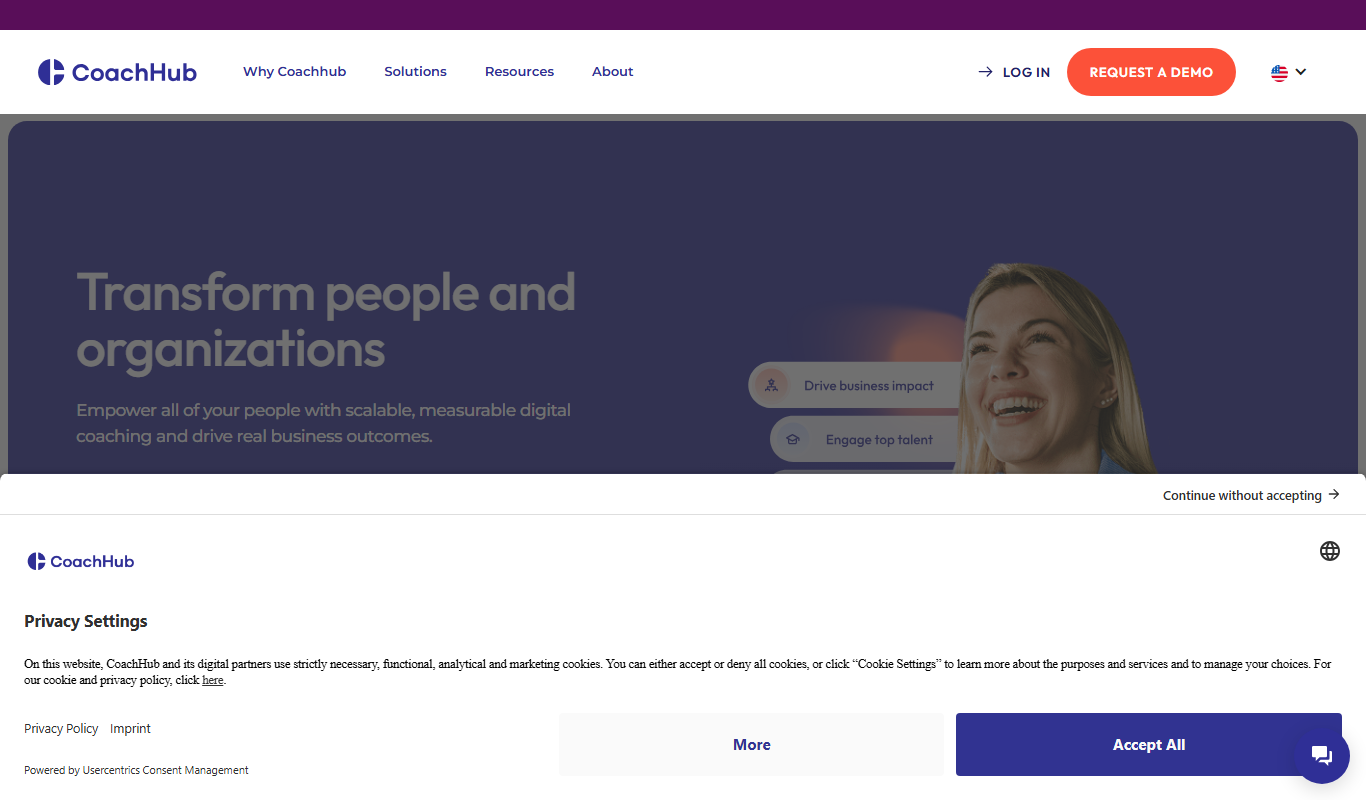
CoachHub
CoachHub is a digital coaching platform that enables organizations to provide personalized, remote coaching to employees for leadership development and skill enhancement.

Honorlock
Honorlock is an AI-driven online proctoring solution that secures remote exams by monitoring test takers through webcam, microphone, and screen recording, with identity verification and cheating detection features.
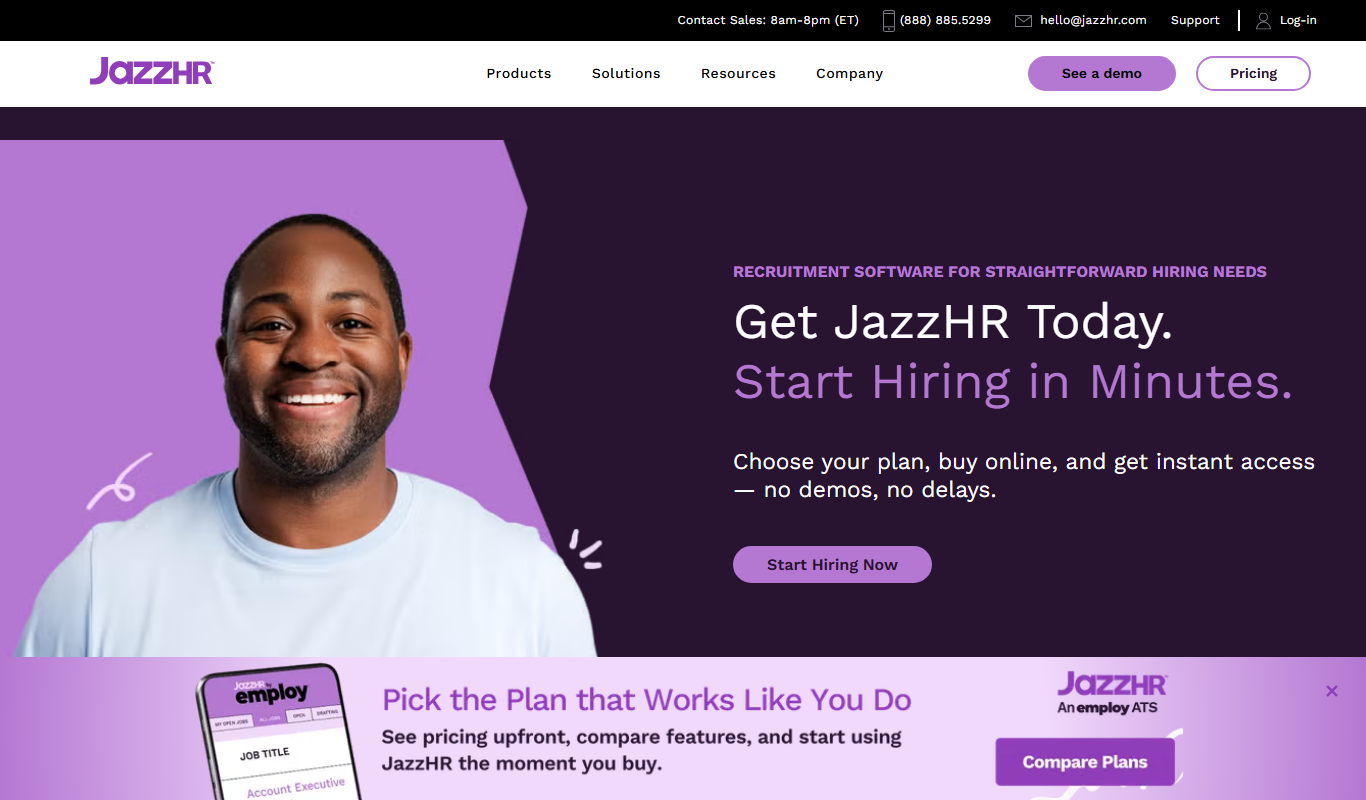
JazzHR
JazzHR is a cloud-based recruiting software that helps small and medium businesses manage applicant tracking, job postings, and collaborative hiring efficiently.

Betterteam Offer Letter Generator
Betterteam Offer Letter Generator is a web-based tool that automates the creation of customized, legally compliant job offer letters to streamline recruitment and improve candidate communication.