

From my experience with Whelp, I found it excels at providing a straightforward and affordable helpdesk solution for small to medium-sized teams. The platform’s unified ticketing and live chat features make managing customer queries efficient, while its collaboration tools help teams work together smoothly. However, the lack of dedicated mobile apps can be a limitation for support agents on the go. Overall, if you need a simple yet effective customer support tool with multi-channel capabilities, Whelp delivers solid value.
Whelp Helpdesk Software for Customer Support and Team Collaboration
Whelp is a cloud-based helpdesk software that centralizes customer support tickets, live chat, and team collaboration to improve customer service efficiency.
- Best for
- Customer Support Ticketing
- Key capability
- Unified Ticketing System
Your actions
Save Whelp, follow its updates and vote on it — everything stays in your account.
Sign in or create a free account

What is Whelp?
Whelp is a cloud-based helpdesk software designed to streamline customer support operations. It offers a unified platform where support teams can manage tickets, communicate internally, and engage customers via live chat. Whelp aims to improve customer satisfaction by providing timely and organized responses while enhancing team productivity.
Key features of Whelp
Whelp provides features such as ticket management, live chat, team collaboration tools, multi-channel support, and knowledge base creation. Its intuitive interface helps teams track customer issues from start to resolution efficiently.
Unified Ticketing System
Centralizes all customer requests from various channels into a single dashboard.
Live Chat Integration
Enables real-time communication with website visitors to provide instant support.
Team Collaboration Tools
Includes internal notes, tagging, and assignment features to streamline teamwork.
Multi-channel Support
Supports email, chat, and social media messages within one platform.
Knowledge Base
Allows creation of self-help articles to reduce repetitive customer questions.
Pros and cons of Whelp
Pros
- Easy to set up and use for small to medium teams
- Supports multiple communication channels in one platform
- Affordable pricing with a free tier
- Good collaboration features for support teams
Cons
- Limited mobile app support
- Some advanced automation features are only in higher plans
Key use cases for Whelp
Customer Support Ticketing
Manage and resolve customer queries efficiently through a centralized ticketing system.
Team Collaboration
Facilitate internal communication and collaboration among support agents to improve response quality.
Live Chat Support
Engage website visitors in real-time with live chat to provide instant assistance.
Knowledge Base Management
Create and maintain a self-service knowledge base to reduce repetitive queries.
Multi-channel Support
Handle customer interactions from multiple channels like email, chat, and social media in one place.
How Whelp works
- 1
Sign Up
Create an account on Whelp’s website to start using the helpdesk platform.
- 2
Set Up Channels
Connect your email, website chat widget, and other communication channels to Whelp.
- 3
Manage Tickets
Receive and organize customer queries into tickets for easy tracking and resolution.
- 4
Collaborate with Team
Use internal notes and chat features to coordinate with your support team.
- 5
Respond to Customers
Reply to tickets and live chat messages promptly to resolve issues.
Who is using Whelp
Small and medium-sized businesses
Customer support teams
E-commerce stores
SaaS companies
Marketing agencies
Whelp pricing
Free
$0/month
Basic helpdesk features with limited users and tickets.
Pro
$15/month per user
Advanced features including unlimited tickets, automation, and priority support.
Plans and prices are as published by the vendor and can change. Check the official site before you buy. Open the pricing page (opens in a new tab)
Frequently asked questions about Whelp
Yes, Whelp provides a free plan with basic features to get started.
Yes, Whelp offers a live chat widget that can be embedded on your website.
Whelp is accessible via mobile web browsers but does not currently have dedicated mobile apps.
This tool is designed to help users accomplish its core tasks more efficiently. It is typically used by individuals or teams looking to improve productivity and workflow.
Pricing depends on the plan and included features. For the most accurate and up-to-date details, check the official pricing page.
Yes, it can help with that use case depending on how you configure it and what features are available. You’ll get the best results with clear inputs and a defined goal.
Integration support depends on the tool and its available connectors or API. Check the official documentation or integrations page to confirm what is supported.
Sign in to review this tool.
Sign In to ReviewNo reviews yet
Be the first to share how this tool worked for you.
Ask about pricing, limits, or how it compares — or answer someone else.
Sign In to AskNo questions yet
Have a question about using or paying for this tool? Be the first to ask.
Featured on TiorAI



Alternative Tools
Explore similar AI tools that might fit your needs

Free Trial
Freshdesk
Freshdesk is a cloud-based customer support platform by Freshworks that offers AI-powered helpdesk automation, multichannel ticketing, and self-service portals to improve customer service efficiency.

Free
Help Scout
Help Scout is a customer support software that centralizes communications through a shared inbox, live chat, and knowledge base, enabling teams to collaborate efficiently and provide personalized customer service.
More AI Collaboration & Team Tools tools
Other tools in the same category, for when this one is not quite the fit.

Custom Pricing
FikraHub
FikraHub is a cloud-based innovation management platform that enables organizations to crowdsource ideas, run innovation challenges, and collaborate effectively to foster innovation.

Free
Alian hub – Project Management System
AlianHub is an open-source, self-hosted project management platform with boards, sprints, time tracking, chat and AI, free with unlimited users or hosted in the Cloud.

Free
Walling AI
Walling AI is a visual project management and idea organization platform that uses AI to help users organize tasks, notes, and files on flexible boards, supporting collaboration across web and mobile devices.

Freemium
MeetingCulture.ai from Decisions
MeetingCulture.ai by Decisions is an AI-powered platform that enhances meeting productivity by providing analytics, automated summaries, decision tracking, and integrations with Microsoft Teams, Outlook, and Slack.

Free
Miro
Miro is a cloud-based collaborative whiteboard platform that enables teams to brainstorm, plan, and collaborate visually in real time with an infinite canvas, templates, and integrations.

Free Trial
shufflrr.com
Shufflrr is a presentation management tool that centralizes PowerPoint slides, enabling teams to organize, collaborate, and deliver presentations efficiently with version control and analytics.

Free
Swift Board
Swift Board is a free, anonymous whiteboard for sprint retrospectives and team brainstorming that needs no sign-up and adds an instant AI-generated summary.
Free
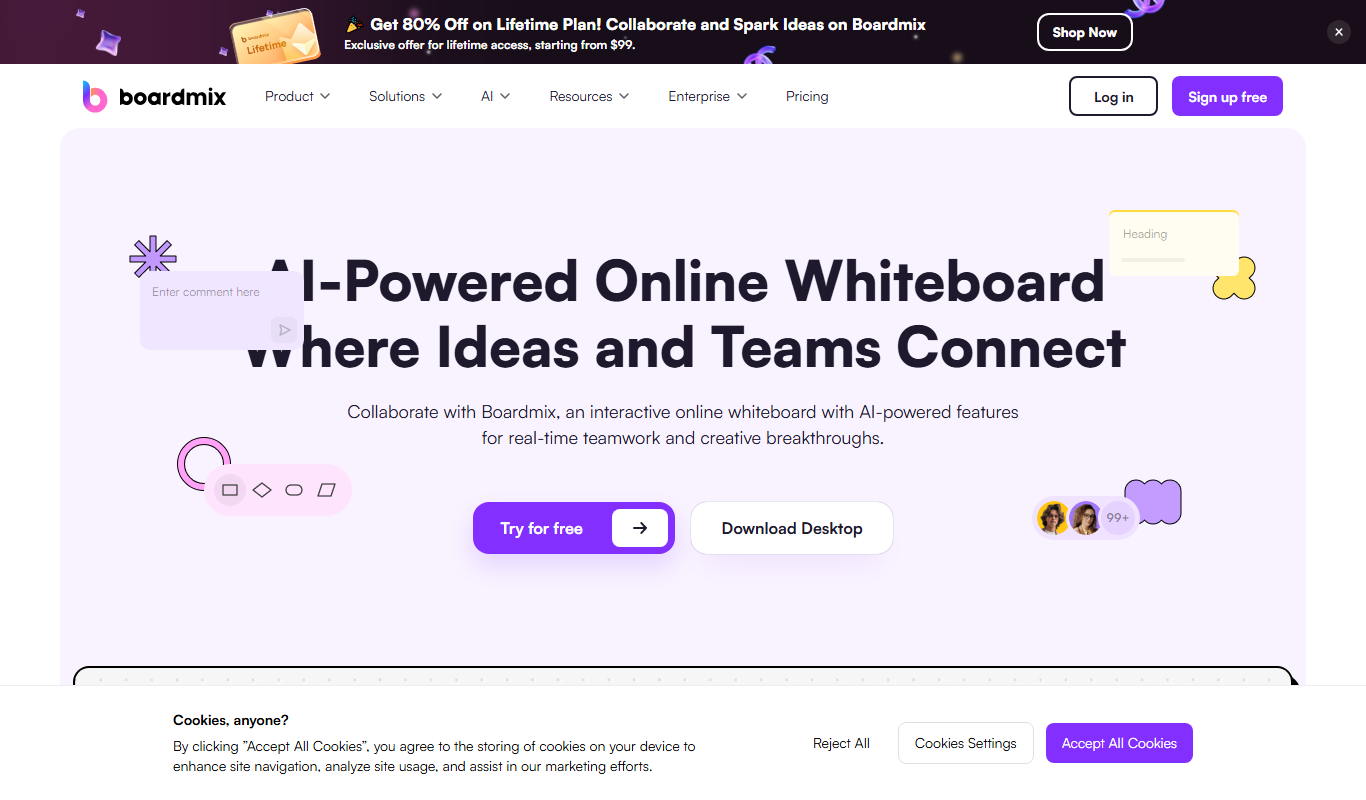
Boardmix online whiteboard
Boardmix is an online whiteboard tool designed for real-time team collaboration, brainstorming, and project planning accessible via web and mobile platforms.