
From my experience with TubeIQ, I found it excels at simplifying YouTube keyword research for creators who want to improve their video SEO without complex tools. The straightforward interface and actionable keyword suggestions make it easy to optimize video metadata effectively. However, the tool lacks some advanced analytics features found in larger platforms, and it does not offer a mobile app, which could limit on-the-go usage. Overall, if you are a YouTube content creator or marketer looking for an affordable and user-friendly keyword research tool, TubeIQ delivers solid value.

TubeIQ YouTube Keyword Research Tool for Video SEO Optimization
TubeIQ is a web-based tool that helps YouTube creators find relevant keywords and tags to optimize their videos for better search rankings and visibility.
What is TubeIQ?
TubeIQ is a web-based YouTube keyword research tool designed to help content creators, marketers, and SEO professionals find effective keywords to optimize their videos for better search rankings and increased visibility on YouTube.
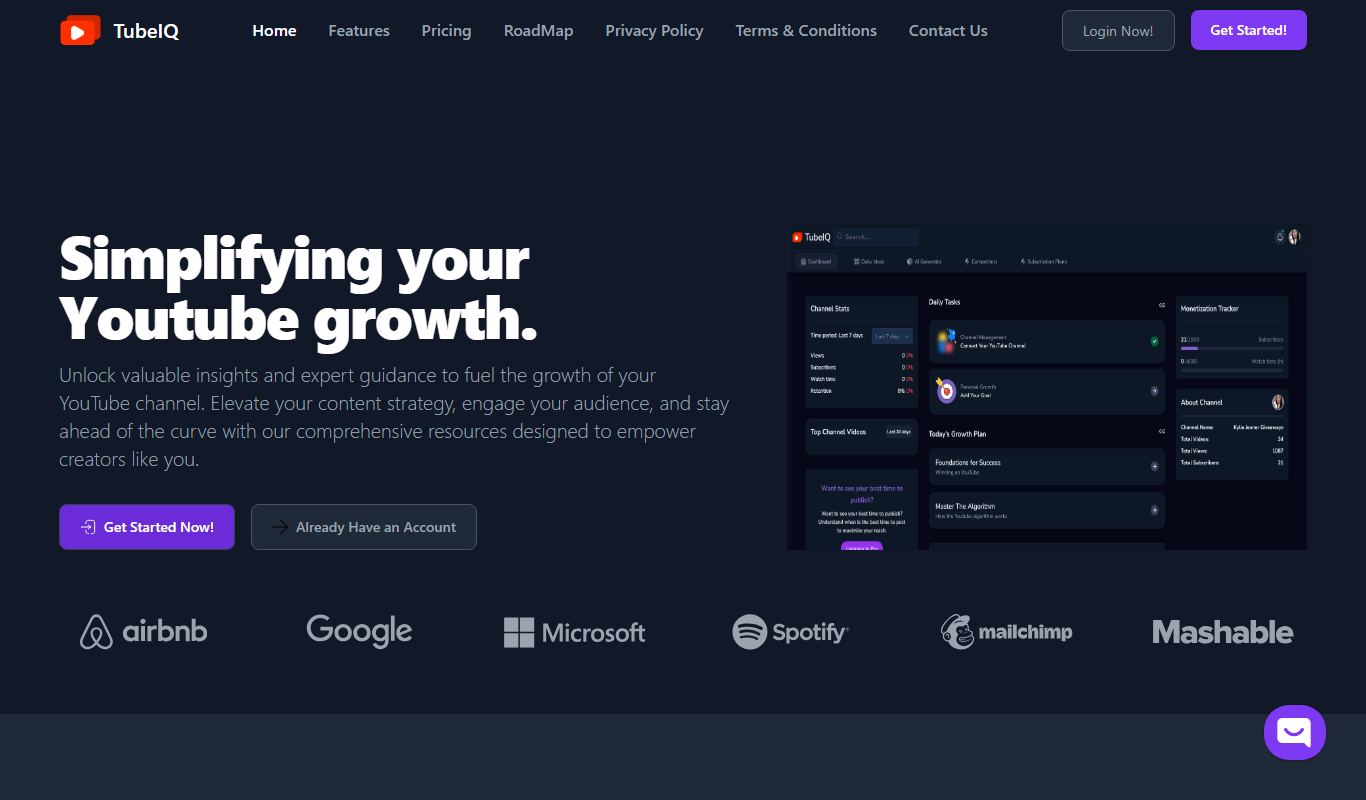
Key Features of TubeIQ
Keyword Suggestions
Generates a list of relevant keywords based on your input to target popular search terms.
Search Volume Data
Provides estimated monthly search volumes to prioritize keywords effectively.
Competition Analysis
Shows keyword competition levels to help identify less competitive opportunities.
Tag Recommendations
Suggests tags to include in videos for better discoverability on YouTube.
User-Friendly Interface
Simple and intuitive web interface for quick keyword research without technical complexity.
Pros and Cons of TubeIQ
Pros
- Easy to use with a clean interface
- Provides actionable keyword data for YouTube SEO
- Affordable pricing with a free tier
Cons
- Limited advanced analytics compared to larger SEO platforms
- No mobile app available
Key Use Cases for TubeIQ
YouTube Keyword Research
Discover high-performing keywords to optimize YouTube video titles, descriptions, and tags.
Video SEO Optimization
Improve video visibility and ranking on YouTube search results by targeting relevant keywords.
Content Strategy Planning
Plan video content based on keyword trends and search volume insights to attract more viewers.
Competitor Analysis
Analyze competitor videos’ keywords and tags to identify opportunities for your own channel.
How TubeIQ Works
-
1
Enter Seed Keyword
Input a base keyword related to your video topic to start the research.
-
2
Analyze Keyword Suggestions
Review the list of suggested keywords along with search volume and competition metrics.
-
3
Select Keywords
Choose relevant keywords to include in your video metadata for optimization.
-
4
Apply to Video Content
Use the selected keywords in your video title, description, and tags to improve ranking.
Who's Using TubeIQ
YouTube content creators
Digital marketers
Small business owners
Video SEO specialists
Social media managers
TubeIQ Pricing
Free
$0/month
Access to basic keyword research features with limited daily searches.
Pro
$9.99/month
Unlimited keyword searches, detailed analytics, and priority support.
Frequently Asked Questions About TubeIQ
TubeIQ offers a free plan with limited features and a Pro plan for full access.
Yes, by providing relevant keywords and tags, TubeIQ helps optimize videos for better search visibility.
No, TubeIQ is a web-based tool accessible through any modern browser.
Yes, it can help with that use case depending on how you configure it and what features are available. You’ll get the best results with clear inputs and a defined goal.
It depends on your specific needs and how you plan to use the tool. The official website and documentation are the best sources for the latest details.
Share your review
Reviews are limited to one per logged-in user and are published after moderation.
You need an account to review this tool.
0.0
★
★
★
★
★
0 reviews
5 star
0
4 star
0
3 star
0
2 star
0
1 star
0
No reviews yet
Be the first to share how this tool worked for you.
Questions from the community
Read questions and answers about this tool, or ask your own.
No questions yet
Start the conversation by asking the first question about this tool.
Is this tool helpful?

Freemium
Clusterly.ai
Clusterly.ai is an AI-driven SEO tool that automates keyword clustering to help marketers organize keywords into relevant groups for better content strategy and improved search rankings.

Freemium
Prismy
Prismy is an AI writing assistant that generates SEO-optimized content such as blog posts and marketing copy through an easy-to-use web platform.
Subscription
ArticleForge
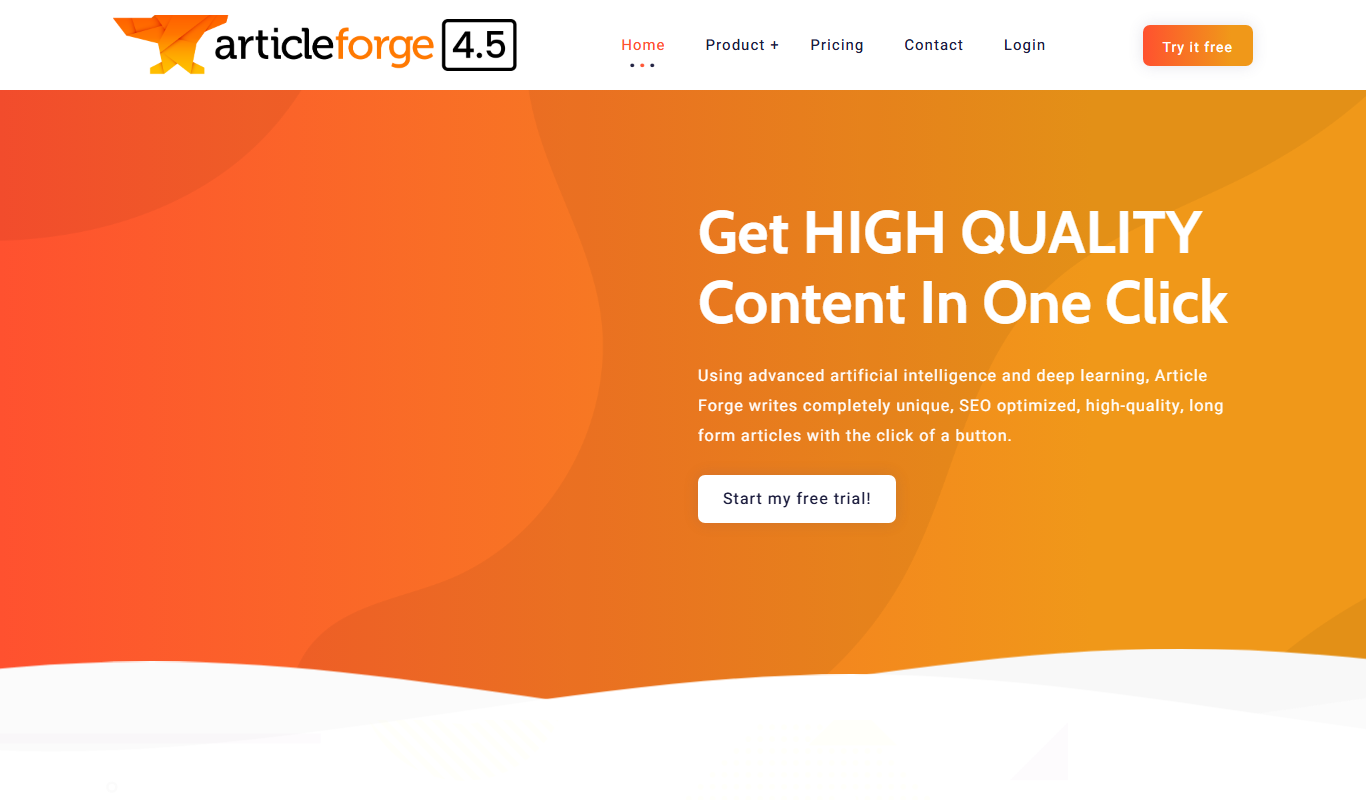
ArticleForge is an AI-driven platform that automatically creates unique, SEO-optimized articles based on user keywords, helping marketers and businesses automate content creation.

Freemium
Bika.ai
Bika.ai is an AI-powered writing assistant designed to help users generate SEO-optimized content, marketing copy, and blog posts quickly with customizable tone and style options.

Freemium
Scopilot.ai
Scopilot.ai is an AI-powered writing assistant that helps users generate SEO-friendly content, including articles, blog posts, and marketing copy, with built-in editing and keyword integration.

Free
IMRSIVO
IMRSIVO is an AI writing assistant that generates SEO-optimized content and marketing copy through a simple web platform.

Free
Profundo
Profundo is an AI-powered writing assistant that helps users generate and optimize content with SEO-friendly suggestions and grammar corrections.

Freemium
SEOWriting
SEOWriting is an AI content generation tool designed to create SEO-optimized articles and blog posts, helping users improve search rankings and streamline content creation.