
From my experience with TranslateVideos.io, I found it excels at simplifying the complex process of video translation and subtitling through an intuitive AI-powered platform. It is particularly well-suited for content creators and marketing teams aiming to reach international audiences without extensive manual effort. However, the AI translations, while impressive, still benefit from human review to ensure perfect accuracy. The web-only platform is convenient but lacks dedicated apps, which might limit some workflows. Overall, if you need efficient, multilingual video subtitles with easy editing and export options, TranslateVideos.io delivers solid results.
TranslateVideos.io - AI Video Translation and Subtitling Platform for Creators
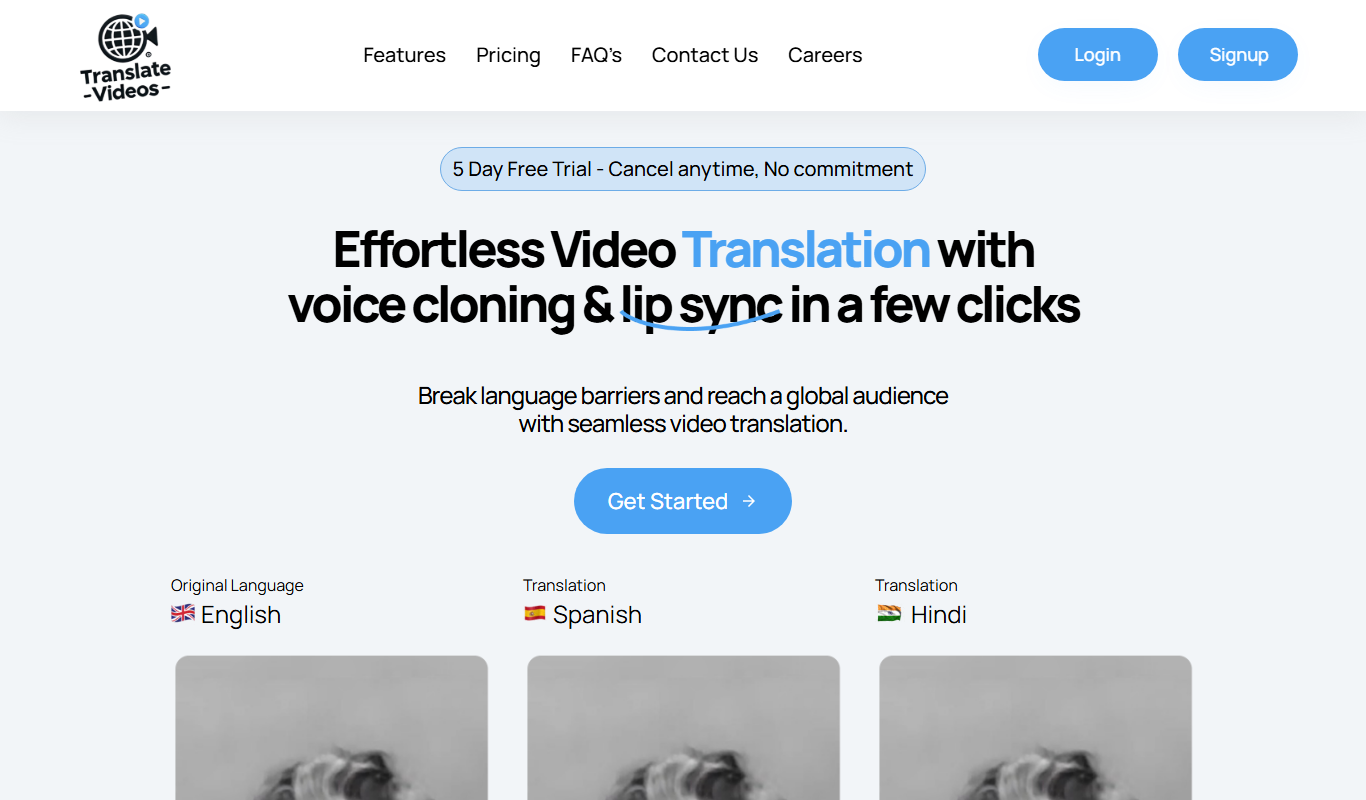
TranslateVideos.io is an AI-driven platform that automatically transcribes, translates, and generates subtitles for videos in multiple languages to help creators and businesses localize content efficiently.
What is TranslateVideos.io?
TranslateVideos.io is an AI-powered web platform that enables users to automatically translate and subtitle videos in multiple languages. It simplifies the process of localizing video content by providing accurate speech recognition, translation, and subtitle generation in a user-friendly interface. This tool is designed to help creators, marketers, educators, and media professionals expand their reach by making videos accessible to a global audience.
Key Features of TranslateVideos.io
AI-Powered Transcription
Accurate speech-to-text conversion to create transcripts from video audio.
Multilingual Translation
Supports translation into over 30 languages for global reach.
Subtitle Editing Interface
User-friendly editor to fine-tune timing and text of subtitles.
Multiple Export Formats
Export subtitles as SRT, VTT, or embed directly into videos.
Fast Processing
Quick turnaround times for transcription and translation.
Pros and Cons of TranslateVideos.io
Pros
- Easy-to-use interface for video translation
- Supports many languages for subtitles
- Fast processing and export options
- Integrated subtitle editor for customization
- Flexible pricing plans including free trial
Cons
- Translation accuracy may require manual review
- No desktop or mobile app, web-only platform
- Limited free plan video length
Key Use Cases for TranslateVideos.io
Content Creators
Translate and subtitle videos to reach a global audience and increase engagement.
Marketing Teams
Localize promotional videos quickly for different markets with accurate translations.
Educational Institutions
Provide multilingual subtitles for online courses and lectures to support diverse learners.
Media Companies
Automate video translation workflows to speed up content distribution internationally.
Social Media Managers
Create subtitles in multiple languages to boost video accessibility and views on social platforms.
How TranslateVideos.io Works
-
1
Upload Video
Users upload their video file directly to the platform.
-
2
Automatic Transcription
The tool generates a transcript of the video’s audio using AI speech recognition.
-
3
Select Target Languages
Choose one or multiple languages for translation and subtitle generation.
-
4
Review and Edit
Users can review the translated subtitles and make manual adjustments if needed.
-
5
Export Subtitles
Download subtitles in various formats or embed them directly into the video.
Who's Using TranslateVideos.io
Video content creators
Marketing professionals
Educators and trainers
Media and broadcasting companies
Social media managers
TranslateVideos.io Pricing
Free Trial
$0
Limited video length and features to test the platform.
Pro
$29/month
Extended video length, multiple languages, and priority support.
Business
Custom pricing
Tailored plans with team collaboration and advanced features.
Frequently Asked Questions About TranslateVideos.io
The platform supports common video formats such as MP4, MOV, AVI, and more.
Yes, there is an integrated subtitle editor to review and adjust translations and timing.
While AI provides high-quality translations, manual review is recommended for perfect accuracy.
Limits depend on the subscription plan; the free trial has shorter video length limits.
It depends on your specific needs and how you plan to use the tool. The official website and documentation are the best sources for the latest details.
Yes, it can help with that use case depending on how you configure it and what features are available. You’ll get the best results with clear inputs and a defined goal.
Yes, it can help with that use case depending on how you configure it and what features are available. You’ll get the best results with clear inputs and a defined goal.
Some tools offer a free plan or trial with limited features. Availability can vary, so confirm on the official website.
Share your review
Reviews are limited to one per logged-in user and are published after moderation.
You need an account to review this tool.
0.0
★
★
★
★
★
0 reviews
5 star
0
4 star
0
3 star
0
2 star
0
1 star
0
No reviews yet
Be the first to share how this tool worked for you.
Questions from the community
Read questions and answers about this tool, or ask your own.
No questions yet
Start the conversation by asking the first question about this tool.
Is this tool helpful?

Custom Pricing
custom.mt
custom.mt is a machine translation platform that enables businesses to create custom neural machine translation models trained on their own data for improved translation accuracy and domain relevance.
Custom Pricing
OneSky Localization Agent
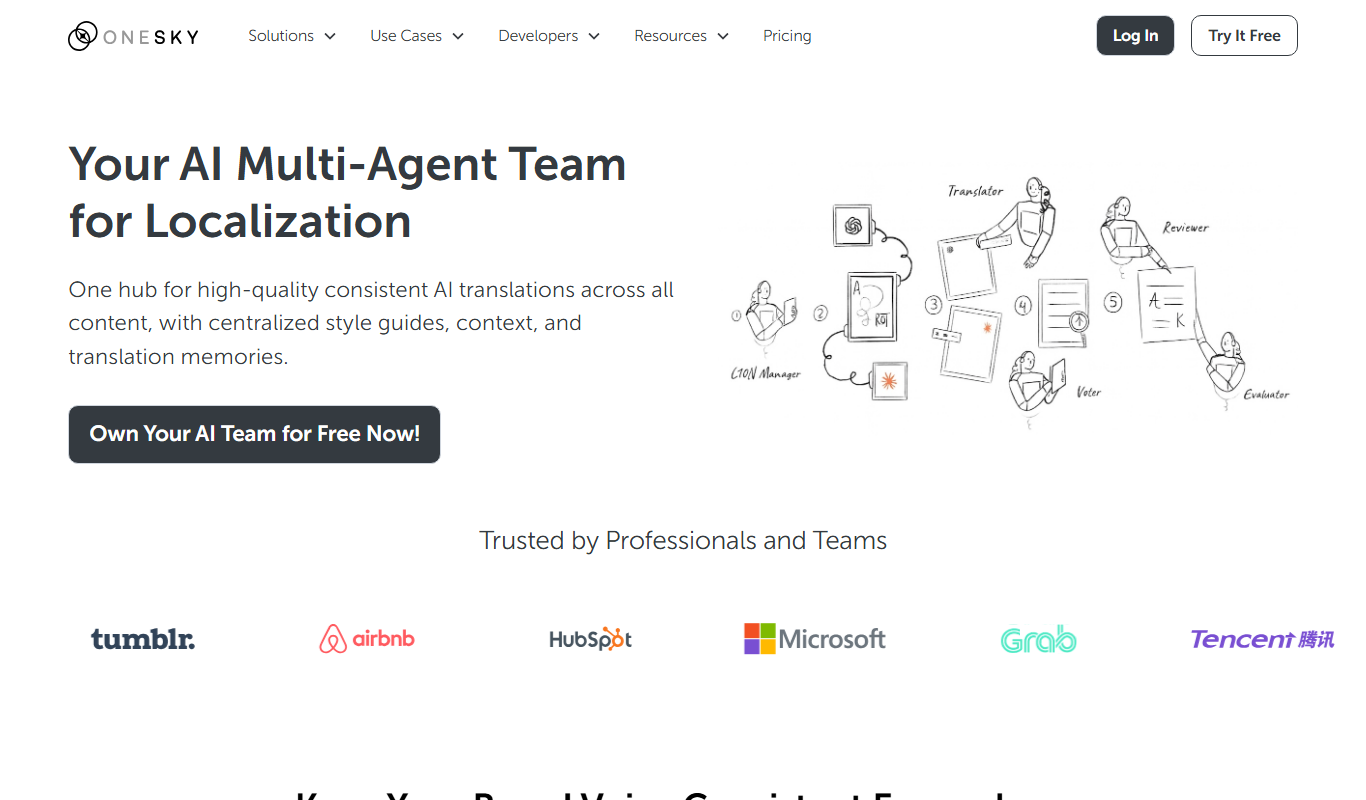
OneSky Localization Agent is an AI-powered localization platform that streamlines translation workflows for software, websites, and marketing content by combining machine learning with human review.

Freemium
Rask AI
Rask AI is a web-based AI platform that automatically transcribes, translates, and generates subtitles for videos in multiple languages, helping creators and businesses localize content efficiently.

Free Trial
Apployal: AI-Powered app localization
Apployal is an AI-powered platform that automates and manages mobile app localization, enabling developers to efficiently translate and maintain multilingual apps with collaboration and API support.

Freemium
Vidnoz AI Video Translator
Vidnoz AI Video Translator is a web-based tool that uses AI to automatically transcribe, translate, subtitle, and dub videos into multiple languages, enabling easy video localization for global audiences.

Custom Pricing
Alexa Translations A.I.
Alexa Translations A.I. is an AI-driven platform providing fast and accurate multilingual translation and localization services for businesses to communicate globally.
Free Trial
anyLanguage.ai
anyLanguage.ai is an AI-driven translation platform that supports over 30 languages and offers API integration for seamless multilingual content localization.

Free Trial
i18nlocale
i18nlocale is a cloud-based translation management system that helps software teams manage localization projects through collaboration, translation memory, and glossary tools.