
From my experience with ThreatSlayer, it stands out as a straightforward and effective tool for real-time malware and phishing protection directly within Chrome. Its ease of installation and lightweight operation make it accessible for everyday users who want to enhance their browsing security without technical complexity. However, its limitation to Chrome and lack of advanced features means it may not satisfy users seeking comprehensive cybersecurity suites. Overall, if you need a free, no-fuss extension to block malicious sites and protect your privacy while browsing, ThreatSlayer delivers reliable baseline protection.
ThreatSlayer Chrome Extension for Real-Time Malware and Phishing Protection
ThreatSlayer is a free Chrome extension that protects users from malware and phishing attacks by scanning websites and downloads in real time, blocking threats instantly to ensure safe browsing.
What is ThreatSlayer?
ThreatSlayer is a Chrome browser extension designed to provide real-time protection against malware, phishing attacks, and other web-based threats. It actively scans websites and downloads to detect malicious content, helping users browse safely without compromising their security or privacy.
Key Features of ThreatSlayer
Real-Time Malware Blocking
Detects and blocks malware instantly to prevent infections.
Phishing Protection
Identifies fraudulent websites to protect user credentials.
Privacy Safeguards
Blocks trackers and malicious scripts to maintain user privacy.
Lightweight and Fast
Operates efficiently without slowing down browser performance.
Pros and Cons of ThreatSlayer
Pros
- Real-time protection against malware and phishing
- Easy to install and use within Chrome
- Free with no hidden costs
- Lightweight and does not affect browser speed
Cons
- Limited to Chrome browser only
- No advanced customization options
- Lacks detailed reporting or analytics
Key Use Cases for ThreatSlayer
Real-Time Malware Detection
Automatically scans websites and downloads to detect and block malware threats in real time.
Phishing Site Protection
Identifies and blocks phishing websites to prevent credential theft and fraud.
Safe Browsing Experience
Enhances browser security by warning users about suspicious links and unsafe content.
Privacy Protection
Prevents trackers and malicious scripts from compromising user privacy during web sessions.
How ThreatSlayer Works
-
1
Install Extension
Add ThreatSlayer to your Chrome browser from the Chrome Web Store.
-
2
Automatic Scanning
The extension continuously scans websites and downloads for threats as you browse.
-
3
Threat Detection
When a malicious or phishing site is detected, ThreatSlayer immediately blocks access and alerts the user.
-
4
Safe Browsing
Users receive warnings about suspicious links and can browse with enhanced privacy protections.
Who's Using ThreatSlayer
Everyday internet users seeking safer browsing
Small business employees needing phishing protection
Students and educators browsing online resources
Remote workers accessing web-based tools
ThreatSlayer Pricing
Free
$0
Full access to all features with no cost.
Frequently Asked Questions About ThreatSlayer
Yes, ThreatSlayer is completely free to install and use.
Currently, ThreatSlayer is only available as a Chrome extension.
No, it is designed to be lightweight and operate without noticeable impact on browser speed.
It uses a combination of URL analysis and threat intelligence databases to identify phishing attempts.
It depends on your specific needs and how you plan to use the tool. The official website and documentation are the best sources for the latest details.
It depends on your specific needs and how you plan to use the tool. The official website and documentation are the best sources for the latest details.
Yes, it can help with that use case depending on how you configure it and what features are available. You’ll get the best results with clear inputs and a defined goal.
Share your review
Reviews are limited to one per logged-in user and are published after moderation.
You need an account to review this tool.
0.0
★
★
★
★
★
0 reviews
5 star
0
4 star
0
3 star
0
2 star
0
1 star
0
No reviews yet
Be the first to share how this tool worked for you.
Questions from the community
Read questions and answers about this tool, or ask your own.
No questions yet
Start the conversation by asking the first question about this tool.
Is this tool helpful?
Alternative Tools
Explore similar AI tools that might fit your needs

Free
Malwarebytes Browser Guard
Malwarebytes Browser Guard is a free browser extension that blocks ads, trackers, malware, and scams to protect your online privacy and security while improving browsing speed.

Free
Bitdefender TrafficLight
Bitdefender TrafficLight is a free browser extension that protects users from phishing, malware, and unsafe websites by providing real-time scanning, safety ratings on search results, and blocking harmful content.

Subscription
omnilert.com
Omnilert is a multi-channel emergency notification platform that enables organizations to send mass alerts and manage crisis communications efficiently.

Free
StendjalGPT
StendhalGPT is a free AI chatbot designed for French speakers to practice language skills and receive cultural information through natural conversations.

Freemium
Nightfall for ChatGPT
Nightfall for ChatGPT is a Chrome extension that automatically detects and redacts sensitive data in real-time while using ChatGPT, helping users maintain privacy and comply with data protection regulations.

Freemium
AIHumanizer
AIHumanizer is an AI-powered web tool that converts text into natural, human-like speech with options for voice cloning and multiple voice styles.

Free
SELPHO
SELPHO is an AI-driven online photo editing tool that automatically removes backgrounds, enhances image quality, and upscales photos for professional results without manual effort.

Freemium
Humanlike Writer
Humanlike Writer is an AI-powered platform that generates natural, SEO-optimized written content for marketing, blogging, and SEO purposes.
Free
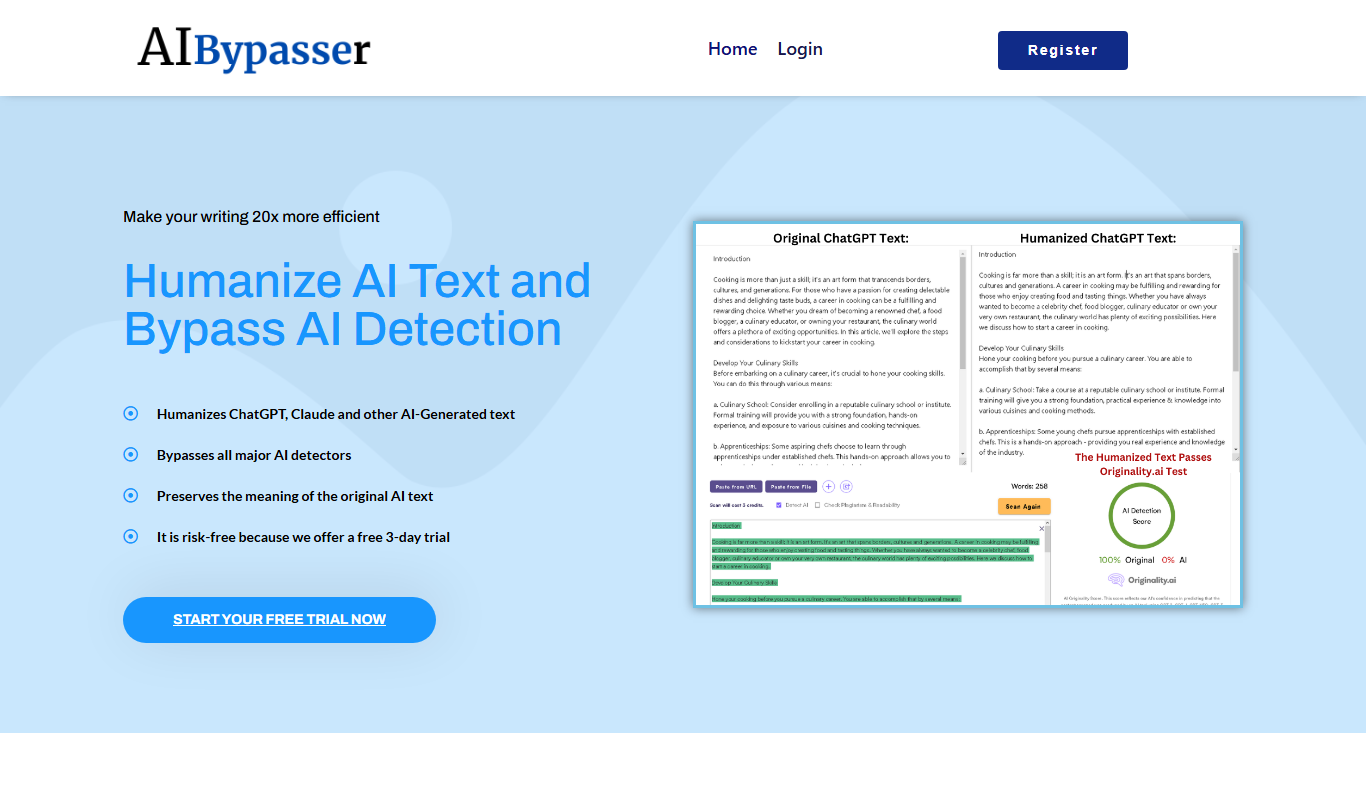
AI Bypasser
AI Bypasser is a free online tool that rewrites text to help users bypass AI content detection and moderation filters by altering phrasing while preserving meaning.

Freemium
wedetect.ai
wedetect.ai is an AI-powered tool that detects whether text content is generated by artificial intelligence or written by humans, helping users verify content authenticity.