
From my experience with TextGPT, I found it excels at quickly generating coherent and relevant text for a variety of writing needs. The platform’s straightforward web interface makes it accessible for users without technical expertise, which is great for content creators and marketers looking to save time. However, the tool currently supports only English and lacks mobile apps, which may limit flexibility for some users. Overall, if you need a simple AI writing assistant for content creation or summarization, TextGPT offers solid value, especially with its affordable premium plan.
TextGPT AI Writing Assistant for Content Creation and Text Generation
TextGPT is an AI-powered writing assistant that helps users generate high-quality text content such as articles, summaries, and creative writing through a simple web interface.
What is TextGPT?
TextGPT is an AI-powered writing assistant designed to help users generate high-quality text content quickly and efficiently. It leverages advanced language models to assist with various writing tasks such as article creation, summarization, and creative writing.

Key Features of TextGPT
AI Text Generation
Produce coherent and contextually relevant text based on user prompts.
Content Summarization
Automatically create concise summaries from longer documents.
Creative Writing Support
Assist with generating story ideas, dialogues, and creative content.
User-Friendly Interface
Simple and intuitive web platform for easy access and use.
Pros and Cons of TextGPT
Pros
- Easy to use with a clean interface
- Supports multiple writing tasks
- Affordable premium plan
- Quick content generation
Cons
- Limited language support (English only)
- No mobile app available
- Basic customization options
Key Use Cases for TextGPT
Content Writing
Generate articles, blog posts, and marketing copy efficiently using AI-powered text generation.
Creative Writing
Assist with story ideas, dialogues, and creative text drafts to enhance writing productivity.
Text Summarization
Condense long texts into concise summaries for easier understanding and quick reading.
Idea Generation
Brainstorm topics, headlines, and concepts to overcome writer's block and spark creativity.
How TextGPT Works
-
1
Access the Platform
Visit the TextGPT website and create a free account to start using the tool.
-
2
Select Writing Task
Choose the type of content you want to generate, such as article, summary, or creative text.
-
3
Input Prompts
Provide keywords, topics, or initial sentences to guide the AI in generating relevant content.
-
4
Generate and Edit
Review the AI-generated text and make any necessary edits or refinements.
Who's Using TextGPT
Content creators
Bloggers
Marketing professionals
Small business owners
Students
TextGPT Pricing
Free
$0/month
Basic access with limited daily usage and features.
Premium
$9.99/month
Unlimited usage with advanced features and priority support.
Frequently Asked Questions About TextGPT
Yes, TextGPT offers a free plan with limited daily usage.
Currently, TextGPT supports English language content generation.
Yes, content generated can be used commercially, but users should review for accuracy.
This tool is designed to help users accomplish its core tasks more efficiently. It is typically used by individuals or teams looking to improve productivity and workflow.
Some tools offer a free plan or trial with limited features. Availability can vary, so confirm on the official website.
It depends on your specific needs and how you plan to use the tool. The official website and documentation are the best sources for the latest details.
Share your review
Reviews are limited to one per logged-in user and are published after moderation.
You need an account to review this tool.
0.0
★
★
★
★
★
0 reviews
5 star
0
4 star
0
3 star
0
2 star
0
1 star
0
No reviews yet
Be the first to share how this tool worked for you.
Questions from the community
Read questions and answers about this tool, or ask your own.
No questions yet
Start the conversation by asking the first question about this tool.
Is this tool helpful?

Free Trial
orionox
Orionox is an AI writing assistant that generates SEO-friendly content including blog posts, marketing copy, and social media posts through an easy-to-use web platform.

Freemium
LuDe
LuDe is an AI-powered writing assistant that helps users generate, edit, and improve written content efficiently through advanced natural language processing.

Freemium
Dumpling AI
Dumpling AI is an AI writing assistant that helps users generate, rewrite, and enhance written content efficiently, primarily supporting English language content creation.

Free
Cinemashle
Cinemashle is an AI-driven online video editing platform that helps users quickly create and enhance videos using automated scene detection, smart cutting, and creative effects, ideal for social media and marketing content.

Freemium
Jogg.ai
Jogg.ai is an AI-powered writing assistant designed to help marketers and content creators generate high-quality, SEO-optimized content quickly and efficiently.

Free Trial
NisusAI | Generative AI Platform
NisusAI is a generative AI platform that helps users create and automate content generation tasks using advanced natural language processing models.

Freemium
AI STUDIOS
AI STUDIOS is a web platform that generates videos from text scripts using AI avatars and text-to-speech technology, enabling quick and easy video creation without filming.
Freemium
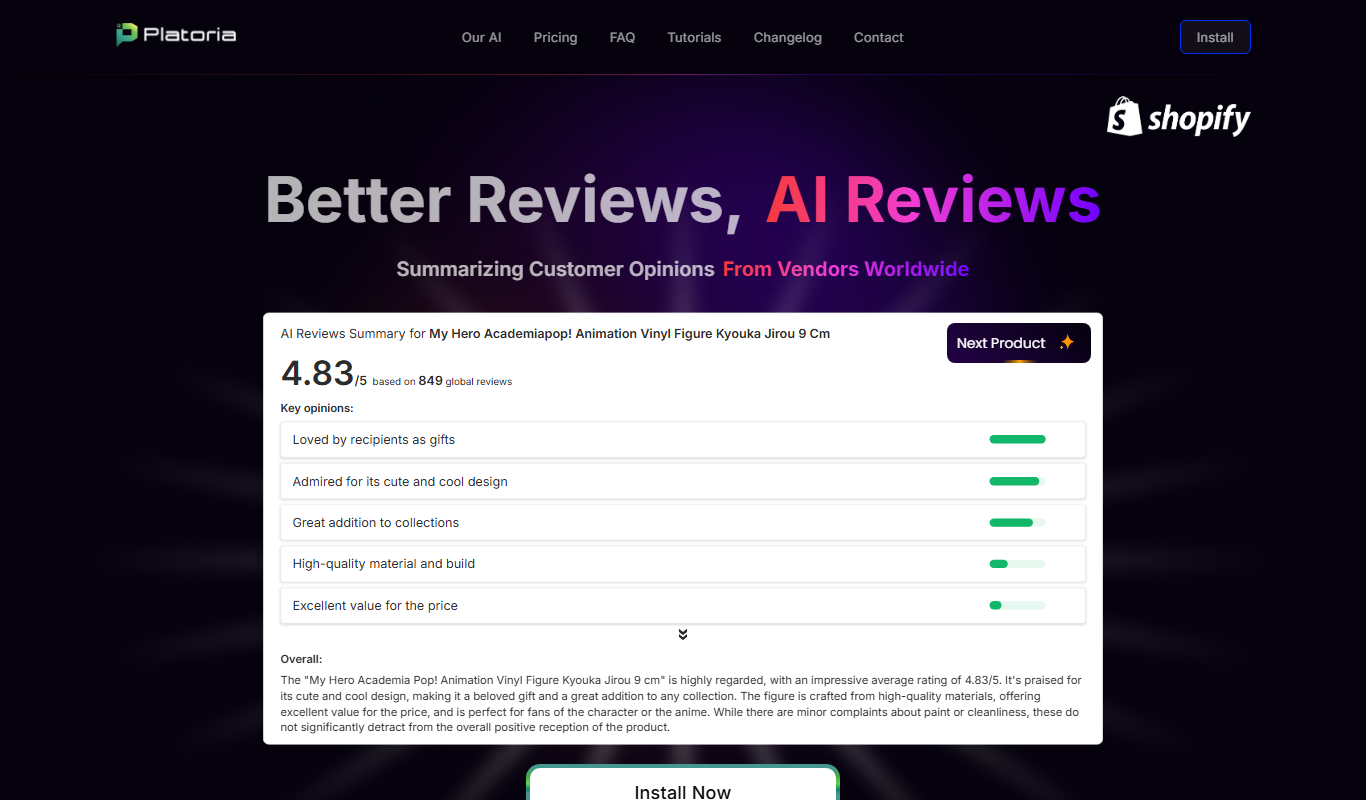
Platoria
Platoria is an AI-powered writing assistant designed to generate SEO-friendly content, including blog posts and marketing copy, through an easy-to-use web platform.