

From my experience with Sarahah, I found it excels at providing a straightforward and accessible platform for receiving honest, anonymous feedback. Its simplicity and cross-platform availability make it easy for users to share their profiles and gather candid messages. However, the anonymity feature can be a double-edged sword, sometimes leading to misuse or negative comments without accountability. Despite this, for individuals or groups seeking genuine, unfiltered opinions, Sarahah offers a unique and valuable tool that balances privacy with social interaction.
Sarahah Anonymous Feedback Platform for Honest Social Media Messaging
Sarahah is an anonymous messaging platform that allows users to send and receive honest feedback without revealing their identity, accessible via web and mobile apps.
- Best for
- Anonymous Feedback
- Key capability
- Anonymous Messaging
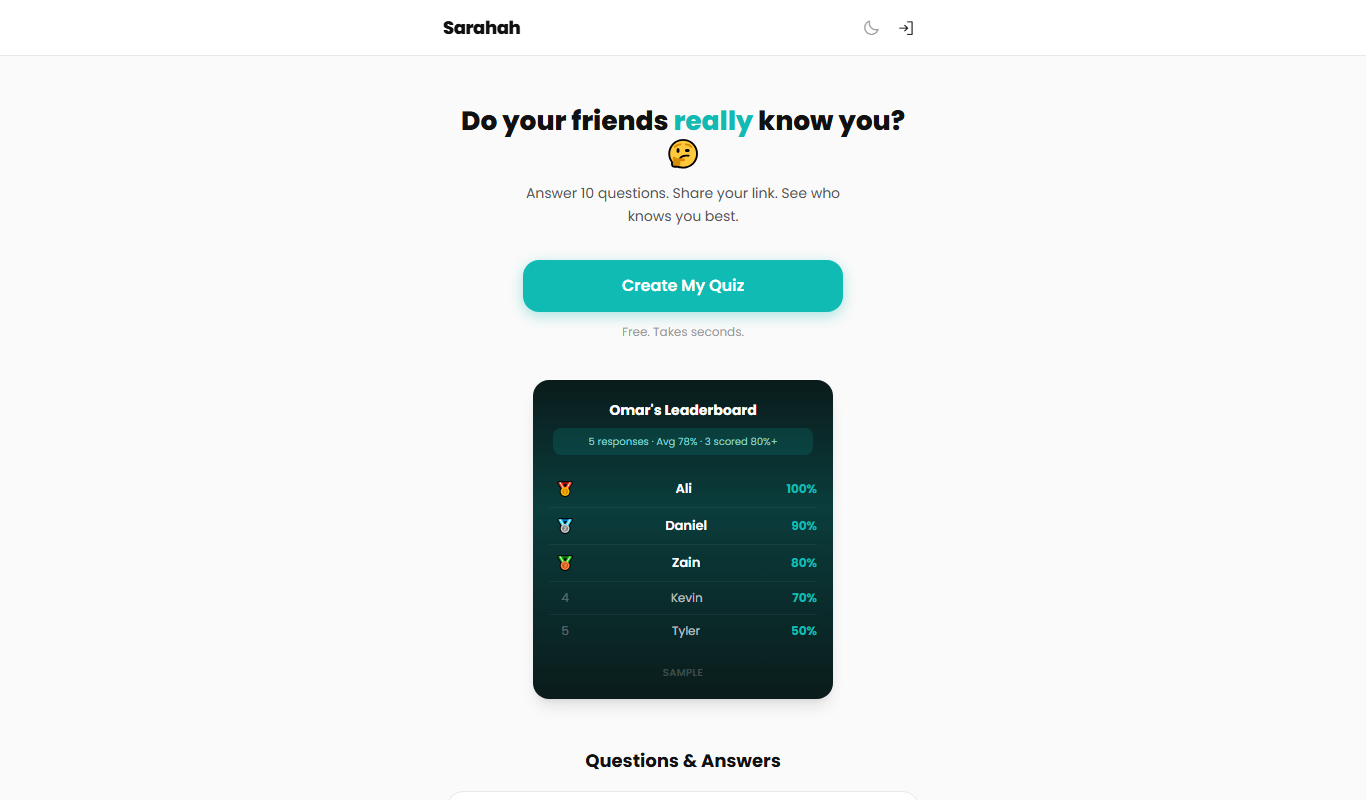
What is Sarahah?
Sarahah is an anonymous messaging platform that enables users to send and receive honest feedback without revealing their identity. Originally launched in Saudi Arabia, it gained global popularity as a social media tool for candid communication. Users create profiles and share their Sarahah links, inviting others to send anonymous messages, which can be viewed privately or shared publicly.
Key features of Sarahah
Sarahah offers anonymous message sending and receiving, profile sharing via unique links, mobile and web accessibility, and a simple user interface focused on privacy and candid communication.
Anonymous Messaging
Send and receive messages without revealing sender identity.
Unique Profile Link
Each user gets a unique URL to share for receiving messages.
Cross-Platform Access
Available on web, iOS, and Android for easy access.
Privacy Focused
No personal information of senders is disclosed.
Simple User Interface
Minimalistic design focused on ease of use.
Pros and cons of Sarahah
Pros
- Enables honest and candid feedback
- Simple and easy to use interface
- Cross-platform availability
- Free to use with no hidden costs
Cons
- No option to reply to messages
- Potential for misuse or cyberbullying
- Limited moderation features
Key use cases for Sarahah
Anonymous Feedback
Users can receive honest and anonymous feedback from friends, colleagues, or strangers.
Social Interaction
Facilitates open and candid social communication without revealing the sender's identity.
Self-Improvement
Allows individuals to gain insights about themselves through anonymous messages.
Event or Group Feedback
Can be used in groups or events to gather anonymous opinions or suggestions.
How Sarahah works
-
1
Create an Account
Sign up on the Sarahah website or mobile app to create your profile.
-
2
Share Your Link
Share your unique Sarahah link on social media or with friends to receive anonymous messages.
-
3
Receive Messages
Others send you anonymous feedback or messages through your link.
-
4
Read and Respond
Read the anonymous messages privately; responding is optional and anonymous.
Who is using Sarahah
Social media users seeking anonymous feedback
Individuals interested in self-improvement
Groups or event organizers collecting anonymous opinions
Teenagers and young adults
Content creators wanting candid audience input
Sarahah pricing
Free
$0
Full access to anonymous messaging features without cost.
Plans and prices are as published by the vendor and can change. Check the official site before you buy. Open the pricing page (opens in a new tab)
Frequently asked questions about Sarahah
Yes, Sarahah does not reveal the identity of message senders to recipients.
Sarahah does not support direct replies; you can only read messages sent anonymously.
While messages are anonymous, users should be cautious as anonymity can lead to misuse.
Sarahah provides options to report inappropriate messages but does not identify senders.
It depends on your specific needs and how you plan to use the tool. The official website and documentation are the best sources for the latest details.
Yes, it can help with that use case depending on how you configure it and what features are available. You’ll get the best results with clear inputs and a defined goal.
It depends on your specific needs and how you plan to use the tool. The official website and documentation are the best sources for the latest details.
Sign in to review this tool.
Sign In to ReviewNo reviews yet
Be the first to share how this tool worked for you.
Ask about pricing, limits, or how it compares — or answer someone else.
Sign In to AskNo questions yet
Have a question about using or paying for this tool? Be the first to ask.
Featured on TiorAI



More Daily Life tools
Other tools in the same category, for when this one is not quite the fit.

Free
Roadtrippers
Roadtrippers is a travel planning app that helps users create detailed road trip itineraries by mapping routes, discovering attractions, and optimizing travel plans.

Free
TripIt
TripIt is a travel app that automatically organizes your travel plans into a single itinerary by parsing confirmation emails, providing real-time flight alerts, and allowing itinerary sharing.

Freemium
Tailor Brands
Tailor Brands is an AI-driven platform that helps small businesses create custom logos and brand identities with easy-to-use design tools and affordable pricing.

Free
AI Dungeon
AI Dungeon is an AI-driven platform that generates interactive text-based stories and roleplaying adventures dynamically based on user input.

Free
Gaia GPS
Gaia GPS is an outdoor navigation app providing detailed topographic maps, offline access, and GPS tracking for hiking, backpacking, and other outdoor activities.

Freemium
Komoot
Komoot is an outdoor navigation app that helps users plan and follow hiking, cycling, and other adventure routes with detailed maps, offline access, and voice guidance.
Free
AllTrails
AllTrails is an app that helps users find, navigate, and track hiking and outdoor trails with GPS, offline maps, and community reviews.

Airbnb Experiences
Airbnb Experiences is a platform for booking unique local tours and activities hosted by locals worldwide, offering travelers authentic cultural and adventure experiences beyond traditional accommodations.