
From my experience with RemNote, I found it excels at integrating note-taking with spaced repetition flashcards, which makes studying and knowledge retention much more efficient. The ability to link notes and create a knowledge graph helps in understanding complex topics by seeing relationships clearly. While the learning curve can be a bit steep for beginners, especially those new to spaced repetition, the platform’s rich features and cross-device syncing make it a powerful tool for students and professionals alike. However, if you need real-time collaboration, RemNote currently lacks robust options. Overall, for personal knowledge management and exam preparation, RemNote delivers solid, practical results.
RemNote Review: AI-Powered Knowledge Management and Study Tool
RemNote is an AI-powered note-taking and knowledge management tool that integrates spaced repetition flashcards to help users learn and retain information efficiently.
Tech Stack:
JavaScript
Node.js
React
What is RemNote?
RemNote is an AI-enhanced knowledge management and note-taking application designed to help users capture, organize, and retain information effectively. It integrates spaced repetition flashcards directly into notes, enabling efficient study and long-term memory retention. The tool supports hierarchical note structures and bidirectional linking, making it ideal for students, researchers, and professionals who want to build a connected knowledge base.

Key Features of RemNote
Integrated Spaced Repetition
Automatically generate flashcards from notes and schedule reviews to optimize learning.
Hierarchical Note Organization
Organize notes in nested structures for clear, logical information management.
Bidirectional Linking
Create links between notes to visualize relationships and context.
Markdown Support
Use markdown syntax for rich text formatting and embedding media.
Cross-Platform Sync
Access your notes and flashcards on web, desktop, and mobile devices with seamless synchronization.
Pros and Cons of RemNote
Pros
- Combines note-taking and spaced repetition in one tool
- Supports hierarchical and linked notes for deep knowledge management
- Cross-platform with syncing and offline capabilities
- Automatic flashcard generation saves time
- Customizable study schedules improve learning efficiency
Cons
- Limited collaboration features for teams
- Steeper learning curve for new users unfamiliar with spaced repetition
- Mobile app functionality is less robust than desktop/web
Key Use Cases for RemNote
Academic Study
Students can organize their notes and use spaced repetition flashcards to improve retention and exam preparation.
Knowledge Management
Professionals and lifelong learners can capture, link, and structure information for efficient knowledge retention and retrieval.
Research Organization
Researchers can create interconnected notes and references to manage complex information and ideas.
Project Planning
Users can outline projects, tasks, and ideas in a hierarchical and linked format to enhance productivity.
Personal Learning
Individuals can build personalized learning systems with notes and flashcards tailored to their interests.
How RemNote Works
-
1
Create an Account
Sign up on RemNote’s website or app to start building your knowledge base.
-
2
Take Notes
Write notes using markdown and organize them hierarchically with nested documents.
-
3
Generate Flashcards
Convert important points into flashcards automatically or manually for spaced repetition.
-
4
Study with Spaced Repetition
Use RemNote’s built-in spaced repetition algorithm to review flashcards efficiently.
-
5
Link and Connect
Create backlinks and references between notes to build a knowledge graph.
Who's Using RemNote
Students preparing for exams
Researchers managing complex information
Lifelong learners building personal knowledge bases
Educators creating study materials
Professionals organizing project knowledge
RemNote Pricing
Free
$0/month
Basic note-taking, flashcards, and syncing with some feature limits.
Pro
$9/month
Unlimited documents, advanced flashcard features, priority support, and offline access.
Lifetime
$199 one-time
One-time payment for all Pro features with lifetime access.
Frequently Asked Questions About RemNote
Yes, RemNote offers a free plan with core features and limits on document storage and flashcards.
Offline access is available with the Pro plan via desktop and mobile apps.
Currently, RemNote focuses on individual knowledge management and does not have real-time collaboration features.
RemNote uses an algorithm to schedule flashcard reviews at optimal intervals to enhance long-term retention.
This tool is designed to help users accomplish its core tasks more efficiently. It is typically used by individuals or teams looking to improve productivity and workflow.
It depends on your specific needs and how you plan to use the tool. The official website and documentation are the best sources for the latest details.
Yes, it can help with that use case depending on how you configure it and what features are available. You’ll get the best results with clear inputs and a defined goal.
Share your review
Reviews are limited to one per logged-in user and are published after moderation.
You need an account to review this tool.
0.0
★
★
★
★
★
0 reviews
5 star
0
4 star
0
3 star
0
2 star
0
1 star
0
No reviews yet
Be the first to share how this tool worked for you.
Questions from the community
Read questions and answers about this tool, or ask your own.
No questions yet
Start the conversation by asking the first question about this tool.
Is this tool helpful?
Alternative Tools
Explore similar AI tools that might fit your needs
Free
Obsidian
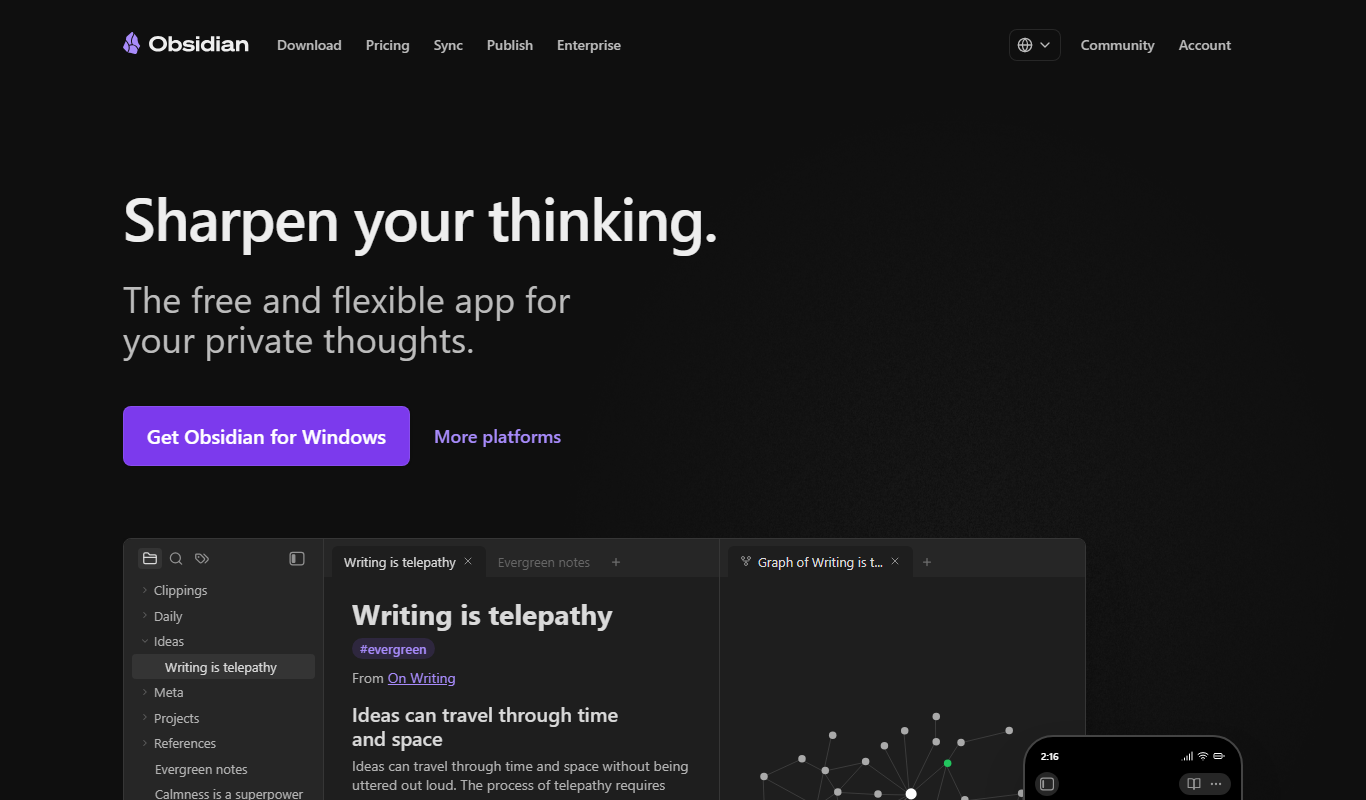
Obsidian is a markdown note-taking app that helps users build a personal knowledge base with linked notes, graph visualization, and extensive customization options.

Free
Anki
Anki is an open-source spaced repetition flashcard program that helps users memorize information efficiently by scheduling reviews at optimal intervals to enhance long-term retention.

Free
Notion
Notion is a versatile productivity tool that combines note-taking, task management, databases, and team collaboration in one customizable workspace accessible across devices.

Free
These Lyrics Do Not Exist
These Lyrics Do Not Exist is a free AI tool that generates original song lyrics across various genres and themes to assist musicians and songwriters.

Free
Chunkbase
Chunkbase is a free web tool that helps Minecraft players find seeds, explore biomes, and locate structures using interactive maps.

Subscription
ReadingIQ
ReadingIQ is a subscription-based digital library app offering thousands of leveled children's books to help kids aged 2-12 develop reading skills with personalized recommendations and progress tracking.

Free
Overleaf
Overleaf is a cloud-based LaTeX editor that enables real-time collaborative writing and editing of scientific and academic documents with integrated PDF preview and version control.
Free
Threader AI
Threader AI is a web tool that automatically converts Twitter threads into clean, readable articles, making it easier to consume and share long Twitter conversations.

Free
12min
12min is a microlearning platform providing 12-minute text and audio summaries of nonfiction books to help users quickly grasp key concepts.

Free
Linguee
Linguee is a free multilingual dictionary and translation search engine that provides bilingual dictionary entries and contextual example sentences from real-world texts to help users understand and translate words accurately.

Free
MovieLens
MovieLens is a free web-based movie recommendation system that uses collaborative filtering algorithms to provide personalized film suggestions based on user ratings.