
From my experience with Radiant Photo, I found it excels at delivering high-quality automatic photo enhancements that save significant editing time. Its AI-driven adjustments for exposure, color, and detail are impressively accurate, making it a valuable tool for professional photographers and enthusiasts alike. The seamless integration with Adobe Lightroom and Photoshop further streamlines workflows. However, the lack of mobile or web versions and limited language support may restrict accessibility for some users. Overall, if you need efficient, AI-powered photo enhancement with batch processing and RAW support, Radiant Photo offers a robust solution.
Radiant Photo AI Software for Professional Photo Enhancement and Editing
Radiant Photo is an AI-driven photo enhancement software that automatically improves exposure, color, and detail, supports RAW files, batch processing, and integrates with Adobe Lightroom and Photoshop.
What is Radiant Photo?
Radiant Photo is an AI-powered photo enhancement software developed by Radiant Imaging Labs. It uses advanced artificial intelligence algorithms to automatically analyze and improve photos, optimizing exposure, color balance, detail, and noise reduction. Designed for photographers and photo editors, Radiant Photo simplifies complex editing tasks and accelerates workflows by delivering professional-quality results with minimal manual adjustments.
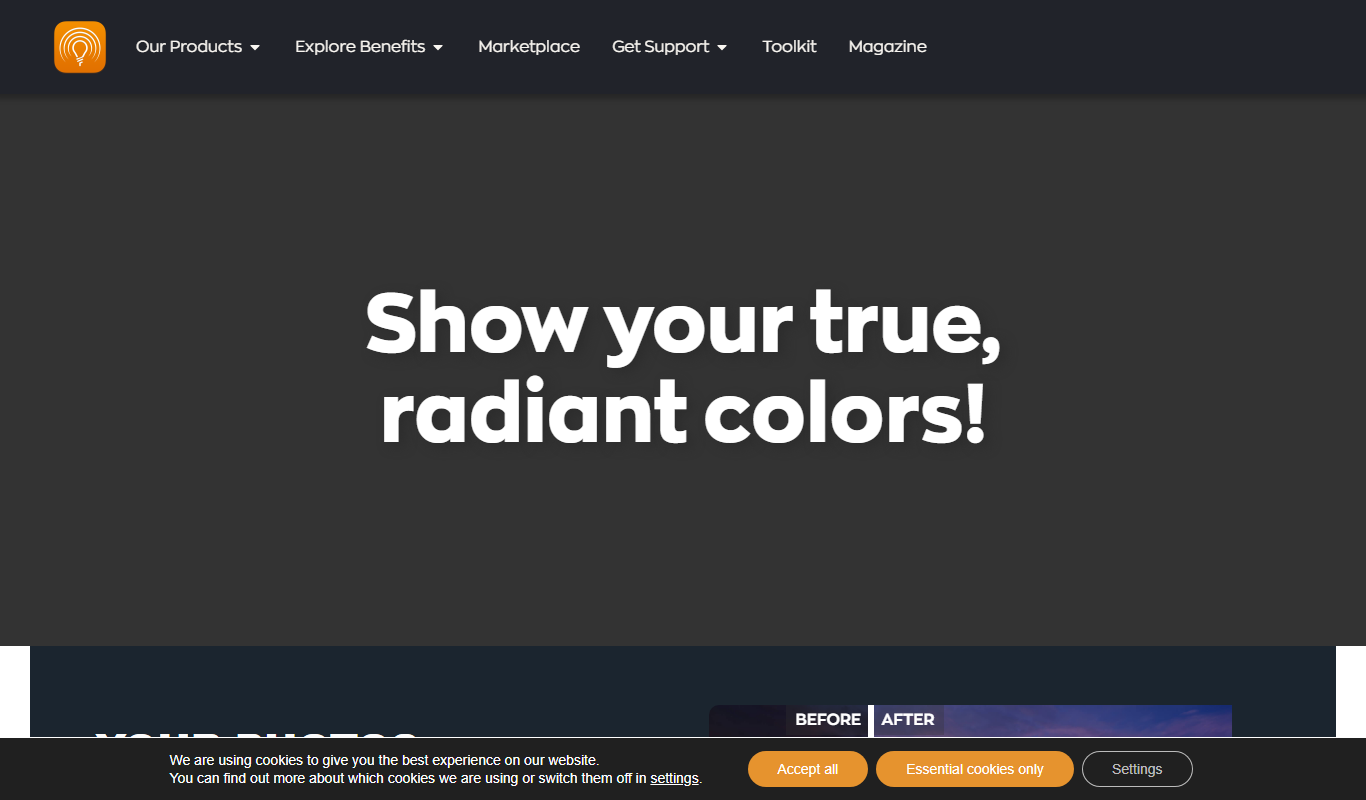
Key Features of Radiant Photo
AI-Powered Automatic Enhancements
Automatically improves photos by adjusting exposure, contrast, color, and detail using AI.
Portrait Retouching Tools
Specialized AI tools for skin smoothing, blemish removal, and enhancing facial features.
Batch Processing Capability
Process multiple photos simultaneously with consistent AI enhancements.
RAW File Support
Advanced algorithms optimize RAW images to maximize detail and dynamic range.
Adobe Lightroom and Photoshop Plugin
Seamlessly integrate Radiant Photo into popular photo editing workflows.
Pros and Cons of Radiant Photo
Pros
- Powerful AI-driven automatic photo enhancements
- Easy integration with Adobe Lightroom and Photoshop
- Supports batch processing for efficient workflows
- One-time purchase with no subscription fees
Cons
- No mobile or web app versions available
- Limited language support (English only)
- Free trial outputs watermarked images
Key Use Cases for Radiant Photo
Professional Photo Enhancement
Automatically improve photo quality with AI-driven adjustments for exposure, color, and detail.
Portrait Retouching
Enhance skin tones, remove blemishes, and improve facial features with intelligent AI tools.
Batch Processing
Apply consistent enhancements to multiple photos quickly, saving time for photographers.
RAW Image Processing
Process RAW files with advanced AI algorithms to bring out maximum detail and dynamic range.
Integration with Adobe Software
Use Radiant Photo as a plugin within Adobe Lightroom and Photoshop for seamless workflow.
How Radiant Photo Works
-
1
Import Photos
Load your images into Radiant Photo either as standalone files or through Adobe Lightroom/Photoshop plugins.
-
2
AI Analysis
The software automatically analyzes each photo to detect areas needing enhancement.
-
3
Automatic Enhancement
Radiant Photo applies AI-driven adjustments to exposure, color, detail, and noise reduction.
-
4
Manual Fine-Tuning
Users can manually adjust sliders and settings to customize the enhancements if desired.
-
5
Export
Save the enhanced photos in preferred formats or export back to Adobe software for further editing.
Who's Using Radiant Photo
Professional photographers
Photo editors
Photography enthusiasts
Content creators needing quick photo enhancements
Small studios and freelance photographers
Radiant Photo Pricing
Free Trial
$0
Try Radiant Photo with limited features and watermark on output images.
Full License
$129 one-time
Unlock all features with a perpetual license for a single computer.
Frequently Asked Questions About Radiant Photo
Yes, Radiant Photo supports both Windows and MacOS platforms.
Yes, Radiant Photo integrates as a plugin for Adobe Lightroom and Photoshop.
Yes, it supports RAW files from most major camera manufacturers.
Yes, a free trial with limited features and watermark is available.
This tool is designed to help users accomplish its core tasks more efficiently. It is typically used by individuals or teams looking to improve productivity and workflow.
Yes, it can help with that use case depending on how you configure it and what features are available. You’ll get the best results with clear inputs and a defined goal.
Yes, it can help with that use case depending on how you configure it and what features are available. You’ll get the best results with clear inputs and a defined goal.
Some tools offer a free plan or trial with limited features. Availability can vary, so confirm on the official website.
Share your review
Reviews are limited to one per logged-in user and are published after moderation.
You need an account to review this tool.
0.0
★
★
★
★
★
0 reviews
5 star
0
4 star
0
3 star
0
2 star
0
1 star
0
No reviews yet
Be the first to share how this tool worked for you.
Questions from the community
Read questions and answers about this tool, or ask your own.
No questions yet
Start the conversation by asking the first question about this tool.
Is this tool helpful?

Freemium
AI Art Generator by Enhance AI
Enhance AI's AI Art Generator is a web-based tool that creates unique digital artworks from text prompts using artificial intelligence, suitable for artists and content creators.

Freemium
FluxPicture
FluxPicture is an AI image generation tool that creates unique digital images from text prompts, ideal for content creators and designers seeking creative visuals.

Freemium
Eyrene
Eyrene is an AI writing assistant that provides real-time grammar corrections, style improvements, and creative content suggestions to help users write more efficiently.

Freemium
Pixtale Ai
Pixtale AI is a web-based platform that generates unique images from text prompts using artificial intelligence, ideal for artists and marketers seeking creative visuals.
Free Trial
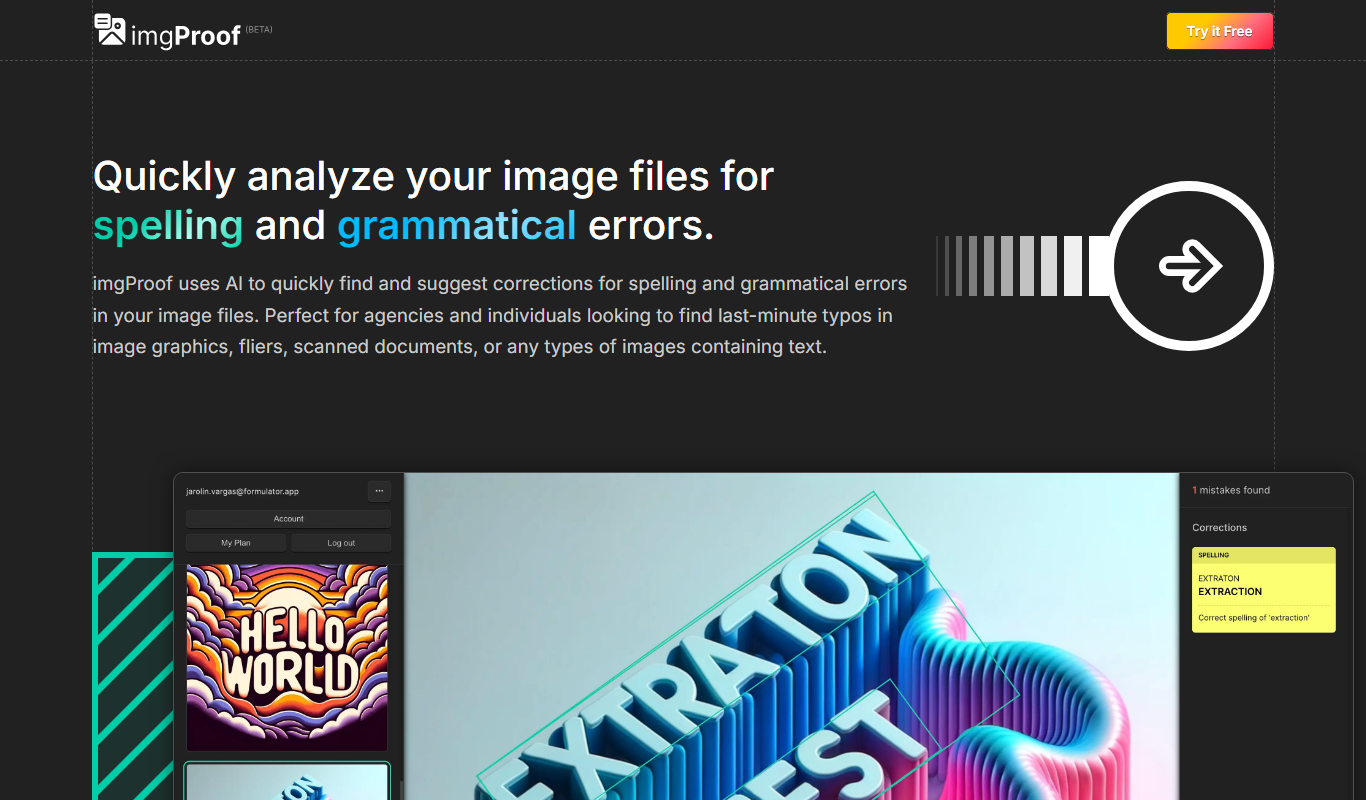
imgProof
imgProof is a web-based image proofing software that enables creative teams and clients to collaborate efficiently by annotating, commenting, and approving images in a centralized platform.

Freemium
Dream Up (Deviant Art)
Dream Up is DeviantArt's AI art generator that converts text prompts into unique digital images, enabling creative expression through AI.
Freemium
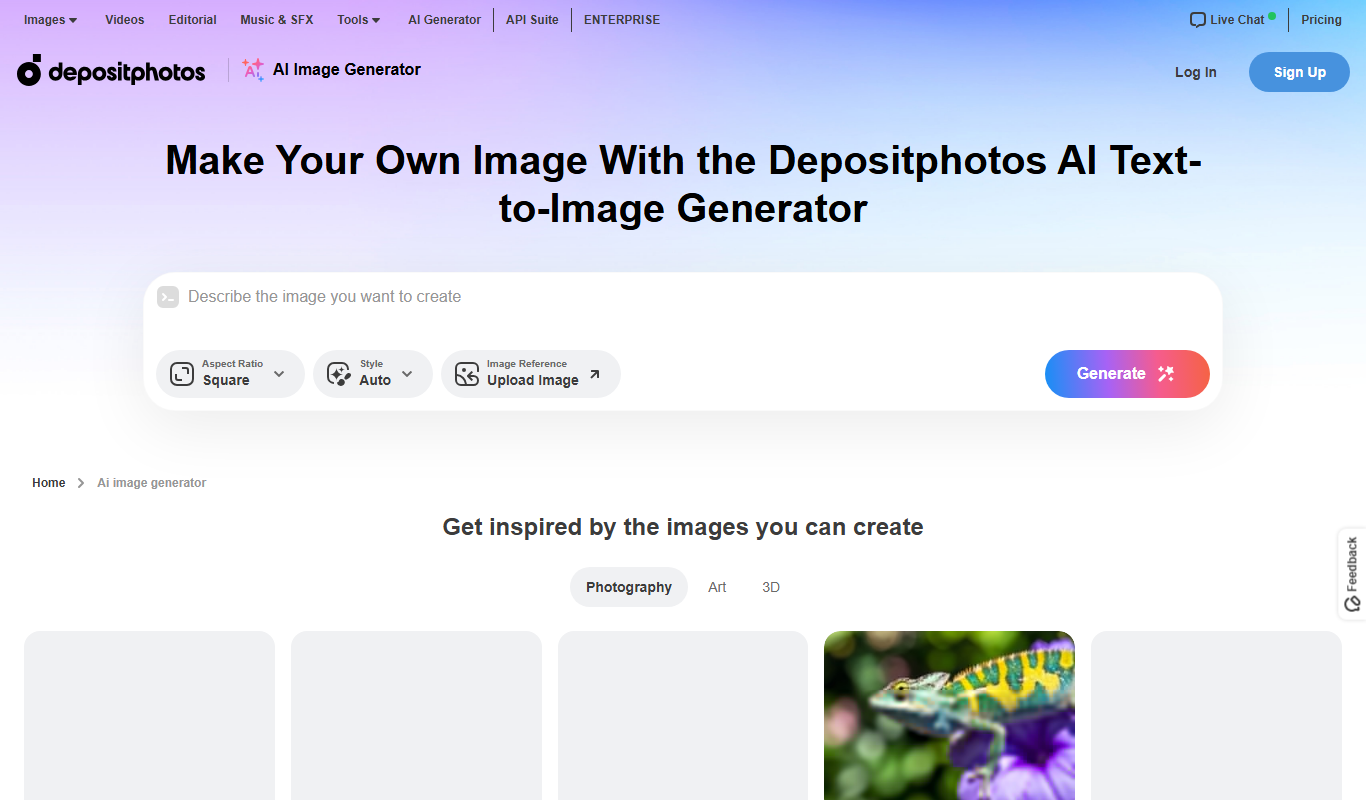
Depositphotos AI Image Generator
Depositphotos AI Image Generator is a web-based tool that creates unique images from text prompts using AI, integrated with Depositphotos’ stock photo library for versatile creative use.

Free Trial
JetSnaps
JetSnaps is a web-based AI image generator that transforms text prompts into unique, high-quality images for creative and commercial use.