
From my experience with Photiu.AI, I found it excels at quickly enhancing photo quality with minimal user effort. The AI-driven upscaling and noise reduction deliver noticeably sharper and cleaner images, making it a great choice for photographers and e-commerce sellers who need fast results without complex editing software. However, the platform’s free tier limits daily usage, and customization options are somewhat basic, which might not satisfy advanced users. Overall, if you want a straightforward, web-based AI tool to improve your photos efficiently, Photiu.AI provides solid performance and ease of use.
Photiu.AI AI Image Enhancement Tool for Professional Photo Editing
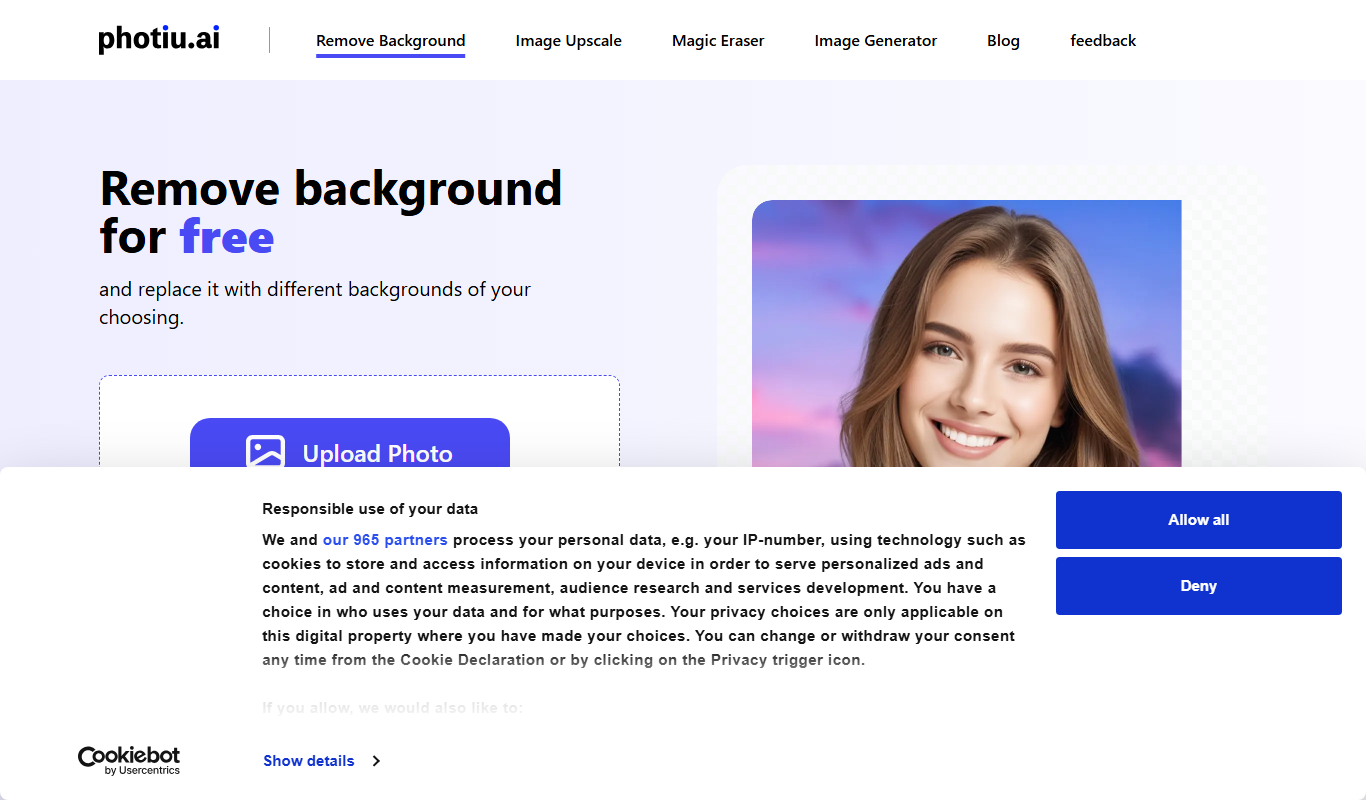
Photiu.AI is an AI-based web tool that enhances photos by upscaling resolution, reducing noise, and improving details automatically.
What is Photiu.AI?
Photiu.AI is an AI-powered online photo enhancement tool designed to automatically improve image quality. It uses advanced artificial intelligence algorithms to upscale images, reduce noise, sharpen details, and adjust colors, making photos look clearer and more professional without manual editing.
Key Features of Photiu.AI
AI Upscaling
Increase image resolution while preserving and enhancing details.
Noise Reduction
Remove grain and noise from photos to produce cleaner images.
Detail Enhancement
Sharpen and clarify image features for a crisper look.
Color Correction
Automatically adjust colors to improve photo vibrancy and accuracy.
Batch Processing
Enhance multiple images simultaneously to save time.
Pros and Cons of Photiu.AI
Pros
- Easy-to-use web interface with no software installation
- Automatic AI enhancements save time compared to manual editing
- Supports batch processing for efficiency
- Improves image quality significantly for various use cases
Cons
- Limited free credits restrict usage for casual users
- No desktop or mobile app versions available
- Customization options for enhancements are minimal
Key Use Cases for Photiu.AI
Professional Photo Enhancement
Improve photo quality by enhancing details, reducing noise, and correcting colors for professional photography.
E-commerce Image Optimization
Enhance product images to increase clarity and appeal for online stores and marketplaces.
Social Media Content Creation
Quickly enhance images for social media posts to attract more engagement with visually appealing photos.
Restoration of Old Photos
Use AI to restore and improve old or low-quality photos by removing artifacts and enhancing details.
How Photiu.AI Works
-
1
Upload Image
Users upload their photos directly on the Photiu.AI web platform.
-
2
Select Enhancement Options
Choose desired AI enhancement features such as upscaling or noise reduction.
-
3
Process Image
The AI algorithms analyze and enhance the image automatically.
-
4
Download Enhanced Photo
Users download the improved image in high resolution.
Who's Using Photiu.AI
Professional photographers
E-commerce sellers
Social media content creators
Graphic designers
Photo restoration enthusiasts
Photiu.AI Pricing
Free
$0/month
Limited daily credits for basic image enhancements.
Pro
$19/month
Higher credit limits, faster processing, and priority support.
Frequently Asked Questions About Photiu.AI
Photiu.AI supports common image formats like JPEG and PNG and works best with photos needing upscaling or noise reduction.
Yes, the platform has maximum file size limits depending on the subscription plan.
Yes, batch processing is available for Pro users to enhance several photos simultaneously.
Uploaded images are processed securely and deleted after enhancement to protect user privacy.
It depends on your specific needs and how you plan to use the tool. The official website and documentation are the best sources for the latest details.
Some tools offer a free plan or trial with limited features. Availability can vary, so confirm on the official website.
Yes, it can help with that use case depending on how you configure it and what features are available. You’ll get the best results with clear inputs and a defined goal.
Share your review
Reviews are limited to one per logged-in user and are published after moderation.
You need an account to review this tool.
0.0
★
★
★
★
★
0 reviews
5 star
0
4 star
0
3 star
0
2 star
0
1 star
0
No reviews yet
Be the first to share how this tool worked for you.
Questions from the community
Read questions and answers about this tool, or ask your own.
No questions yet
Start the conversation by asking the first question about this tool.
Is this tool helpful?

Free
Geleza AI
Geleza AI is a no-code platform that enables businesses to build AI-powered chatbots for automating customer support, lead generation, and engagement without coding skills.

Free
AIMakeSong
AIMakeSong is an AI-driven online tool that generates custom songs by composing melodies based on user-inputted lyrics and selected music styles.
Free
Coursnap
Coursnap is an AI-driven tool that summarizes and transcribes educational videos to help users quickly grasp key points and improve study efficiency.

Freemium
ClipVideo.AI
ClipVideo.AI is an AI-powered web platform that automates video editing by detecting key scenes and generating social media-ready clips quickly and easily.

Free
Shook AI
Shook AI is a web-based platform that uses artificial intelligence to automate video script generation, editing, and voiceover synthesis, enabling users to create professional videos quickly without prior experience.

Freemium
Goover
Goover AI is an online platform that uses artificial intelligence to help users create marketing and social media videos quickly through customizable templates and automated voiceovers.
Free
Sumz: Ai powered website summarizer
Sumz is an AI tool that summarizes website content by extracting key points from any URL, providing quick and concise summaries to save reading time.

Freemium
GetFloorPlan
GetFloorPlan is an AI-driven web platform that converts images or sketches into editable, accurate floor plans for real estate and design professionals.