
From my experience with Moises, I found it excels at providing clear and accurate separation of vocals and instruments, which is invaluable for musicians and producers looking to practice or remix songs. The platform’s intuitive interface and multi-device support make it accessible for both beginners and professionals. However, the reliance on cloud processing means you need a stable internet connection, and the free tier has some limitations on upload size and features. Overall, if you want a straightforward AI tool to isolate audio stems and customize tracks, Moises offers a solid and versatile solution.
Moises AI Music Separation Tool for Musicians and Audio Editing
Moises is an AI-driven tool that separates vocals and instruments from audio tracks, enabling musicians and producers to create karaoke tracks, practice parts, and remix songs easily.
Tech Stack:
Python
React
TensorFlow
What is Moises?
Moises is an AI-powered music separation tool designed to isolate vocals and individual instruments from audio tracks. It leverages advanced machine learning algorithms to split songs into stems, enabling musicians, producers, and content creators to manipulate and remix audio with ease. The platform supports multiple file formats and offers features such as tempo and pitch adjustment, making it a versatile tool for music practice, production, and karaoke.

Key Features of Moises
AI Stem Separation
Accurately isolates vocals and instruments from mixed audio tracks.
Pitch and Tempo Control
Allows users to change the pitch and speed of tracks independently.
Vocal Remover and Karaoke Maker
Removes vocals to create karaoke tracks or isolate instrumentals.
Chord Detection
Automatically detects chords in songs to assist with music learning.
Multi-Platform Support
Available on web, iOS, and Android devices for flexible access.
Pros and Cons of Moises
Pros
- High-quality AI stem separation
- User-friendly interface across devices
- Useful features for musicians and producers
- Flexible pricing plans including free tier
Cons
- Processing requires internet connection
- Free plan has upload and feature limitations
- Occasional separation artifacts on complex tracks
Key Use Cases for Moises
Music Practice and Learning
Musicians can isolate vocals or instruments to practice specific parts or learn songs more effectively.
Karaoke and Vocal Removal
Users can create karaoke tracks by removing vocals from songs or extracting instrumentals.
Audio Remixing and Production
Producers and DJs can separate stems for remixing, sampling, or creating new arrangements.
Podcast and Audio Content Editing
Content creators can isolate voices or background music to enhance audio quality or create new mixes.
Transcription and Analysis
Isolated tracks help in transcribing music or analyzing individual instrument parts.
How Moises Works
-
1
Upload Audio
Users upload their audio files or import songs from streaming services.
-
2
AI Processing
The AI engine separates the audio into stems such as vocals, drums, bass, and other instruments.
-
3
Edit and Customize
Users adjust pitch, tempo, and volume of individual stems or remove vocals for karaoke.
-
4
Download or Export
Final stems or mixes can be downloaded or exported to other music production tools.
Who's Using Moises
Musicians and music students
Music producers and DJs
Karaoke enthusiasts
Podcasters and audio editors
Music teachers and educators
Moises Pricing
Free
$0/month
Basic access with limited song uploads and standard processing speed.
Pro
$9.99/month
Increased upload limits, faster processing, and access to premium features.
Premium
$19.99/month
Unlimited uploads, highest processing priority, and advanced editing tools.
Frequently Asked Questions About Moises
Moises supports common audio formats including MP3, WAV, and M4A.
Moises requires an internet connection as the AI processing happens on cloud servers.
Free users have limits on audio length and number of uploads; paid plans offer higher or unlimited limits.
Yes, but users should ensure they have the rights to the original audio content.
It depends on your specific needs and how you plan to use the tool. The official website and documentation are the best sources for the latest details.
Some tools offer a free plan or trial with limited features. Availability can vary, so confirm on the official website.
Yes, it can help with that use case depending on how you configure it and what features are available. You’ll get the best results with clear inputs and a defined goal.
Yes, it can help with that use case depending on how you configure it and what features are available. You’ll get the best results with clear inputs and a defined goal.
Share your review
Reviews are limited to one per logged-in user and are published after moderation.
You need an account to review this tool.
0.0
★
★
★
★
★
0 reviews
5 star
0
4 star
0
3 star
0
2 star
0
1 star
0
No reviews yet
Be the first to share how this tool worked for you.
Questions from the community
Read questions and answers about this tool, or ask your own.
No questions yet
Start the conversation by asking the first question about this tool.
Is this tool helpful?
Free
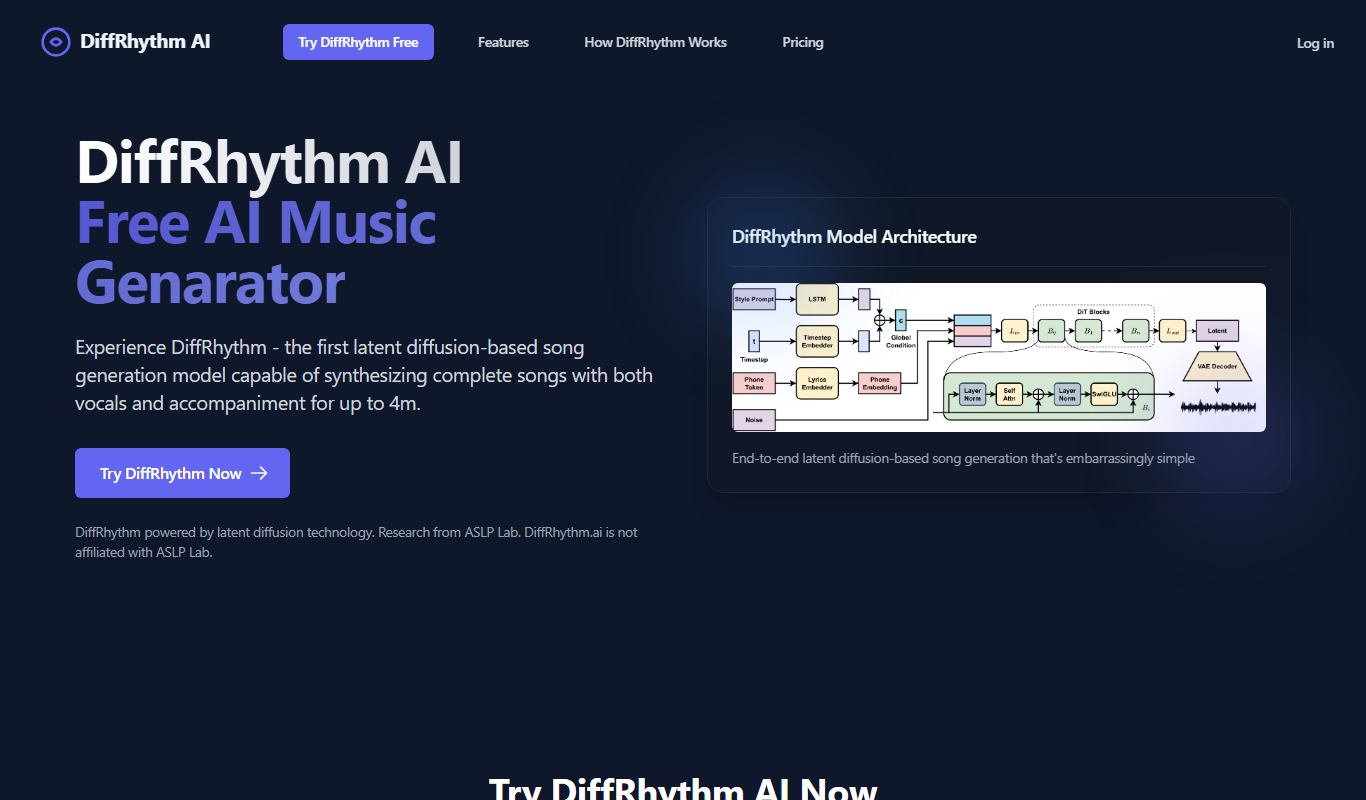
DiffRhythm AI Music
DiffRhythm AI Music is a web-based platform that uses artificial intelligence to generate customizable, royalty-free music tracks for creators without requiring musical expertise.

Freemium
Image Enhancer AI
Image Enhancer AI is a web-based tool that uses artificial intelligence to upscale images, reduce noise, and enhance photo quality quickly and easily.
Free
Replace Anything
Replace Anything is a free online AI tool that allows users to replace or remove objects in images quickly and easily without needing advanced editing skills.
Free Trial
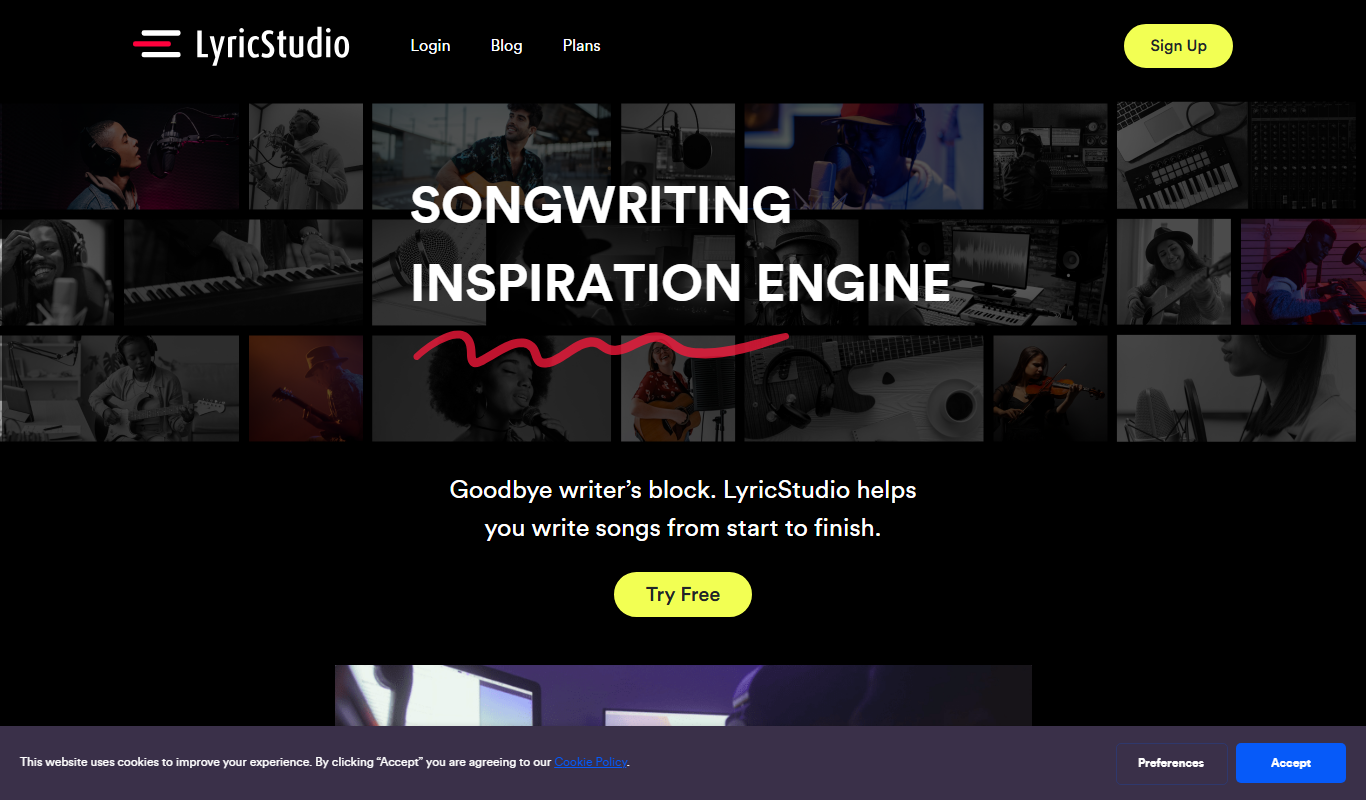
LyricStudio
LyricStudio is an AI-based songwriting tool that generates creative lyrics based on user input, helping musicians and songwriters craft original songs efficiently.

Free
GenPPT – AI PowerPoint Generator
GenPPT is a web-based AI tool that quickly generates PowerPoint presentations from user input, allowing customization and export in .pptx format.
Free
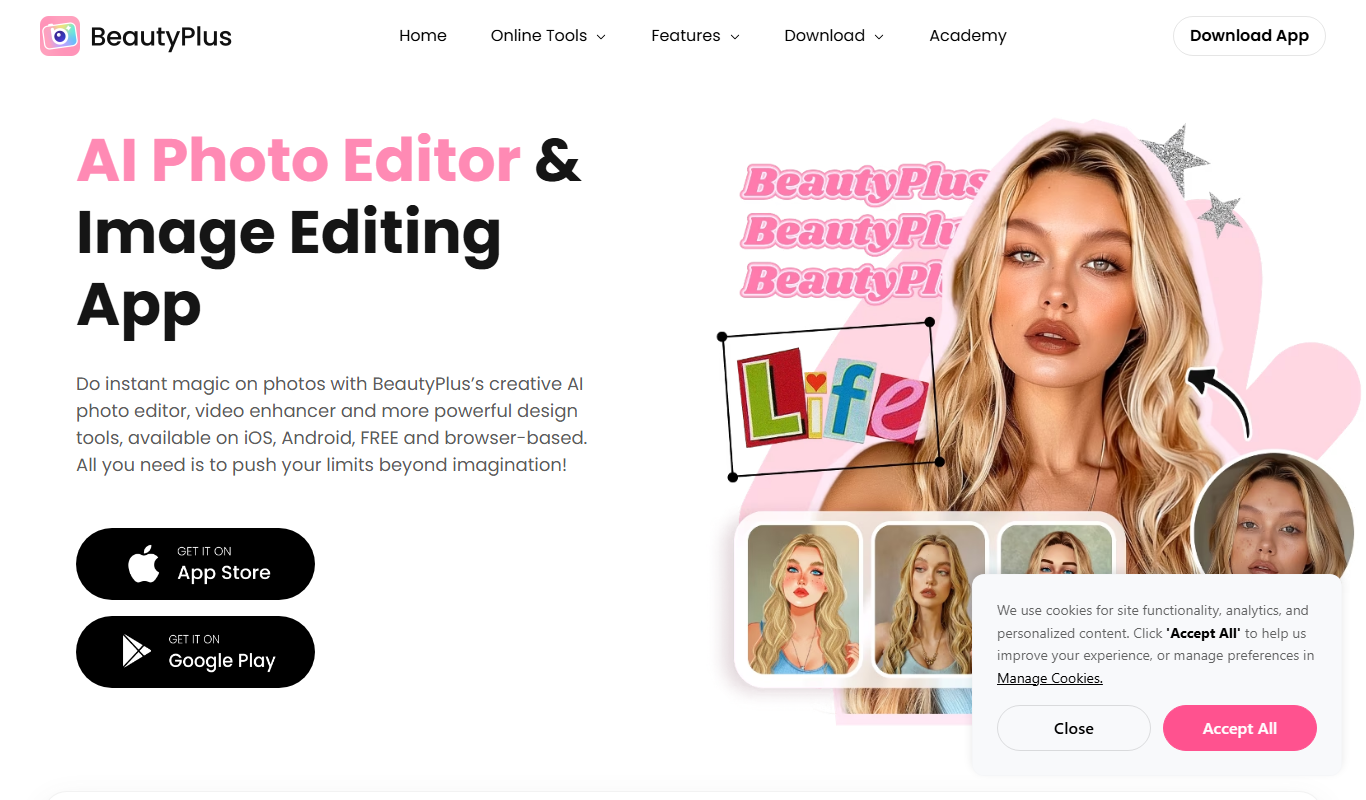
BeautyPlus – AI Photo Editor
BeautyPlus is a mobile AI photo editing app that enhances selfies and portraits with automatic skin smoothing, facial reshaping, makeup simulation, and creative filters, available on iOS and Android.
Free
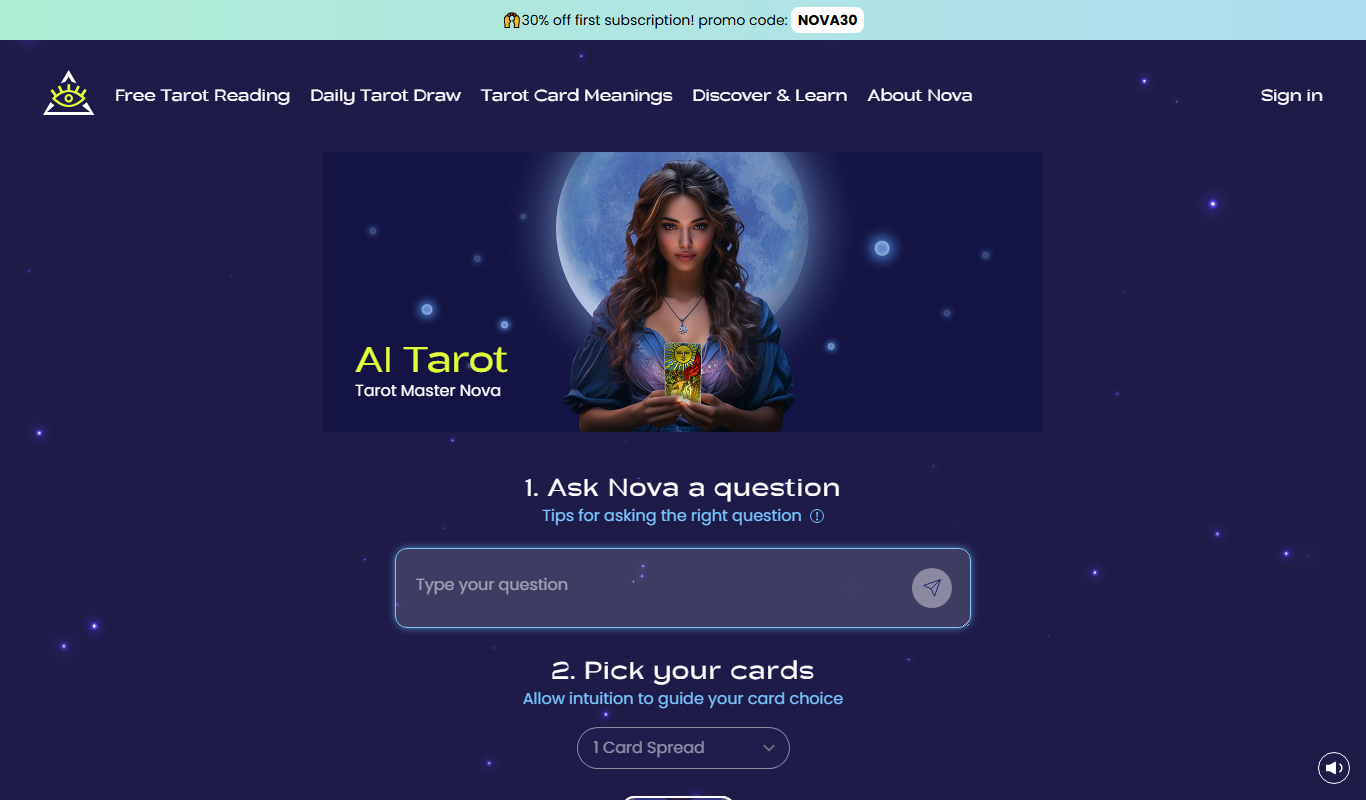
AI Tarot Master
AI Tarot Master is an online tool that uses artificial intelligence to generate tarot card readings with detailed interpretations and multiple spread options.

Freemium
Flashka
Flashka is an AI-powered video creation tool that transforms text into marketing and social media videos using customizable templates and automated voiceovers.