
From my experience with Mavy, I found it excels at simplifying video creation for marketers who lack advanced editing skills. The AI automation handles most of the technical work, allowing users to focus on content and messaging. It’s particularly well-suited for social media marketers and small businesses needing quick, polished videos optimized for different platforms. However, the platform currently supports only English and is limited to a web interface, which might restrict some users. Overall, if you want to streamline your video marketing workflow without investing in complex software, Mavy delivers effective and efficient results.

Mavy AI Video Generator for Marketing and Social Media Content Creation
Mavy is an AI-driven video creation platform that automates video editing and production for marketing and social media content, enabling users to create professional videos quickly without prior editing experience.
Tech Stack:
JavaScript
Python
TensorFlow
What is Mavy?
Mavy is an AI-powered video generation platform designed to simplify and accelerate the creation of marketing and social media videos. It leverages artificial intelligence to automate video editing, content assembly, and optimization, enabling users to produce high-quality videos without extensive technical skills or manual effort.

Key Features of Mavy
AI-Powered Video Editing
Automates cutting, transitions, and effects to produce polished videos quickly.
Customizable Templates
Offers a library of templates designed for various marketing and social media formats.
Social Media Optimization
Automatically formats videos for different platform requirements and aspect ratios.
Easy Media Upload
Supports quick uploading of images, clips, and audio to personalize videos.
Pros and Cons of Mavy
Pros
- User-friendly interface with AI automation
- Wide range of customizable templates
- Optimized for social media video formats
Cons
- Limited language support (English only)
- No desktop or mobile app versions currently
Key Use Cases for Mavy
Social Media Marketing
Create engaging videos optimized for platforms like Instagram, TikTok, and Facebook to boost audience engagement.
Content Creation
Generate professional-quality videos quickly for blogs, websites, and promotional campaigns without needing advanced video editing skills.
Advertising
Produce compelling video ads with AI assistance to improve conversion rates and brand visibility.
E-commerce
Create product showcase videos that highlight features and benefits, enhancing online store presentations.
How Mavy Works
-
1
Sign Up
Create an account on Mavy’s web platform to access video creation tools.
-
2
Select Template
Choose from a variety of AI-optimized video templates tailored for different marketing goals.
-
3
Customize Content
Upload media assets or use AI-generated suggestions to customize your video.
-
4
Generate Video
Let Mavy’s AI automatically edit and assemble your video based on your inputs.
-
5
Download or Share
Export the finished video or share it directly to social media platforms.
Who's Using Mavy
Social media marketers
Small business owners
Content creators
E-commerce managers
Digital marketing agencies
Mavy Pricing
Free
$0/month
Access to basic templates and limited video exports with watermark.
Pro
$29/month
Unlimited video exports, premium templates, no watermark, and priority support.
Frequently Asked Questions About Mavy
Yes, Mavy is designed to be user-friendly and uses AI to automate most editing tasks.
Mavy exports videos in common formats like MP4, optimized for social media platforms.
The Free plan has limits on exports, while the Pro plan offers unlimited video creation.
It depends on your specific needs and how you plan to use the tool. The official website and documentation are the best sources for the latest details.
Pricing depends on the plan and included features. For the most accurate and up-to-date details, check the official pricing page.
Yes, it can help with that use case depending on how you configure it and what features are available. You’ll get the best results with clear inputs and a defined goal.
Share your review
Reviews are limited to one per logged-in user and are published after moderation.
You need an account to review this tool.
0.0
★
★
★
★
★
0 reviews
5 star
0
4 star
0
3 star
0
2 star
0
1 star
0
No reviews yet
Be the first to share how this tool worked for you.
Questions from the community
Read questions and answers about this tool, or ask your own.
No questions yet
Start the conversation by asking the first question about this tool.
Is this tool helpful?

Free Trial
redactai.io
RedactAI.io is an AI-driven platform that automatically detects and redacts sensitive information from documents to help users comply with data privacy regulations.

Free
Aardvark
Aardvark is an AI assistant that helps teams quickly search and access internal knowledge by integrating with multiple data sources and providing natural language answers.

Free
Mark This For Me
Mark This For Me is an AI-assisted web tool that helps users highlight and annotate important text segments quickly and efficiently, supporting study, review, and collaboration.

Free Trial
Markopolo AI
Markopolo AI is an AI-driven marketing automation platform that helps businesses automate lead generation, email marketing, and sales outreach with CRM integration and analytics.
Freemium
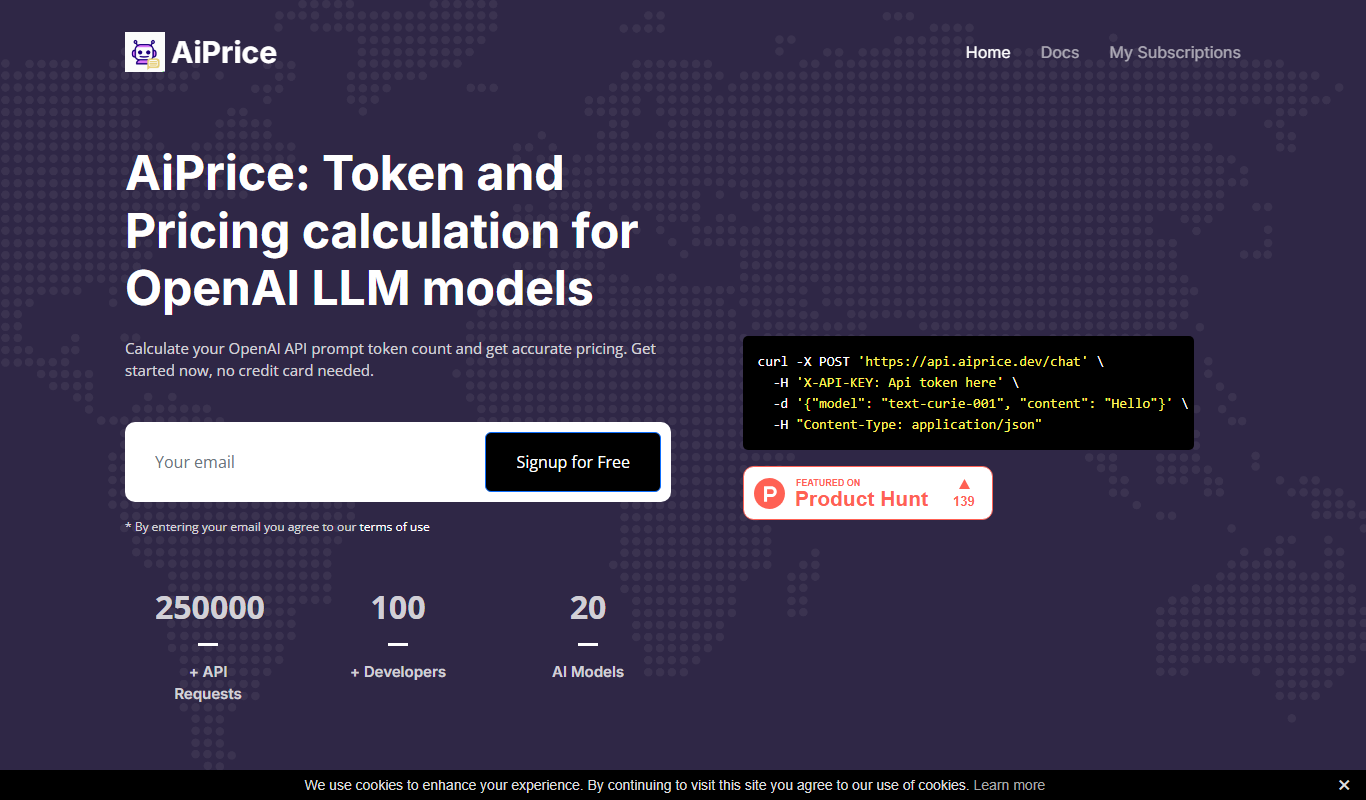
AiPrice
AiPrice is an AI-driven dynamic pricing tool that helps e-commerce businesses optimize product prices in real-time by analyzing market demand, competitor pricing, and inventory data.

Free Trial
PostNitro – AI Carousel Post Generator
PostNitro is an AI-powered tool that generates customizable carousel posts for social media platforms like Instagram and LinkedIn, helping users automate and streamline content creation.

Free Trial
JobBoardAI.io
JobBoardAI.io is an AI-driven platform that enables recruiters and employers to quickly build, customize, and manage job boards with integrated monetization and recruitment tools.

Free
Plansom
Plansom is an AI-powered business plan generator that helps startups and entrepreneurs create detailed business plans with financial forecasts and market analysis quickly and easily.