
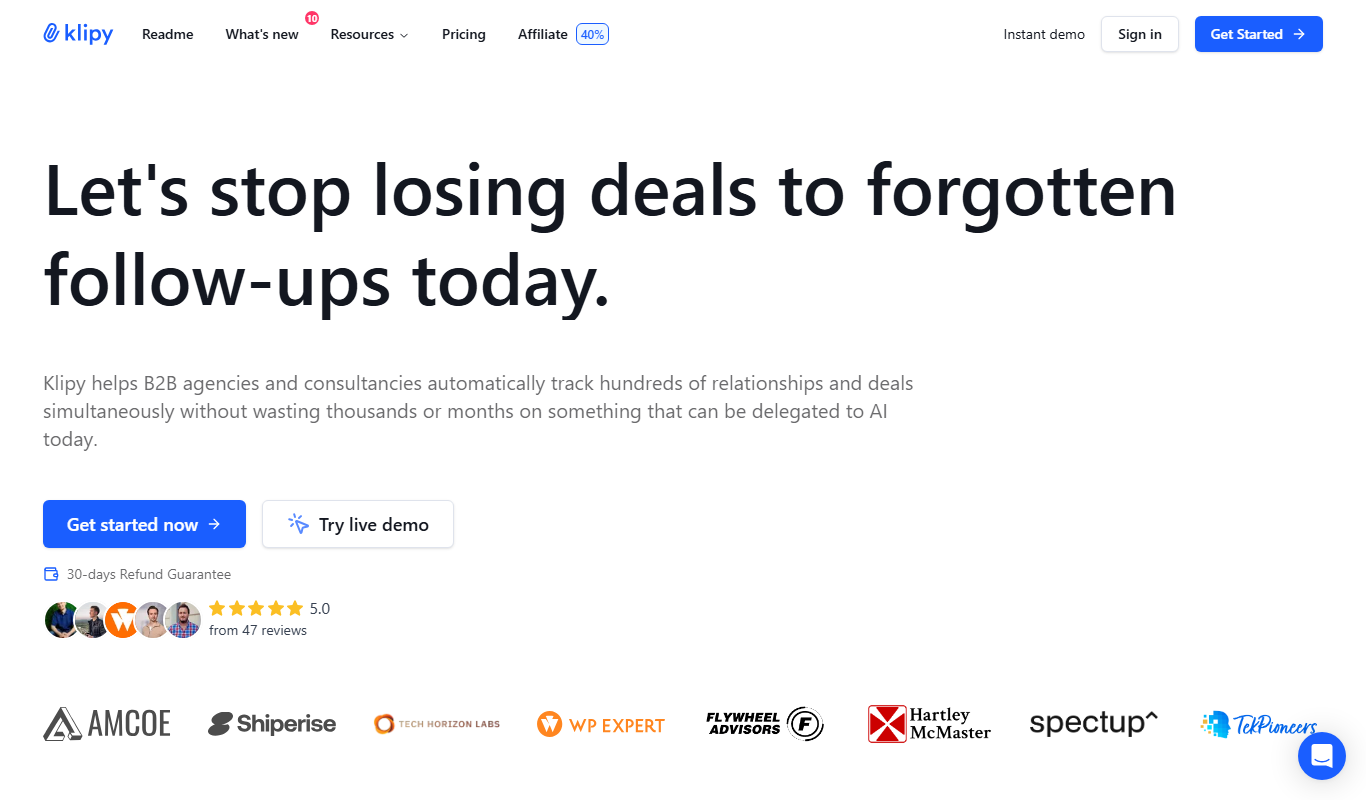
From my experience with Mailroom by Klipy, I found it excels at reducing the manual effort involved in managing busy inboxes through AI-powered sorting and reply suggestions. The platform’s integration capabilities and team collaboration features make it particularly well-suited for small businesses and teams that handle high email volumes. However, the lack of a dedicated mobile app and limited language support might be a drawback for some users. Overall, if you want to automate routine email tasks and improve team communication, Mailroom offers a practical and user-friendly solution.
Mailroom by Klipy - AI-Powered Email Management and Automation Tool
Mailroom by Klipy is an AI-driven email management platform that automates inbox sorting, reply drafting, and workflow integration to help users manage emails efficiently.
Tech Stack:
JavaScript
Node.js
Python
React
What is Mailroom by Klipy?
Mailroom by Klipy is an AI-driven email management and automation platform designed to help users efficiently handle their inboxes. It leverages artificial intelligence to sort, prioritize, and draft email responses, reducing manual effort and improving productivity. The tool integrates seamlessly with popular email services and productivity apps, enabling users to automate workflows and collaborate effectively within teams.
Key Features of Mailroom by Klipy
AI-Powered Email Sorting
Automatically organizes emails by priority, topic, or sender to reduce clutter.
Smart Reply Suggestions
Generates context-aware draft responses to speed up email replies.
Workflow Automation
Integrates with other tools to automate follow-ups, reminders, and task creation.
Team Inbox Collaboration
Enables sharing, commenting, and assigning emails among team members.
Email Analytics Dashboard
Provides metrics on email volume, response times, and engagement trends.
Pros and Cons of Mailroom by Klipy
Pros
- Reduces time spent managing emails with AI automation
- Improves team collaboration on shared inboxes
- Customizable workflows and integrations
- User-friendly interface with quick setup
Cons
- Limited language support (English only)
- Some advanced features require paid plans
- No dedicated mobile app currently
Key Use Cases for Mailroom by Klipy
Automated Email Sorting
Automatically categorize and prioritize incoming emails to streamline inbox management.
Email Response Automation
Generate AI-powered draft replies to save time on routine email communications.
Workflow Integration
Connect emails with other productivity tools to automate tasks and reminders.
Team Collaboration
Share and assign emails within teams to improve communication and task tracking.
Email Analytics
Gain insights into email patterns and response times to optimize communication strategies.
How Mailroom by Klipy Works
-
1
Connect Your Email
Securely link your email account to Mailroom to enable AI-powered management.
-
2
Customize Preferences
Set your sorting rules, response templates, and workflow integrations.
-
3
Automate Inbox Tasks
Let Mailroom categorize emails, suggest replies, and trigger automated workflows.
-
4
Collaborate with Team
Share emails and assign tasks within your team directly from the platform.
Who's Using Mailroom by Klipy
Small to medium businesses
Sales and customer support teams
Freelancers and solo entrepreneurs
Marketing agencies
Remote and distributed teams
Mailroom by Klipy Pricing
Free
$0/month
Basic email management features with limited AI responses and integrations.
Pro
$15/month
Advanced AI features, unlimited integrations, and priority support.
Team
$50/month
Collaboration tools for teams, shared inboxes, and enhanced analytics.
Frequently Asked Questions About Mailroom by Klipy
Mailroom supports major providers including Gmail, Outlook, and other IMAP-compatible services.
Yes, Mailroom uses industry-standard encryption and security protocols to protect your data.
Yes, users can edit and personalize AI-generated drafts before sending.
Mailroom integrates with popular tools like Slack, Trello, and Asana to automate workflows.
It depends on your specific needs and how you plan to use the tool. The official website and documentation are the best sources for the latest details.
Integration support depends on the tool and its available connectors or API. Check the official documentation or integrations page to confirm what is supported.
It depends on your specific needs and how you plan to use the tool. The official website and documentation are the best sources for the latest details.
Pricing depends on the plan and included features. For the most accurate and up-to-date details, check the official pricing page.
Share your review
Reviews are limited to one per logged-in user and are published after moderation.
You need an account to review this tool.
0.0
★
★
★
★
★
0 reviews
5 star
0
4 star
0
3 star
0
2 star
0
1 star
0
No reviews yet
Be the first to share how this tool worked for you.
Questions from the community
Read questions and answers about this tool, or ask your own.
No questions yet
Start the conversation by asking the first question about this tool.
Is this tool helpful?

Freemium
Garnit
Garnit is an AI content generation platform designed for marketing and social media teams to create tailored marketing copy and social media posts efficiently.

Free Trial
Pandarocket AI Suite
Pandarocket AI Suite is a web-based platform offering AI-driven content creation tools for marketing, SEO, and copywriting, helping users generate high-quality content efficiently.

Free Trial
E-Commerce AI
E-Commerce AI is a web platform that uses artificial intelligence to automate product recommendations, marketing campaigns, and customer analytics for online stores, helping increase sales and improve customer engagement.

Custom Pricing
BEWAI IDP – Documents in, Decision out!
BEWAI IDP is an AI-driven platform that automates extraction and validation of data from various business documents, enabling faster and more accurate decision-making through integration with enterprise systems.
Free
Postdrips
Postdrips is a web-based tool that automates social media post scheduling and Instagram growth through automated interactions and content calendar management.

Freemium
Salesify
Salesify is an AI-driven sales automation platform that helps businesses generate leads, automate personalized outreach, and integrate with CRM systems to optimize sales pipelines.
Free Trial
MagicSales.ai
MagicSales.ai is an AI-powered platform that automates lead generation and email outreach, integrating with CRMs to help sales teams increase efficiency and close deals faster.
Free Trial
Leverbot
Leverbot is an AI chatbot platform that enables businesses to build no-code conversational bots for customer support and automation.