

From my experience with MagicGuides, it stands out for its intuitive no-code editor combined with AI-driven personalization, making it easy to create tailored onboarding experiences without technical expertise. The analytics dashboard provides valuable insights to continuously improve user engagement. While it currently supports only English and has limited native mobile app support, it excels for SaaS teams looking to reduce churn and accelerate product adoption. Overall, MagicGuides is a solid choice for companies aiming to enhance customer success through interactive, personalized guidance.
MagicGuides AI: Interactive Onboarding and User Guidance Software
MagicGuides is an AI-powered platform that enables SaaS companies to create interactive, personalized onboarding guides and tutorials to improve user adoption and engagement without coding.
- Best for
- User Onboarding
- Key capability
- No-Code Guide Builder
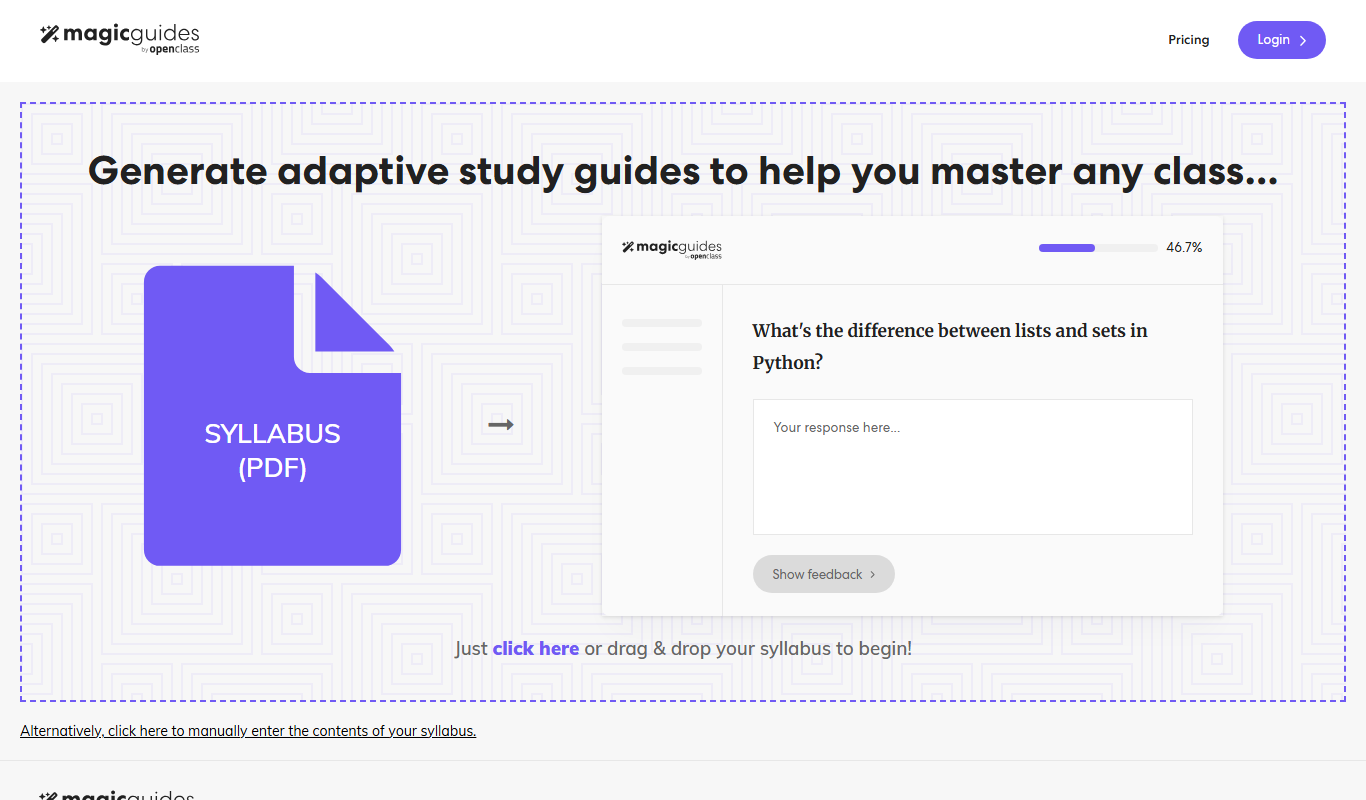
What is MagicGuides?
MagicGuides is an AI-powered interactive onboarding and user guidance platform designed to help SaaS companies and digital products improve user adoption and engagement. It enables product teams to create step-by-step walkthroughs, tooltips, and tutorials that guide users through software features without requiring coding skills. By leveraging AI, MagicGuides personalizes the onboarding experience and provides actionable insights to optimize user journeys.
Key features of MagicGuides
MagicGuides offers a no-code editor for building interactive guides, AI-driven personalization to tailor onboarding flows, analytics dashboards to monitor user engagement, and integrations with popular SaaS tools. It supports multi-step walkthroughs, contextual tooltips, and in-app messaging to enhance user understanding and retention.
No-Code Guide Builder
Easily create interactive walkthroughs and tooltips without programming knowledge.
AI-Powered Personalization
Automatically tailor onboarding experiences based on user data and behavior.
Analytics Dashboard
Gain insights into user engagement and guide effectiveness to improve onboarding.
Multi-Platform Support
Deploy guides across web apps, mobile web, and via API integrations.
Integrations
Connect with popular tools like CRM, analytics, and customer support platforms.
Pros and cons of MagicGuides
Pros
- Intuitive no-code guide creation
- AI-driven personalization enhances user experience
- Comprehensive analytics for onboarding optimization
- Flexible deployment options
- Responsive customer support
Cons
- Limited language support (English only)
- Pricing may be high for very small startups
- Mobile app native support is limited
Key use cases for MagicGuides
User Onboarding
Create interactive walkthroughs and tutorials to help new users understand your software quickly.
Feature Adoption
Guide users through new or complex features to increase engagement and reduce churn.
Customer Support Reduction
Provide self-service help and contextual guidance to reduce support tickets and improve user satisfaction.
Product Training
Deliver in-app training sessions that adapt to user progress and needs.
User Engagement Analytics
Track how users interact with guides to optimize onboarding flows and product experience.
How MagicGuides works
-
1
Sign Up and Connect
Create an account and integrate MagicGuides with your web application via JavaScript snippet or API.
-
2
Build Interactive Guides
Use the no-code editor to design step-by-step walkthroughs, tooltips, and tutorials tailored to your users.
-
3
Deploy and Personalize
Launch guides in your app and leverage AI to personalize content based on user behavior and profile.
-
4
Analyze and Optimize
Monitor user interactions with guides through analytics and refine onboarding flows for better results.
Who is using MagicGuides
SaaS product teams
Customer success managers
Marketing teams focused on user engagement
Small to medium businesses
Digital product managers
MagicGuides pricing
Starter
$0/month
Basic features with limited guides and user seats, ideal for small teams.
Professional
$49/month
Advanced features, increased limits, and priority support for growing businesses.
Enterprise
Custom pricing
Tailored solutions with dedicated support, SLAs, and custom integrations.
Plans and prices are as published by the vendor and can change. Check the official site before you buy. Open the pricing page (opens in a new tab)
Frequently asked questions about MagicGuides
No, MagicGuides offers a no-code editor that allows you to build interactive guides without programming.
Yes, MagicGuides uses AI to personalize guides based on user behavior and profiles.
Yes, MagicGuides provides a free Starter plan with basic features to get started.
MagicGuides supports web applications primarily and offers API and Chrome extension integrations.
This tool is designed to help users accomplish its core tasks more efficiently. It is typically used by individuals or teams looking to improve productivity and workflow.
Yes, it can help with that use case depending on how you configure it and what features are available. You’ll get the best results with clear inputs and a defined goal.
It depends on your specific needs and how you plan to use the tool. The official website and documentation are the best sources for the latest details.
Pricing depends on the plan and included features. For the most accurate and up-to-date details, check the official pricing page.
Sign in to review this tool.
Sign In to ReviewNo reviews yet
Be the first to share how this tool worked for you.
Ask about pricing, limits, or how it compares — or answer someone else.
Sign In to AskNo questions yet
Have a question about using or paying for this tool? Be the first to ask.
Featured on TiorAI



Alternative Tools
Explore similar AI tools that might fit your needs

Free Trial
Userpilot
Userpilot is a no-code SaaS platform that enables companies to create personalized user onboarding experiences, feature adoption flows, and in-app messaging to boost engagement and retention.

Free Trial
Appcues
Appcues is a no-code user onboarding platform that helps businesses create personalized in-app experiences to improve product adoption and user engagement without coding.

Freemium
Pendo
Pendo is a product experience platform that provides product analytics, in-app guidance, and user feedback tools to help SaaS companies improve user onboarding, feature adoption, and customer retention.
More AI Customer Success Tools tools
Other tools in the same category, for when this one is not quite the fit.

Free Trial
CSM
CSM is an AI-driven customer success management platform that helps SaaS companies automate workflows, monitor customer health, and predict churn to improve retention.
Freemium
CSM
CSM is an AI-driven customer success management platform that helps SaaS companies monitor customer health, automate communications, and optimize retention through data integration and machine learning.

Free Trial
Aftercare
Aftercare is a customer success platform designed for SaaS companies to automate onboarding, monitor customer health, and reduce churn through proactive engagement.

Free
PLG OS
PLG OS is a SaaS platform that enables companies to implement product-led growth strategies by providing user behavior analytics, customer health scoring, and growth experimentation tools.

Free
Toolbar
Toolbar by Usetool is a no-code user onboarding platform that enables SaaS companies to build interactive product tours, tooltips, and onboarding flows to improve user engagement and feature adoption.

Free Trial
onboard.io
Onboard.io is a no-code user onboarding platform that enables SaaS and web apps to create interactive product tours, walkthroughs, and in-app guidance to improve user engagement and retention.