

From my experience with LeafSnap, I found it excels at providing quick and accurate identification of tree species using leaf photos. The app’s straightforward interface and offline capabilities make it especially useful for outdoor enthusiasts and students learning about local flora. However, its focus on North American trees limits its usefulness for users outside that region. Also, photo quality significantly affects identification accuracy, so clear images are essential. Overall, if you need a free, reliable tool for tree identification during hikes or educational activities, LeafSnap delivers solid results.
LeafSnap Plant Identification App for Tree and Leaf Recognition
LeafSnap is a free mobile app that identifies tree species by analyzing photos of leaves and other plant parts using visual recognition technology.
- Best for
- Plant Identification
- Key capability
- Visual Leaf Recognition
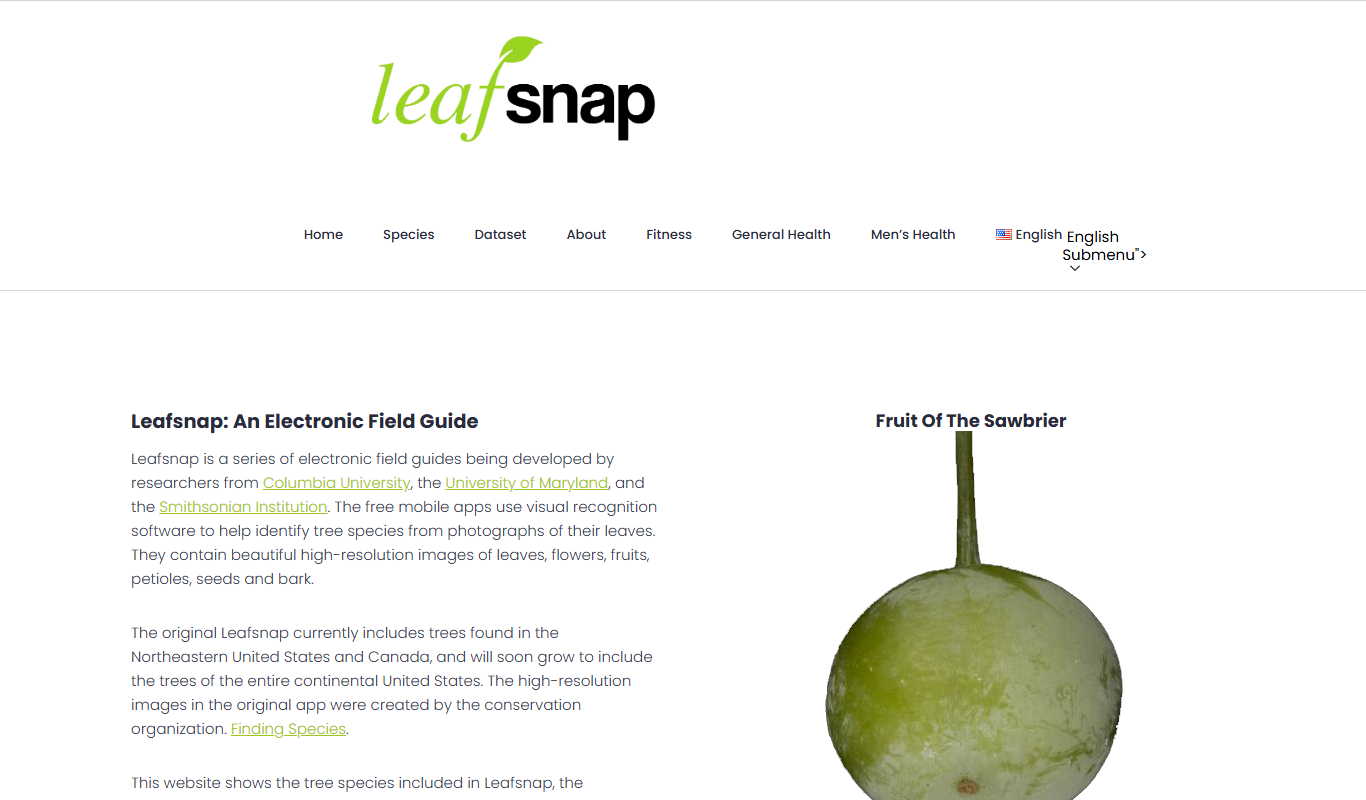
What is LeafSnap?
LeafSnap is a mobile application that uses visual recognition technology to identify tree species from photographs of their leaves and other plant parts. Developed through a collaboration between Columbia University, the University of Maryland, and the Smithsonian Institution, it helps users learn about trees by simply taking a photo. The app matches the image against a comprehensive database of high-resolution leaf images to provide accurate identification results.
Key features of LeafSnap
LeafSnap offers automatic leaf recognition, a searchable database of tree species, detailed plant descriptions, and high-quality images to assist users in identifying and learning about trees. It supports offline use and provides educational content for users interested in botany.
Visual Leaf Recognition
Uses advanced image processing to identify tree species from leaf photos.
Extensive Plant Database
Includes high-resolution images and detailed descriptions of numerous North American tree species.
User-Friendly Interface
Simple and intuitive design for easy photo capture and browsing.
Educational Content
Provides botanical information to enhance user knowledge.
Offline Access
Allows users to identify plants without an internet connection.
Pros and cons of LeafSnap
Pros
- Accurate and fast plant identification
- Free to use with no hidden costs
- Educational and user-friendly
- Works offline
- Developed by reputable institutions
Cons
- Limited to North American tree species
- Identification accuracy depends on photo quality
- No advanced AI customization options
Key use cases for LeafSnap
Plant Identification
Identify tree species by snapping photos of leaves, flowers, fruits, or bark.
Educational Tool
Assist students and nature enthusiasts in learning about local flora.
Field Research
Support botanists and researchers in cataloging and studying plant biodiversity.
Outdoor Recreation
Enhance hiking and nature walks by providing instant plant information.
How LeafSnap works
-
1
Capture a Photo
Take a clear picture of a leaf, flower, fruit, or bark using your smartphone camera.
-
2
Image Analysis
The app analyzes the photo using visual recognition algorithms to find matching species.
-
3
View Identification Results
Receive a list of possible tree species with images and descriptions for comparison.
-
4
Learn More
Access detailed information about the identified species, including habitat and characteristics.
Who is using LeafSnap
Nature enthusiasts
Students and educators
Botanists and researchers
Hikers and outdoor adventurers
Environmentalists
LeafSnap pricing
Free
$0
Full access to leaf identification features and plant database at no cost.
Plans and prices are as published by the vendor and can change. Check the official site before you buy. Open the pricing page (opens in a new tab)
Frequently asked questions about LeafSnap
Yes, LeafSnap is completely free to download and use.
LeafSnap is available on both iOS and Android devices.
LeafSnap primarily focuses on tree species but can identify some flowers and fruits associated with those trees.
LeafSnap supports offline use, allowing identification without internet connectivity.
It depends on your specific needs and how you plan to use the tool. The official website and documentation are the best sources for the latest details.
Yes, it can help with that use case depending on how you configure it and what features are available. You’ll get the best results with clear inputs and a defined goal.
It depends on your specific needs and how you plan to use the tool. The official website and documentation are the best sources for the latest details.
Yes, it can help with that use case depending on how you configure it and what features are available. You’ll get the best results with clear inputs and a defined goal.
Sign in to review this tool.
Sign In to ReviewNo reviews yet
Be the first to share how this tool worked for you.
Ask about pricing, limits, or how it compares — or answer someone else.
Sign In to AskNo questions yet
Have a question about using or paying for this tool? Be the first to ask.
Featured on TiorAI



Alternative Tools
Explore similar AI tools that might fit your needs

Free
PlantNet
PlantNet is a free AI-driven app that identifies plants from photos using a large community-curated database, available on web and mobile platforms.

Free
PictureThis
PictureThis is an AI-driven app that identifies plants from photos and offers care advice, helping users recognize and nurture plants easily.
More AI Background Remover tools
Other tools in the same category, for when this one is not quite the fit.
Freemium
StyleMyHair AI
StyleMyHair AI is a web-based virtual hairstyle simulator that uses AI to let users try on different hairstyles and hair colors on their photos, helping them preview new looks realistically before making changes.

Free
TheHairStyler.com
TheHairStyler.com is an online platform that lets you upload your photo and try on various hairstyles and hair colors virtually to preview new looks before making changes.

Free
Hover
Hover is an AI-powered online tool that automatically removes backgrounds from images, offering batch processing and high-resolution downloads for professional use.

One-time purchase
ProCam 8
ProCam 8 is a professional iOS camera app that provides manual controls, RAW photo capture, AI-powered portrait and night modes, and in-app editing for high-quality mobile photography.

Free
Postimages
Postimages is a free online image hosting service that allows users to upload images quickly without registration, providing multiple link formats for sharing and embedding images on forums, websites, and social media.

Freemium
LetsEnhance
LetsEnhance is an AI-powered web platform that upscales images, removes backgrounds, restores photos, and enhances colors to improve photo quality efficiently.

Freemium
Clipping Magic
Clipping Magic is an AI-based online tool that automatically removes backgrounds from images with options for manual refinement, ideal for e-commerce, design, and social media content creation.

Paid
Camera+ 2
Camera+ 2 is an iOS photography app that combines manual camera controls with AI-powered editing features like background removal and portrait enhancements, designed for professional and enthusiast iPhone photographers.