

From my experience with K8Studio, it stands out by providing a streamlined and user-friendly interface for managing Kubernetes clusters, which can otherwise be quite complex. The multi-cluster management and integrated debugging tools particularly impressed me, making it easier to develop and maintain cloud-native applications. While the free plan has some limitations, the Pro subscription offers valuable features for teams. This tool is especially well-suited for developers and DevOps engineers who want to simplify Kubernetes workflows without sacrificing control. However, some familiarity with Kubernetes concepts is still necessary to get the most out of it.
K8Studio Kubernetes IDE for Efficient Cloud-Native Development and Management
K8Studio is a Kubernetes Integrated Development Environment that streamlines cluster management, application development, and monitoring through a user-friendly graphical interface supporting multi-cluster operations and integrated debugging.
- Best for
- Kubernetes Cluster Management
- Key capability
- Multi-Cluster Support


Do you recommend this tool?
What is K8Studio?
K8Studio is a Kubernetes Integrated Development Environment (IDE) designed to simplify the management, development, and monitoring of Kubernetes clusters and cloud-native applications. It provides developers and DevOps engineers with a unified graphical interface that consolidates cluster operations, resource visualization, and application lifecycle management into one platform.
Key features of K8Studio
K8Studio offers features such as multi-cluster management, real-time resource monitoring, integrated debugging tools, and seamless deployment workflows. Its user-friendly interface reduces the complexity of Kubernetes operations, enabling faster development and more efficient cluster management.
Multi-Cluster Support
Manage multiple Kubernetes clusters simultaneously with easy switching and consolidated views.
Resource Visualization
Graphical representation of Kubernetes resources for easier navigation and management.
Integrated Debugging
Debug cloud-native applications with built-in tools that streamline troubleshooting.
Real-Time Monitoring
Access live logs and metrics to monitor cluster health and application performance.
User-Friendly Interface
Simplifies complex Kubernetes operations with an intuitive and accessible UI.
Pros and cons of K8Studio
Pros
- Simplifies Kubernetes management with a graphical interface
- Supports multi-cluster management
- Integrated debugging and monitoring tools
- User-friendly for developers and DevOps
- Cross-platform desktop and web availability
Cons
- Limited advanced features in the free plan
- Primarily English language support
- May require familiarity with Kubernetes concepts
Key use cases for K8Studio
Kubernetes Cluster Management
Manage and monitor Kubernetes clusters with an intuitive graphical interface that simplifies complex operations.
Cloud-Native Application Development
Develop, debug, and deploy cloud-native applications directly within the IDE, streamlining the development lifecycle.
DevOps Workflow Integration
Integrate Kubernetes operations into DevOps pipelines, improving automation and collaboration across teams.
Resource Visualization and Troubleshooting
Visualize Kubernetes resources and troubleshoot issues with real-time logs and metrics to maintain cluster health.
Multi-Cluster Management
Easily switch between and manage multiple Kubernetes clusters from a single interface.
How K8Studio works
-
1
Connect to Kubernetes Clusters
Import your Kubernetes cluster configurations or connect via kubeconfig files to start managing your environments.
-
2
Explore and Visualize Resources
Use the graphical interface to browse namespaces, pods, services, and other Kubernetes resources with detailed views.
-
3
Develop and Debug Applications
Leverage built-in tools to write, test, and debug cloud-native applications directly within the IDE.
-
4
Deploy and Monitor
Deploy applications to your clusters and monitor their status, logs, and performance metrics in real time.
Who is using K8Studio
Kubernetes developers
DevOps engineers
Cloud-native application teams
IT operations teams
Small to medium enterprises managing Kubernetes
K8Studio pricing
Free
$0/month
Basic access with limited clusters and features suitable for individual developers.
Pro
$15/month
Advanced features including unlimited clusters, priority support, and enhanced integrations.
Plans and prices are as published by the vendor and can change. Check the official site before you buy. Open the pricing page (opens in a new tab)
Frequently asked questions about K8Studio
Yes, K8Studio supports standard Kubernetes clusters regardless of the distribution.
Yes, K8Studio allows you to connect and manage multiple Kubernetes clusters simultaneously.
Yes, it includes integrated debugging tools for cloud-native applications.
Yes, K8Studio offers a free plan with basic features suitable for individual users.
This tool is designed to help users accomplish its core tasks more efficiently. It is typically used by individuals or teams looking to improve productivity and workflow.
Yes, it can help with that use case depending on how you configure it and what features are available. You’ll get the best results with clear inputs and a defined goal.
Some tools offer a free plan or trial with limited features. Availability can vary, so confirm on the official website.
Yes, it can help with that use case depending on how you configure it and what features are available. You’ll get the best results with clear inputs and a defined goal.
Sign in to review this tool.
Sign In to ReviewNo reviews yet
Be the first to share how this tool worked for you.
Ask about pricing, limits, or how it compares — or answer someone else.
Sign In to AskNo questions yet
Have a question about using or paying for this tool? Be the first to ask.
Featured on TiorAI



Alternative Tools
Explore similar AI tools that might fit your needs

Free
Rancher
Rancher is an open-source platform that enables centralized management, security, and deployment of Kubernetes clusters across hybrid and multi-cloud environments.
Free
Octant
Octant is an AI code assistant that helps developers write, review, and debug code faster by generating snippets, detecting bugs, and improving documentation.
More AI Sketch Generator tools
Other tools in the same category, for when this one is not quite the fit.

Free
SketchAI: Draw Art Generator
SketchAI is an online AI art generator that creates sketches from text prompts, offering multiple styles and easy downloads for artists and creatives.

Freemium
kolnak
Kolnak is an AI-driven platform that automates video creation by transforming text and media inputs into polished videos using customizable templates and AI editing tools.
Free
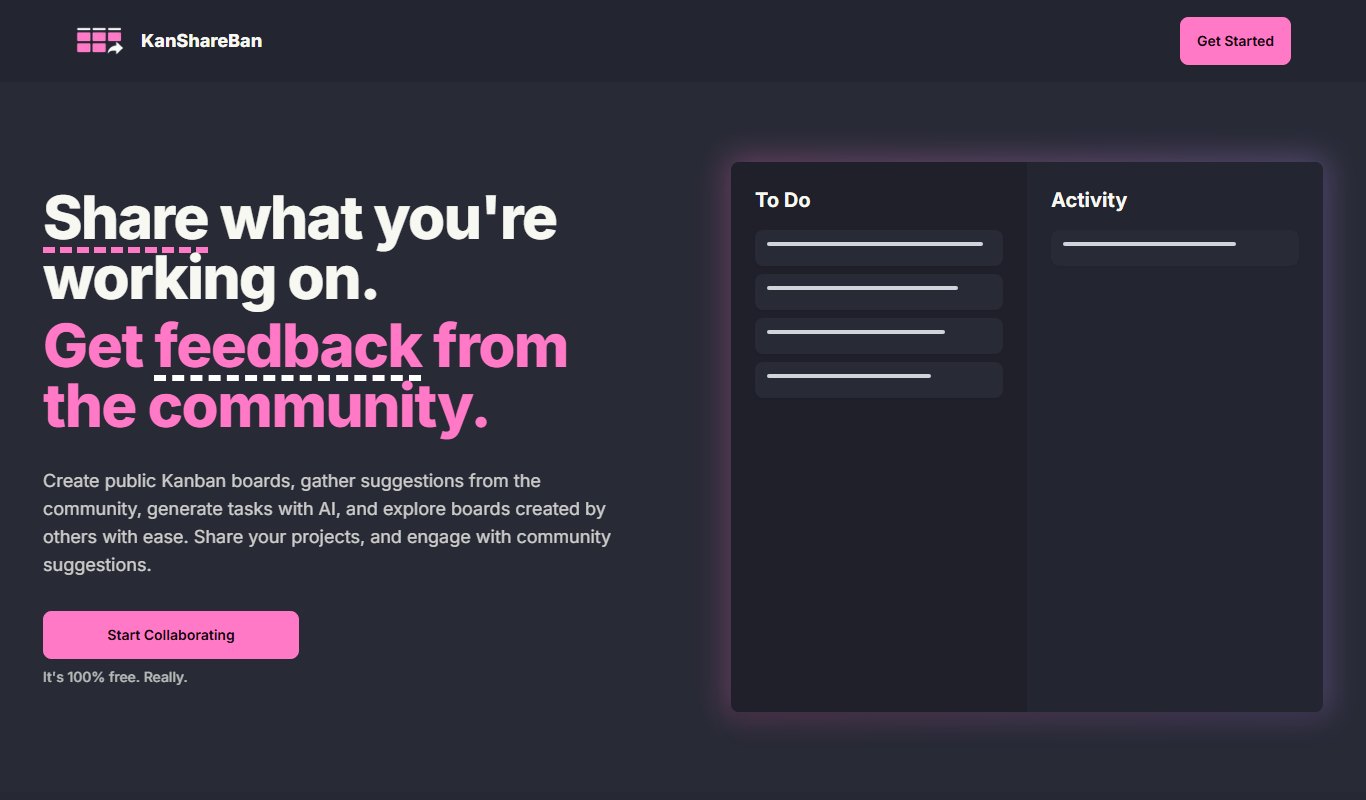
KanShareBan
KanShareBan is a web-based project management tool that uses Kanban boards to help teams organize, track, and collaborate on tasks efficiently.

Contact for pricing
Secur3D
Secur3D is an AI-driven cybersecurity platform that provides real-time threat detection and automated incident response to help organizations quickly identify and mitigate cyber threats.

Free Trial
Swiftink
Swiftink is an AI-powered writing assistant that helps users generate, edit, and optimize written content efficiently, focusing on English language content creation with SEO support.


Freemium
Pencil
Pencil is an AI-powered video creation platform that automates the generation of personalized marketing videos, enabling users to produce multiple video variants quickly for campaigns and social media.

Freemium
Promptus
Promptus is an AI-driven tool that generates creative and customizable prompts to assist writers, marketers, and educators in content creation and idea generation.