

From my experience with HyperSuggest, I found it excels at generating a broad range of keyword suggestions across multiple languages, making it a practical choice for marketers targeting international audiences. The inclusion of search volume and CPC data helps prioritize keywords effectively without overwhelming beginners. However, the free plan’s limitations and lack of advanced SEO features mean it might not fully satisfy power users or agencies needing deeper analysis. Overall, if you want an accessible, straightforward keyword research tool with solid multi-language support, HyperSuggest delivers reliable results.
HyperSuggest SEO Keyword Tool for Keyword Research and Content Ideas
HyperSuggest is a web-based SEO tool that provides extensive keyword suggestions, search volume, CPC data, and competitor analysis to help marketers optimize their content and SEO strategies.
- Best for
- Keyword Research
- Key capability
- Extensive Keyword Suggestions

Do you recommend this tool?
What is HyperSuggest?
HyperSuggest is a web-based SEO tool designed to help marketers, content creators, and SEO professionals discover keyword ideas and optimize their content strategy. It provides extensive keyword suggestions, search volume data, and competitive metrics to support effective SEO campaigns.
Key features of HyperSuggest
HyperSuggest offers comprehensive keyword suggestions, multi-language support, search volume and CPC insights, competitor keyword analysis, and content ideation features to streamline SEO and content marketing efforts.
Extensive Keyword Suggestions
Generates thousands of keyword ideas from multiple search engines including Google, YouTube, Amazon, and Bing.
Multi-language Support
Supports keyword research in over 10 languages, enabling global SEO strategies.
Search Volume and CPC Data
Provides important metrics like monthly search volume, cost-per-click, and competition level.
Competitor Keyword Analysis
Allows users to analyze competitor keywords to uncover new opportunities.
Export Options
Enables exporting keyword lists in CSV format for easy integration with other tools.
Pros and cons of HyperSuggest
Pros
- Generates a large volume of keyword suggestions from multiple search engines
- Supports multiple languages for international SEO
- Includes useful metrics like search volume and CPC
- User-friendly interface with easy export options
Cons
- Free plan has limited daily usage and features
- No mobile app available, web-only platform
- Limited advanced SEO features compared to some competitors
Key use cases for HyperSuggest
Keyword Research
Discover relevant keywords and long-tail phrases to optimize website content and improve search engine rankings.
Content Ideation
Generate content ideas based on popular search queries and trending topics to enhance marketing strategies.
SEO Competitor Analysis
Analyze competitor keywords and strategies to identify opportunities and gaps in your SEO approach.
Search Volume and CPC Data
Access search volume, cost-per-click, and competition metrics to prioritize keywords effectively.
Multi-language Keyword Suggestions
Get keyword suggestions in multiple languages to support international SEO campaigns.
How HyperSuggest works
-
1
Enter Seed Keywords
Start by inputting one or more seed keywords related to your niche or topic.
-
2
Generate Keyword Suggestions
HyperSuggest analyzes search engines and provides a list of relevant keyword ideas and long-tail phrases.
-
3
Analyze Metrics
Review search volume, competition, and CPC data to evaluate keyword potential.
-
4
Export and Use Data
Export keyword lists for use in SEO campaigns, content planning, or PPC advertising.
Who is using HyperSuggest
SEO professionals
Content marketers
Small business owners
Digital marketing agencies
E-commerce managers
HyperSuggest pricing
Free
$0/month
Limited keyword suggestions and basic features with daily usage limits.
Pro
$29/month
Unlimited keyword suggestions, full access to metrics, multi-language support, and export capabilities.
Plans and prices are as published by the vendor and can change. Check the official site before you buy. Open the pricing page (opens in a new tab)
Frequently asked questions about HyperSuggest
Yes, HyperSuggest offers a free plan with limited daily keyword suggestions and basic features.
It supports multiple languages including English, German, French, Spanish, Italian, and Portuguese.
Yes, it provides monthly search volume, CPC, and competition metrics for keywords.
Yes, exporting keyword data in CSV format is available in the Pro plan.
This tool is designed to help users accomplish its core tasks more efficiently. It is typically used by individuals or teams looking to improve productivity and workflow.
It depends on your specific needs and how you plan to use the tool. The official website and documentation are the best sources for the latest details.
Some tools offer a free plan or trial with limited features. Availability can vary, so confirm on the official website.
Data handling and security practices vary by provider. Review the official privacy policy to understand how your data is stored and used.
Sign in to review this tool.
Sign In to ReviewNo reviews yet
Be the first to share how this tool worked for you.
Ask about pricing, limits, or how it compares — or answer someone else.
Sign In to AskNo questions yet
Have a question about using or paying for this tool? Be the first to ask.
Featured on TiorAI



More AI Pitch Deck Generator tools
Other tools in the same category, for when this one is not quite the fit.

Free
Kick
Kick is a live streaming platform designed for gamers and content creators, offering low latency streaming and competitive revenue sharing to help streamers monetize their content effectively.

Freemium
PlayThis
PlayThis is an AI-driven music generation platform that allows users to create original songs or remixes instantly by inputting text prompts or audio samples via a web interface.

Free Trial
Deckster
Deckster is a cloud-based presentation software focused on team collaboration and brand consistency, offering real-time editing, template management, and content libraries.
Free Trial
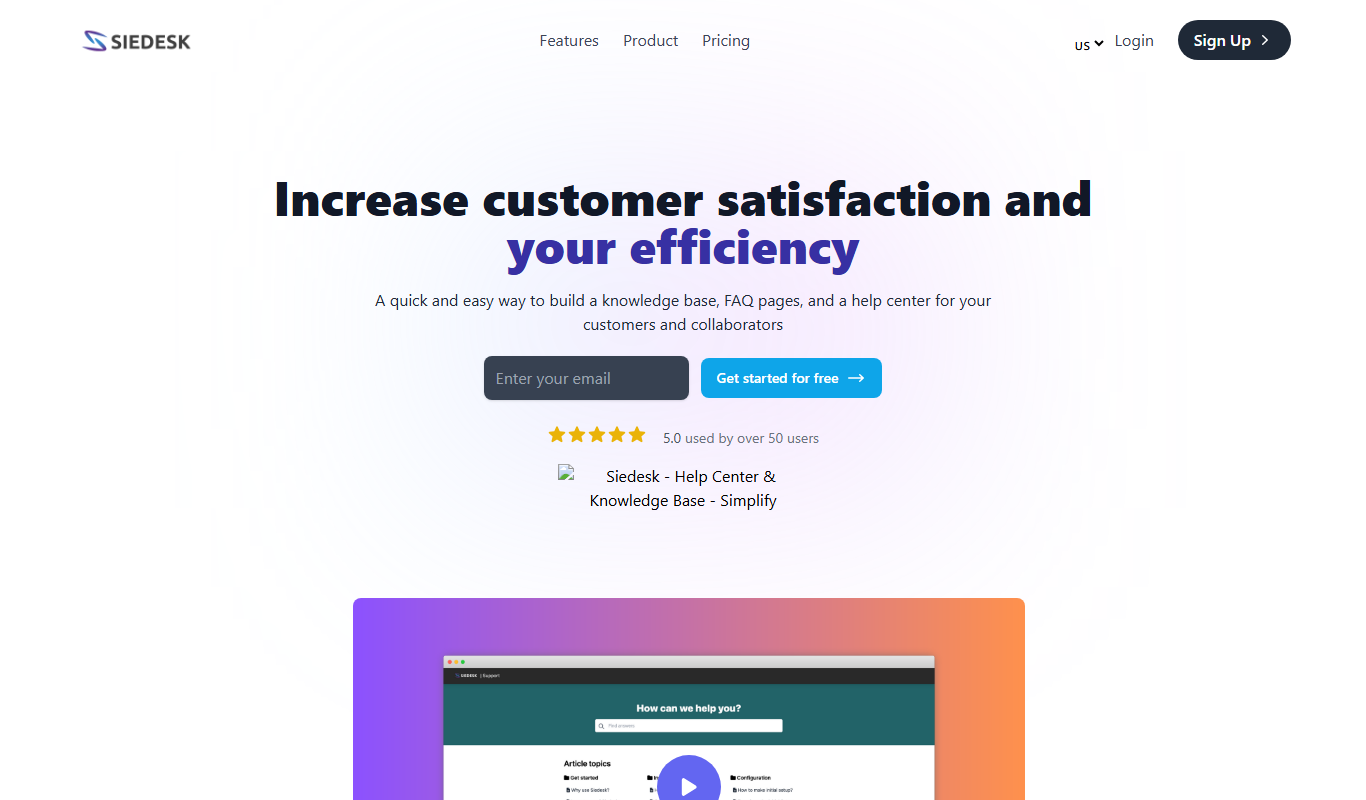
Siedesk – Help Center & Knowledge Base
Siedesk is a cloud-based help center and knowledge base platform that enables businesses to create multilingual self-service support content and manage customer tickets efficiently.

Free
QuizRise
QuizRise is a web-based quiz maker that enables users to create, customize, and share interactive quizzes without coding, featuring real-time analytics and lead capture.

Free
Depix AI
Depix AI is an online tool that uses AI to depixelate images by reconstructing pixelated or blurred areas, improving image clarity.

Free Trial
Recipe Pro
Recipe Pro AI is a web-based tool that uses artificial intelligence to generate personalized recipes and meal plans based on user preferences, dietary restrictions, and available ingredients.

Free
IdeasFundX
IdeasFundX is an online platform that helps startups connect with investors by providing tools to create profiles, upload pitch decks, and communicate directly to secure funding.