
From my experience with FocuSee, it stands out as a straightforward and effective tool for screen recording combined with real-time video annotation. Its ease of use and cross-platform support make it particularly well-suited for remote teams, educators, and customer support professionals who need to communicate visually. However, the free plan’s watermark and limited advanced editing features may be a drawback for users seeking more polished video production. Overall, if your goal is to quickly create annotated screen recordings for collaboration or training, FocuSee offers a solid balance of features and accessibility.
FocuSee Screen Recorder and Video Annotation Tool for Remote Collaboration
FocuSee is a screen recording and video annotation tool that enables users to capture their screen, add real-time annotations, include webcam overlays, and share videos for remote collaboration and communication.
What is FocuSee?
FocuSee is a versatile screen recording and video annotation tool designed to improve remote collaboration and communication. It allows users to capture their screen activity, record webcam footage, and add annotations such as drawings, text, and highlights to videos and screenshots. This makes it easier to convey ideas, provide feedback, and create instructional content across teams and clients.

Key Features of FocuSee
High-Quality Screen Recording
Capture full screen, specific windows, or browser tabs in HD quality.
Real-Time Video Annotation
Draw, highlight, and add text annotations during recording to emphasize key points.
Webcam Overlay
Include webcam footage alongside screen recordings for a personal touch.
Video Editing Tools
Trim and edit recorded videos to remove unnecessary parts and polish content.
Cloud Storage and Sharing
Store recordings securely in the cloud and share them easily with collaborators.
Pros and Cons of FocuSee
Pros
- User-friendly interface with intuitive controls
- Supports real-time annotations during recording
- Cross-platform availability including Chrome extension
Cons
- Free plan includes watermarks on videos
- Limited advanced editing features compared to specialized editors
- Cloud storage capacity may be limited on lower-tier plans
Key Use Cases for FocuSee
Remote Team Communication
Facilitates clear communication by allowing teams to record screens and annotate videos for feedback and collaboration.
Customer Support
Enables support teams to create visual guides and walkthroughs to help customers solve issues effectively.
Educational Content Creation
Allows educators to record lessons with annotations to enhance learning experiences.
Product Demonstrations
Helps marketing and sales teams create engaging product demos with screen recordings and annotations.
Bug Reporting
Simplifies bug reporting by capturing screen activity and adding notes to highlight issues.
How FocuSee Works
-
1
Install and Launch
Download and install FocuSee on your device or use the Chrome extension to start recording.
-
2
Record Screen
Select the screen area or window to record, optionally enable webcam overlay, and start capturing your activity.
-
3
Annotate
Use built-in annotation tools to add drawings, text, arrows, and highlights during or after recording.
-
4
Edit and Trim
Trim unwanted parts of the video and make adjustments to enhance clarity.
-
5
Share and Collaborate
Upload videos to the cloud or share links directly with teammates or clients for feedback and collaboration.
Who's Using FocuSee
Remote teams and businesses
Customer support professionals
Educators and trainers
Marketing and sales teams
Software developers and QA testers
FocuSee Pricing
Free
$0/month
Basic screen recording features with limited recording length and watermark.
Pro
$9.99/month
Unlimited recording length, no watermark, advanced editing tools, and cloud storage.
Frequently Asked Questions About FocuSee
Yes, FocuSee supports Windows, Mac, Web, and offers a Chrome extension.
Yes, FocuSee allows you to include webcam overlay while recording your screen.
Yes, recordings made with the free plan include a FocuSee watermark.
You can upload videos to FocuSee’s cloud storage and share links directly with others.
Yes, it can help with that use case depending on how you configure it and what features are available. You’ll get the best results with clear inputs and a defined goal.
It depends on your specific needs and how you plan to use the tool. The official website and documentation are the best sources for the latest details.
Some tools offer a free plan or trial with limited features. Availability can vary, so confirm on the official website.
It depends on your specific needs and how you plan to use the tool. The official website and documentation are the best sources for the latest details.
Share your review
Reviews are limited to one per logged-in user and are published after moderation.
You need an account to review this tool.
0.0
★
★
★
★
★
0 reviews
5 star
0
4 star
0
3 star
0
2 star
0
1 star
0
No reviews yet
Be the first to share how this tool worked for you.
Questions from the community
Read questions and answers about this tool, or ask your own.
No questions yet
Start the conversation by asking the first question about this tool.
Is this tool helpful?
Alternative Tools
Explore similar AI tools that might fit your needs

Free
Loom
Loom is a video messaging platform that enables users to quickly record and share screen and webcam videos for remote communication, collaboration, and tutorials.

Free Trial
Snagit
Snagit is a screen capture and recording software by TechSmith that allows users to capture images and videos from their screens, edit them with annotations and effects, and share easily for tutorials, documentation, and communication.

Free
AI Image Upscaler
AI Image Upscaler by SharkFoto is a web-based tool that uses artificial intelligence to enlarge and enhance images up to 4x their original size while preserving quality and reducing noise.
Free
RunAleph.com: Free AI Video Editing with Runway Aleph
RunAleph is a free, web-based AI video editing tool powered by Runway Aleph that automates tasks like background removal and style transfer to simplify video creation.
Free Trial
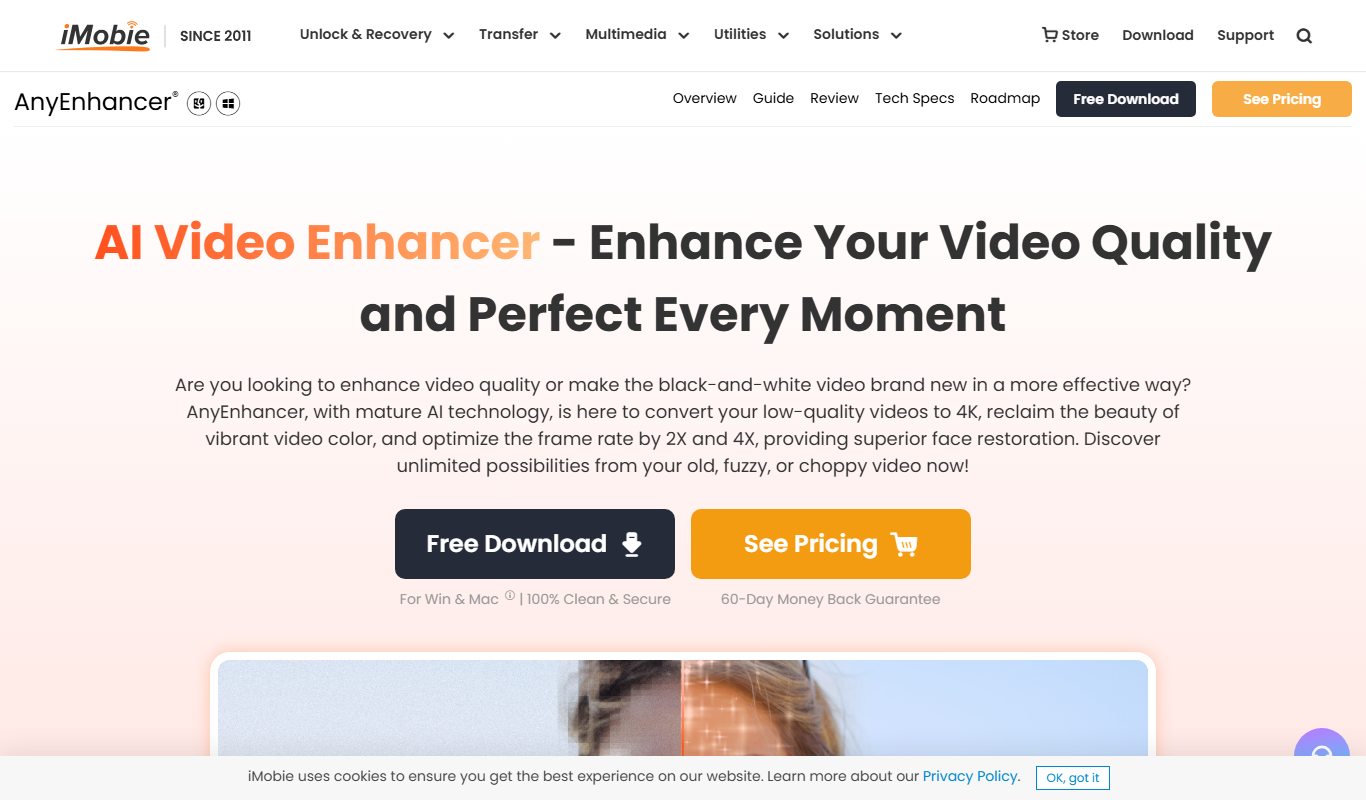
AnyEnhancer
AnyEnhancer is an AI-based photo enhancement software that restores old photos, reduces noise, and upscales images on Windows and Mac platforms.

Free
Avey
Avey is an AI-powered writing assistant that helps users create and edit content with real-time grammar and style suggestions, supporting efficient content creation primarily in English.

Free
EnhanceAI
EnhanceAI is a web-based AI tool that upscales and enhances images by increasing resolution and reducing noise automatically.

Free
Img Upscaler
Img Upscaler is an AI-based online tool that enlarges images up to 8 times their original size while preserving quality using deep learning algorithms.

Freemium
UniConverter AI Image Enhancer
UniConverter AI Image Enhancer is a web-based tool by Wondershare that uses AI to upscale images up to 4K, reduce noise, and enhance details for clearer, high-quality photos.

Free
PixelHaha
PixelHaha is an AI art generator that creates unique digital illustrations from text prompts, ideal for artists and content creators seeking creative visuals.