
From my experience with Feedloops.co, I found it excels at simplifying social media content automation through seamless RSS feed integration. The platform’s straightforward scheduling and multi-platform support make it a practical choice for marketers and small businesses aiming to maintain consistent social media presence without manual effort. However, the lack of a dedicated mobile app and somewhat basic analytics compared to larger competitors are trade-offs to consider. Overall, if you want an affordable, easy-to-use tool for automated social media posting, Feedloops delivers solid value.
Feedloops.co Review: Automated Social Media Content Scheduling Tool
Feedloops.co is a web-based tool that automates social media content scheduling by integrating RSS feeds and supporting multiple platforms, helping marketers maintain consistent posting schedules.
What is feedloops.co?
Feedloops.co is a web-based social media automation platform designed to help marketers and content creators schedule and automate their social media posts efficiently. It integrates content feeds and allows users to maintain a consistent posting schedule without manual effort.
Key Features of feedloops.co
RSS Feed Automation
Automatically generate social media posts from your RSS feeds to save time.
Multi-Platform Support
Schedule posts across various social networks from a single interface.
Customizable Posting Schedules
Set specific times and days for your content to be published automatically.
Analytics Dashboard
Track post performance and engagement metrics to optimize your campaigns.
Pros and Cons of feedloops.co
Pros
- Easy integration with RSS feeds for automated posting
- Supports multiple social media platforms
- User-friendly scheduling interface
- Affordable pricing with a free trial
Cons
- No dedicated mobile app
- Limited advanced analytics compared to competitors
Key Use Cases for feedloops.co
Automated Social Media Posting
Schedule and automate posts across multiple social media platforms to maintain consistent engagement.
Content Feed Integration
Automatically pull content from RSS feeds or blogs to populate social media posts without manual input.
Marketing Campaign Management
Plan and execute social media marketing campaigns with streamlined content scheduling and analytics.
Social Media Growth
Increase follower engagement by maintaining a steady stream of relevant content through automation.
How feedloops.co Works
-
1
Create an Account
Sign up on Feedloops.co to access the dashboard and connect your social media profiles.
-
2
Connect Content Feeds
Link your RSS feeds or blogs to automatically import content for scheduling.
-
3
Set Posting Schedule
Define the times and frequency for your posts to be published across selected platforms.
-
4
Monitor and Adjust
Use analytics to track engagement and refine your content strategy accordingly.
Who's Using feedloops.co
Social media marketers
Content creators
Small businesses
Digital marketing agencies
Bloggers
feedloops.co Pricing
Free Trial
$0 for 7 days
Access core features with limited posts to test the platform.
Pro
$19/month
Full access to all features with higher posting limits and priority support.
Frequently Asked Questions About feedloops.co
Feedloops supports major platforms including Facebook, Twitter, LinkedIn, and Instagram.
Yes, you can link multiple RSS feeds to automate diverse content streams.
Currently, Feedloops is accessible via web browsers; no dedicated mobile app is available.
Yes, it provides an analytics dashboard to monitor post engagement and performance.
It depends on your specific needs and how you plan to use the tool. The official website and documentation are the best sources for the latest details.
Yes, it can help with that use case depending on how you configure it and what features are available. You’ll get the best results with clear inputs and a defined goal.
Some tools offer a free plan or trial with limited features. Availability can vary, so confirm on the official website.
Yes, it can help with that use case depending on how you configure it and what features are available. You’ll get the best results with clear inputs and a defined goal.
Share your review
Reviews are limited to one per logged-in user and are published after moderation.
You need an account to review this tool.
0.0
★
★
★
★
★
0 reviews
5 star
0
4 star
0
3 star
0
2 star
0
1 star
0
No reviews yet
Be the first to share how this tool worked for you.
Questions from the community
Read questions and answers about this tool, or ask your own.
No questions yet
Start the conversation by asking the first question about this tool.
Is this tool helpful?

Free Trial
Cherrie
Cherrie is an AI chatbot platform that helps businesses automate customer support and engagement through customizable conversational AI chatbots.
Freemium
SMARTOVATE
SMARTOVATE is an AI platform that automates business processes and provides advanced analytics to help companies optimize workflows and make data-driven decisions.
Free
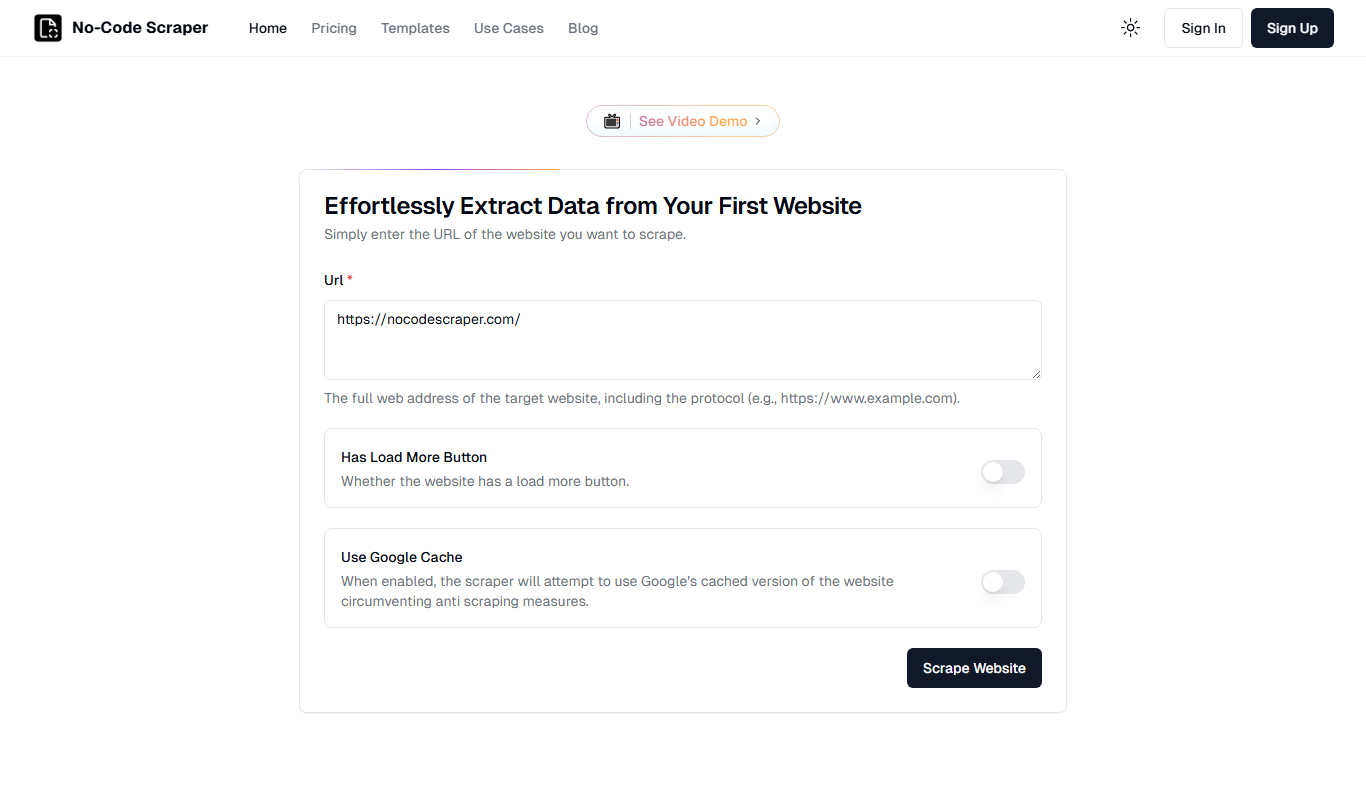
No-Code Scraper
No-Code Scraper is a web-based tool that allows users to extract data from websites using a visual interface without any coding. It supports pagination, data export, scheduling, and API integration.

Free
Customised Unlimited AI Agents FOR FREE
Customised Unlimited AI Agents FOR FREE by Innoviary is a web platform that enables users to create unlimited AI agents without coding, offering free access to automation and productivity tools.

Unknown
ChatHub – $37 for Lifetime Deal
ChatHub is an AI chatbot platform that offers a $37 lifetime deal, enabling businesses to automate customer interactions with customizable, AI-driven chatbots deployed on websites.

Freemium
Billie
Billie is an AI-powered writing assistant designed to help marketers and content creators generate marketing copy, blog posts, emails, and creative content efficiently with support for English and German languages.

Free
Scrap.so
Scrap.so is a no-code web scraping platform that allows users to extract and automate data collection from websites using a visual builder, browser extension, and API access.
Free Trial
Latte
Latte is a web-based social media management tool designed for teams and agencies to schedule content, collaborate, manage clients, and analyze social media performance.