

From my experience with Deepen, I found it excels at delivering high-quality video upscaling through an intuitive web interface. The AI-driven enhancements notably improve clarity and reduce noise, making it a practical choice for content creators and marketers looking to upgrade existing footage without reshooting. However, processing times can be longer for larger videos, and the free trial has some limitations. Overall, if you need straightforward, effective AI video upscaling accessible from any browser, Deepen offers a solid solution.
Deepen AI Video Upscaler for Enhancing Video Quality and Resolution
Deepen is an AI-based video upscaling tool that enhances low-resolution videos by increasing their resolution up to 4K, improving clarity and reducing noise through advanced machine learning algorithms.
- Best for
- Video Quality Improvement
- Key capability
- AI-Powered Upscaling

What is Deepen?
Deepen is an AI-powered video upscaling tool designed to enhance video resolution and quality by leveraging advanced machine learning algorithms. It allows users to convert lower resolution videos into higher definition formats such as 4K, improving clarity, sharpness, and detail without manual editing.
Key features of Deepen
Deepen offers automated video upscaling, noise reduction, artifact removal, and color enhancement features. Its user-friendly web interface enables quick processing of videos with minimal technical knowledge required.
AI-Powered Upscaling
Uses deep learning models to intelligently increase video resolution while preserving quality.
Noise and Artifact Reduction
Removes common video noise and compression artifacts for cleaner output.
Supports Multiple Formats
Compatible with popular video formats for input and output.
Web-Based Platform
No software installation required; accessible from any modern browser.
Pros and cons of Deepen
Pros
- Easy-to-use web interface with no installation needed
- High-quality AI upscaling with noise reduction
- Supports multiple video formats
- Flexible subscription plans
Cons
- Processing times can be lengthy for large videos
- Limited features on free trial
- No desktop or mobile app versions currently
Key use cases for Deepen
Video Quality Improvement
Enhance the resolution and clarity of low-quality videos for professional or personal use.
Content Creator Support
Help content creators upscale older or lower resolution footage to meet modern standards.
Archival Restoration
Improve the visual quality of archival or historical videos for preservation and presentation.
Marketing and Advertising
Produce higher resolution videos for marketing campaigns without needing to reshoot footage.
How Deepen works
-
1
Upload Video
Users upload their low-resolution video files through the Deepen web platform.
-
2
Select Upscaling Options
Choose desired output resolution and enhancement settings.
-
3
AI Processing
Deepen’s AI algorithms analyze and upscale the video, enhancing details and reducing noise.
-
4
Download Enhanced Video
Once processing is complete, users download the improved high-resolution video.
Who is using Deepen
Content creators and video editors
Marketing professionals
Archivists and historians
Small businesses needing video enhancement
Deepen pricing
Free Trial
$0
Limited video length and resolution to test the service.
Monthly Subscription
$29/month
Full access to upscaling features with higher video length limits.
Annual Subscription
$290/year
Discounted yearly plan with full feature access.
Plans and prices are as published by the vendor and can change. Check the official site before you buy. Open the pricing page (opens in a new tab)
Frequently asked questions about Deepen
Deepen supports common video formats such as MP4, MOV, and AVI for both upload and download.
Processing time depends on video length and resolution but typically ranges from a few minutes to under an hour.
Yes, Deepen supports upscaling videos up to 4K resolution.
Yes, the free trial has restrictions on maximum video length and resolution.
It depends on your specific needs and how you plan to use the tool. The official website and documentation are the best sources for the latest details.
Yes, it can help with that use case depending on how you configure it and what features are available. You’ll get the best results with clear inputs and a defined goal.
Some tools offer a free plan or trial with limited features. Availability can vary, so confirm on the official website.
Yes, it can help with that use case depending on how you configure it and what features are available. You’ll get the best results with clear inputs and a defined goal.
Sign in to review this tool.
Sign In to ReviewNo reviews yet
Be the first to share how this tool worked for you.
Ask about pricing, limits, or how it compares — or answer someone else.
Sign In to AskNo questions yet
Have a question about using or paying for this tool? Be the first to ask.
Featured on TiorAI



Alternative Tools
Explore similar AI tools that might fit your needs
Freemium
DVDFab Enlarger AI
DVDFab Enlarger AI is an AI-driven video upscaling software that enhances video resolution and quality by using deep learning to enlarge videos up to 4K, reduce noise, and improve details.
More AI Upscaling tools
Other tools in the same category, for when this one is not quite the fit.

Freemium
Re-Image
Re-Image is an AI-based tool that upscales and enhances images by increasing resolution, reducing noise, and restoring details, ideal for photographers and businesses needing high-quality visuals.
Freemium
Deepen
Deepen is an AI-based video enhancement tool that upscales video resolution, reduces noise, and sharpens details to improve video quality efficiently.

Free
Restylar
Restylar is an AI-based online tool that upscales and enhances image resolution, improving photo quality quickly and easily.
Free
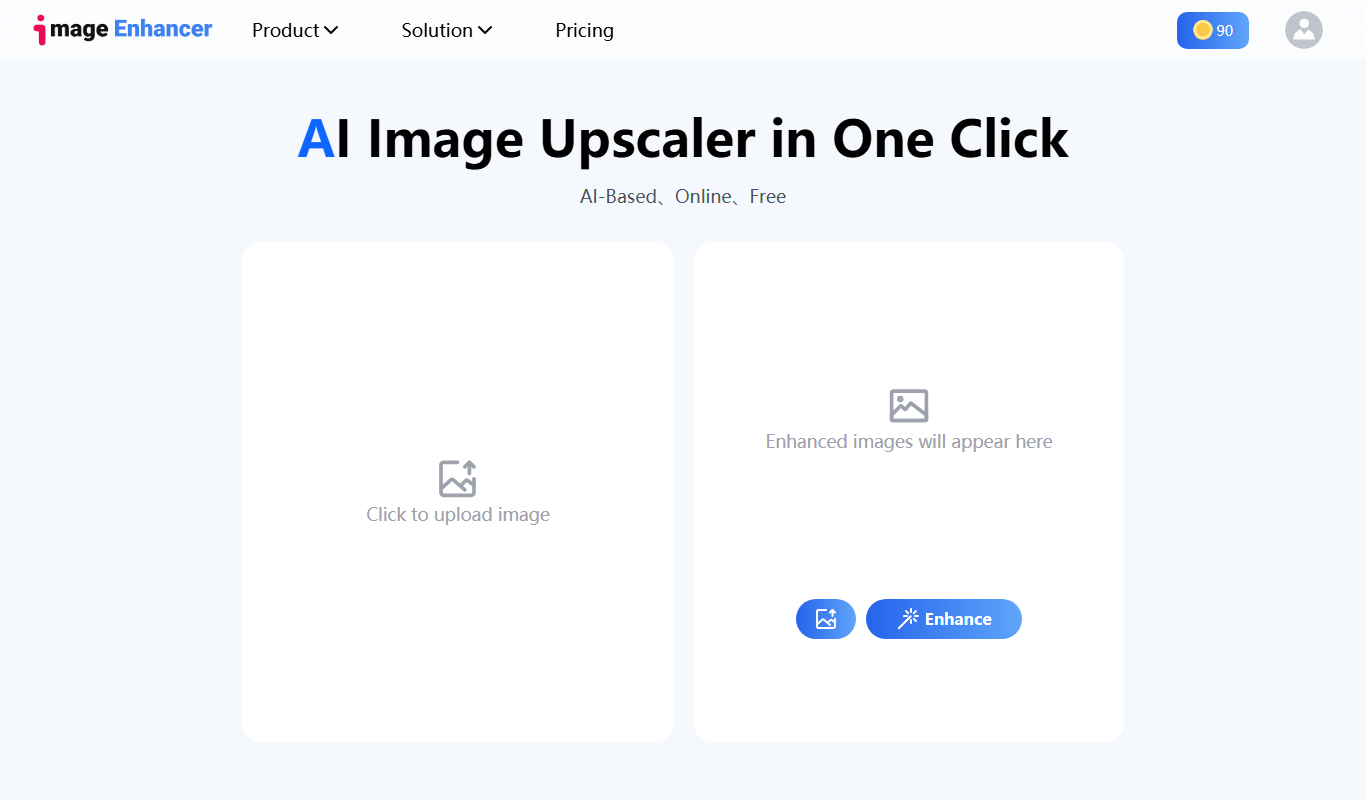
AI Image Enhancer&Upscaler
AI Image Enhancer & Upscaler is an online tool that uses AI to improve photo quality by upscaling resolution, reducing noise, and enhancing details quickly and easily.

Freemium
FLUX.1 Pro
FLUX.1 Pro is an AI-based web tool that upscales and enhances images up to 4x resolution, reducing noise and artifacts for clearer, high-quality photos.

Freemium
Pixalto
Pixalto is a web-based AI tool that enlarges and enhances images by increasing resolution and reducing noise, ideal for photographers and designers needing high-quality upscaled photos.

Free
AI HD Anime
AI HD Anime is an online AI tool that upscales and enhances anime videos by increasing resolution, reducing noise, and sharpening details to produce high-definition outputs.