
From my experience with CheatWithAI, I found it excels at simplifying the content creation process by providing quick AI-generated drafts and rewriting suggestions. The platform’s straightforward web interface makes it accessible even for users without technical expertise. It’s particularly well-suited for content creators and marketers who need to produce diverse content types like blog posts, social media updates, and emails efficiently. However, the tool currently supports only English and lacks a mobile app, which might limit flexibility for some users. Overall, if you want an affordable AI writing assistant to boost productivity and overcome writer’s block, CheatWithAI delivers solid results.
CheatWithAI Review: AI-Powered Writing Assistant for Content Creation
CheatWithAI is an AI writing assistant that helps users generate, rewrite, and optimize written content efficiently through a web-based platform.
What is cheatwithai?
CheatWithAI is an AI-powered writing assistant designed to help users create, edit, and optimize written content efficiently. It leverages advanced natural language processing to generate text suggestions, rewrite sentences, and provide creative ideas, making it a valuable tool for writers, marketers, and content creators seeking to boost productivity and overcome writer’s block.

Key Features of cheatwithai
AI Content Generation
Automatically create articles, posts, and emails based on user prompts.
Rewriting and Editing
Enhance existing text by rewriting for clarity, tone, and style.
Idea Brainstorming
Generate creative content ideas to overcome writer’s block.
User-Friendly Interface
Simple web-based platform that requires no technical skills.
Pros and Cons of cheatwithai
Pros
- Easy to use with an intuitive interface
- Helps overcome writer’s block with idea generation
- Affordable pricing with a free tier
- Supports multiple content types
Cons
- Limited language support (English only)
- No mobile app available
- Some advanced features require subscription
Key Use Cases for cheatwithai
Content Writing
Generate articles, blog posts, and marketing copy quickly using AI-powered suggestions.
Idea Generation
Brainstorm new content ideas and outlines to overcome writer’s block.
Editing and Refinement
Improve existing text by rewriting or enhancing clarity and style.
Social Media Content
Create engaging posts and captions optimized for social platforms.
Email Drafting
Compose professional emails faster with AI-generated drafts.
How cheatwithai Works
-
1
Create an Account
Sign up on the CheatWithAI website to access the writing assistant features.
-
2
Choose a Writing Task
Select the type of content you want to generate or improve, such as blog posts or social media captions.
-
3
Input Your Text or Prompt
Provide initial text or ideas for the AI to work with.
-
4
Receive AI Suggestions
Review and edit the AI-generated content to fit your style and needs.
-
5
Export or Publish
Copy the final text for use in your projects or platforms.
Who's Using cheatwithai
Content creators
Marketing professionals
Small business owners
Freelance writers
Social media managers
cheatwithai Pricing
Free
$0/month
Limited access with basic features and usage caps.
Pro
$19/month
Full access to all features with higher usage limits and priority support.
Frequently Asked Questions About cheatwithai
Yes, it provides tools that can help professional writers speed up content creation and editing.
Absolutely, the tool includes features specifically designed for generating social media posts and captions.
Currently, CheatWithAI primarily supports English.
This tool is designed to help users accomplish its core tasks more efficiently. It is typically used by individuals or teams looking to improve productivity and workflow.
Pricing depends on the plan and included features. For the most accurate and up-to-date details, check the official pricing page.
It depends on your specific needs and how you plan to use the tool. The official website and documentation are the best sources for the latest details.
Share your review
Reviews are limited to one per logged-in user and are published after moderation.
You need an account to review this tool.
0.0
★
★
★
★
★
0 reviews
5 star
0
4 star
0
3 star
0
2 star
0
1 star
0
No reviews yet
Be the first to share how this tool worked for you.
Questions from the community
Read questions and answers about this tool, or ask your own.
No questions yet
Start the conversation by asking the first question about this tool.
Is this tool helpful?

Free
Replika
Replika is an AI chatbot designed to provide personalized emotional support and companionship through text and voice conversations, helping users manage loneliness and stress.

Free
Philosopher AI
Philosopher AI is an AI chat generator that creates thoughtful, philosophical conversations and creative ideas through a web-based interface.
Free
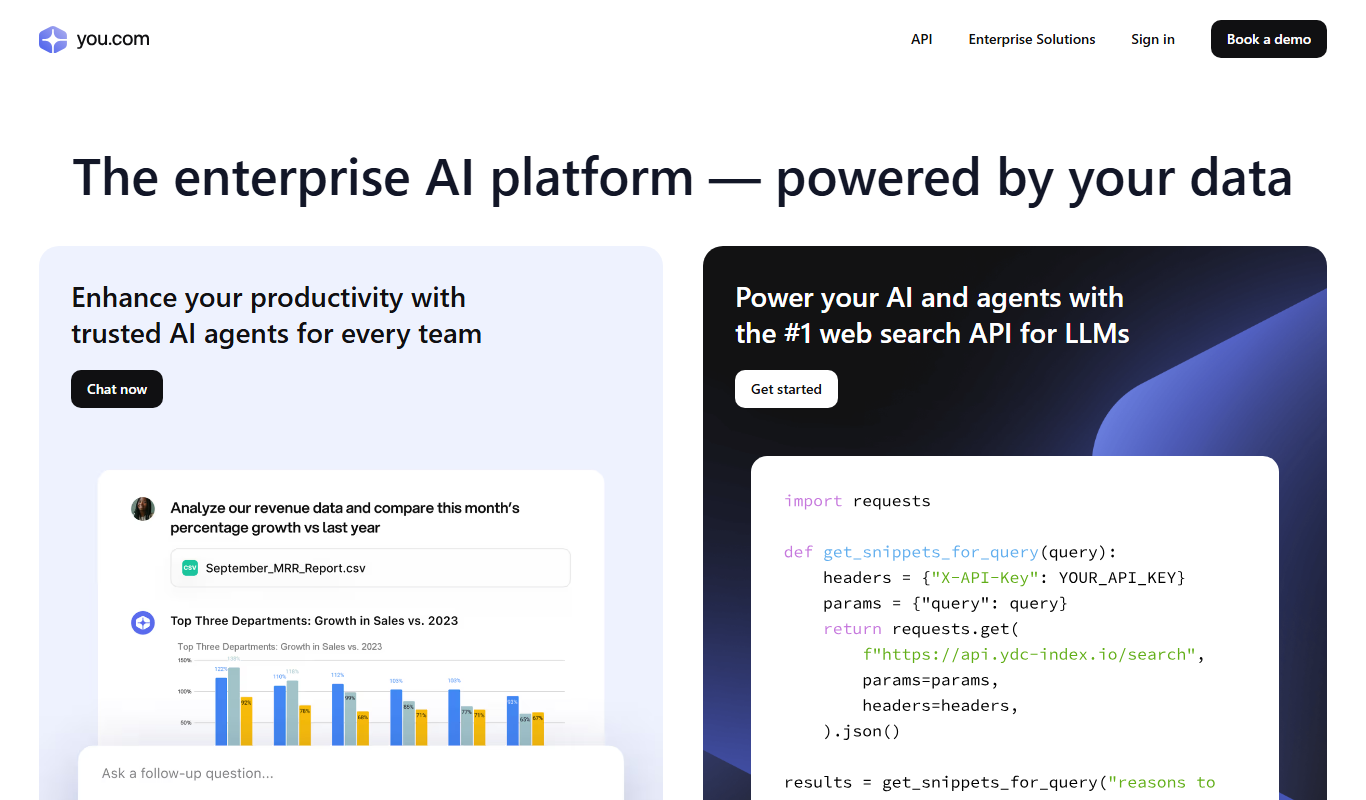
YouChat
YouChat is an AI-powered chat assistant by You.com that provides conversational answers, integrates search results, and offers API access for developers.
Free
CryptoGPT
CryptoGPT is an AI chat platform that delivers real-time cryptocurrency insights, blockchain data access, and customer support automation using decentralized AI technology.
Free
Mathway
Mathway is an AI-powered math solver that provides instant answers and detailed step-by-step solutions for a wide range of math problems across multiple platforms.

Freemium
Baidu Wenxin
Baidu Wenxin is an AI-powered platform by Baidu that offers advanced Chinese language conversational AI, content generation, and copywriting tools accessible via web and API.

Free
Gobot
Gobot is an AI-powered chatbot platform designed to automate customer interactions, generate leads, and improve engagement through customizable chatbots without coding.
Freemium
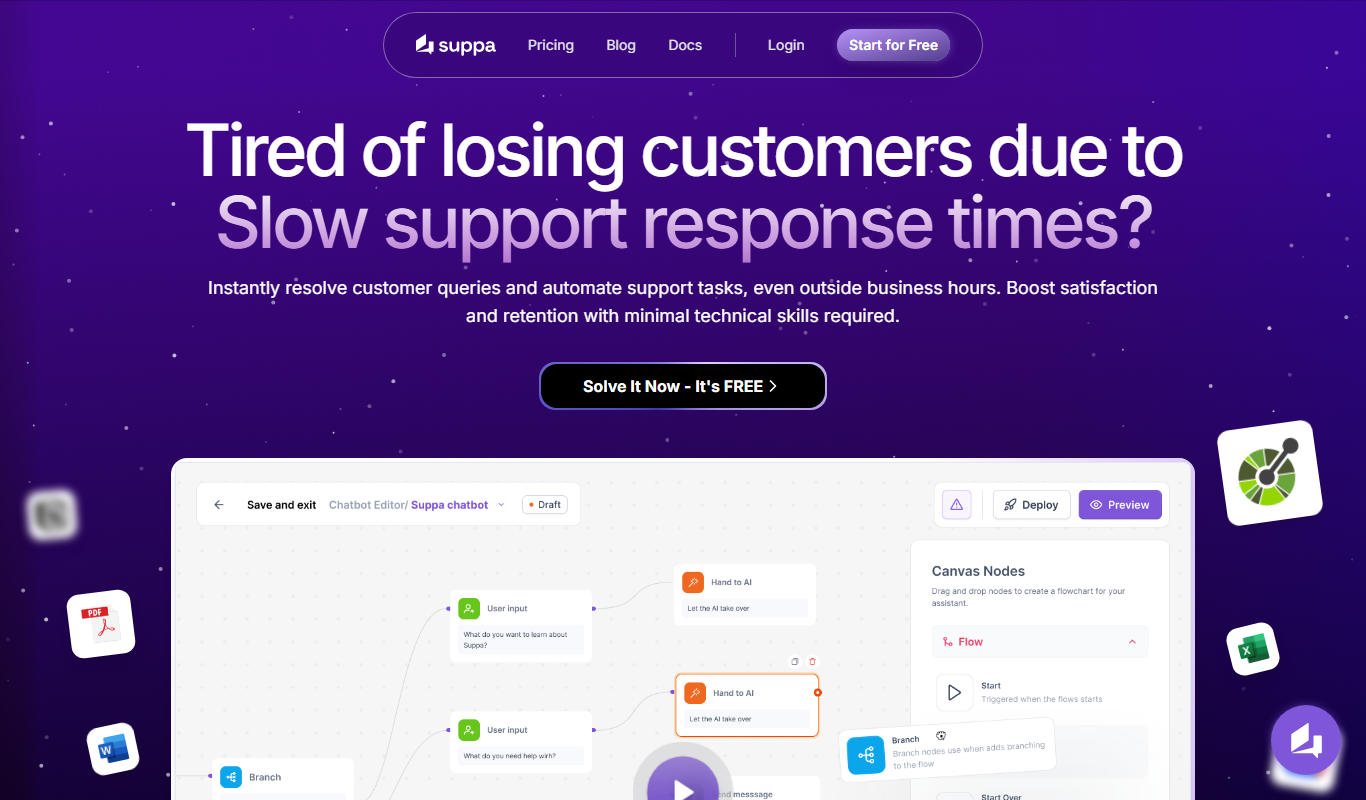
Suppa
Suppa is an AI-powered content generation tool designed to automate the creation of SEO-optimized marketing and written content for businesses and marketers.