
From my experience with ChatGPT Shortcut, I found it excels at providing quick and easy access to ChatGPT’s conversational AI without the hassle of creating an account or navigating complex interfaces. It’s particularly well-suited for users who want fast answers or writing assistance on the go, especially on mobile devices. However, the trade-off is that it lacks some advanced features and customization options found in official ChatGPT platforms. Overall, if you need a lightweight, free AI chat tool for straightforward tasks, ChatGPT Shortcut delivers solid and convenient results.
ChatGPT Shortcut Web App for Fast AI Conversations and Productivity
ChatGPT Shortcut is a free, web-based AI chat tool that provides instant access to ChatGPT’s conversational abilities without requiring user registration.
What is ChatGPT Shortcut?
ChatGPT Shortcut is a lightweight web application that provides users with instant access to ChatGPT’s conversational AI capabilities. It offers a simplified interface designed for quick interactions, enabling users to leverage AI for various tasks such as brainstorming, writing assistance, and information retrieval without the need for account registration or complex setup.

Key Features of ChatGPT Shortcut
No Login Required
Users can access ChatGPT's AI capabilities without creating an account or signing in.
Fast and Lightweight
The interface is designed for quick loading and minimal distractions.
Cross-Platform Accessibility
Works on any device with a modern web browser, including desktops, tablets, and smartphones.
Pros and Cons of ChatGPT Shortcut
Pros
- No account or login required
- Simple and fast interface
- Accessible on any device with a browser
Cons
- Limited advanced features compared to official ChatGPT platforms
- No offline or desktop app version
- Potential dependency on internet connection quality
Key Use Cases for ChatGPT Shortcut
Quick AI Conversations
Engage in fast, streamlined conversations with ChatGPT without needing to log in or navigate complex interfaces.
Productivity Enhancement
Use ChatGPT Shortcut to quickly generate ideas, get answers, or draft text snippets to improve workflow efficiency.
Accessible AI Chat Interface
Access ChatGPT functionality easily on any device with a web browser, without installing additional software.
How ChatGPT Shortcut Works
-
1
Open the Website
Navigate to the ChatGPT Shortcut web app URL on any device with internet access.
-
2
Start Typing Your Query
Enter your question or prompt into the chat input field.
-
3
Receive AI Response
The ChatGPT model processes your input and returns a conversational reply instantly.
Who's Using ChatGPT Shortcut
Casual users seeking quick AI answers
Students needing fast writing or research help
Professionals looking for productivity tools
Anyone wanting easy access to ChatGPT without signup
ChatGPT Shortcut Pricing
Free
$0
Full access to ChatGPT Shortcut features without cost or subscription.
Frequently Asked Questions About ChatGPT Shortcut
No, ChatGPT Shortcut allows you to use the AI chatbot without any registration or login.
Yes, the tool is completely free with no hidden charges.
Yes, it is accessible through any modern web browser on mobile phones and tablets.
This tool is designed to help users accomplish its core tasks more efficiently. It is typically used by individuals or teams looking to improve productivity and workflow.
It depends on your specific needs and how you plan to use the tool. The official website and documentation are the best sources for the latest details.
Share your review
Reviews are limited to one per logged-in user and are published after moderation.
You need an account to review this tool.
0.0
★
★
★
★
★
0 reviews
5 star
0
4 star
0
3 star
0
2 star
0
1 star
0
No reviews yet
Be the first to share how this tool worked for you.
Questions from the community
Read questions and answers about this tool, or ask your own.
No questions yet
Start the conversation by asking the first question about this tool.
Is this tool helpful?
Alternative Tools
Explore similar AI tools that might fit your needs
Free
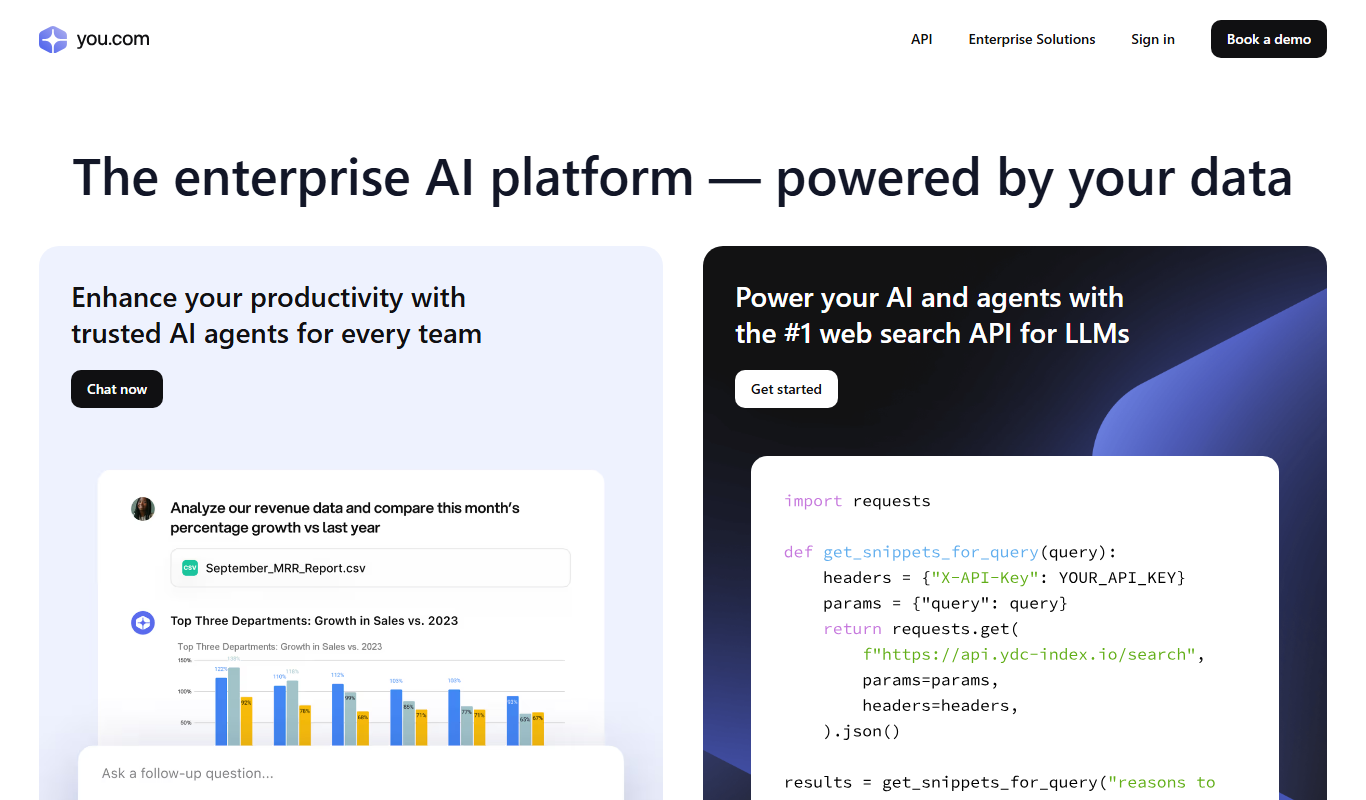
YouChat
YouChat is an AI-powered chat assistant by You.com that provides conversational answers, integrates search results, and offers API access for developers.

Free
BookAI.chat
BookAI.chat is an AI chatbot that provides interactive book summaries, answers questions about book content, and offers personalized reading assistance through a conversational interface.

Free
hkgpt.io
hkgpt.io is a Hong Kong-based AI chatbot platform powered by GPT technology that supports multilingual conversations in English and Chinese, designed for customer support, language learning, and general AI chat interactions.
Free
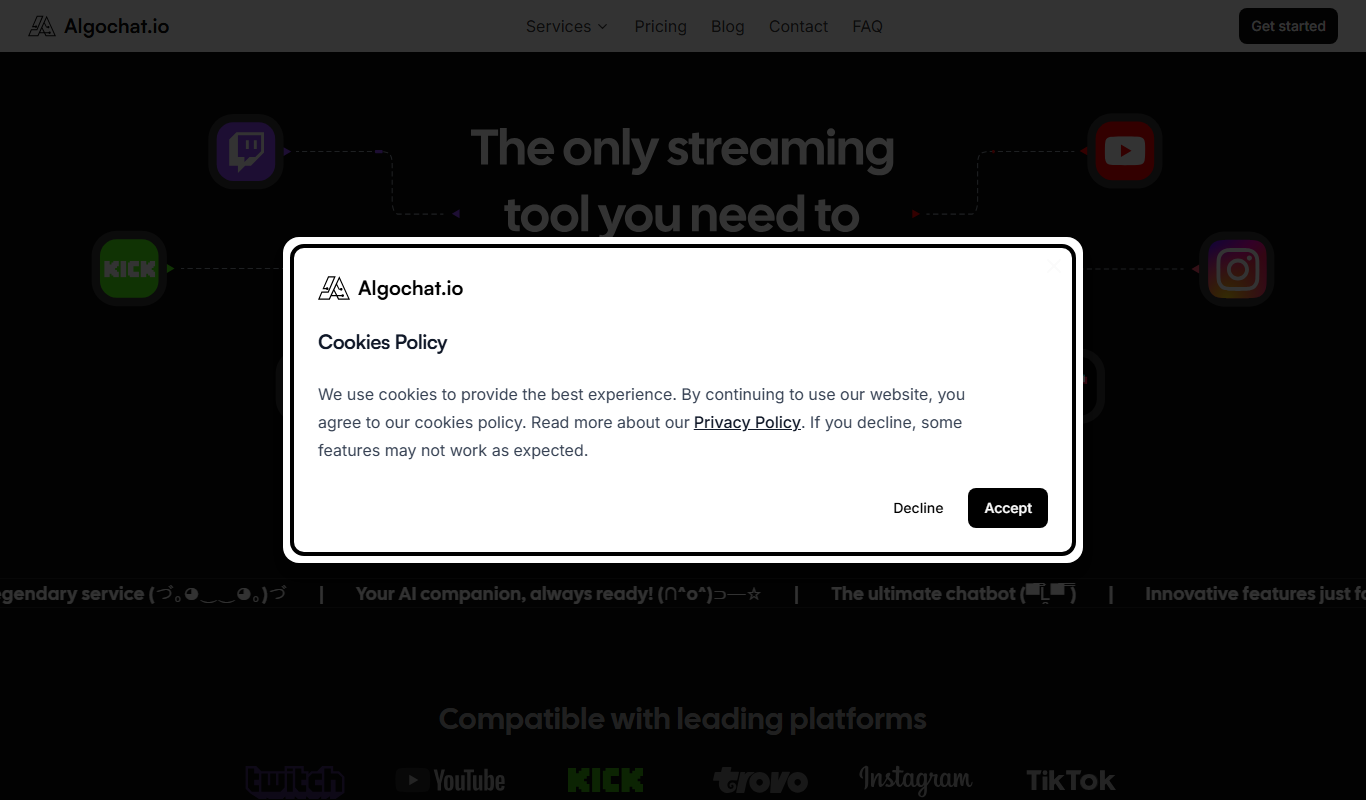
Algochat
Algochat is an AI chatbot platform that helps businesses automate customer support and lead generation through an easy visual builder and multi-channel deployment.
Freemium
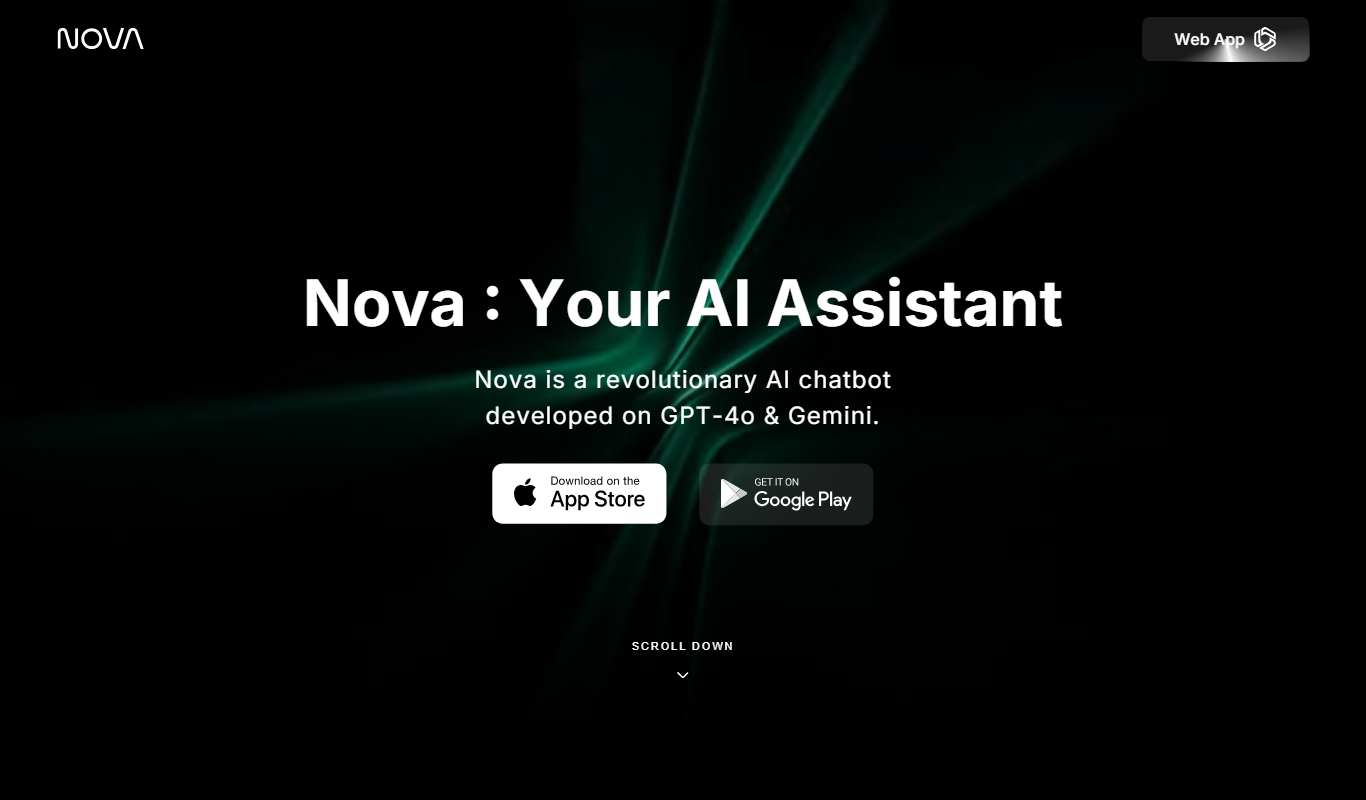
Nova – ChatGPT AI Chatbot
Nova is an AI chatbot powered by ChatGPT technology that helps users automate tasks, generate content, and improve productivity through natural conversational AI available on web and mobile platforms.
Free
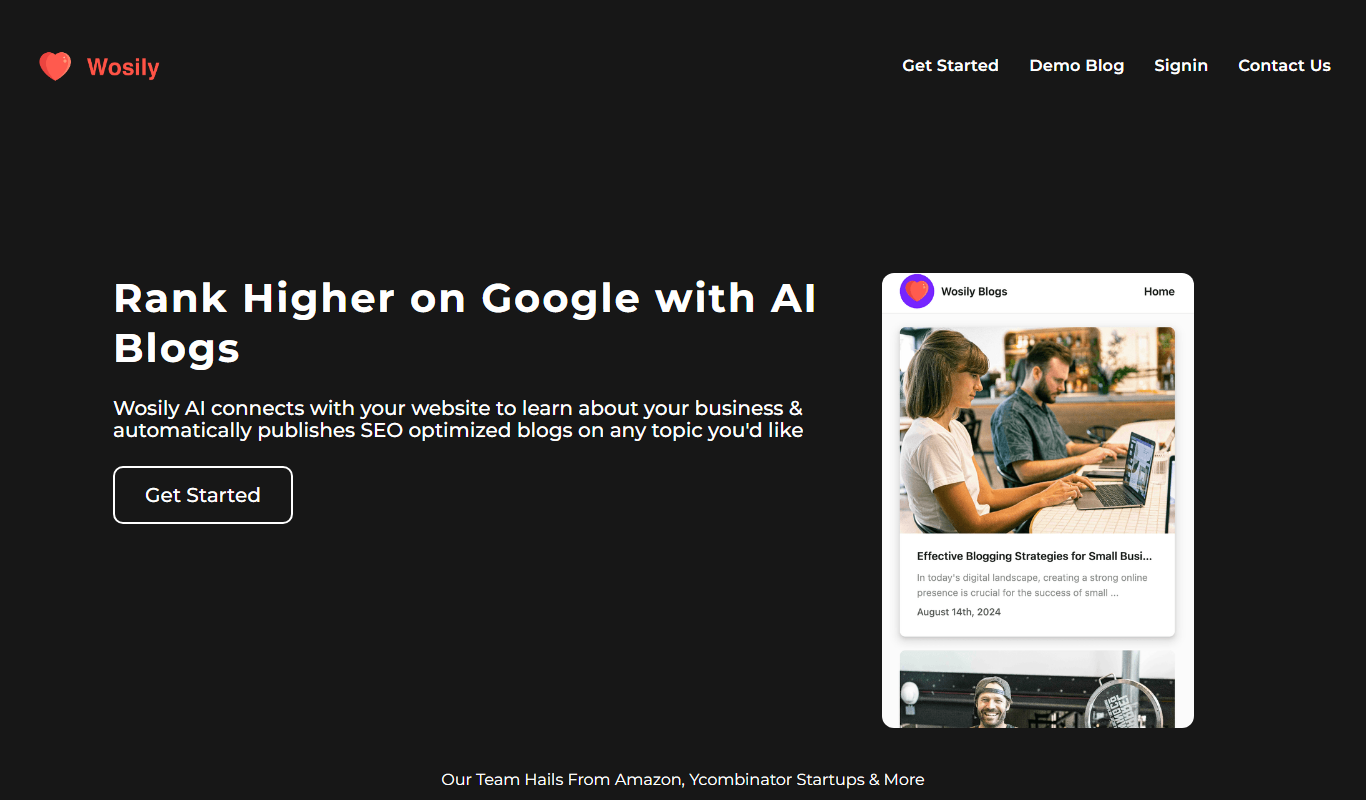
Wosily
Wosily is an AI chatbot platform that helps businesses automate customer interactions through customizable chatbots with natural language understanding, supporting deployment on websites and apps.

Free
Sharp-GPT
Sharp-GPT is a free, open-source AI chatbot tool that runs GPT models client-side in the browser, enabling conversational AI without backend dependencies.

Free
Manuel
Manuel is an AI chatbot platform that automates customer support and team collaboration by integrating with knowledge bases and providing customizable workflows via a web interface.

Freemium
Krishn.ai
Krishn.ai is an AI chatbot platform that enables businesses to automate customer interactions and support using no-code tools and natural language processing.