
From my experience with Botsheets AI Writer, I found it particularly effective for integrating AI-generated content directly into spreadsheet workflows. This approach is especially useful for marketers and analysts who rely heavily on data-driven narratives and batch content creation. The seamless Google Sheets integration reduces context switching and streamlines automation. However, the tool currently supports only English and is limited to Google Sheets, which may restrict users on other platforms. Overall, if you want to automate writing tasks within spreadsheets efficiently, Botsheets offers a practical and user-friendly solution.

Botsheets AI Writer - AI Content Generator for Spreadsheets and Automation
Botsheets AI Writer is an AI-powered tool that integrates with Google Sheets to generate and automate written content using GPT-3, streamlining content creation within spreadsheets.
Categories:
AI Automation & Workflow Tools
AI Productivity Tools
AI Spreadsheet & Excel Tools
AI Writing & Content Tools
Tech Stack:
JavaScript
OpenAI GPT-3 API
Python
What is Botsheets AI Writer?
Botsheets AI Writer is an AI-powered writing assistant integrated with spreadsheet platforms like Google Sheets. It leverages advanced language models such as OpenAI’s GPT-3 to generate, automate, and enhance written content directly within spreadsheets. This tool is designed to streamline content creation workflows by combining the flexibility of spreadsheets with AI-driven text generation.

Key Features of Botsheets AI Writer
Spreadsheet Integration
Works directly within Google Sheets, enabling AI writing without leaving the spreadsheet environment.
Batch Content Generation
Generate multiple pieces of content at once using spreadsheet rows and columns.
Customizable Prompts
Tailor AI prompts to fit specific writing styles, tones, or content types.
Automation Friendly
Supports automation workflows by combining AI writing with spreadsheet formulas and scripts.
Pros and Cons of Botsheets AI Writer
Pros
- Seamless integration with Google Sheets
- Enables batch content generation for efficiency
- Customizable prompts allow tailored outputs
Cons
- Limited to English language support
- Currently only supports Google Sheets platform
Key Use Cases for Botsheets AI Writer
Content Generation
Generate blog posts, marketing copy, and other written content directly within spreadsheets.
Data-Driven Writing
Create narratives and summaries based on spreadsheet data automatically.
Automation of Writing Tasks
Automate repetitive writing tasks such as email drafts, reports, and social media posts.
Collaboration in Teams
Enable teams to collaboratively generate and edit AI-written content within shared spreadsheets.
How Botsheets AI Writer Works
-
1
Install Botsheets Add-on
Add the Botsheets AI Writer extension to your Google Sheets account.
-
2
Input Data and Prompts
Enter your data and specify writing prompts or instructions in spreadsheet cells.
-
3
Generate AI Content
Use Botsheets functions to generate AI-written text based on your inputs.
-
4
Review and Edit
Review the generated content within the spreadsheet and make any necessary edits.
Who's Using Botsheets AI Writer
Content marketers
Data analysts needing narrative summaries
Small businesses automating writing tasks
Teams collaborating on content creation
Botsheets AI Writer Pricing
Free
$0/month
Basic access with limited AI generation credits and features.
Pro
$20/month
Expanded AI usage limits, priority support, and advanced features.
Frequently Asked Questions About Botsheets AI Writer
Currently, Botsheets primarily supports Google Sheets through its add-on.
Yes, you can customize prompts to influence the tone and style of the generated content.
Botsheets offers a free plan with limited usage to try out the core features.
It depends on your specific needs and how you plan to use the tool. The official website and documentation are the best sources for the latest details.
Yes, it can help with that use case depending on how you configure it and what features are available. You’ll get the best results with clear inputs and a defined goal.
Some tools offer a free plan or trial with limited features. Availability can vary, so confirm on the official website.
Share your review
Reviews are limited to one per logged-in user and are published after moderation.
You need an account to review this tool.
0.0
★
★
★
★
★
0 reviews
5 star
0
4 star
0
3 star
0
2 star
0
1 star
0
No reviews yet
Be the first to share how this tool worked for you.
Questions from the community
Read questions and answers about this tool, or ask your own.
No questions yet
Start the conversation by asking the first question about this tool.
Is this tool helpful?
Alternative Tools
Explore similar AI tools that might fit your needs
Free
Sheet AI
Sheet AI is a Google Sheets add-on that enables users to automate data processing and generate insights using AI-powered custom functions without coding skills.
Free Trial
Tendi AI
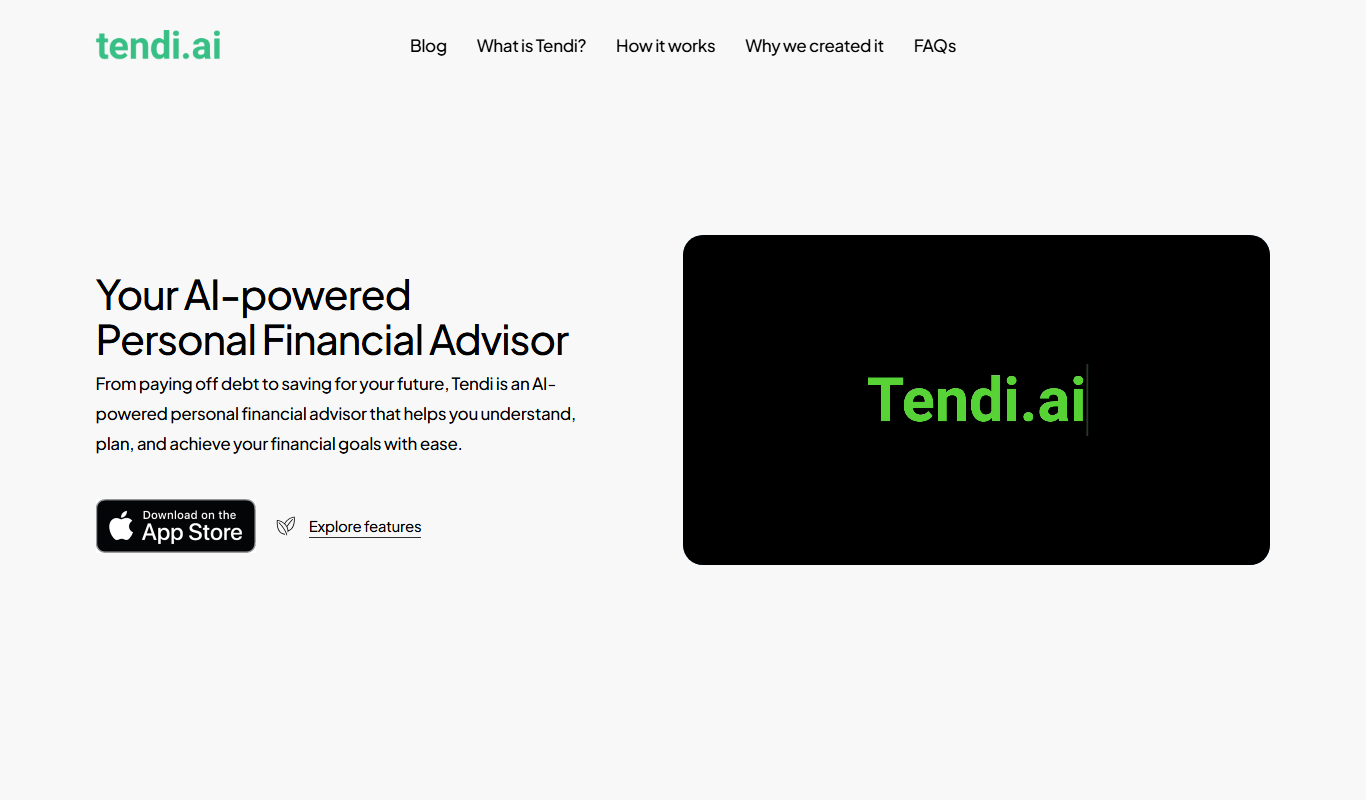
Tendi AI is an AI-driven sales assistant that automates lead generation and personalized outreach, integrating with CRMs to enhance sales workflows.

Free Trial
Sitebrew
Sitebrew is an AI-powered no-code website builder that allows users to create, customize, and automate websites without coding skills, featuring drag-and-drop editing and AI-driven content automation.
Freemium
Omnibot
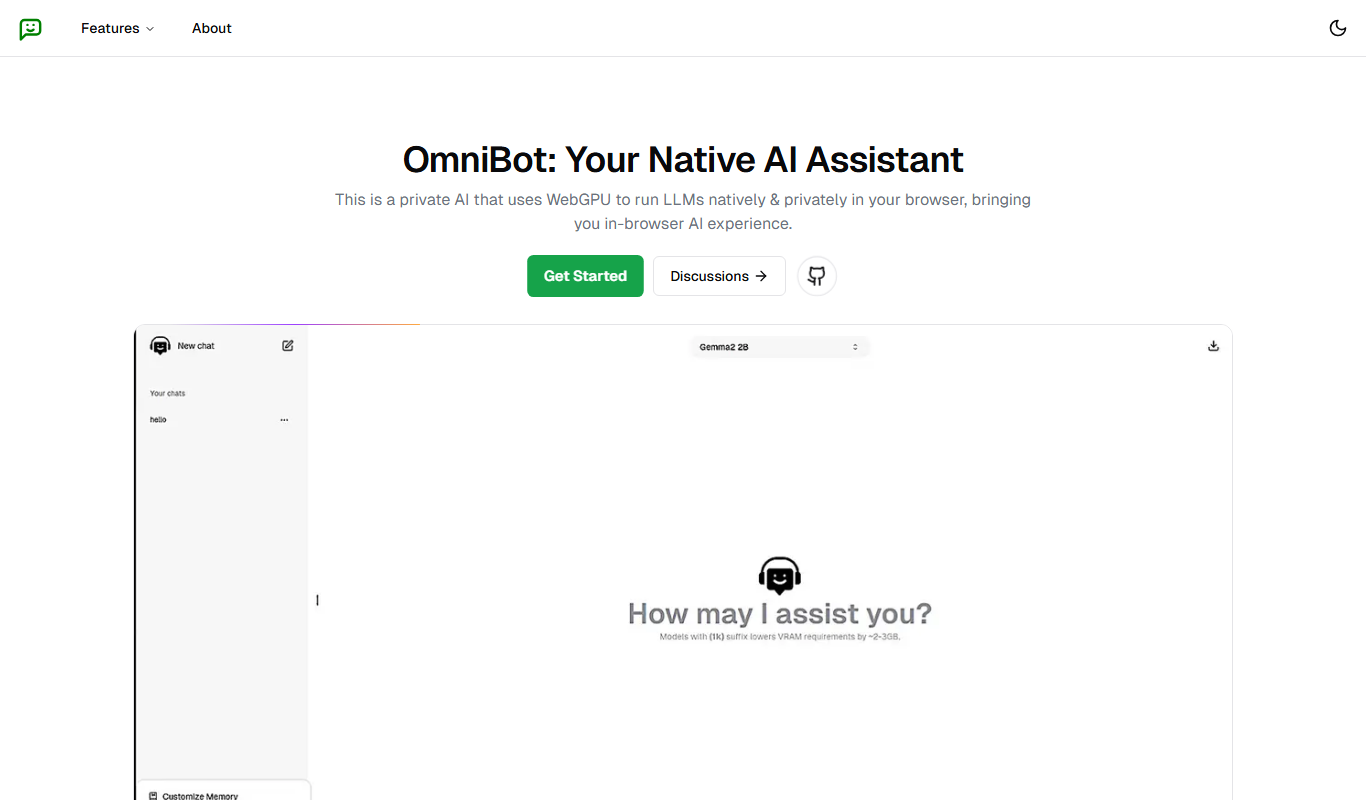
Omnibot is an AI-powered chatbot platform from Colombia that enables businesses to automate customer interactions across multiple messaging channels like WhatsApp and Facebook Messenger using natural language processing.

Freemium
PremAI
PremAI is an AI-driven platform that automates contract review by extracting key clauses, assessing risks, and summarizing documents to help legal professionals work faster and more accurately.

Free Trial
floatz
Floatz is an AI chatbot platform that helps businesses automate customer support and engage users through customizable conversational AI deployed on websites and apps.

Free Trial
ContentIn
ContentIn is an AI writing assistant designed to generate SEO-friendly content and marketing copy, helping users create high-quality articles and promotional materials efficiently.

Free Trial
Stampede AI
Stampede AI is an AI-driven sales automation platform that helps sales teams automate lead engagement, email sequencing, and CRM workflows to boost productivity and close deals faster.

Free
Hexabot
Hexabot is an AI-powered no-code chatbot platform that helps businesses automate customer support, lead generation, and engagement through customizable chatbots deployed on websites.