
From my experience with Anchor, I found it excels at simplifying the podcast creation process for beginners and professionals alike. The platform’s free hosting and automatic distribution to major platforms like Spotify remove many traditional barriers to podcasting. It’s particularly well-suited for content creators who want an all-in-one solution without technical complexity. However, the audio editing tools are basic compared to dedicated software, which might limit advanced users. Overall, if you want to start or grow a podcast with minimal hassle and cost, Anchor delivers a robust and accessible platform.
Anchor Podcast Platform for Easy Podcast Creation and Distribution
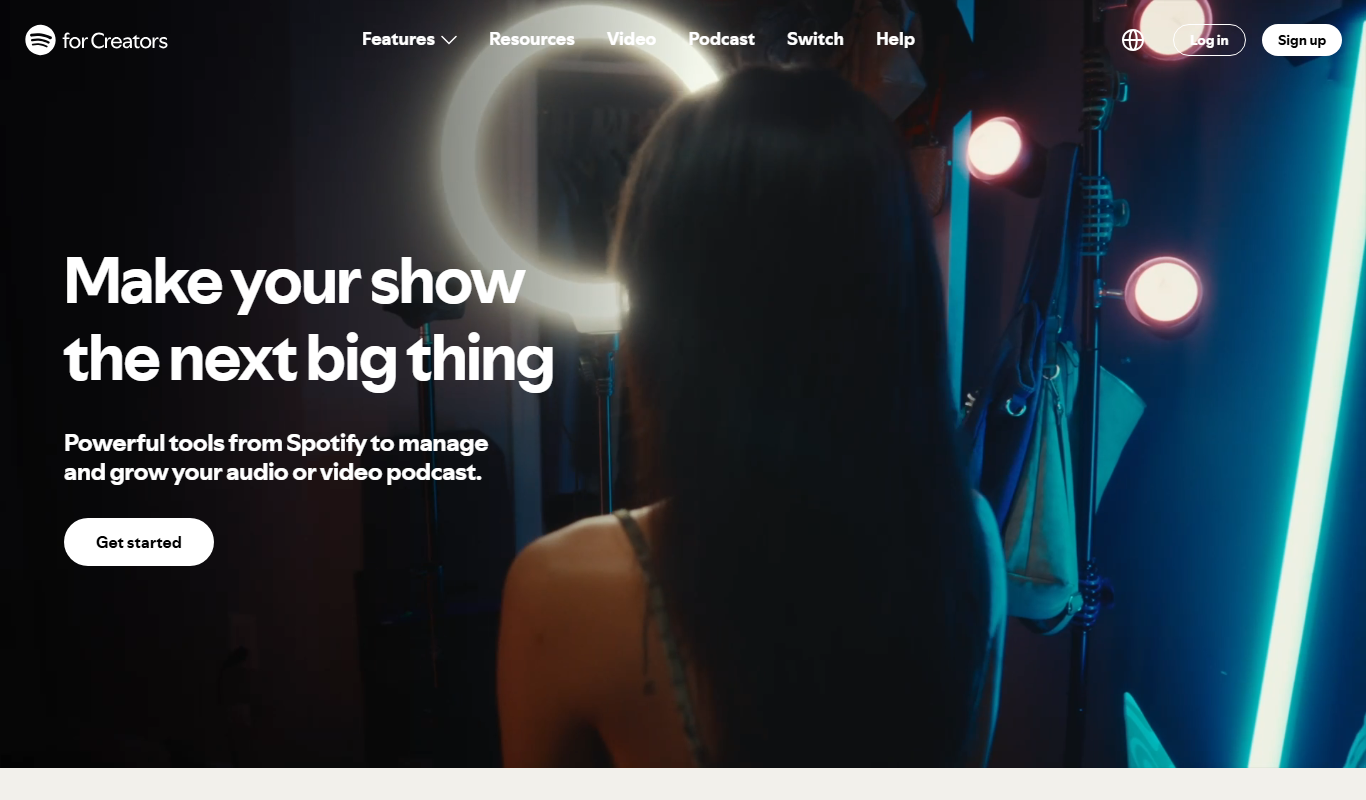
Anchor is a free podcast creation and hosting platform that allows users to record, edit, distribute, and monetize podcasts easily across major platforms including Spotify.
What is Anchor?
Anchor is a free podcast creation and hosting platform owned by Spotify. It enables users to easily record, edit, and distribute podcasts across major listening platforms without technical barriers. Anchor provides tools for audio editing, episode scheduling, and monetization, making podcasting accessible to beginners and professionals alike.
Key Features of Anchor
Free Podcast Hosting
Unlimited free hosting with no storage limits.
Multi-Platform Distribution
Automatic distribution to Spotify, Apple Podcasts, Google Podcasts, and more.
In-App Recording and Editing
Record directly from mobile or desktop and edit with easy-to-use tools.
Monetization Options
Integrated sponsorships and listener support to earn revenue.
Analytics Dashboard
Detailed listener statistics to understand audience behavior.
Collaboration Features
Invite co-hosts and guests to contribute remotely.
Pros and Cons of Anchor
Pros
- Completely free and easy to use
- Automatic distribution to major podcast platforms
- Integrated monetization options
- Mobile and desktop support
- Collaboration features for remote podcasting
Cons
- Limited advanced audio editing features compared to professional software
- Dependence on Spotify ecosystem for some features
Key Use Cases for Anchor
Podcast Creation
Record, edit, and produce podcasts easily using Anchor’s intuitive tools on web or mobile.
Podcast Hosting and Distribution
Host podcasts for free and distribute them automatically to major platforms including Spotify, Apple Podcasts, and Google Podcasts.
Monetization
Monetize podcasts through sponsorships and listener support features integrated within the platform.
Audience Engagement
Engage listeners with episode analytics, listener messages, and integration with social media.
Collaborative Podcasting
Invite co-hosts and guests to contribute remotely, simplifying multi-person podcast production.
How Anchor Works
-
1
Create an Account
Sign up for free on Anchor’s website or mobile app.
-
2
Record or Upload Audio
Use Anchor’s built-in recording tools or upload pre-recorded audio files.
-
3
Edit and Enhance
Edit your podcast episodes with simple tools, add background music or transitions.
-
4
Publish and Distribute
Publish your episodes and Anchor automatically distributes them to major podcast platforms.
-
5
Monetize and Analyze
Enable sponsorships or listener support and track your audience metrics.
Who's Using Anchor
Aspiring podcasters
Content creators and influencers
Small businesses and entrepreneurs
Educators and trainers
Radio hosts transitioning to digital
Anchor Pricing
Free
$0/month
Full access to all podcast creation, hosting, distribution, and monetization features.
Frequently Asked Questions About Anchor
Yes, Anchor offers completely free podcast hosting, creation, and distribution services.
Yes, Anchor provides options for sponsorships and listener support to help monetize your podcast.
Yes, Anchor automatically distributes your podcast to Spotify and other major platforms.
Yes, Anchor supports remote recording and collaboration with co-hosts and guests.
It depends on your specific needs and how you plan to use the tool. The official website and documentation are the best sources for the latest details.
Some tools offer a free plan or trial with limited features. Availability can vary, so confirm on the official website.
Yes, it can help with that use case depending on how you configure it and what features are available. You’ll get the best results with clear inputs and a defined goal.
It depends on your specific needs and how you plan to use the tool. The official website and documentation are the best sources for the latest details.
Share your review
Reviews are limited to one per logged-in user and are published after moderation.
You need an account to review this tool.
0.0
★
★
★
★
★
0 reviews
5 star
0
4 star
0
3 star
0
2 star
0
1 star
0
No reviews yet
Be the first to share how this tool worked for you.
Questions from the community
Read questions and answers about this tool, or ask your own.
No questions yet
Start the conversation by asking the first question about this tool.
Is this tool helpful?
Alternative Tools
Explore similar AI tools that might fit your needs
Free
Buzzsprout
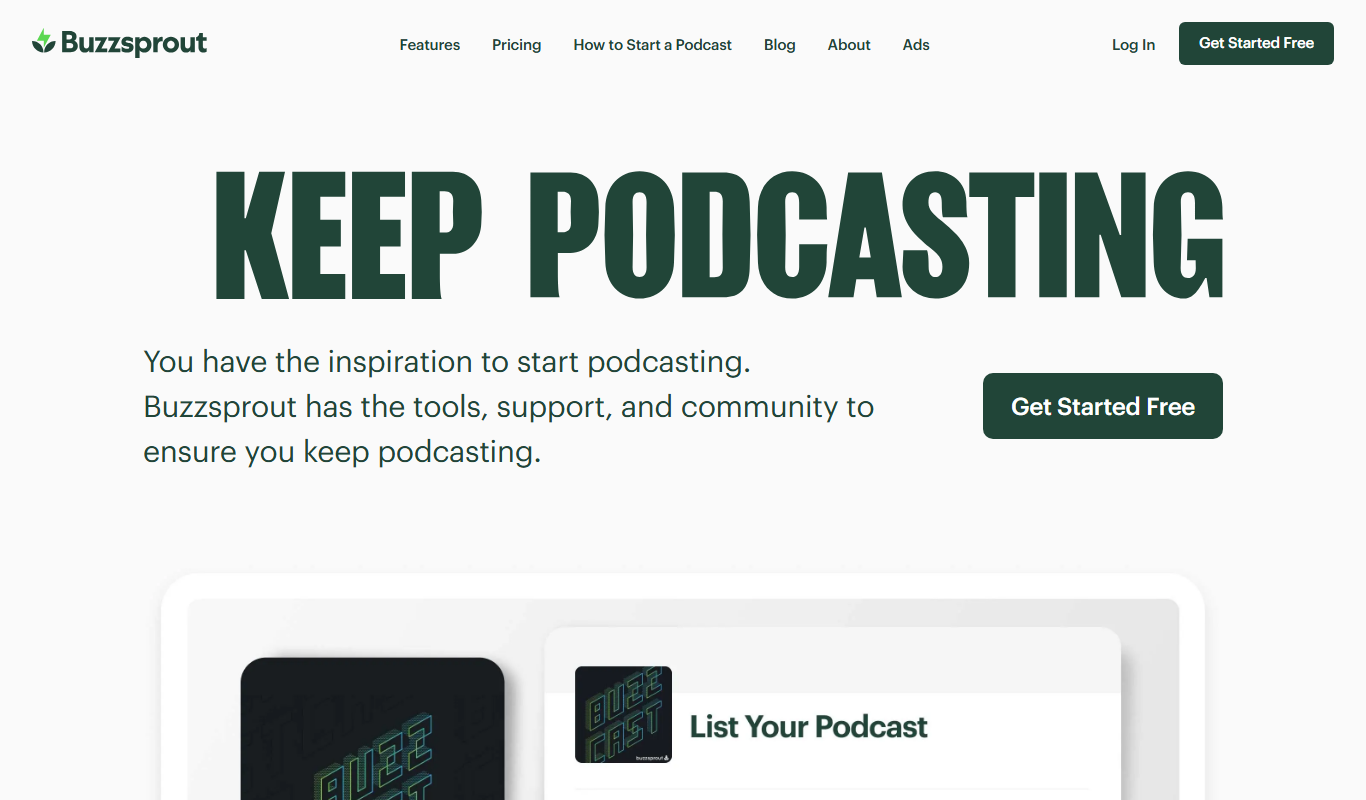
Buzzsprout is a podcast hosting platform that simplifies uploading, distributing, and analyzing podcasts with tools for episode management, automatic distribution, and listener analytics.

Free
Podbean
Podbean is a podcast hosting and monetization platform that offers unlimited storage, AI-powered audio enhancement, detailed analytics, and automatic distribution to major podcast directories.

Free
Spreaker
Spreaker is a podcast hosting and live audio streaming platform that enables creators to record, edit, distribute, and monetize audio content with integrated analytics and live audience engagement.
Free
Fathom.video
Fathom.video is an AI meeting assistant that records, transcribes, and summarizes Zoom calls automatically to enhance productivity and collaboration.
Free
Acapella Extractor
Acapella Extractor is an AI-based web tool that isolates vocals and instrumentals from audio tracks, enabling users to create acapellas, instrumentals, and karaoke versions quickly and easily.

Free
Zencastr
Zencastr is a browser-based podcast recording platform that enables remote recording of high-quality audio and video with separate tracks for each participant, automatic post-production, and live monitoring.

Free
Mimi Hearing Test
Mimi Hearing Test is a free mobile app that provides an accurate, scientifically validated hearing assessment and creates personalized hearing profiles to optimize audio playback based on individual hearing ability.

Free
Drumbit
Drumbit is a free web-based drum machine that lets you create and export drum beats using an easy step sequencer interface with multiple drum kits and tempo control.
Free
ClipConverter
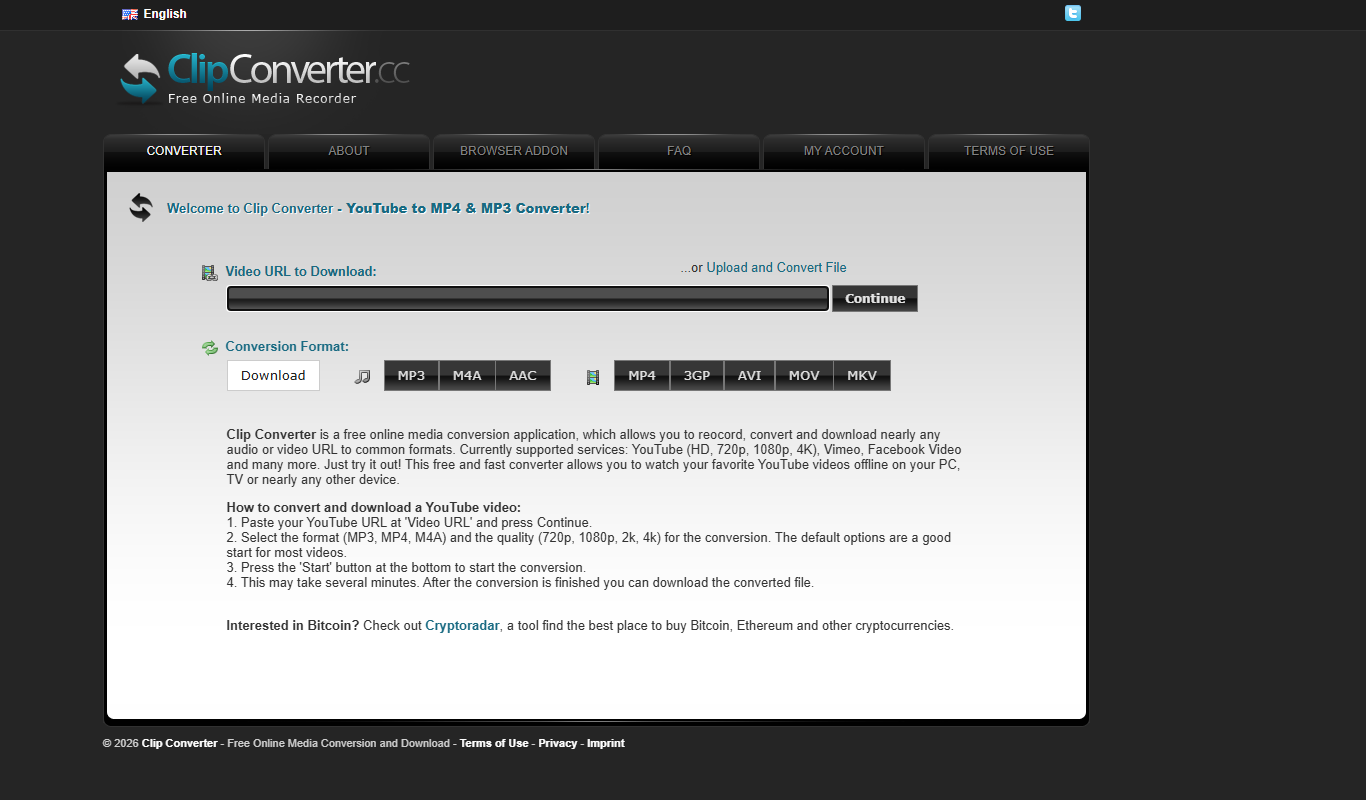
ClipConverter is a free online tool that lets you download and convert videos from popular streaming sites into various video and audio formats without software installation.
Free
Wavve
Wavve is a web-based tool that converts audio clips into engaging videos with animated waveforms, captions, and branding, ideal for social media and podcast promotion.

Free
Magenta Studio
Magenta Studio is a free, open-source AI music generation tool by Google that helps musicians create melodies, beats, and harmonies using machine learning models integrated with DAWs like Ableton Live.