
From my experience with Ajelix AI Excel Tools, I found it excels at simplifying complex Excel tasks through natural language commands, which significantly reduces the time spent on formula creation and data analysis. After using the add-in, it’s clear that this tool is particularly well-suited for professionals who rely heavily on Excel but want to automate repetitive tasks without deep formula knowledge. However, the reliance on an internet connection for AI processing can be a limitation in offline scenarios. Overall, if you need to boost your spreadsheet productivity with AI-driven automation, Ajelix offers a practical and accessible solution.

Ajelix AI Excel Tools for Data Analysis and Automation in Spreadsheets
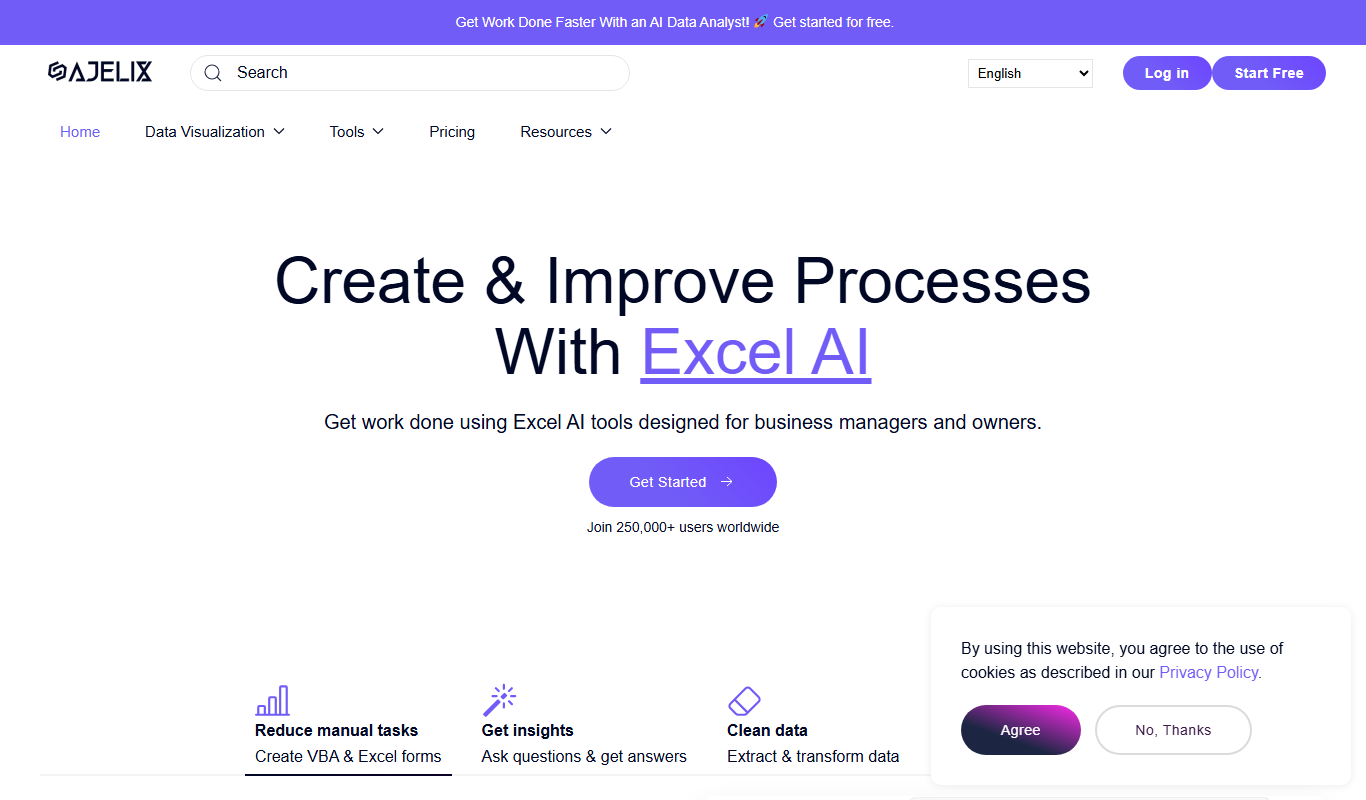
Ajelix AI Excel Tools is an AI-powered Excel add-in that automates formula creation, data cleaning, and analysis using natural language commands, improving spreadsheet productivity.
What is Ajelix AI Excel Tools?
Ajelix AI Excel Tools is an AI-powered add-in designed to enhance Microsoft Excel by automating data analysis, formula creation, and spreadsheet management. It leverages natural language processing to allow users to interact with their data using simple commands, reducing the need for manual formula writing and complex data manipulation.
Key Features of Ajelix AI Excel Tools
Natural Language Formula Creation
Generate complex Excel formulas by describing the calculation in plain English.
Automated Data Cleaning
Automatically detect and correct inconsistencies or errors in your spreadsheet data.
AI-Powered Data Summarization
Create summaries and pivot tables from large datasets with minimal manual effort.
Visualization Suggestions
Receive AI recommendations for charts and graphs tailored to your data.
Seamless Excel Integration
Works directly within Microsoft Excel as an add-in, requiring no data export or import.
Pros and Cons of Ajelix AI Excel Tools
Pros
- Simplifies complex Excel tasks with natural language commands
- Saves time by automating repetitive spreadsheet work
- Integrates smoothly within Excel without extra software
- Offers both free and affordable subscription plans
Cons
- Requires internet connection for AI features
- Limited support for very large datasets
- Some advanced features only available in Pro plan
Key Use Cases for Ajelix AI Excel Tools
Automated Data Analysis
Use AI-powered tools to analyze spreadsheet data quickly and generate insights without manual formulas.
Spreadsheet Automation
Automate repetitive Excel tasks such as data cleaning, formatting, and report generation to save time.
Data Visualization Assistance
Get AI suggestions for charts and graphs based on your data to improve presentation and understanding.
Formula Generation
Automatically generate complex Excel formulas by describing the desired calculation in natural language.
Data Summarization
Summarize large datasets into concise reports or pivot tables using AI-driven commands.
How Ajelix AI Excel Tools Works
-
1
Install the Add-in
Download and install the Ajelix AI Excel Tools add-in from the official website or Microsoft Store.
-
2
Connect to Excel
Open Excel and activate the Ajelix add-in to access AI-powered features directly within your spreadsheets.
-
3
Input Commands
Use natural language commands or select options to automate tasks such as formula generation or data analysis.
-
4
Review and Apply
Review the AI-generated outputs and apply them to your spreadsheet for improved efficiency.
Who's Using Ajelix AI Excel Tools
Data analysts
Financial professionals
Small business owners
Excel power users
Accountants
Project managers
Ajelix AI Excel Tools Pricing
Free
$0/month
Basic access with limited AI commands and usage caps.
Pro
$15/month
Unlimited AI features, priority support, and advanced automation tools.
Frequently Asked Questions About Ajelix AI Excel Tools
It supports Microsoft Excel 2016 and later versions on Windows and Mac.
No, the tool requires an internet connection to access AI processing services.
Ajelix processes data securely and does not store your spreadsheets permanently.
Yes, a 7-day free trial is available for new users.
It depends on your specific needs and how you plan to use the tool. The official website and documentation are the best sources for the latest details.
Some tools offer a free plan or trial with limited features. Availability can vary, so confirm on the official website.
Yes, it can help with that use case depending on how you configure it and what features are available. You’ll get the best results with clear inputs and a defined goal.
Share your review
Reviews are limited to one per logged-in user and are published after moderation.
You need an account to review this tool.
0.0
★
★
★
★
★
0 reviews
5 star
0
4 star
0
3 star
0
2 star
0
1 star
0
No reviews yet
Be the first to share how this tool worked for you.
Questions from the community
Read questions and answers about this tool, or ask your own.
No questions yet
Start the conversation by asking the first question about this tool.
Is this tool helpful?
Alternative Tools
Explore similar AI tools that might fit your needs
Free
Sheet AI
Sheet AI is a Google Sheets add-on that enables users to automate data processing and generate insights using AI-powered custom functions without coding skills.

Free
Plazbot
Plazbot is an AI chatbot platform that enables businesses to automate customer interactions using natural language processing, offering a drag-and-drop builder, multi-channel deployment, and analytics.

Free Trial
Leadgenerator.io
Leadgenerator.io is a web-based platform that helps businesses find verified B2B leads with accurate contact details, enabling efficient sales prospecting and outreach.
Free Trial
EchoDial
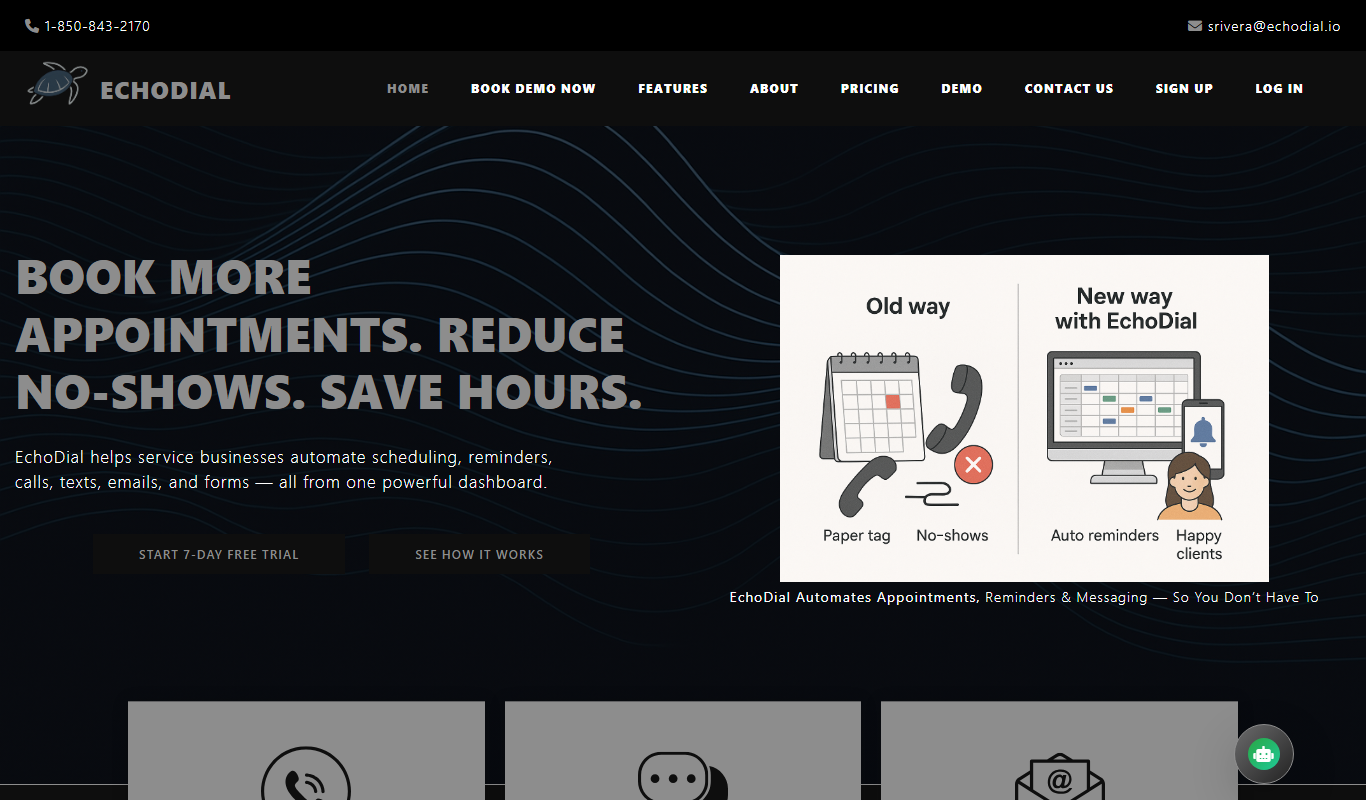
EchoDial is an AI-powered voice assistant platform that automates outbound sales and customer engagement calls by conducting natural conversations, qualifying leads, and scheduling appointments.

Free Trial
LeedGen
LeedGen is a web-based lead generation tool that automates prospecting, integrates with CRMs, and helps B2B sales and marketing teams capture and qualify leads efficiently.

Freemium
Billie
Billie is an AI-powered writing assistant designed to help marketers and content creators generate marketing copy, blog posts, emails, and creative content efficiently with support for English and German languages.

Freemium
FoxyApps
FoxyApps is a web-based AI automation platform by Nexlev that helps users automate workflows and repetitive tasks through customizable workflows and AI-powered task execution.

Freemium
AIverse – All in One AI
AIverse is a web-based AI platform that provides multiple writing templates, SEO tools, and automation features to help users generate diverse content efficiently.

Free
Beepbooply
Beepbooply is a no-code AI chatbot builder that helps businesses automate customer support and engage users through customizable chatbots deployed on websites.