
From my experience with AI Trailers, I found it excels at simplifying the complex process of movie trailer creation through AI automation. The platform is particularly well-suited for independent filmmakers and content creators who want to produce professional-looking trailers without deep video editing knowledge. However, the free plan’s watermark and lack of a mobile app may limit flexibility for some users. Overall, if you need a quick, AI-driven solution to generate cinematic trailers, AI Trailers offers a practical and accessible toolset.
AI Trailers - Create Movie Trailers with AI Video Generation Tools
AI Trailers is a web-based AI video generation tool that automates movie trailer creation by analyzing video clips, selecting highlights, and assembling them with music and transitions to produce professional trailers quickly and easily.
What is AI Trailers?
AI Trailers is an AI-powered web application designed to help users create cinematic movie trailers effortlessly. By leveraging artificial intelligence, it automates the video editing and assembly process, enabling creators to produce professional trailers without advanced video editing skills.
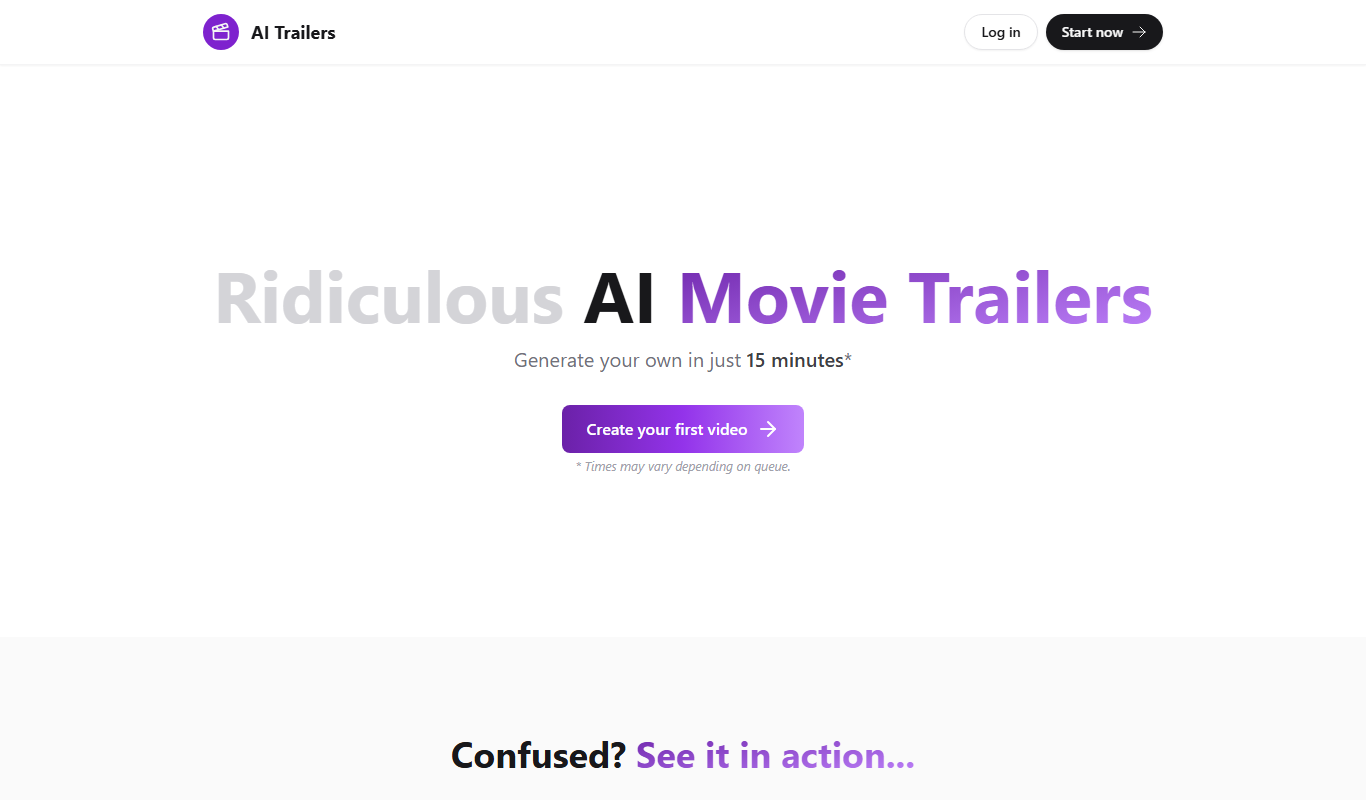
Key Features of AI Trailers
AI-Powered Editing
Automates selection and sequencing of video clips for trailer creation.
Customizable Templates
Offers various trailer styles and themes to match different genres.
Soundtrack Integration
Automatically syncs background music to video pacing for cinematic effect.
User-Friendly Interface
Designed for ease of use, requiring no prior video editing experience.
Pros and Cons of AI Trailers
Pros
- Simplifies complex video editing with AI automation
- Accessible to users without video editing skills
- Offers customizable templates for different trailer styles
Cons
- Limited features on free plan with watermark
- No mobile app available, web-only platform
- Country of origin and detailed tech stack not publicly disclosed
Key Use Cases for AI Trailers
Movie Trailer Creation
Generate professional-quality movie trailers automatically using AI technology.
Marketing Videos
Create engaging promotional videos for films, games, or products quickly.
Content Creation for Social Media
Produce short, captivating video snippets optimized for social media sharing.
Video Editing Assistance
Leverage AI to automate parts of the video editing process, saving time.
How AI Trailers Works
-
1
Upload or Select Video Clips
Users provide raw footage or select from available clips to start the trailer.
-
2
AI Analyzes Content
The AI engine analyzes scenes, pacing, and audio to identify highlights.
-
3
Automatic Trailer Generation
AI assembles clips, adds transitions, and syncs music to create a trailer.
-
4
Customize and Export
Users can tweak the trailer with templates and export the final video.
Who's Using AI Trailers
Independent filmmakers
Content creators and YouTubers
Marketing professionals
Social media managers
Small production studios
AI Trailers Pricing
Free
$0/month
Basic trailer creation with limited exports and watermark.
Pro
$15/month
Unlimited exports, HD quality, no watermark, and access to premium templates.
Frequently Asked Questions About AI Trailers
Yes, you can upload your own footage to create custom trailers.
Yes, free plan exports include a small AI Trailers watermark.
Common formats like MP4, MOV, and AVI are supported for uploads.
You can choose from available music tracks and adjust volume levels.
It depends on your specific needs and how you plan to use the tool. The official website and documentation are the best sources for the latest details.
Yes, it can help with that use case depending on how you configure it and what features are available. You’ll get the best results with clear inputs and a defined goal.
Some tools offer a free plan or trial with limited features. Availability can vary, so confirm on the official website.
Yes, it can help with that use case depending on how you configure it and what features are available. You’ll get the best results with clear inputs and a defined goal.
Share your review
Reviews are limited to one per logged-in user and are published after moderation.
You need an account to review this tool.
0.0
★
★
★
★
★
0 reviews
5 star
0
4 star
0
3 star
0
2 star
0
1 star
0
No reviews yet
Be the first to share how this tool worked for you.
Questions from the community
Read questions and answers about this tool, or ask your own.
No questions yet
Start the conversation by asking the first question about this tool.
Is this tool helpful?
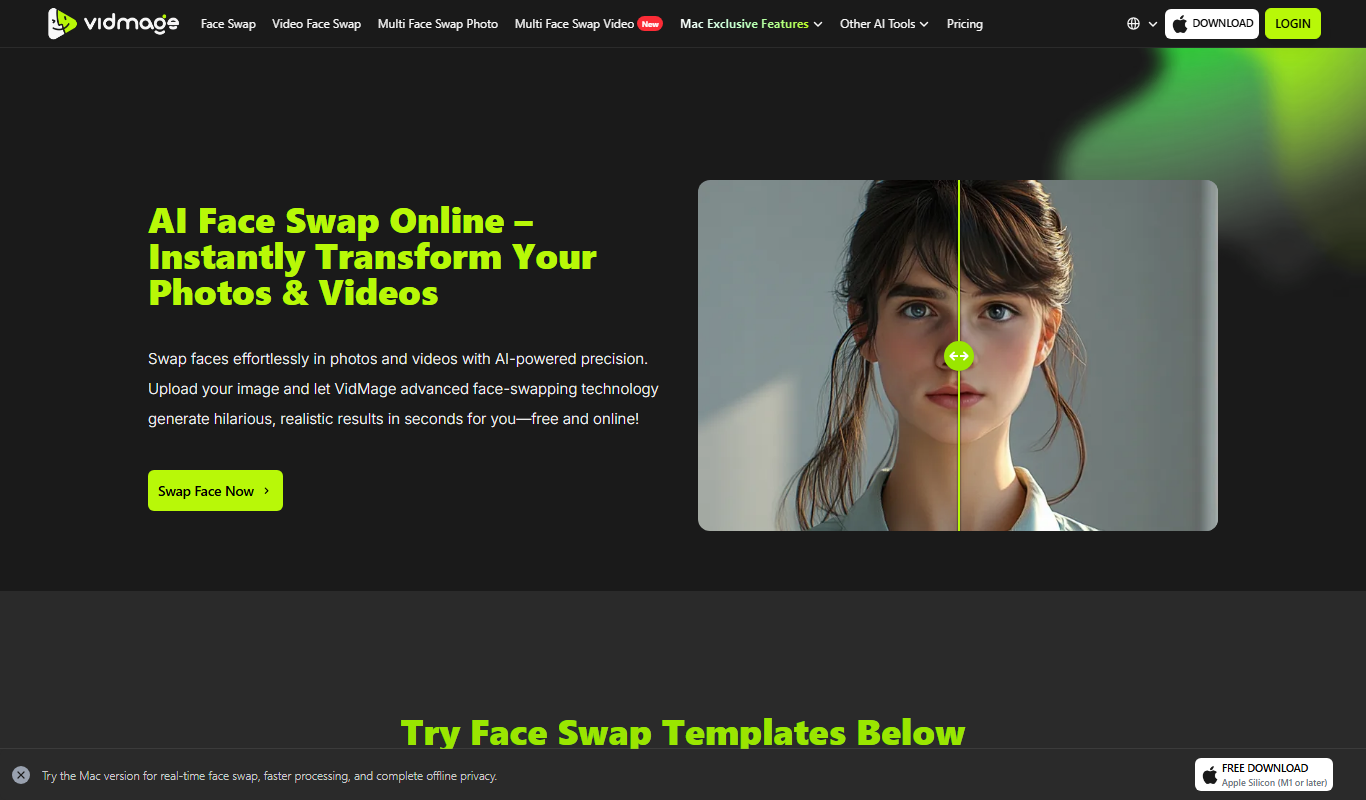
Freemium
VidMage
VidMage is an AI-powered video creation platform that automates video generation from text and templates, ideal for marketers and content creators seeking quick, customizable videos.

Custom Pricing
StarScout
StarScout is an AI recruiting platform that automates candidate sourcing and outreach, helping recruiters find and engage qualified talent efficiently.

Freemium
Cuely
Cuely is an AI-driven online video editor that automates video trimming, captioning, and formatting to help users create social media-ready videos quickly and easily.

Free Trial
PresentationGPT
PresentationGPT is an AI-driven tool that helps users quickly create professional presentation slides by generating content and layouts based on user input.

Freemium
Inksprout Video
Inksprout Video is an AI-driven platform that automates video creation by converting text content into customizable marketing videos optimized for social media.

Free
BestFaceSwap
BestFaceSwap is an online AI tool that swaps faces in photos and videos using deep learning, offering free and premium plans with realistic results.

Free Trial
aiRight
aiRight is an AI-driven contract review platform that automates the analysis of legal documents to identify risks, obligations, and key clauses, helping legal teams speed up contract review processes.

Free
Beebot AI
Beebot AI is a conversational chatbot platform that helps businesses automate customer support, lead capture, and appointment scheduling through customizable AI chatbots.