
From my experience with Addy AI, I found it excels at streamlining email communication by generating clear, professional drafts and automating follow-ups. Its seamless integration with Gmail through a Chrome extension makes it easy to adopt without disrupting existing workflows. This tool is particularly well-suited for sales teams, customer support, and small businesses looking to save time on email management. However, its limitation to Gmail and Chrome may restrict users on other platforms. Overall, if you want to boost email productivity with AI assistance, Addy AI delivers practical and effective solutions.
Addy AI Review: AI-Powered Email Assistant for Efficient Communication
Addy AI is an AI-powered email assistant that integrates with Gmail via a Chrome extension to help users draft emails, automate follow-ups, and summarize email threads, improving communication efficiency.
What is Addy AI?
Addy AI is an AI-powered email assistant designed to help users write, manage, and automate emails more efficiently. It integrates with popular email platforms via a Chrome extension, leveraging natural language processing to generate personalized email drafts, automate follow-ups, and summarize conversations. The tool aims to reduce the time spent on email communication while improving clarity and professionalism.

Key Features of Addy AI
AI-Powered Email Drafting
Generate clear, professional, and personalized email drafts quickly.
Automated Follow-ups
Set up automatic follow-up emails to maintain communication without manual tracking.
Email Thread Summarization
Summarize long email conversations to extract key information efficiently.
Team Collaboration
Share templates and drafts with team members to ensure consistent messaging.
Seamless Integration
Works directly within your email client through a Chrome extension for smooth workflow.
Pros and Cons of Addy AI
Pros
- Saves time by automating email drafting and follow-ups
- Easy integration with Gmail via Chrome extension
- Improves email clarity and professionalism
- Offers team collaboration features
- Summarizes long email threads effectively
Cons
- Limited to Gmail and Chrome browser
- Free plan has usage restrictions
- No mobile app available
Key Use Cases for Addy AI
Email Drafting
Generate professional and personalized email drafts quickly using AI.
Inbox Management
Organize and prioritize emails efficiently to improve response times.
Follow-up Automation
Automate follow-up emails to ensure consistent communication without manual effort.
Email Summarization
Summarize long email threads to grasp key points and save reading time.
Team Collaboration
Share email drafts and templates within teams to maintain consistent messaging.
How Addy AI Works
-
1
Install Chrome Extension
Add the Addy AI extension to your Chrome browser to integrate with your email client.
-
2
Connect Email Account
Authorize Addy AI to access your email for drafting and managing messages.
-
3
Compose or Select Email
Use Addy AI to generate drafts or summaries based on your input or existing emails.
-
4
Customize and Send
Edit AI-generated content as needed, then send or schedule your emails.
Who's Using Addy AI
Sales professionals
Customer support teams
Small business owners
Marketing agencies
Remote teams
Addy AI Pricing
Free
$0/month
Basic email drafting and summarization features with limited usage.
Pro
$15/month
Unlimited email drafts, follow-up automation, and team collaboration features.
Frequently Asked Questions About Addy AI
Addy AI primarily integrates with Gmail via its Chrome extension.
Addy AI uses encryption and follows industry best practices to protect your data privacy.
Yes, you can edit and personalize any AI-generated content before sending.
Yes, the Pro plan includes tools for sharing templates and drafts within teams.
It depends on your specific needs and how you plan to use the tool. The official website and documentation are the best sources for the latest details.
Data handling and security practices vary by provider. Review the official privacy policy to understand how your data is stored and used.
Yes, it can help with that use case depending on how you configure it and what features are available. You’ll get the best results with clear inputs and a defined goal.
Share your review
Reviews are limited to one per logged-in user and are published after moderation.
You need an account to review this tool.
0.0
★
★
★
★
★
0 reviews
5 star
0
4 star
0
3 star
0
2 star
0
1 star
0
No reviews yet
Be the first to share how this tool worked for you.
Questions from the community
Read questions and answers about this tool, or ask your own.
No questions yet
Start the conversation by asking the first question about this tool.
Is this tool helpful?
Freemium
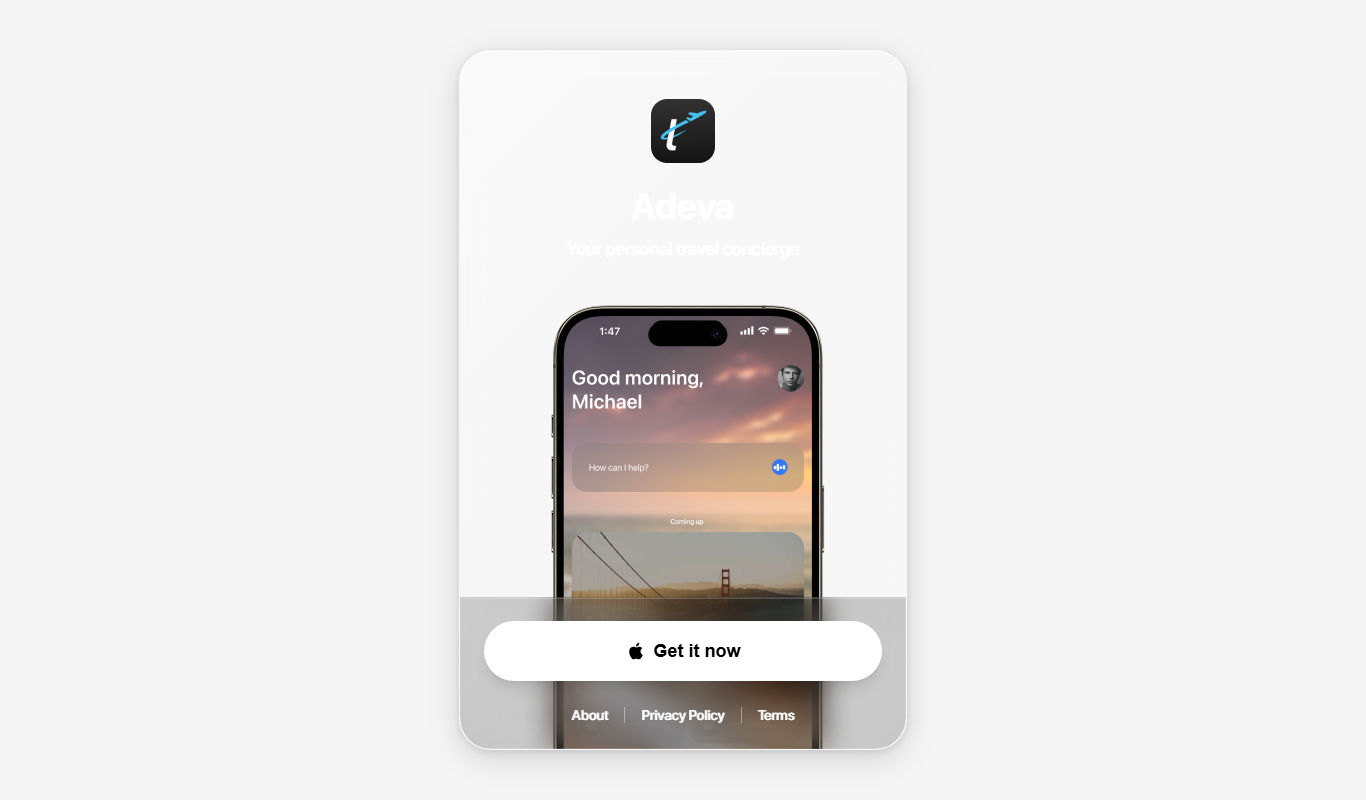
Smartrip
Smartrip is an AI-based travel planning tool that generates customized trip itineraries and personalized travel recommendations based on user preferences.
Freemium
Swift Reply
Swift Reply is an AI email assistant that integrates with your email client via a Chrome extension to generate smart, context-aware replies, helping you respond faster and manage emails more efficiently.

Freemium
Lummi
Lummi is an AI assistant designed to enhance team productivity by automating task management, generating meeting summaries, and streamlining workflows through integrations with existing tools.

Freemium
Phew AI Tab
Phew AI Tab is a Chrome browser extension that integrates AI-powered research, note-taking, and summarization tools directly into your browsing experience to enhance productivity and streamline information management.

Beta Access
harmoni.ai – BETA
Harmoni.ai Beta is an AI-driven meeting assistant that transcribes meetings, generates summaries, and identifies action items to improve team collaboration and save time.

Freemium
AI Alfred
AI Alfred is an AI-powered voice assistant that helps automate tasks, manage schedules, and generate meeting summaries using natural language voice commands.
Free Trial
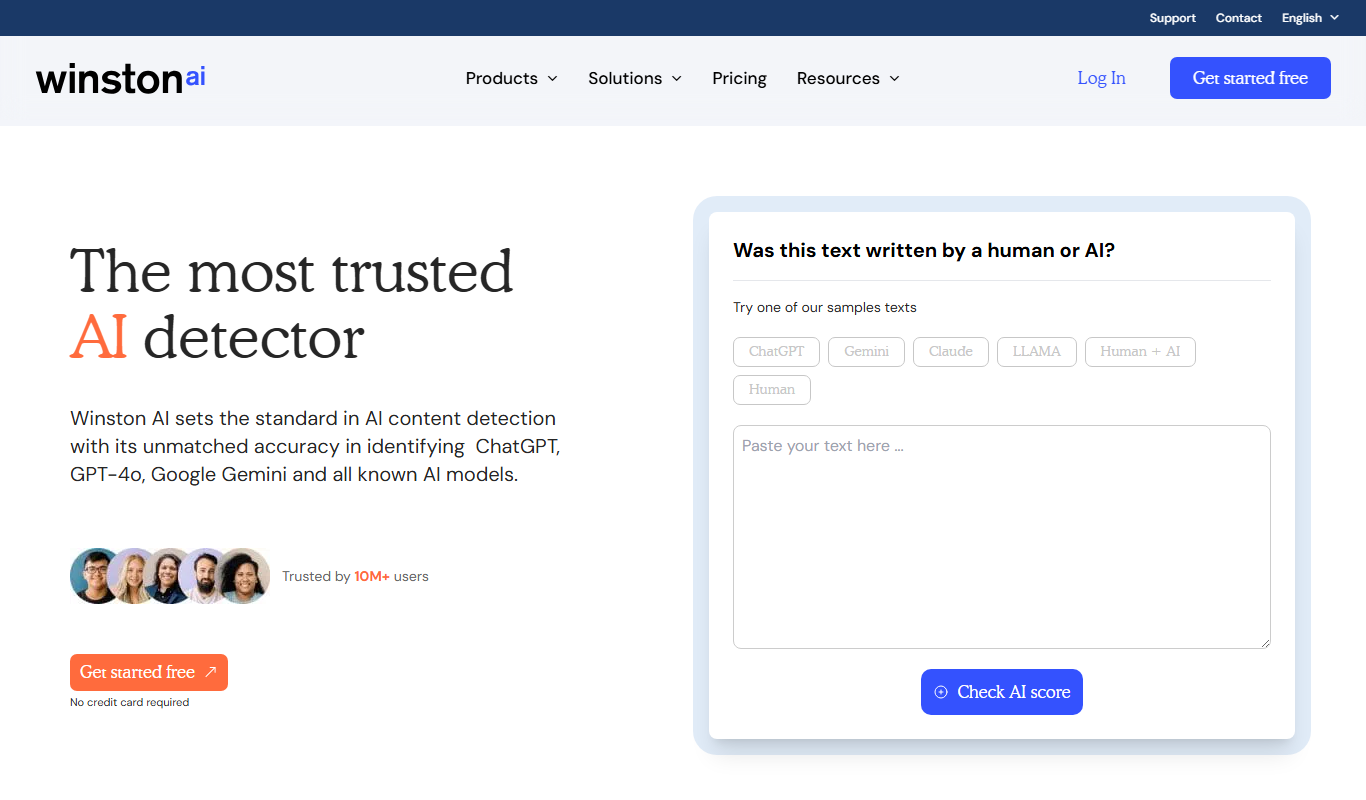
Winston AI
Winston AI is an AI-driven sales assistant that automates lead prospecting, personalized email outreach, and sales workflow automation to help sales teams generate and convert leads more efficiently.

Free
Lunchbreak AI
Lunchbreak AI is an AI-driven tool that transcribes meetings in real time and generates concise summaries with action items, helping teams save time and improve productivity.