
From my experience with SELPHO, I found it excels at quickly removing backgrounds and enhancing photos with minimal user input. The AI does a solid job preserving details while simplifying complex edits, which is great for users without design skills. However, the tool focuses on automation and lacks advanced manual controls, so it may not satisfy professional editors needing fine-tuned adjustments. Overall, if you want fast, reliable background removal and image enhancement for e-commerce or social media, SELPHO delivers practical, high-quality results through an easy web interface.
SELPHO AI Photo Enhancer and Background Remover for Clear Images
SELPHO is an AI-driven online photo editing tool that automatically removes backgrounds, enhances image quality, and upscales photos for professional results without manual effort.
What is SELPHO?
SELPHO is an AI-powered online photo editing tool designed to enhance image quality and remove backgrounds effortlessly. It leverages artificial intelligence to automate complex editing tasks such as background removal, image upscaling, and photo retouching, making professional-grade photo editing accessible to users without advanced skills.

Key Features of SELPHO
Automatic Background Removal
Precisely removes backgrounds from images with a single click.
AI Photo Enhancement
Improves image sharpness, color balance, and overall quality.
Image Upscaling
Enlarges images while preserving details and clarity.
Batch Processing
Allows users to edit multiple images simultaneously to save time.
User-Friendly Web Interface
No software installation required; works directly in the browser.
Pros and Cons of SELPHO
Pros
- Easy-to-use interface with no technical skills required
- Fast and accurate AI background removal
- Supports batch processing for efficiency
- Free tier available for casual users
Cons
- Limited advanced manual editing options
- Subscription required for higher volume usage
Key Use Cases for SELPHO
Photo Enhancement
Improve photo quality by enhancing details, colors, and clarity using AI-powered tools.
Background Removal
Automatically remove or replace backgrounds in images for product photos, portraits, or marketing materials.
Image Upscaling
Increase image resolution without losing quality, ideal for printing or detailed viewing.
Photo Retouching
Remove blemishes, smooth skin, and adjust lighting to create professional-looking photos.
E-commerce Product Photos
Prepare clean, attractive product images with transparent backgrounds for online stores.
How SELPHO Works
-
1
Upload Image
Users upload their photos directly on the SELPHO website.
-
2
Select Editing Feature
Choose from background removal, enhancement, upscaling, or retouching options.
-
3
AI Processing
The AI algorithms analyze and process the image automatically.
-
4
Download Result
Users download the edited image in high quality.
Who's Using SELPHO
E-commerce sellers
Social media managers
Photographers and hobbyists
Small business owners
Content creators
SELPHO Pricing
Free
$0/month
Limited daily credits for background removal and enhancement.
Subscription
Starts at $9.99/month
Access to higher limits, batch processing, and priority support.
Frequently Asked Questions About SELPHO
Yes, you can use limited features without an account, but signing up unlocks more credits and features.
SELPHO supports common formats like JPG, PNG, and JPEG.
Yes, SELPHO’s AI-powered tools provide high-quality results suitable for e-commerce and marketing.
Processing typically takes a few seconds per image depending on size and selected features.
It depends on your specific needs and how you plan to use the tool. The official website and documentation are the best sources for the latest details.
Some tools offer a free plan or trial with limited features. Availability can vary, so confirm on the official website.
Yes, it can help with that use case depending on how you configure it and what features are available. You’ll get the best results with clear inputs and a defined goal.
Share your review
Reviews are limited to one per logged-in user and are published after moderation.
You need an account to review this tool.
0.0
★
★
★
★
★
0 reviews
5 star
0
4 star
0
3 star
0
2 star
0
1 star
0
No reviews yet
Be the first to share how this tool worked for you.
Questions from the community
Read questions and answers about this tool, or ask your own.
No questions yet
Start the conversation by asking the first question about this tool.
Is this tool helpful?

Free
Vance AI Background Remover
Vance AI Background Remover is an online AI-powered tool that automatically removes backgrounds from images, offering batch processing and background replacement features for e-commerce, design, and content creation.
Free
Unscreen.com
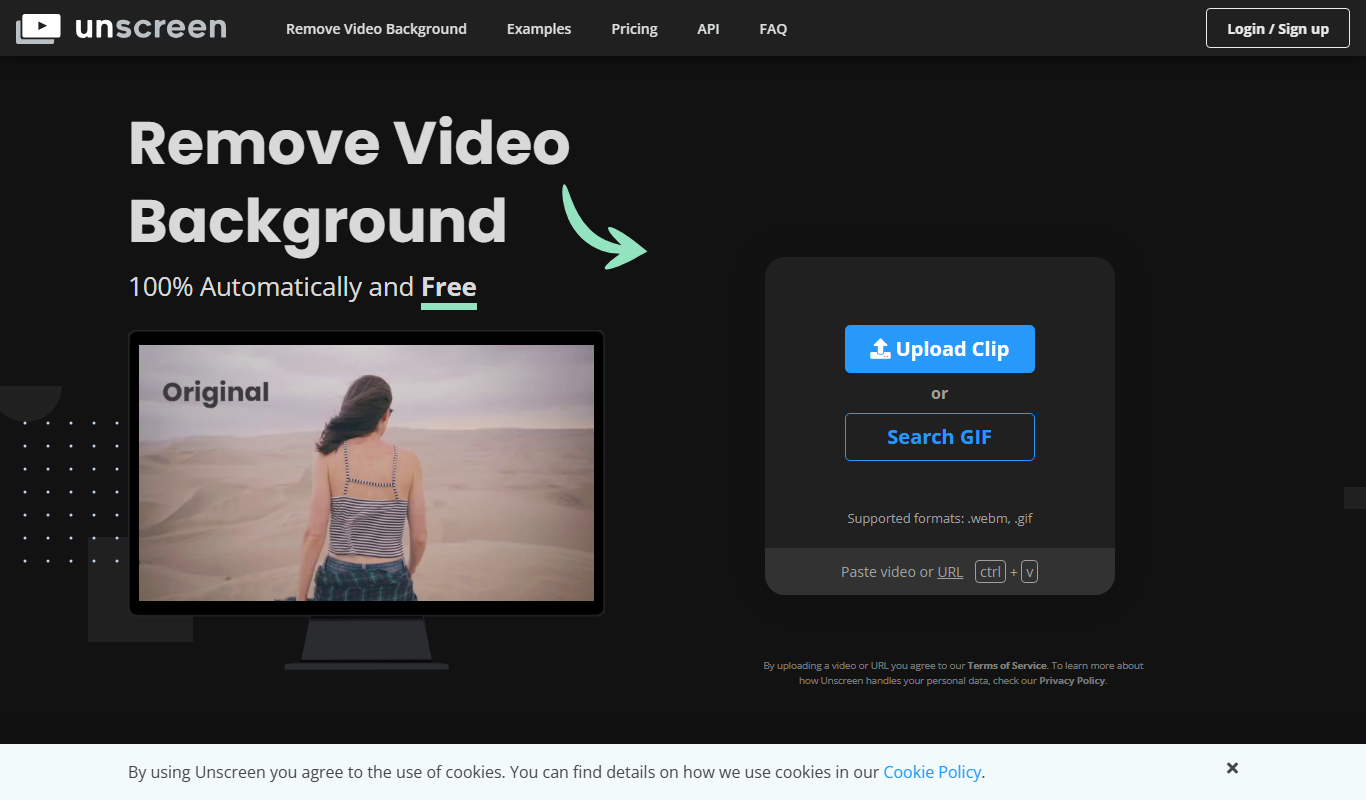
Unscreen.com is an AI-driven online tool that automatically removes backgrounds from videos and GIFs without requiring green screens, enabling easy editing and custom background replacement.

Free
Pebblely
Pebblely is an AI-based online tool that automatically removes backgrounds from images, allowing users to create transparent backgrounds and edit photos easily for e-commerce, marketing, and social media purposes.
Free
Local Background Remover
Local Background Remover is a software tool that removes image backgrounds directly on your device using AI, ensuring privacy by avoiding cloud uploads.

Free
Image Bear
Image Bear is an AI-based web tool that automatically removes backgrounds from images, allowing users to create transparent or custom backgrounds quickly and easily.

Free
BgRem AI
BgRem AI is an online tool that uses AI to automatically remove backgrounds from images quickly and easily, supporting batch processing and high-quality transparent outputs.

Free
Aiarty Image Matting
Aiarty Image Matting is an AI-driven web tool that automatically removes backgrounds from images with high precision, supporting high-resolution photos and offering a user-friendly interface in Japanese and English.

Free
Pokecut-AI Powered Online Photo Editor
Pokecut is an AI-powered online photo editor specializing in automatic background removal and image enhancement, offering free and premium plans for users needing quick, high-quality edits without software installation.