
From my experience with Chattier, I found it excels at enabling users without technical backgrounds to quickly build and deploy AI chatbots on their websites. The no-code interface is intuitive, making chatbot creation accessible and straightforward. It’s particularly well-suited for small businesses and marketing teams looking to automate customer support and engage visitors without investing in development resources. However, the platform currently lacks advanced AI customization and does not offer mobile or desktop apps, which could limit flexibility for some users. Overall, if you want an easy-to-use, no-code chatbot solution for your website, Chattier delivers solid results.
Chattier AI Chatbot Builder for Websites with No-Code Integration
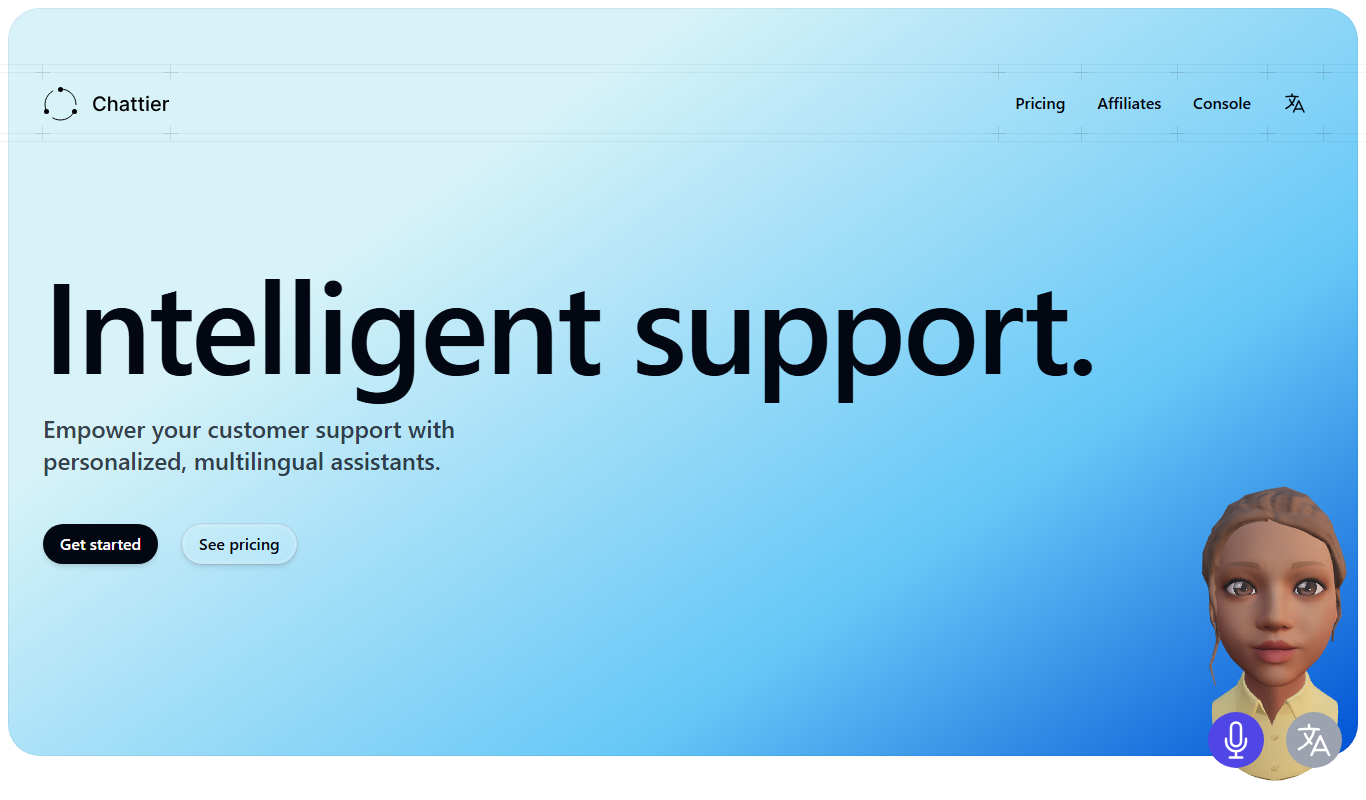
Chattier is a no-code AI chatbot builder that enables businesses to create and integrate intelligent chatbots on their websites quickly, improving customer support and engagement without requiring programming skills.
What is Chattier?
Chattier is a no-code AI chatbot builder designed to help businesses create and deploy intelligent chatbots on their websites quickly. It allows users to build conversational agents that can handle customer queries, provide information, and engage visitors without requiring coding skills.
Key Features of Chattier
No-Code Chatbot Builder
Create AI chatbots without any programming knowledge using an intuitive drag-and-drop interface.
AI-Powered Natural Language Processing
Understand and respond to user queries effectively with built-in AI language capabilities.
Easy Website Integration
Deploy chatbots on websites quickly with simple embed codes or plugins.
Customizable Conversation Flows
Design tailored chatbot dialogues to match specific business requirements.
Analytics and Reporting
Access interaction data to monitor chatbot performance and user engagement.
Pros and Cons of Chattier
Pros
- User-friendly no-code chatbot builder
- Quick website integration
- AI-powered natural language understanding
- Customizable conversation flows
- Free plan available for testing
Cons
- Limited advanced AI customization options
- No disclosed mobile app or desktop client
Key Use Cases for Chattier
Customer Support Automation
Automate responses to common customer inquiries on websites to improve support efficiency.
Lead Generation
Engage website visitors with interactive chatbots to capture leads and qualify prospects.
User Engagement
Enhance user experience by providing instant answers and guiding visitors through site content.
No-Code Chatbot Deployment
Enable non-technical users to build and deploy AI chatbots without programming knowledge.
How Chattier Works
-
1
Sign Up
Create an account on the Chattier platform to access chatbot building tools.
-
2
Design Chatbot
Use the no-code interface to build conversation flows and customize chatbot responses.
-
3
Integrate with Website
Add the chatbot to your website via a simple script or plugin for instant visitor engagement.
-
4
Monitor and Optimize
Track chatbot interactions and improve responses based on user feedback and analytics.
Who's Using Chattier
Small and medium businesses
Marketing teams
Customer support departments
Website owners without coding skills
Lead generation specialists
Chattier Pricing
Free
$0/month
Basic chatbot features with limited usage suitable for small websites or testing.
Pro
$29/month
Advanced features including higher usage limits, customization options, and priority support.
Frequently Asked Questions About Chattier
No, Chattier is designed as a no-code platform, allowing anyone to build chatbots without programming.
Yes, you can add Chattier chatbots to most websites using simple embed codes or supported plugins.
Chattier offers a free plan with basic features so you can try the platform before upgrading.
Support varies by plan, with priority support available on paid subscriptions.
It depends on your specific needs and how you plan to use the tool. The official website and documentation are the best sources for the latest details.
Some tools offer a free plan or trial with limited features. Availability can vary, so confirm on the official website.
Yes, it can help with that use case depending on how you configure it and what features are available. You’ll get the best results with clear inputs and a defined goal.
Yes, it can help with that use case depending on how you configure it and what features are available. You’ll get the best results with clear inputs and a defined goal.
Share your review
Reviews are limited to one per logged-in user and are published after moderation.
You need an account to review this tool.
0.0
★
★
★
★
★
0 reviews
5 star
0
4 star
0
3 star
0
2 star
0
1 star
0
No reviews yet
Be the first to share how this tool worked for you.
Questions from the community
Read questions and answers about this tool, or ask your own.
No questions yet
Start the conversation by asking the first question about this tool.
Is this tool helpful?
Free Trial
ChatBot.com
ChatBot.com is an AI-powered chatbot platform that enables businesses to automate customer interactions through an easy visual builder, multi-channel deployment, and CRM integrations.
Free
WP Chatbot
WP Chatbot is a WordPress plugin that integrates AI-powered chatbots with Facebook Messenger to automate customer support, capture leads, and engage website visitors.

Free
CheatGPT
CheatGPT is an AI chatbot platform that provides instant conversational answers and creative assistance through a user-friendly web interface.

Freemium
ChatNode
ChatNode is a no-code AI chatbot platform that enables users to build, customize, and deploy conversational agents powered by large language models, suitable for customer support, lead generation, and more.

Freemium
truelark.com
Truelark is an AI writing assistant designed to help marketers and content creators generate SEO-friendly content efficiently using AI-powered tools and templates.
Free Trial
ChatDaddy
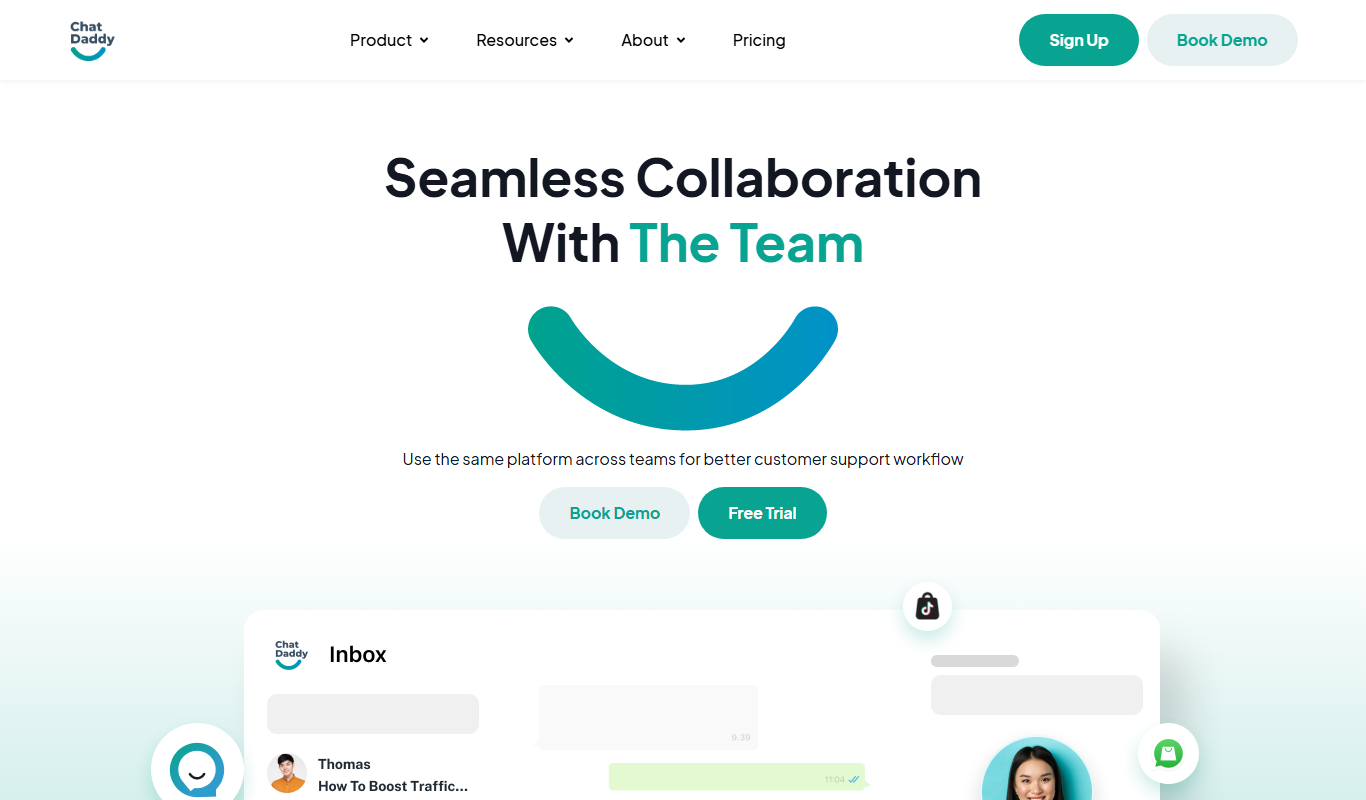
ChatDaddy is an AI chatbot platform that helps businesses automate customer interactions, support, and lead generation through customizable conversational AI chatbots deployed on websites and other channels.

Free
Omegle
Omegle is a free online platform that enables anonymous text and video chats by randomly pairing users with strangers worldwide without requiring registration.

Freemium
Checkget
Checkget is an AI content generation platform that helps users create SEO-friendly marketing and blog content efficiently through AI-powered writing and keyword integration.