
From my experience with Splashtop, it stands out for its fast, reliable remote connections and strong security features, which are critical for IT professionals and remote workers alike. The platform’s cross-device compatibility and ease of use make it accessible even for users without deep technical knowledge. However, the free version is somewhat limited, and advanced functionalities require paid plans, which might be a consideration for budget-conscious users. Overall, if you need secure and efficient remote desktop access for support or remote work, Splashtop offers a solid, professional-grade solution.
Splashtop Remote Desktop Software for Secure Remote Access and Support
Splashtop is a remote desktop software that enables secure, high-performance remote access and support across multiple platforms, ideal for IT professionals and remote workers.
Tech Stack:
C++
JavaScript
Objective-C
Swift
What is Splashtop?
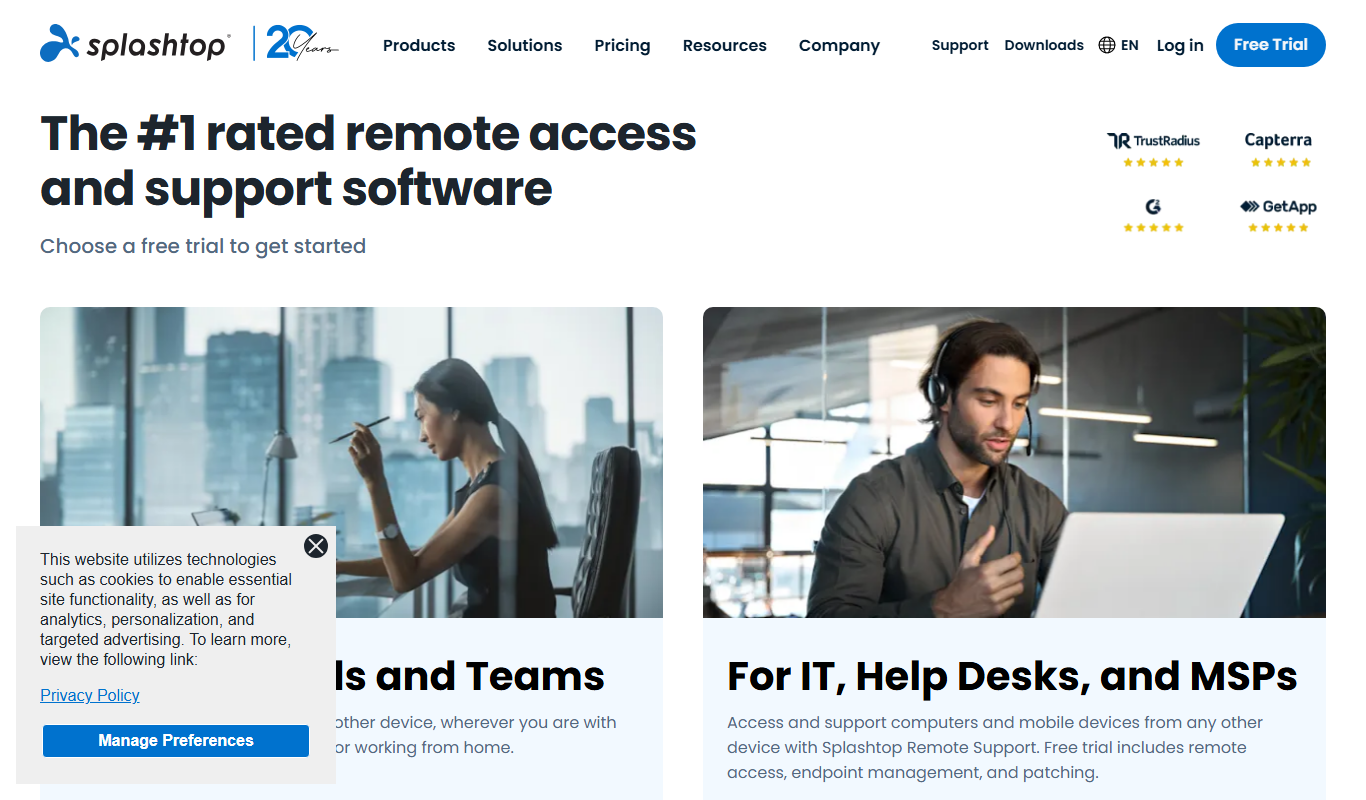
Splashtop is a remote desktop and remote support software platform that enables users to securely access and control computers from anywhere. It is designed for IT professionals, businesses, educators, and individuals who need reliable remote access for troubleshooting, collaboration, or remote work. Splashtop supports high-definition video and audio streaming, multi-device compatibility, and robust security features.
Key Features of Splashtop
High-Performance Remote Access
Supports HD video and audio streaming with low latency for smooth remote sessions.
Cross-Platform Compatibility
Works across Windows, macOS, iOS, Android, and Linux devices.
Robust Security
Includes TLS and 256-bit AES encryption, device authentication, and two-factor authentication.
File Transfer and Remote Printing
Easily transfer files between local and remote devices and print remotely.
Multi-User Collaboration
Allows multiple users to view or control a session simultaneously for training or support.
Pros and Cons of Splashtop
Pros
- Fast and reliable remote connections with minimal lag
- Strong security protocols to protect data and privacy
- Cross-platform support including mobile devices
- User-friendly interface suitable for non-technical users
- Flexible pricing plans for individuals and businesses
Cons
- Free version has limited features and device support
- Advanced features require paid subscriptions
- Occasional connectivity issues depending on network conditions
Key Use Cases for Splashtop
Remote IT Support
IT professionals can remotely access and troubleshoot client devices securely and efficiently.
Remote Work Access
Employees can access their office computers from home or on the go to maintain productivity.
Remote Collaboration
Teams can share screens and collaborate in real-time across different locations.
Education and Training
Educators and trainers can remotely demonstrate software and provide hands-on guidance.
Managed Service Providers
MSPs can manage multiple client endpoints remotely with centralized control.
How Splashtop Works
-
1
Install Splashtop
Download and install the Splashtop Streamer on the computer you want to access remotely and the Splashtop app on your client device.
-
2
Create an Account
Sign up for a Splashtop account to manage your devices and sessions.
-
3
Connect Remotely
Use the Splashtop app to securely connect to your remote computer over the internet or local network.
-
4
Control and Collaborate
Access files, run applications, transfer data, and collaborate with others in real-time.
Who's Using Splashtop
IT support professionals
Remote workers and telecommuters
Managed service providers
Educators and trainers
Small to medium-sized businesses
Splashtop Pricing
Free
$0/month
Basic remote access for personal use with limited features.
Business Access Pro
$5/month per user
Professional remote access with enhanced security and multi-user support.
Remote Support Plus
$25/month per technician
Advanced remote support tools including unattended access and session management.
Frequently Asked Questions About Splashtop
Yes, Splashtop uses TLS and 256-bit AES encryption, device authentication, and optional two-factor authentication to ensure secure connections.
Yes, Splashtop supports iOS and Android apps for remote access from smartphones and tablets.
Yes, users can transfer files between local and remote computers during a session.
Yes, Splashtop offers a free plan for personal use with basic remote access features.
Data handling and security practices vary by provider. Review the official privacy policy to understand how your data is stored and used.
Yes, it can help with that use case depending on how you configure it and what features are available. You’ll get the best results with clear inputs and a defined goal.
Pricing depends on the plan and included features. For the most accurate and up-to-date details, check the official pricing page.
Share your review
Reviews are limited to one per logged-in user and are published after moderation.
You need an account to review this tool.
0.0
★
★
★
★
★
0 reviews
5 star
0
4 star
0
3 star
0
2 star
0
1 star
0
No reviews yet
Be the first to share how this tool worked for you.
Questions from the community
Read questions and answers about this tool, or ask your own.
No questions yet
Start the conversation by asking the first question about this tool.
Is this tool helpful?

Enterprise
CrowdStrike
CrowdStrike is a cloud-native cybersecurity platform that provides AI-driven endpoint protection, threat intelligence, and automated incident response to secure devices and cloud workloads.

Free
CollegeVine
CollegeVine is an online platform providing personalized college admissions mentorship, essay review services, and data-driven application tools to help students navigate the college application process effectively.

Custom Pricing
Density.io
Density.io is a platform that uses privacy-safe sensors and AI to provide real-time people counting and occupancy analytics, helping businesses optimize space usage and maintain safety compliance.

Free Trial
EZ Texting
EZ Texting is a cloud-based SMS marketing platform that enables businesses to send mass text messages, automate campaigns, and engage customers with two-way messaging.

Freemium
Screener
Screener is an AI-driven video interview platform that enables asynchronous candidate screening, automates interview scheduling, and uses AI analytics to help recruiters make better hiring decisions remotely.
Custom Pricing
HealthJoy
HealthJoy is an employee benefits platform that helps users navigate healthcare options, access telemedicine, and reduce medical costs through personalized support and advocacy.
Free to use
Offerpad
Offerpad is a real estate platform that provides homeowners with near-instant cash offers for their homes, enabling fast, flexible sales without traditional listing hassles.
Custom Pricing
BELAY
BELAY provides dedicated virtual assistants and remote professionals to support businesses with administrative, bookkeeping, social media, and recruiting tasks.