
From my experience with PassMe.ai, I found it excels at combining AI technology with robust password management to enhance security and usability. The AI-generated passwords and proactive breach alerts provide peace of mind, while cross-platform access ensures convenience. It’s particularly well-suited for individuals and families who want an easy yet secure way to manage credentials. However, the limited free trial and lack of transparent business pricing may require some users to evaluate carefully before committing. Overall, if you need a modern, AI-enhanced password manager, PassMe.ai delivers reliable and user-friendly solutions.
PassMe.ai AI Password Manager for Secure and Easy Credential Storage
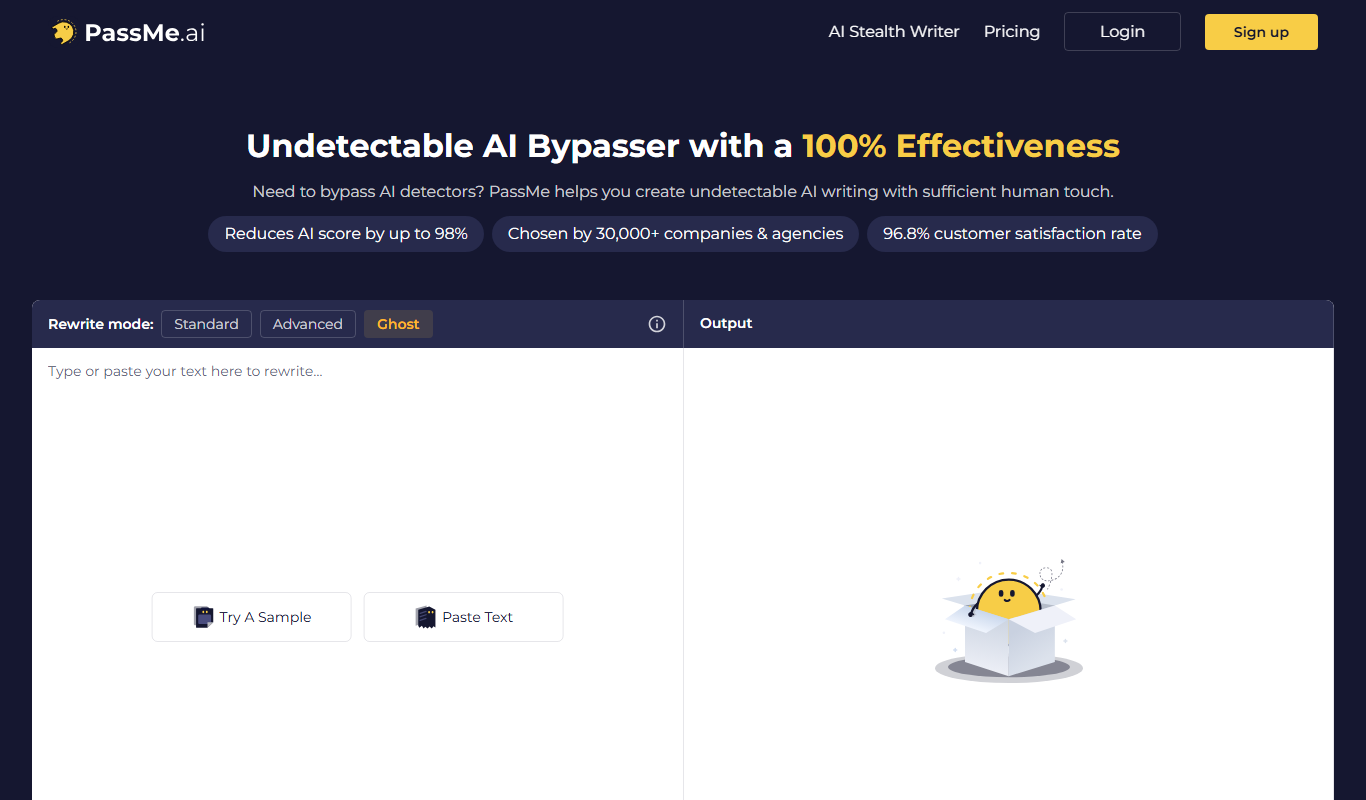
PassMe.ai is an AI-driven password manager that securely stores and generates passwords, offers autofill, and monitors security breaches to protect your online accounts.
What is PassMe.ai?
PassMe.ai is an AI-powered password manager designed to securely store, generate, and manage user credentials across multiple platforms. It leverages artificial intelligence to create strong passwords and streamline login processes, enhancing both security and user convenience.
Key Features of PassMe.ai
AI-Driven Password Generation
Automatically generate complex, unique passwords tailored to security best practices.
Encrypted Vault Storage
Store all passwords and sensitive data securely with end-to-end encryption.
Cross-Platform Access
Access your passwords seamlessly via web, mobile apps, and browser extensions.
Secure Password Sharing
Share credentials safely with colleagues or family without exposing raw passwords.
Security Alerts and Monitoring
Get real-time alerts on password breaches, weak passwords, or reused credentials.
Pros and Cons of PassMe.ai
Pros
- AI-generated strong passwords improve security
- Cross-platform access including browser extensions
- Secure password sharing with trusted contacts
- User-friendly interface with easy onboarding
- Proactive security alerts help maintain account safety
Cons
- Limited free trial period before subscription required
- Business plan pricing is not publicly listed
- Some advanced features may require technical familiarity
Key Use Cases for PassMe.ai
Secure Password Storage
Store and manage all your passwords securely in an encrypted vault accessible across devices.
AI-Powered Password Generation
Generate strong, unique passwords automatically using AI to enhance account security.
Auto-Fill and Login Automation
Automatically fill login credentials on websites and apps to save time and reduce errors.
Password Sharing
Share passwords securely with trusted contacts without exposing sensitive data.
Security Monitoring
Receive alerts on password breaches or weak passwords to proactively protect your accounts.
How PassMe.ai Works
-
1
Create an Account
Sign up on PassMe.ai’s website or app to start managing your passwords securely.
-
2
Import or Add Passwords
Import existing passwords or add new credentials manually into your encrypted vault.
-
3
Use AI to Generate Passwords
Leverage AI tools to create strong, unique passwords for your accounts.
-
4
Auto-Fill Credentials
Enable browser extensions or mobile app autofill to quickly log into websites and apps.
-
5
Monitor Security
Receive notifications about compromised or weak passwords and update them promptly.
Who's Using PassMe.ai
Individual users seeking secure password management
Families wanting shared password vaults
Small to medium businesses needing team password solutions
Security-conscious professionals
Anyone looking to improve online account security
PassMe.ai Pricing
Free Trial
$0 for 14 days
Full feature access for two weeks to evaluate the platform.
Personal
$4.99/month
Basic password management for individual users with essential features.
Family
$9.99/month
Manage passwords for up to 6 family members with shared vaults.
Business
Custom pricing
Advanced security and management features for teams and enterprises.
Frequently Asked Questions About PassMe.ai
Yes, PassMe.ai uses end-to-end encryption to ensure your passwords are stored securely and only accessible by you.
Yes, PassMe.ai supports importing passwords from many popular password managers via CSV or direct integration.
Yes, PassMe.ai offers mobile apps for both iOS and Android devices.
Yes, you can securely share passwords with trusted contacts through encrypted sharing features.
It depends on your specific needs and how you plan to use the tool. The official website and documentation are the best sources for the latest details.
It depends on your specific needs and how you plan to use the tool. The official website and documentation are the best sources for the latest details.
Yes, it can help with that use case depending on how you configure it and what features are available. You’ll get the best results with clear inputs and a defined goal.
Some tools offer a free plan or trial with limited features. Availability can vary, so confirm on the official website.
Share your review
Reviews are limited to one per logged-in user and are published after moderation.
You need an account to review this tool.
0.0
★
★
★
★
★
0 reviews
5 star
0
4 star
0
3 star
0
2 star
0
1 star
0
No reviews yet
Be the first to share how this tool worked for you.
Questions from the community
Read questions and answers about this tool, or ask your own.
No questions yet
Start the conversation by asking the first question about this tool.
Is this tool helpful?
Alternative Tools
Explore similar AI tools that might fit your needs
Free
LastPass
LastPass is a password manager that securely stores and autofills your passwords, generates strong passwords, and supports multi-factor authentication to protect your online accounts.

Free Trial
1Password
1Password is a secure password manager that stores and autofills passwords, manages two-factor authentication, and enables safe sharing for individuals and teams.

Business
Dashlane
Dashlane is a password manager and digital wallet that securely stores and autofills passwords and payment details, offers password generation, security monitoring, and VPN services.
Free
Flexi
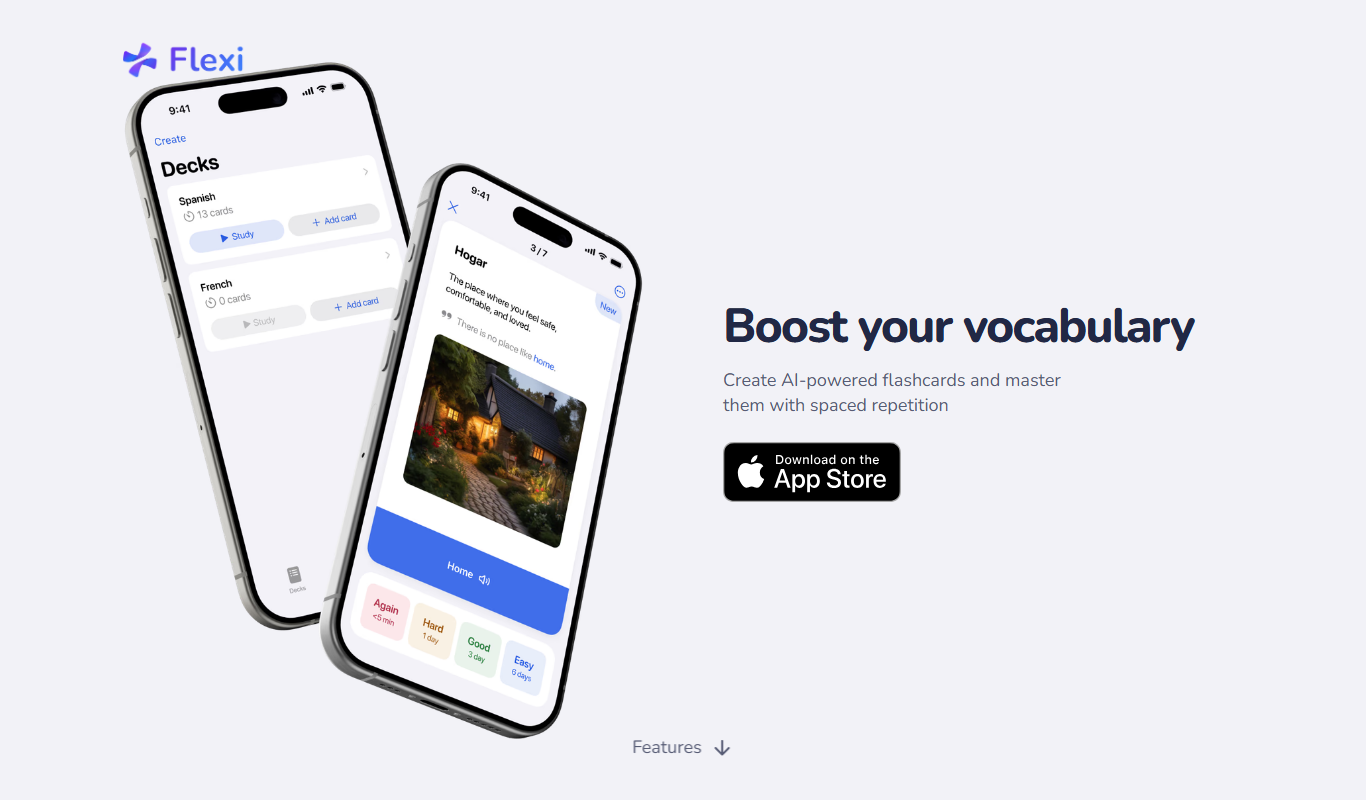
Flexi Cards is a digital business card platform that allows users to create customizable cards and share them via QR codes or links to enhance professional networking.
Free
Save ChatGPT history to Evernote
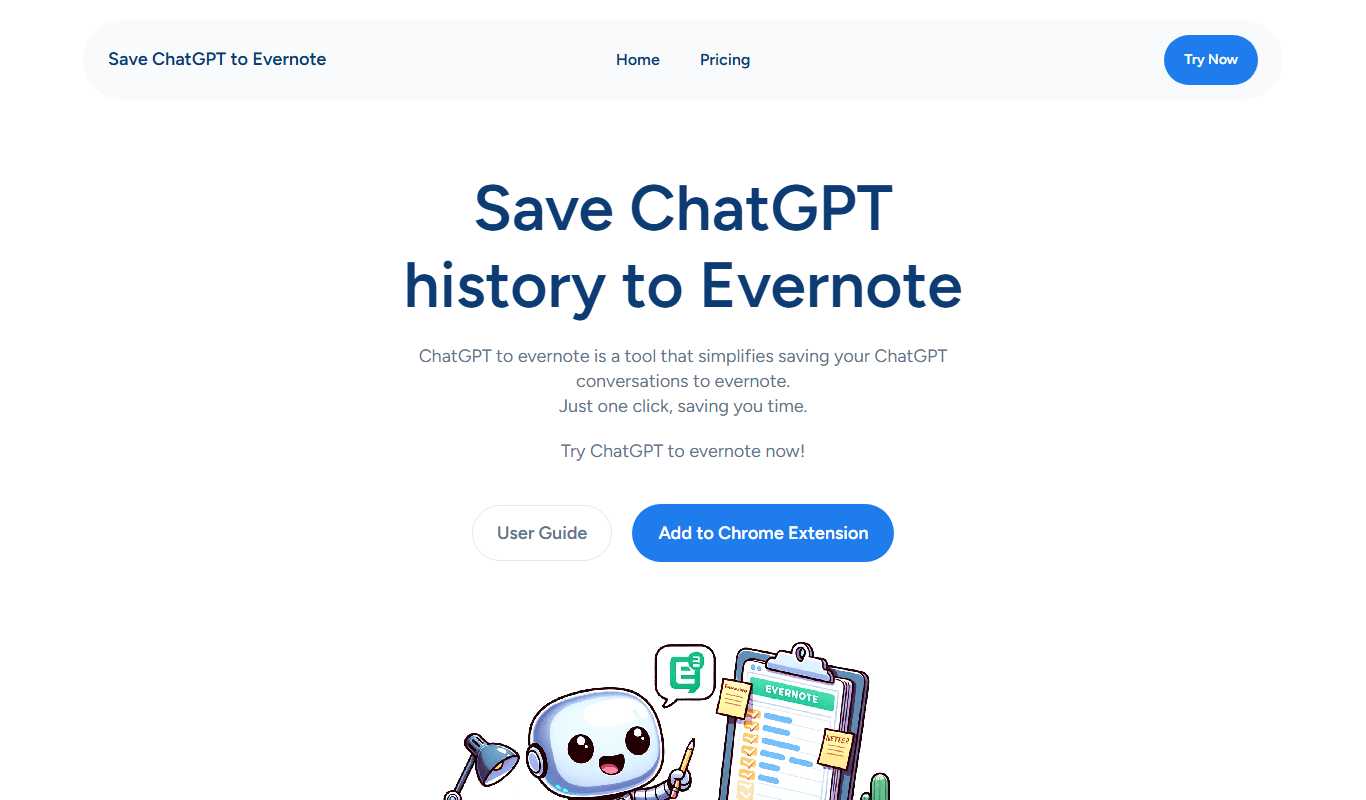
Save ChatGPT history to Evernote is a free web tool that automatically saves your ChatGPT conversations as notes in your Evernote account, helping you organize and access your AI chats easily.

Free
Mark This For Me
Mark This For Me is an AI-assisted web tool that helps users highlight and annotate important text segments quickly and efficiently, supporting study, review, and collaboration.

Freemium
Tilores
Tilores is an AI-powered writing assistant that helps users generate and edit content efficiently through a user-friendly web platform.

Free
Reica
Reica is an AI-powered writing assistant that helps users generate, edit, and improve written content efficiently through an intuitive web platform.
Free
LMGTFY + GPT = LetMeGPT
LetMeGPT is a free web tool that combines Let Me Google That For You style search links with GPT-powered AI answers to provide quick, comprehensive search assistance.

Freemium
Aesty
Aesty is an AI-powered writing assistant that helps users generate, edit, and improve English content efficiently through grammar correction, tone adjustment, and AI-generated text.

Freemium
Jugemu.app with OpenAI o1 Support
Jugemu.app is an AI writing assistant that uses OpenAI's GPT-4 to help users create content in English and Japanese through a web-based platform.